FORDEWIND builds residential atmosphere through dark blue textures, birds, and elongated type, continued in maps and floor plans. Residential website floor plan design needs greater information density while retaining character, moving from how it feels to where it is, which unit, and how its space works. Each step has a different reading object.
Promotional images keep an explicit exit
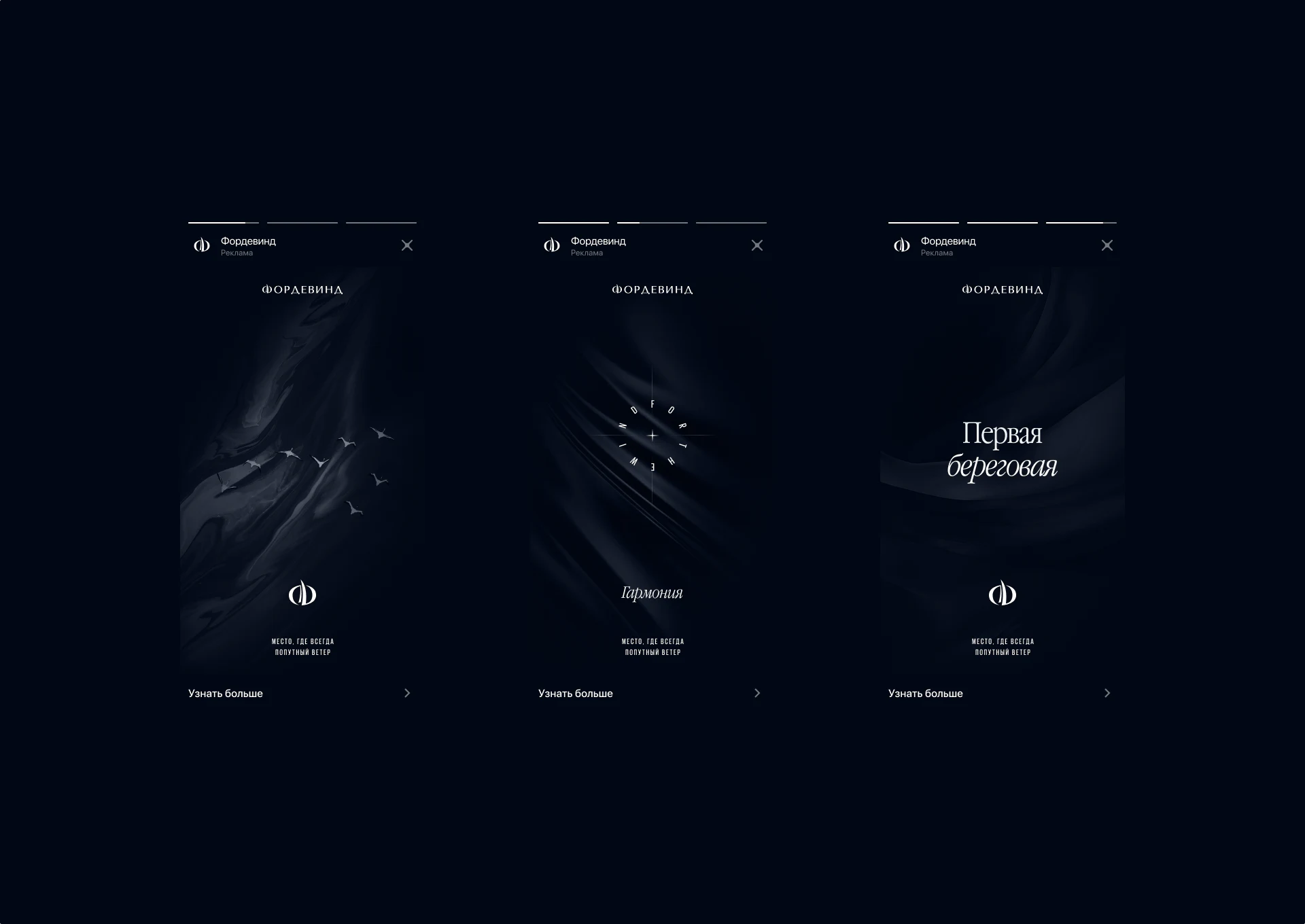
Three vertical promotions share dark blue but center birds, circular text, or headings differently. Pale branding and limited text preserve quiet images without extensive property information. Thin type echoes flowing textures for a restrained opening beyond conventional large renderings.
Learn-more text and arrows keep the same bottom positions across all three, connecting themes through a shared exit. Information pages need more specific entries: location, floor plans, and inquiries answer separate questions rather than one vague invitation.
A branded opening suits visitors still exploring, while those with area or layout requirements should reach the catalog directly. Clear task access does not weaken atmosphere; it serves different purposes within one visual system.
Map categories separate environmental impressions
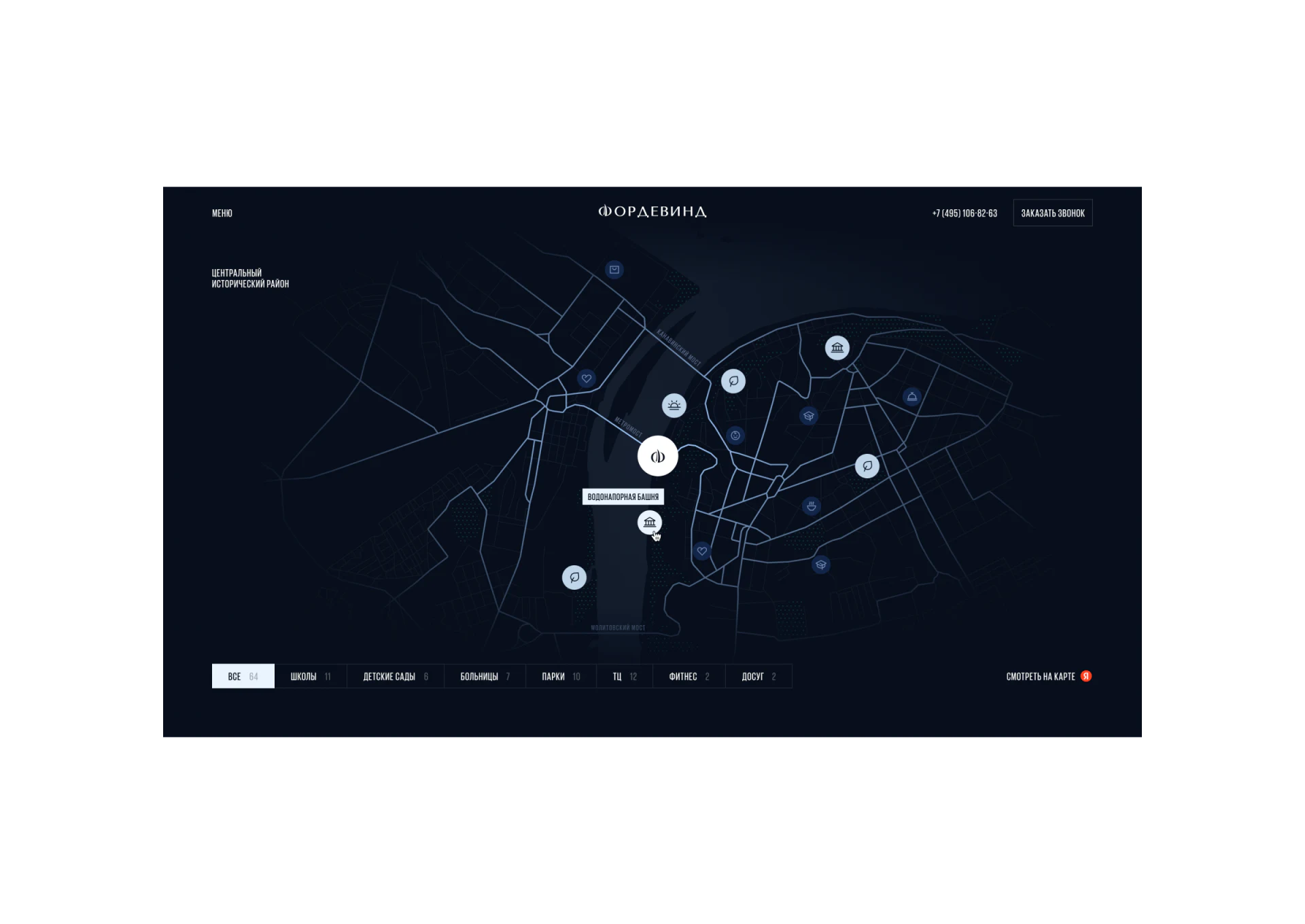
The project mark is larger than surrounding facility icons. Schools, kindergartens, hospitals, parks, and other categories have counts below. The project anchors location before categories narrow attention, giving environmental information a comparable structure.
Pale All selection differs from dark alternatives, with a facility-name tooltip near the pointer. Words and icons identify objects together. Counts are depicted content; real information needs scope and update time rather than standalone numbers representing amenities.
JVDS Design Studio considers maps useful for distribution and matching text lists useful for checking names. With faint dark roads and many icons, both readings help more than enlarging every symbol.
Floor-plan identity stays close to the drawing
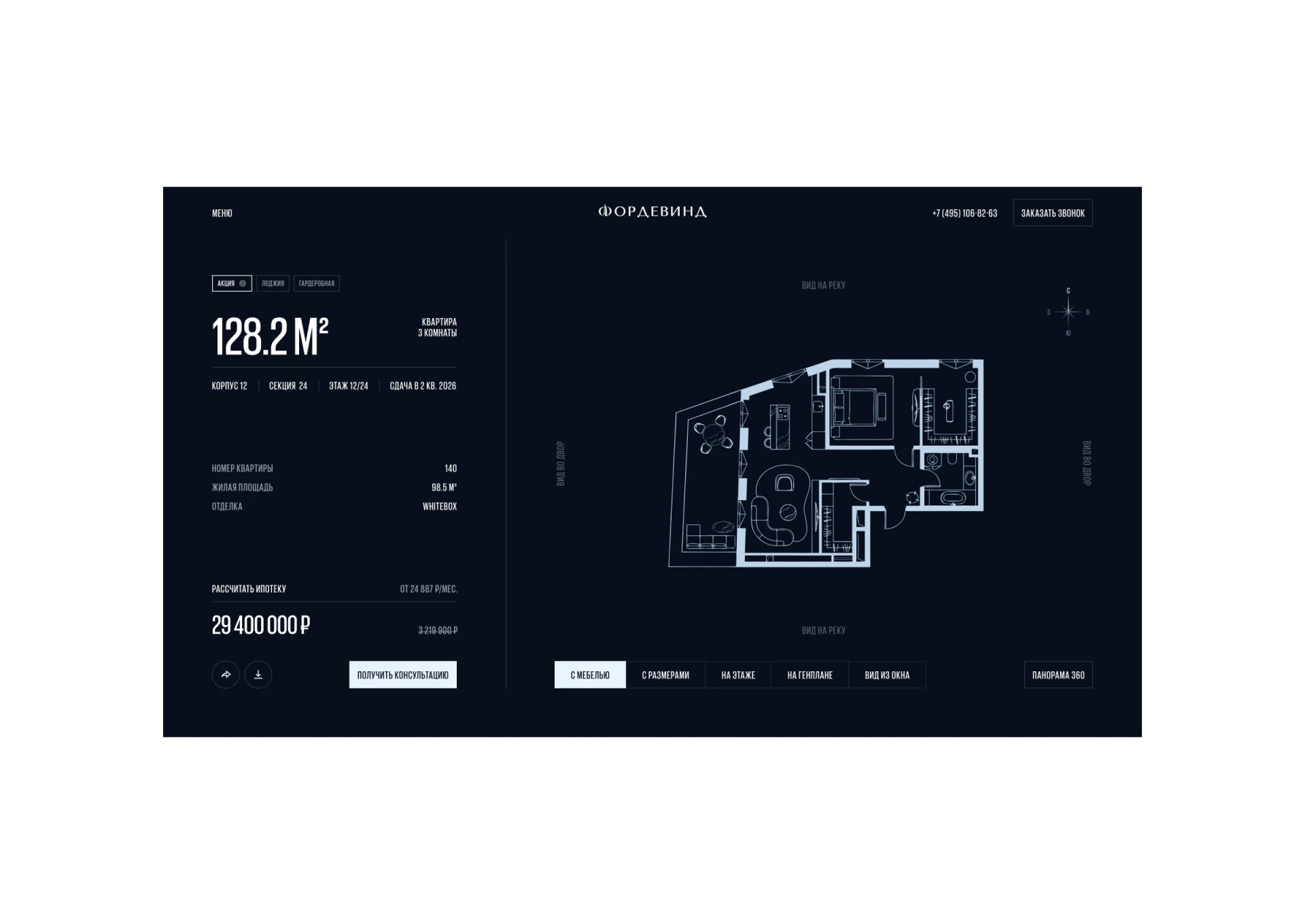
Area appears large on the left, with layout and floor information, then unit number, another area figure, and delivery state below. A furnished plan occupies the right. Close data and drawing keep the object identifiable while viewing the large image.
Bottom options distinguish furniture, dimensions, floor location, site plan, and window views, with furniture selected on pale fill. They are not equivalent photographs: layout, scale, position, and outside environment answer different questions. Persistent names explain what judgment each view supports.
Orientation and outside-window notes are faint and need particular checks at smaller sizes; the two area figures need separate definitions. Downloads and inquiries could retain unit number and current view, carrying spatial data into discussion. The useful pattern is brand atmosphere as a continuous background and specific objects at the center of information pages.
Connect residential presentation with specific spaces
Residential, campus, and spatial websites can connect maps, object information, and multiple views, supporting movement from context into a concrete inquiry.
JVDS Design Studio provides UI/UX design, website design, and development services, helping plan spatial websites, floor-plan details, and inquiry paths.
 Link copied