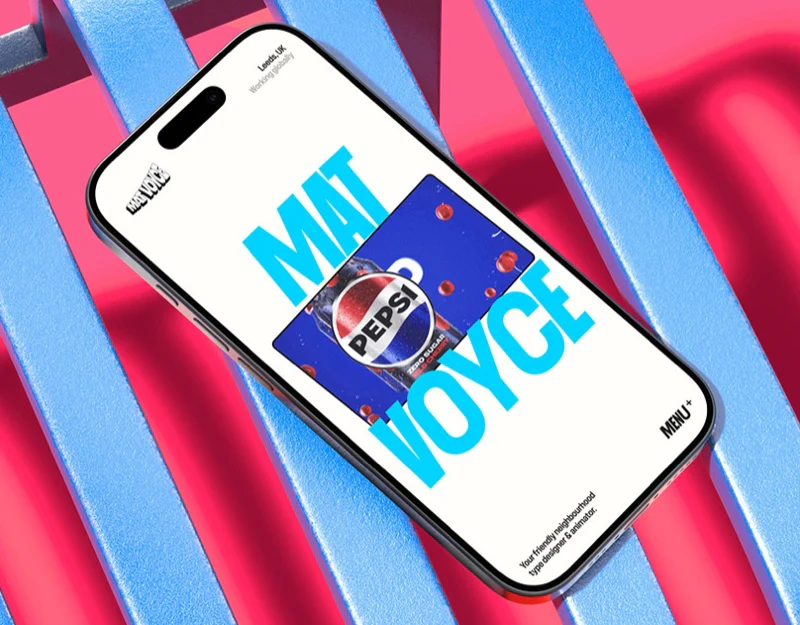
Mat Voyce places typographic expression near the front of his portfolio: large cyan letters, exaggerated forms, and previews with play symbols create the homepage. The question is how name, work type, and specific projects retain clear relationships amid visual variation.
Key takeaways
- Letterforms express professional personality, while career information and project entries still need clarity.
- Paired lists depend on names, selected states, and preview identifying the same project.
- Categories can use different densities while retaining stable section meanings.
The name is also the first piece of work
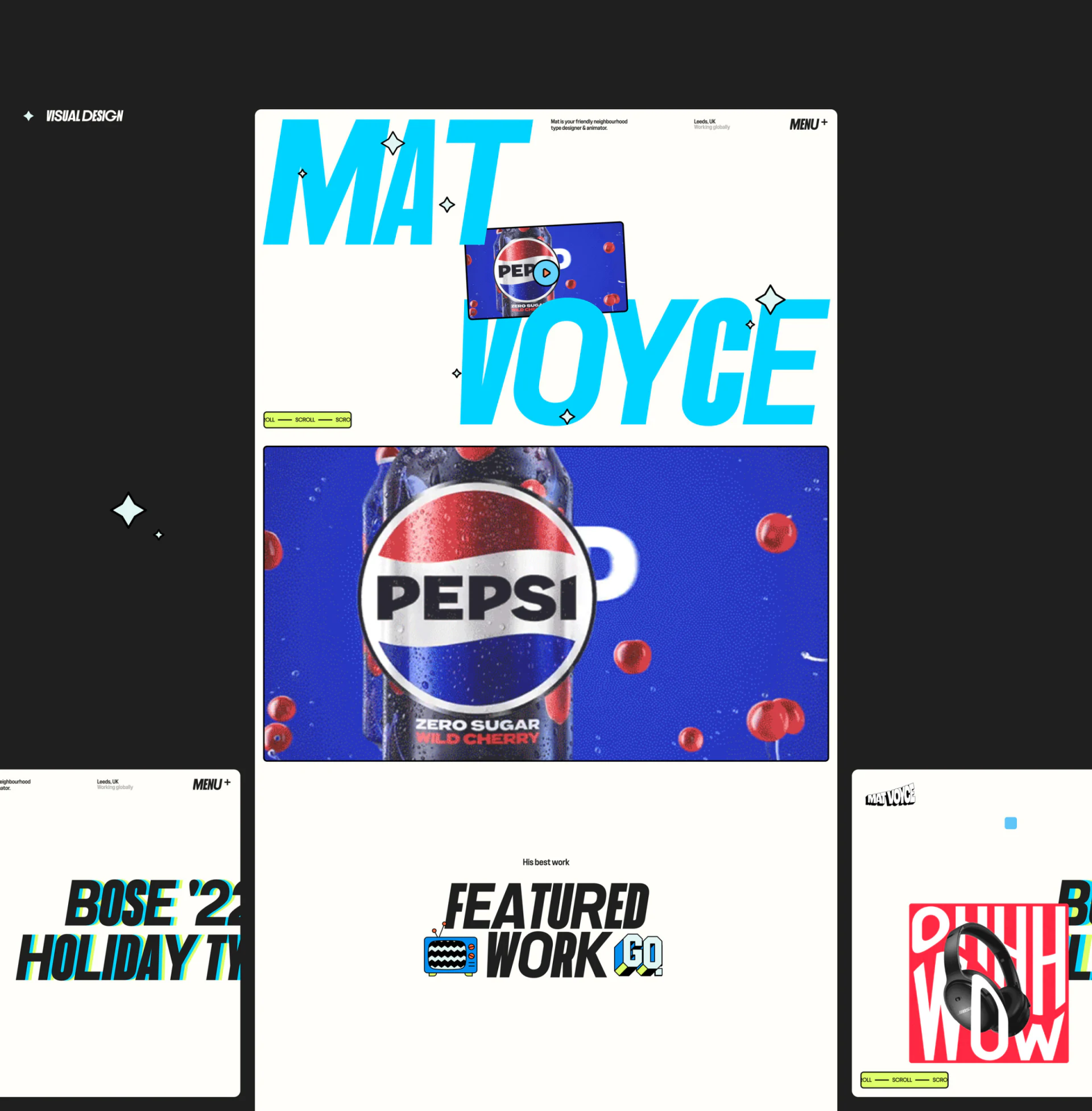
MAT and VOYCE occupy opposite upper and lower sides in large cyan italics, leaving introduction, location, and previews between. The name identifies and demonstrates typographic personality; the short introduction adds type designer and animator so visitors need not infer services from visuals alone.
A small Pepsi preview with a play symbol and a larger project below offer two scales. One is a quick entry and the other reveals more work. Black italic Featured Work, a cartoon television, and stars continue the letterform language. This suits personal style, but playback and project detail should differ clearly so quick viewing and deeper understanding each flow smoothly.
Two lists surround one preview
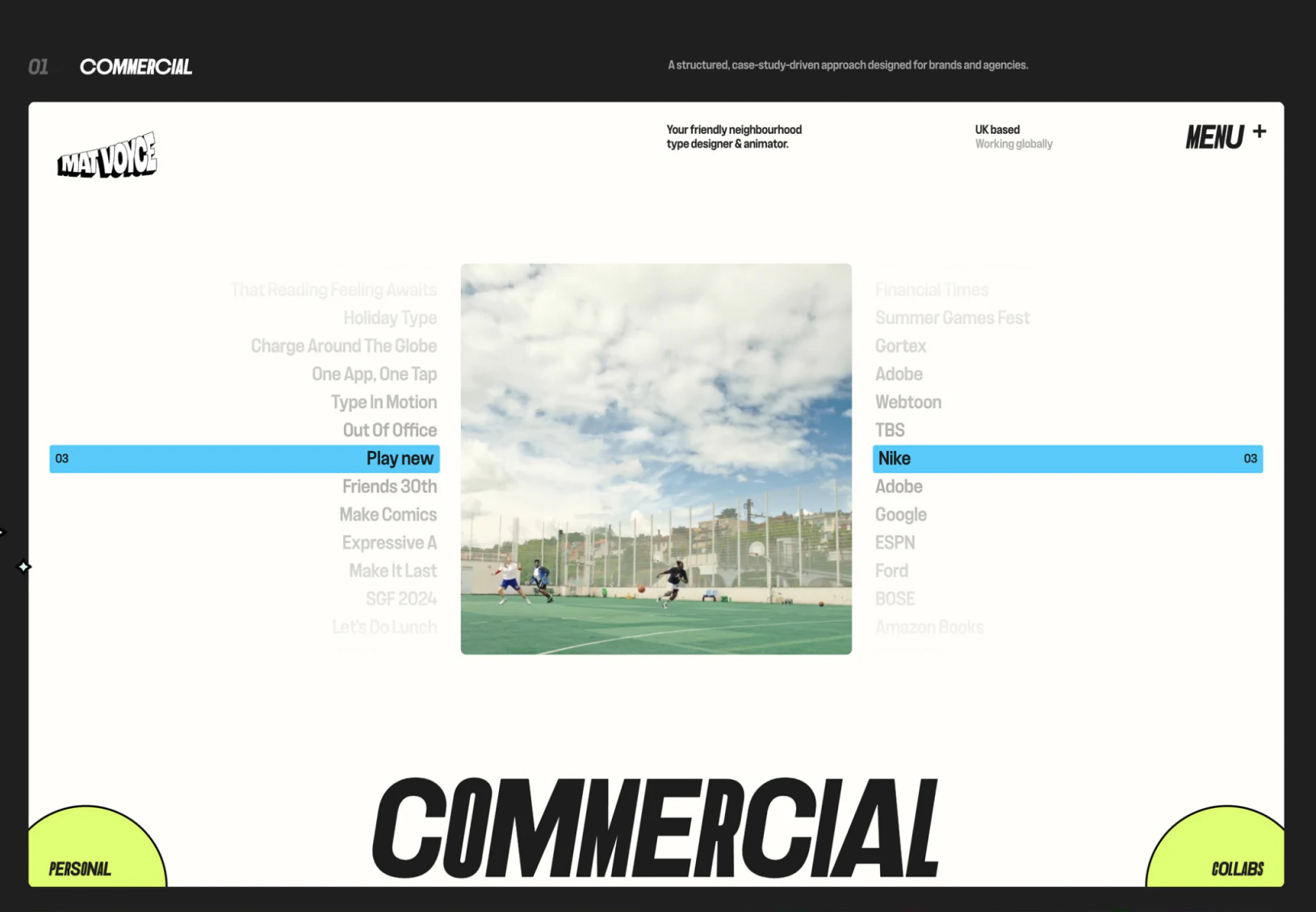
Commercial places a central preview between project and brand names. A blue selected row spans both sides, with matching numbers linking them to one project. Commercial relationships become part of browsing, identifying the names associated with the work.
Nearby entries become gray and distant ones paler, emphasizing the preview. If lists also support finding, unselected names need enough readability. JVDS Design Studio prefers stable correspondence among selection, both names, and preview before introducing color and position changes, allowing expressive layouts to locate specific projects.
Collaborations and experiments use different organization
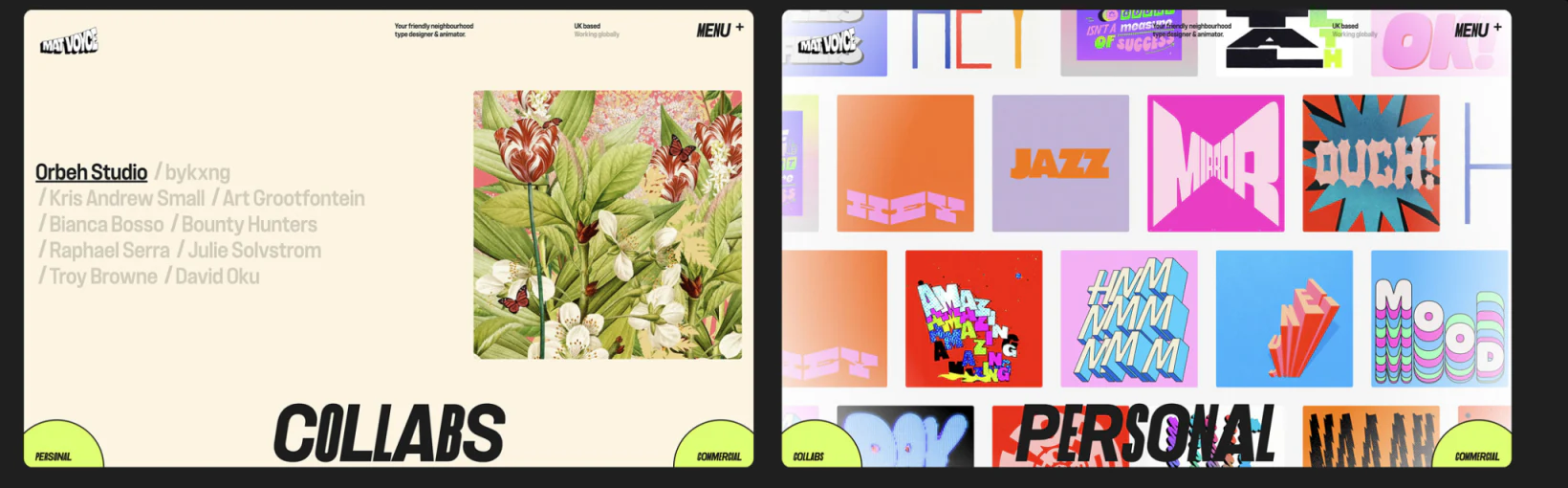
Collabs has a quiet pale background, a darker underlined current partner, and a plant-themed image. Personal uses a dense colorful grid of type works. Both share the top mark and menu without forcing one density.
A partner list enters through relationships; a grid compares letterforms and expressive range. Collaboration details can identify responsibilities, while personal work can state experimental themes and formats. Categories should help evaluate suitability after opening, not merely make the homepage look abundant.
The menu continues style and needs stable signposts
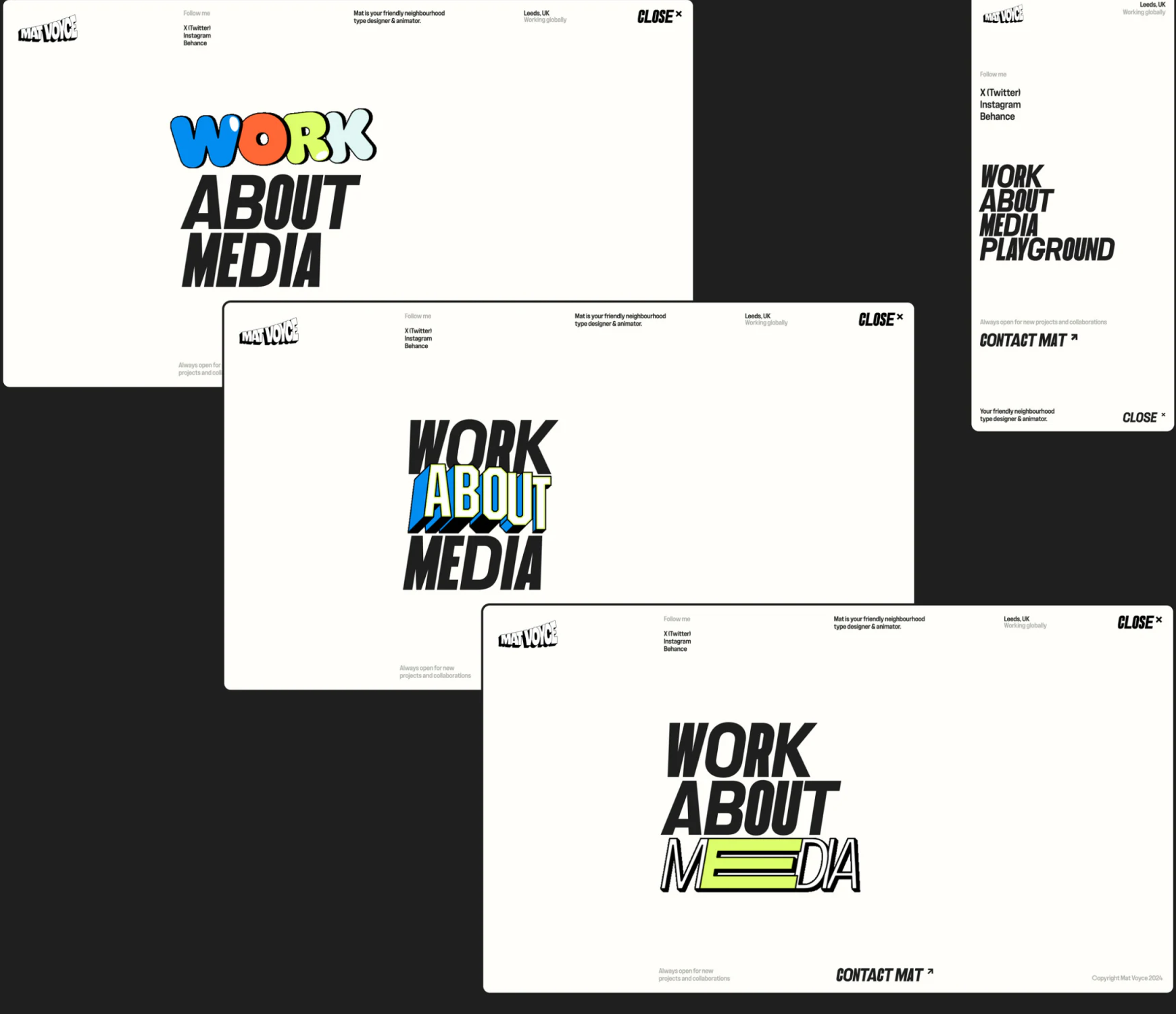
Work, About, and Media use colorful clusters, blue-yellow 3D letters, and huge outlined italics. Letterform changes make navigation memorable. Close in the corner and Contact Mat below provide direct exit and contact positions beyond visual performance.
Mobile lists Work, About, Media, and Playground. This fuller text helps identify sections, but Playground’s relation to Personal should be clarified through names or introduction. Keep the expressive menu while stabilizing meanings across devices so readers need not relearn sections after each move.
Make personal style a findable portfolio
Type, animation, and creative-service portfolios need expression and clear work categories, responsibilities, and contact routes. Organize project relationships before deciding where large letters and visual changes belong.
JVDS Design Studio provides UI/UX design, website design, and development services for portfolio categories, project details, and contact paths.
 Link copied