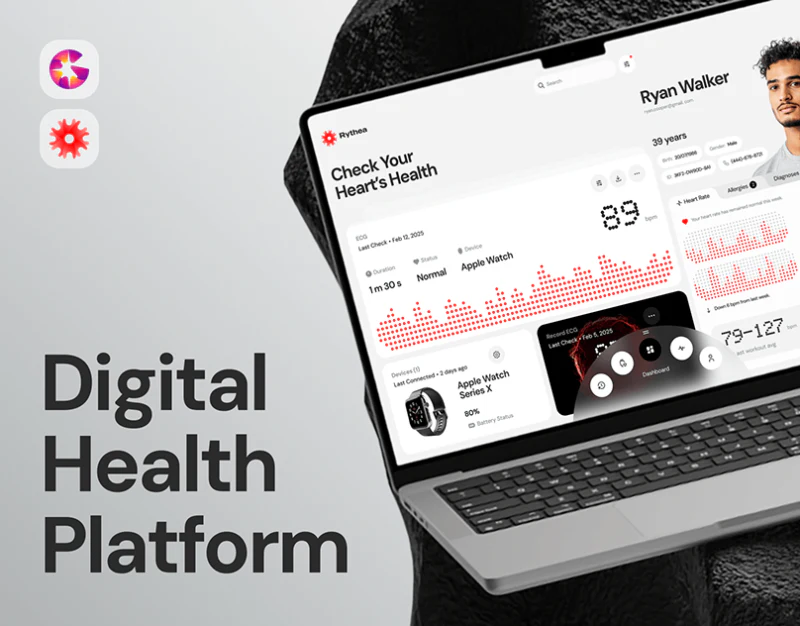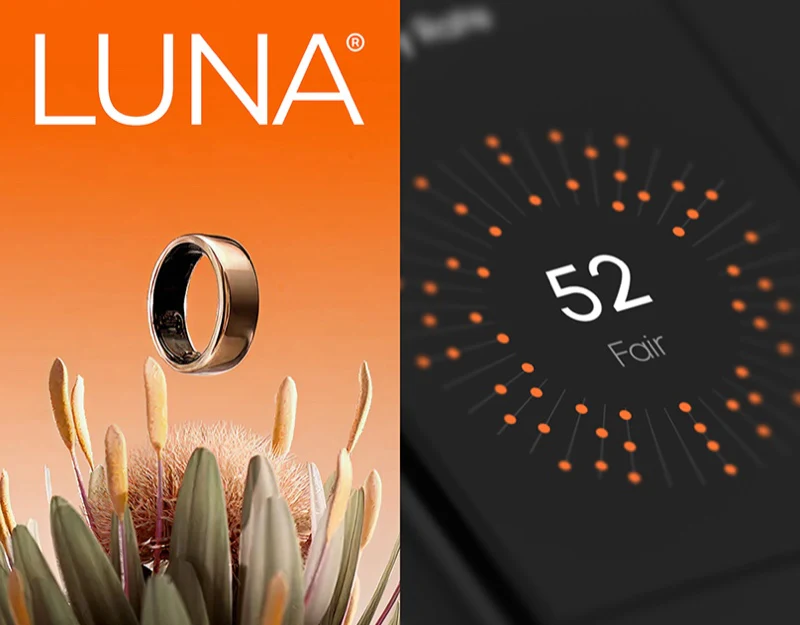
Luna’s smart ring app design connects lifestyle photographs, orange metrics, and white data cards. The website introduces people and devices before the app shows daily summaries and details. The question is how photographic warmth carries into everyday reading while each metric retains its units and time.
Key takeaways
- Lifestyle photographs and orange metrics connect website and app, with clear summary/detail regions.
- Different metrics need units and dates, while activation and account tasks need an explicit sequence.
The website places the device in daily life
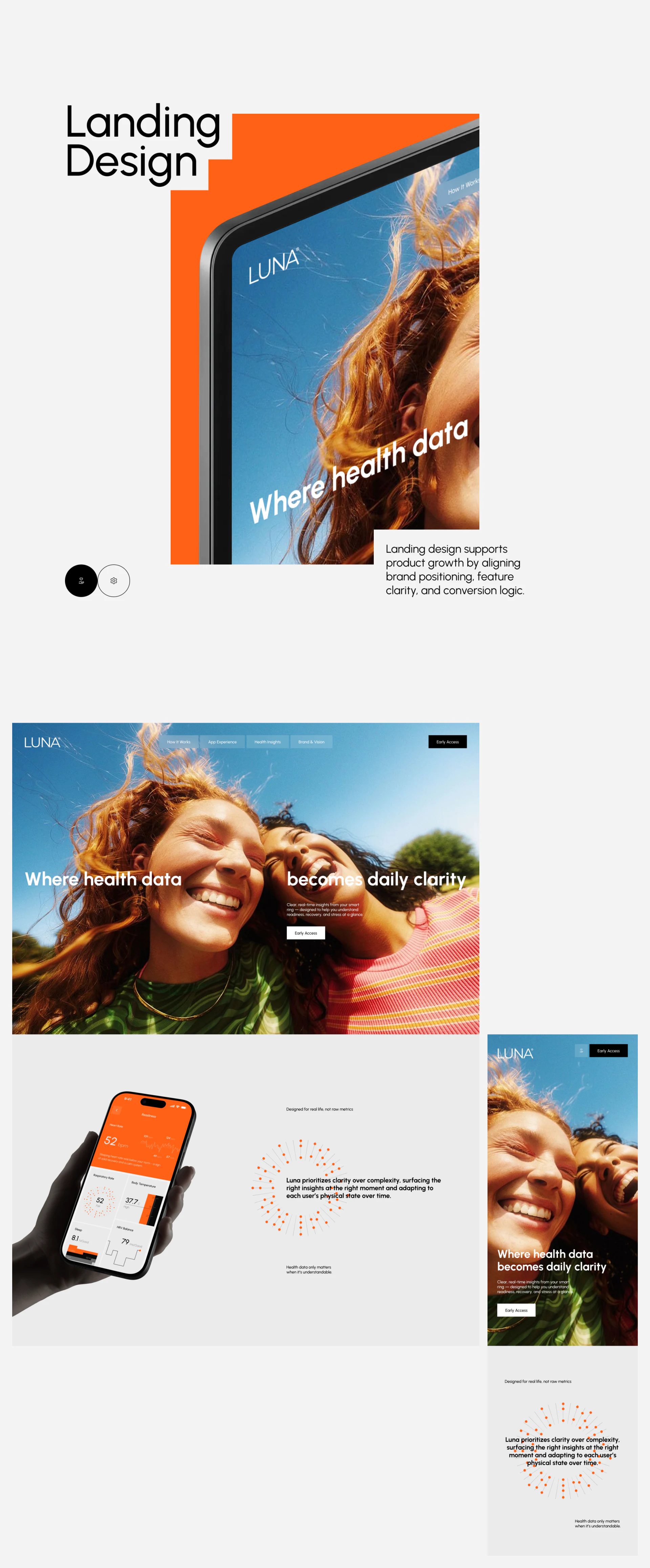
Two people beneath a blue sky form the hero, with text across the photograph around health data and everyday clarity. A hand-held phone and orange data below place the ring with people rather than in an isolated specification image.
This suits introducing use context before detailed experience. Repeated people, ring, and phone connect website and app, with orange data bridging photographs and interface.
JVDS values whether promised clarity becomes readable information: what to view today, which units, and why details matter. Lifestyle imagery supplies mood, not evidence of device precision or actual outcomes.
Quiet summaries and orange-highlighted details
The white summary phone has dates across the top, grouped Readiness metrics and short lines, then Sleep with an arc and large value. Details turn the upper heart-rate region orange, leaving breathing, temperature, sleep, and HRV in small cells. Information types have separate positions.
Grouping is clear, but appearance cannot make value types identical. Time, milliseconds, temperature, and scores use different scales. Some summary numbers need unit and range explanations rather than being assumed to use a hundred-point scale.
The activation page combines sensitivity terms, an activation heading, Continue with Apple, and Skip, whose task relationship needs clarification. The heading should describe the current step and skipping explain its result. JVDS would align device and account states before considering gesture adjustment in the flow.
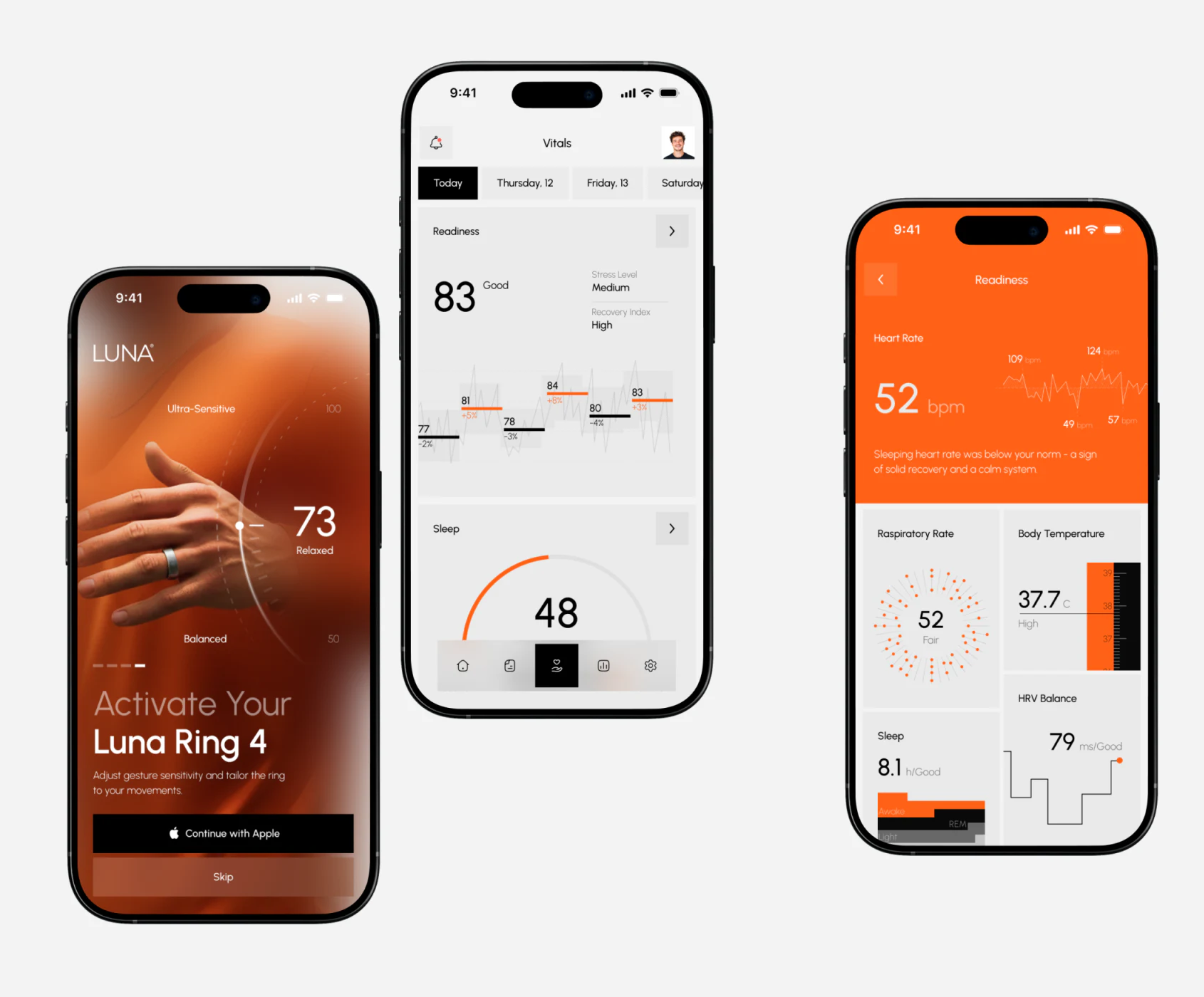
Photo overlays set a mood; charts still need explanation
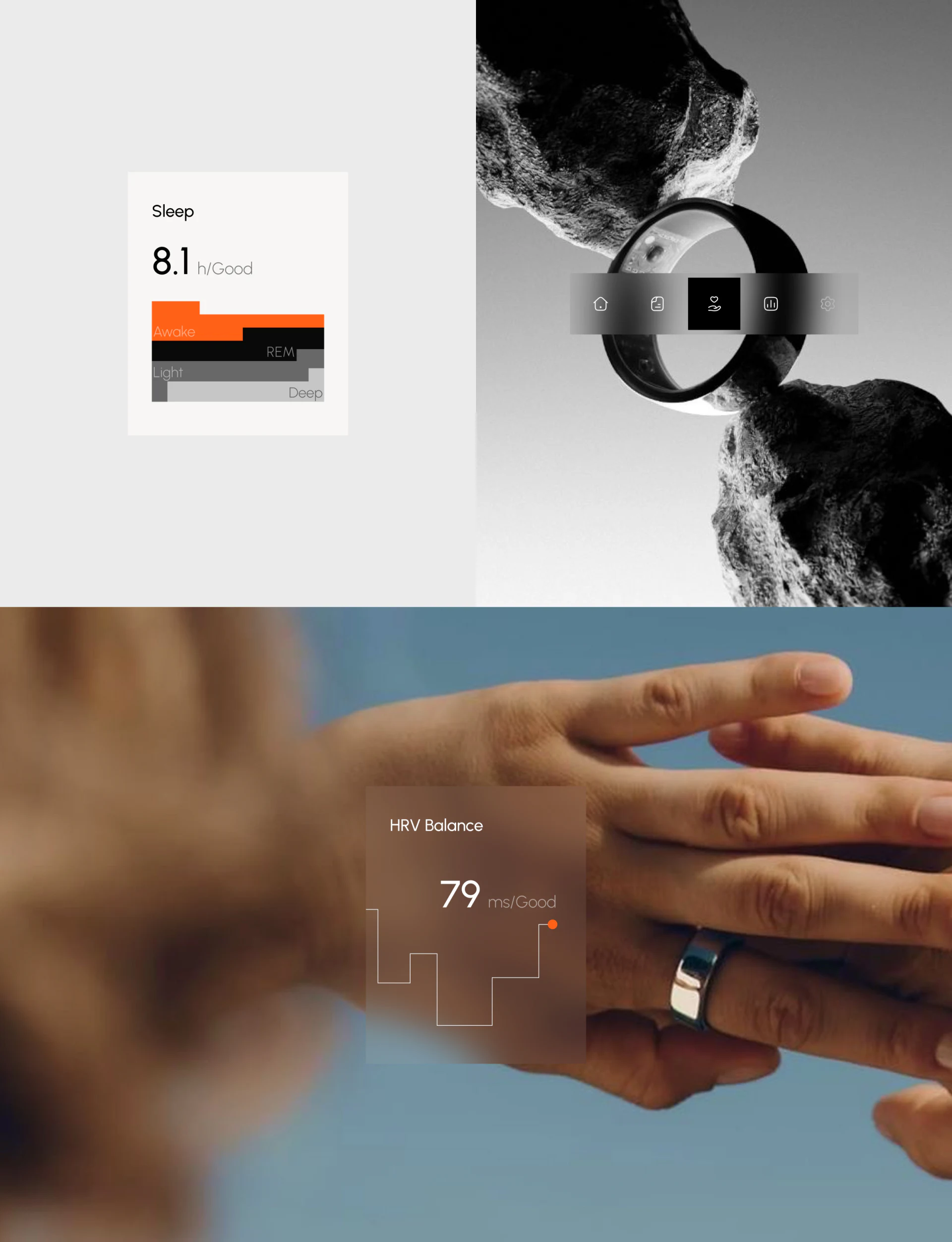
Sleep places duration and stage blocks on white-gray. HRV overlays a translucent card on a wearing photograph of a hand. Stable backgrounds and photographic composition both connect hardware and data differently.
Curves and stage blocks especially need named time ranges. Pale text over photographs requires checking at actual size, beyond the cleanest crop. Reading fields comes before appreciating atmosphere.
JVDS suggests fixed positions for selected date, last sync, and missing data, with details matching the current day. These are checkable content needs, not health judgments from images. Orange already highlights importance; units and dates should be equally findable.
Frequently asked questions
Should smart hardware data all become scores?
Do not standardize merely for visual consistency. Time, temperature, and scores require their own units and ranges before arranging hierarchy around tasks.
Design review checklist
- Check every card’s metric name, unit, and date.
- Explain which step Skip omits and where it leads next.
Connect device experience with data reading
If a smart hardware or health-record product needs clearer branding pages, activation, and data summaries, begin with the information people need to understand daily.
JVDS Design Studio provides UI/UX design, website design, and development services, helping organize page content, interface structure, and implementation needs.
 Link copied