X8 Eyewear uses different rhythms for products and editorial content. Close-ups emphasize structure, consistent grids compare models, and portraits establish wearing context. Eyewear ecommerce website design can use all three, connected to clear product identity so appreciating an image can lead to a specific version.
White information supports the close-up’s impact
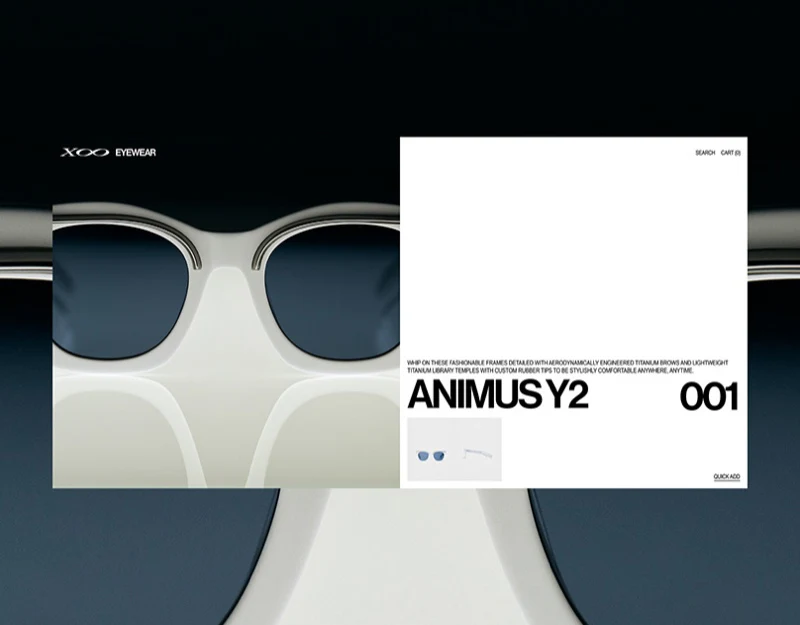
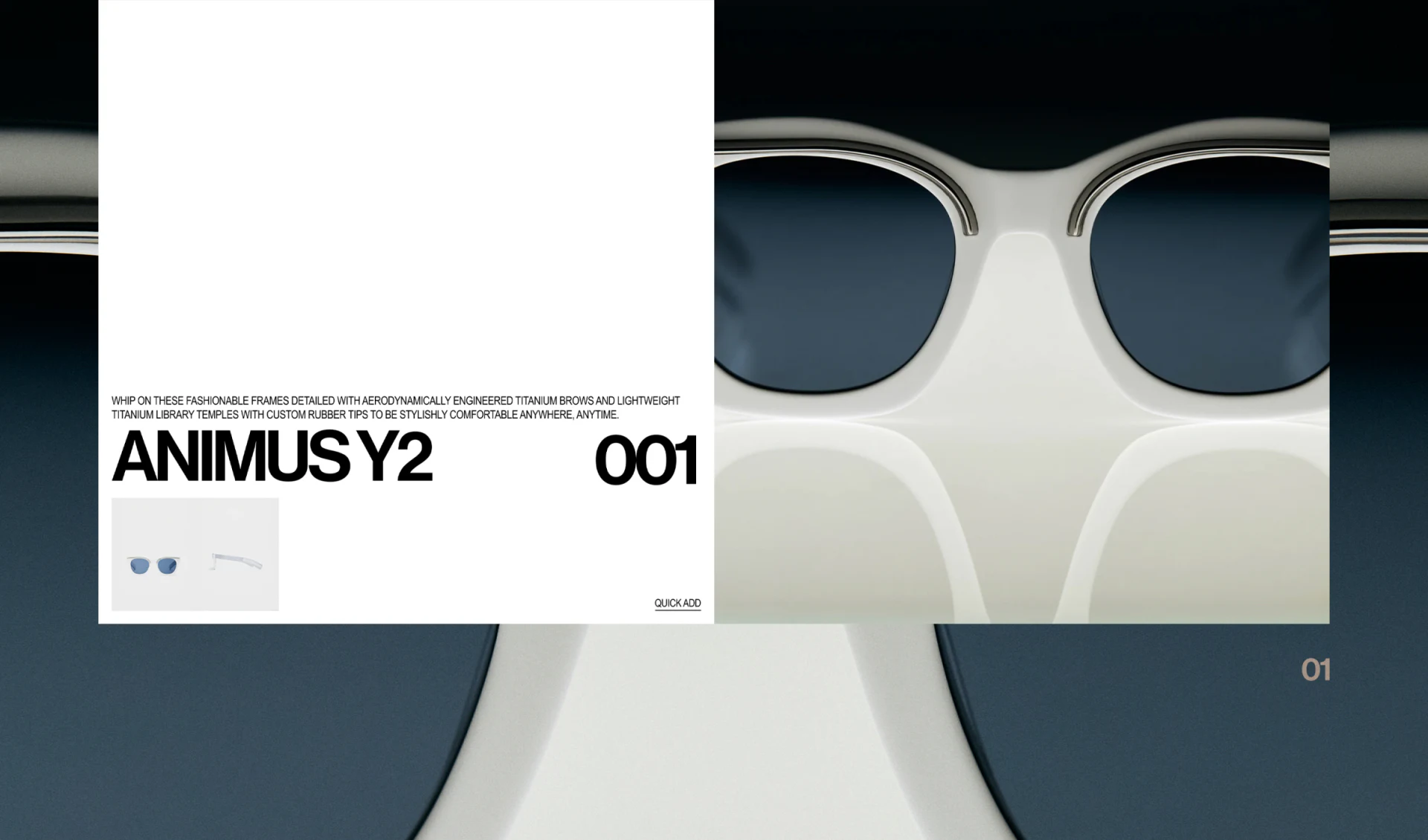
Bridge and lenses almost fill the background beside white information. ANIMUS Y2 and 001 provide definite names, with front/side thumbnails and Quick Add below. The large image attracts attention, smaller views restore overall angles, and text names the object in words.
White separates the model from blue-gray photographs so readers avoid reading small type over reflections. Close-ups change scale, requiring complete images, actual sizes, and versions to explain the whole frame. Material and comfort claims are depicted copy, not confirmed by photography.
Quick Add is restrained. If color, size, or lenses require choices, identify the current version before deciding between direct adding and opening options. Even short actions need definite objects; fewer steps should not mean an unchecked choice.
A common angle provides a comparison reference
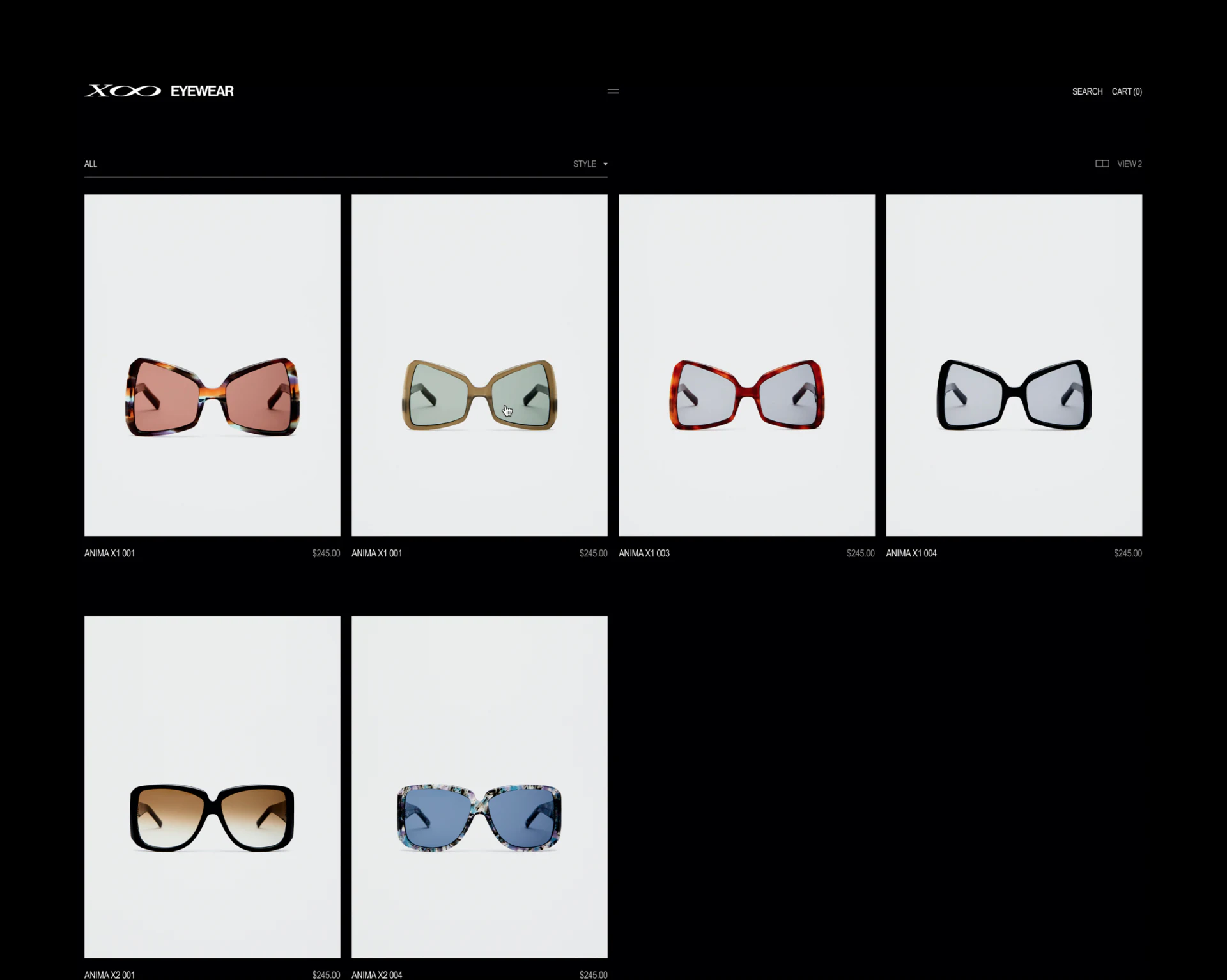
Four pale columns use similar frontal angles, with names and prices in fixed positions. Black framing retains brand character while gray cells distinguish silhouette and lens color. Products need not use separate scene photography; differences come from the objects.
The first two frames differ in color but both say ANIMA X1 001 without visible color names. If versions of one model, name them; if identifiers describe different objects, correct the sample. Shared angles support visual comparison while stable words support search, return visits, and bag checks.
JVDS Design Studio values this common reference especially for similar products. Cells need few added decorations, but category, version, and availability require clear places. Minimalism reduces distraction, making remaining selection cues more important to get right.
Editorial content can slow down before linking products
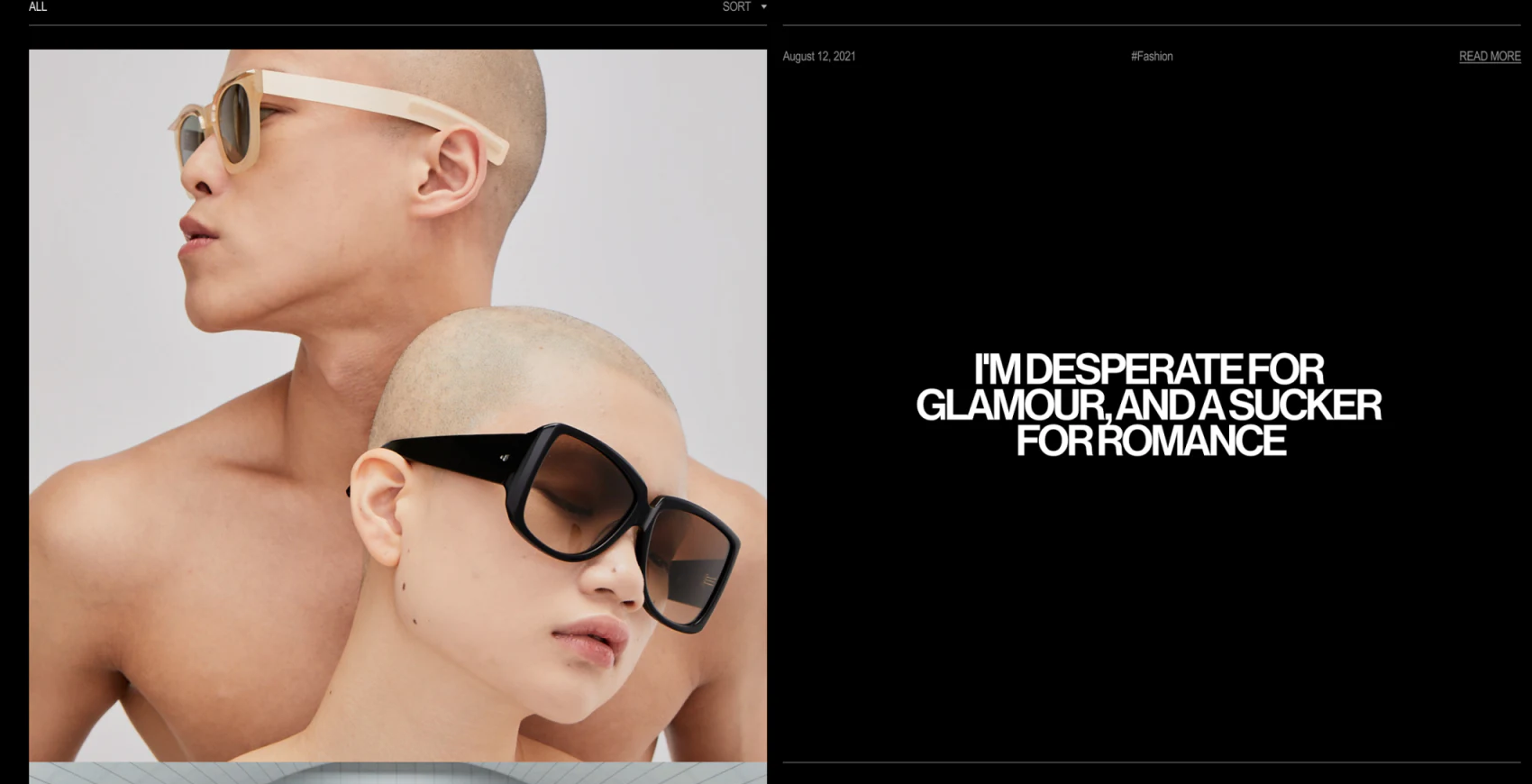
An editorial row pairs a wearing photograph left with a large heading and broad black area right. Date, Fashion, and Read More sit in a fine upper row. Lower density than the product grid invites appreciation before further reading.
Portraits add scale and character but cannot determine suitability for different wearers. Articles could identify corresponding models through clear internal names rather than make readers guess from photographs.
X8 separates comparison from expression. Grids provide shared conditions, close-ups details, and editorial pages context. Version names and complete information throughout connect these views to one product.
Connect style content with identifiable products
Eyewear, accessory, and fashion stores can separate comparison, details, and editorial content, carrying model and version through selection.
JVDS Design Studio provides UI/UX design, website design, and development services, helping plan product lists, details, and brand content.
 Link copied