

Custom Products Await Drawing Confirmation: How Should a Website Explain Confirmation Milestones and Subsequent Actions?
The customer has said “the proposal is fine,” so why wait for drawing confirmation? A website listing only “submit requirements, confirm drawings, arrange production” may make buyers view confirmation as a formal signature. They may also assume a positive email to sales settles all design, delivery and site conditions.
Custom drawing confirmation explanations should identify the object checked, who judges it, missing inputs and the stage following confirmation. This concerns how websites describe business milestones. Companies should follow actual collaboration processes; pages do not replace technical reviews or specific agreements between project parties.
Which differences in understanding should drawing confirmation resolve?
Start with disagreements to eliminate: installation location, connecting components, customer-provided objects and structures designed from supplied documents. “Confirm dimensions” is too broad. Buyers cannot tell whether to involve installation owners or users, or which feedback affects the next step.
Have technical owners review current checklists and match pictured information to business questions. Installation positions concern site space; external connection positions concern supporting objects; product composition concerns proposal scope. Publish portions requiring customer participation without disclosing every internal manufacturing detail.
If the drawing is only a preliminary layout, call it preliminary layout confirmation and identify omitted content. Acceptance of appearance positions does not approve every unmarked structure. Conversely, a complete design review should not be described merely as “see whether it looks suitable,” which may obscure the required checks.
Explain where confirmation evidence comes from. Site measurements, customer equipment documents and defined usage objects may have different sources. Project data need not be public, but customers can be told what evidence to supply. Dimensions or conditions without sources should remain missing information rather than become assumed approved after appearing in a drawing.

Turn customer checks into tasks that can be assigned
Break “check the drawings” into specific actions: match the product and requirement object, verify accurate expression of customer-provided installation conditions, check listed supporting items the customer must prepare and identify unclear positions. These tasks are easier to forward internally than “please check carefully.”
Identify suitable participant roles for each. Purchasing staff check purchase scope and document completeness, site owners check supplied site facts, and appropriately responsible engineers judge technical questions. Do not make ordinary contacts handle every matter they cannot assess, or treat role titles as approval authority.
For matters customers cannot judge, offer feedback methods: identify objects, describe unclear relationships, provide original information and mark them unconfirmed. These produce actionable questions. Restricting feedback to “agree” or “disagree” may wrongly classify insufficient information as agreement.
A preparation prompt can ask customers to identify intended location, connecting equipment or parts, existing constraints and unsettled conditions before internal discussion. Request only information relevant to this confirmation, not all company documents or unrelated commercial files.
Keep “information temporarily unavailable” as a clear response too. A site owner may know the installation area but lack another machine’s connection documents. They can identify the gap and source first; the company determines which portions can be checked instead of marking unknown inputs confirmed to advance the process. Examples should show this normal branch so incomplete answers still permit useful communication.
For projects involving several locations, identify which site this check covers. Approval for one position does not extend naturally to others. Prompt preparation by actual object; technical staff determine whether proposals can be shared. This prevents the same model being interpreted internally as identical site conditions everywhere. See How to Design a B2B Product Page for related checks.
Design confirmation, purchase confirmation and delivery arrangements answer different questions
Design confirmation establishes whether this proposal version was checked within agreed scope. Purchase confirmation may concern items and quantities, while delivery also depends on materials, supporting equipment, production preparation and customer inputs. Explain actual relationships instead of letting one “confirmed” cover every subsequent condition.
Check process-diagram arrows particularly. If actual practice checks purchase scope before production readiness, do not depict drawing approval followed by immediate shipping. Arrows show entry into another stage, not a promised outcome. Short entry conditions beside milestones explain this better than a broad footer notice.
Some confirmed content supports discussion without settling every delivery arrangement. Layout approval may coexist with unsettled external equipment. Explain which work uses this confirmation and which judgments await supporting information, without independently declaring parallel production or locked dates possible.
Customers also ask what they must do after confirmation. State their next participation near the milestone, such as completing conditions, checking scope or receiving next-stage documents. If sequences vary, explain what determines them and how to communicate rather than imposing one process on every product.
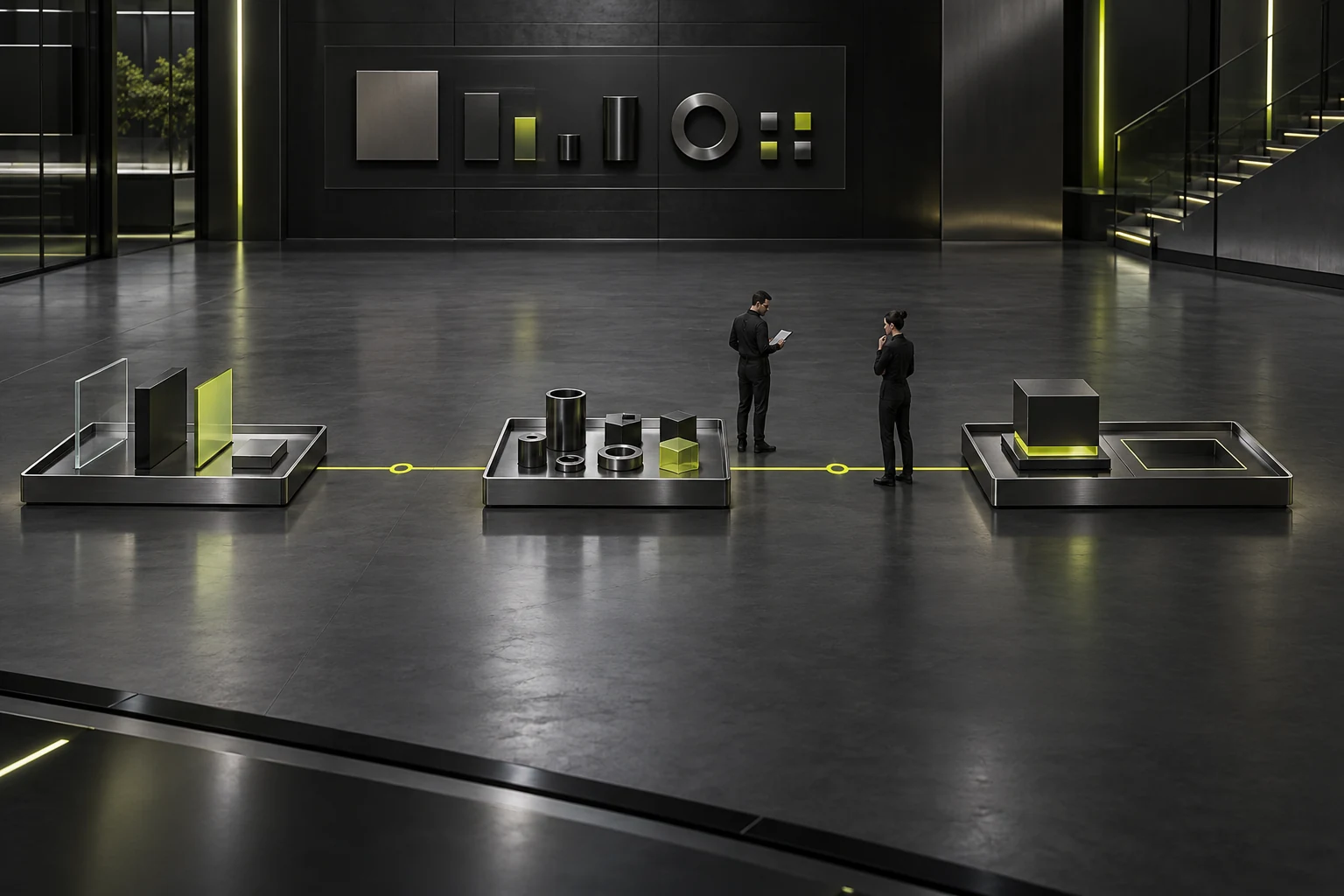
When confirmed conditions change, find affected relationships first
After changes to installation location, usage objects or supporting equipment, do not ask only whether drawings need signing again. Identify the changed evidence and connected design judgments first. Explain why new information is needed rather than presenting review as a punitive formality.
In a hypothetical requirement, a layout based on a fixed customer-supplied installation area is later moved elsewhere. Recheck not only orientation but whether new boundaries and original supporting relationships match. This example does not establish that relocation is possible or redesign mandatory; proposal owners assess impacts.
Explain what customers should bring with changes: product identity, original confirmed matters, changed facts, requirements to retain and unsettled content. “Everything unchanged, just a slight move” does not reveal the actual change. Specific information lets both sides define portions needing rechecks.
Avoid implying every change restarts everything or that small changes automatically leave subsequent work unaffected. Review scope follows facts and actual processes. Websites explain assessment principles without promising fixed costs, delays or exemption from review.
Use one complete requirement to check milestone explanations
Test with an explicitly hypothetical requirement: a customer orders custom components and supplies usage objects and an installation area, but external connectors remain unselected. Ask an uninvolved reader to explain what drawings confirm, what is missing and which stage becomes possible afterward.
A sufficient explanation names objects instead of “customer agrees, manufacturer produces.” Readers should identify checks of the installation area and product composition, recognize pending external connectors and involve suitable staff. Complete-looking images must not imply every condition is established.
Run the same requirement internally. Sales checks consistency with discussions, technical owners check milestone names and entry conditions, and content staff check restrictions appear where needed. Correct mismatched process descriptions instead of adding “subject to actual conditions” while retaining erroneous arrows.
Before publication, define completion: every milestone has an object, required inputs, unresolved question and next step; roles understand their contributions; unsettled conditions have feedback routes; design checks and delivery arrangements remain distinct. Custom drawing confirmation then becomes part of customer preparation.

Frequently Asked Questions
How should pages guide customers without engineers?
Have contacts collect site facts and existing equipment documents, identifying matters requiring professional judgment. Do not make them guess technical answers from drawings. Explain who clarifies later, what inputs are needed and what remains unconfirmed. See What Should a B2B Inquiry Form Collect? for related checks.
Can a telephone “no problem” make a milestone appear confirmed?
Websites should not define the effect of project confirmation. Explain objects and recording methods according to real processes. Parties should check which matters specific feedback covers rather than extending a broad verbal reply to the whole design.
Can a complete customer drawing illustrate the process publicly?
Check publication authorization and scope first. General process explanations can use diagrams without real customer data, prominently labeled illustrative. They explain confirmation objects and must not be presented as implemented projects.
Why do complete-looking drawings still have pending items?
Visual completeness does not establish complete external conditions. Designs may use unverified inputs or cover only one stage. Explain affected judgments rather than requiring inference from drawing detail.
What next step should be described when departments disagree?
Guide customers to consolidate specific disputed objects and reasons for the agreed project coordinator. Pages do not decide whose opinion prevails or show one department’s partial approval as completed project confirmation.
Need design or website development services?
JVDS Design Studio is a professional design studio focused on digital product experiences and brand identity. We work with businesses in China and overseas that want to strengthen their brand image, improve user experience and grow their business, providing clear, usable UI/UX design, high-quality website design and development, app and mini-program development, and cohesive, distinctive brand identity design.
Planning a corporate website, a multilingual site or a redesign? Tell us about your audience, existing website and the work you need.
 Link copied








