

When a Company Sells Equipment and Provides Services, How Should Its Website Explain Whether Customers Are Buying Capability or a Product?
Seeing a picture of equipment does not necessarily mean a customer is looking for a machine to buy directly. They may want an outside team to perform a test, or may already own equipment and now need calibration, training, or help using it. If a website groups these needs under the single phrase “professional solutions,” visitors have to guess what the company actually sells.
Customers should be able to distinguish equipment from service offerings as they begin exploring the business. Before organizing the pages, clarify what the customer ultimately receives: a specific piece of equipment, completion of an agreed project task, or support for an existing product. The company's capabilities help demonstrate that it can deliver these things; they cannot replace the deliverables themselves.
Organize the business around what customers receive
When listing existing offerings, do not begin by copying department names. Ask salespeople and business owners separately to identify what customers can purchase, then check the actual acceptance arrangements. Equipment sales, project services, rentals, and technical support may have different deliverables and prerequisites even when the same team handles them. A website should not merge their meanings for organizational convenience.
Equipment content should help people identify a product series or model, the configuration range, and which information supports further selection. Customers planning to buy a physical product need to understand the item and its specifications. The team's technical capability can provide background, but should not suggest that every device shown in a picture is available for individual sale.
Project services need to explain where the task starts and ends: what information or samples the customer supplies, what work the company performs, and whether the customer receives a report, a processed result, or another agreed output. These statements define scope. Whether a report can support a particular certification or decision should be confirmed by the responsible person; a page editor cannot infer its purpose from the fact that a report can be issued.
Usage support relates to existing equipment or services. Describe the products and versions supported, who the support is for, and which matters require separate assessment, according to actual arrangements. Do not describe providing a manual, remote guidance, and on-site implementation as one free support service, or state fixed response commitments when information is insufficient.
During the review, keep an internal definition for each offering: “For whom, under what conditions, do we provide which item or complete which task?” Have the business team check it before using it on the website. Offerings with similar names but different deliverables should be recorded separately. Content with different names but the same object requires confirmation of whether a separate category is justified.
Suppose a company sells measuring equipment, accepts commissioned measurement tasks, and gives existing purchasers instructions for use. These involve three purchasing purposes. The website can share technical introductions, but readers should be able to tell whether they are selecting equipment, discussing a project, or finding support, rather than infer from the same picture that all three are included.
The same capability does not automatically mean the same deliverable
“Testing capability” can support both equipment and project service introductions, but customers buy different things. An equipment page should explain what the product can do under confirmed conditions; a service page should explain the work the company completes for the customer. Copying the same capability text into both can suggest that buying equipment also delivers a complete project result.
Place applicable conditions near the relevant offering. Equipment use may require a particular environment, personnel, and supporting resources; project services may need suitable input information and a clearly defined task; support may depend on the product version. Every condition need not appear in the opening screen, but a generic “Contact us” should not conceal them so completely that an initial assessment is impossible.
Explain separately whether installation, training, document preparation, or subsequent maintenance is included, according to the actual offering. Where arrangements vary, accurately state that confirmation depends on the project and explain what needs confirming. Do not list work that cannot yet be verified as standard merely to make the service appear comprehensive.
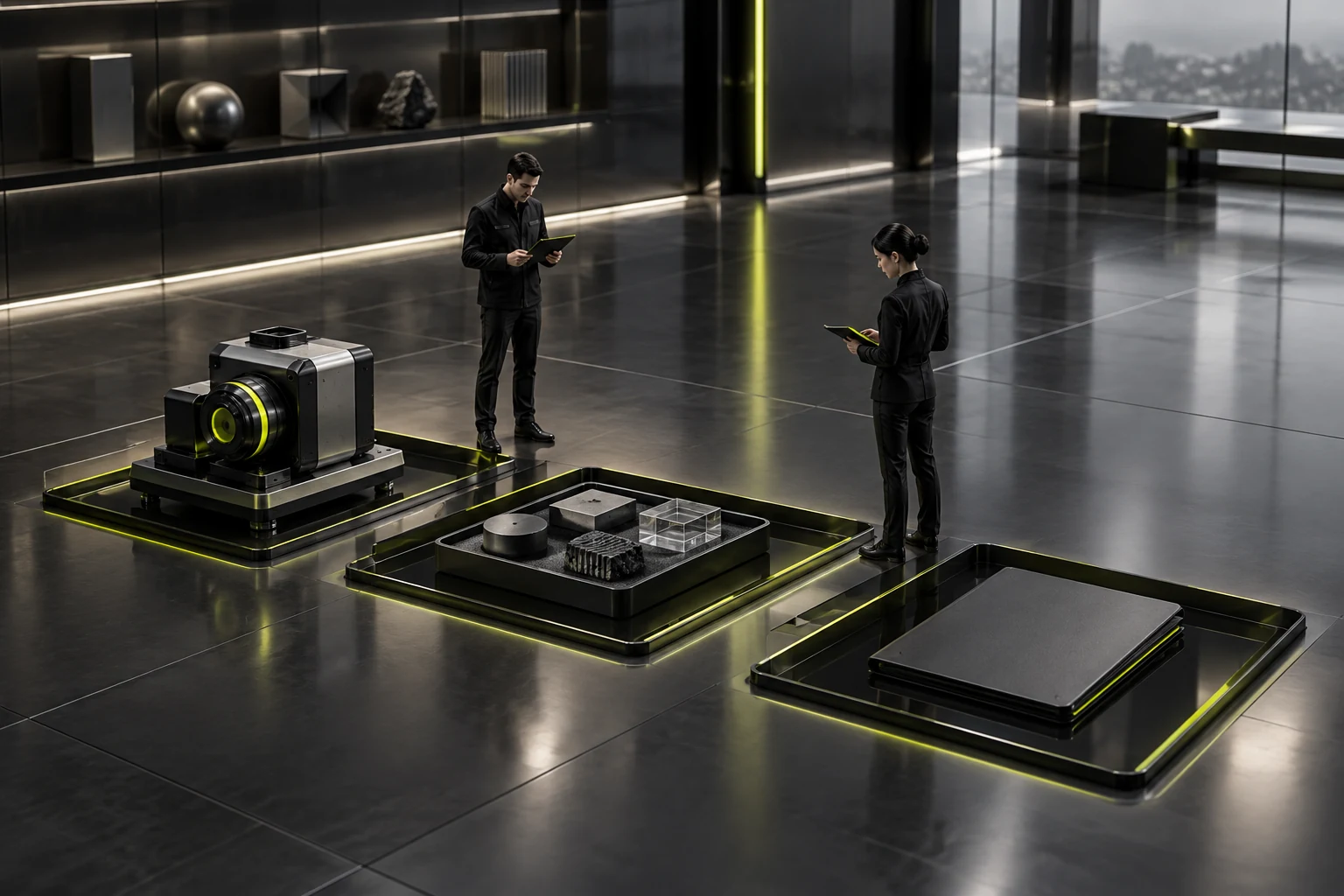
A picture of a complete application system can easily broaden readers' expectations. It may include customer-owned equipment, a partner's software, and the company's own products. The image description should identify it as a depiction of how the elements are used together, while the text explains what is available. A system appearing in an image does not mean the company supplies everything in it.
When comparing equipment and services, there is no need to claim that buying equipment is always worthwhile or outsourcing always saves money. Customers differ in usage frequency, staffing, and task conditions. The website can help them articulate the issues, but should not make economic or technical judgments for them without relevant cost and application evidence.
The key check is whether readers can distinguish “what the company can do” from “what I will receive this time.” If only a salesperson's explanation reveals that installation requires a separate discussion, or an image looks like a service while only equipment is sold, revise the relevant passage rather than add another capability slogan.
Match inquiry prompts to the purchasing purpose
People selecting equipment usually need to explain their intended task and existing conditions before confirming candidate series or models. The website can ask for the product currently of interest, the application background, and any constraints to check. Do not force someone unfamiliar with models to complete a full technical checklist first, or make someone who has chosen a model describe its name again.
People discussing project services need to clarify the work to be completed, the status of input information, and their desired outputs. Give open descriptions a specific prompt, such as “Describe your current task, the information you have prepared, and the questions that need further confirmation.” This helps people explain their needs and should not imply that they must accept a standard solution.
Existing customers looking for support should be able to locate their issue using a product identifier, version, or existing record. If there is a dedicated support entry point, explain who it serves. A human contact route is also acceptable, but the recipient needs to know that the request concerns support for a purchased product rather than a new equipment quotation. The public name should match the actual handling arrangements.
If one inquiry entry point handles several needs, first confirm how the back office and human recipients identify the type, then decide on the page options. There is no need for a complex form for every offering. The important thing is to retain the purchasing purpose and current object so that a message saying only “I would like to learn more” is not passed around repeatedly.
Customers with sensitive or incomplete information need a way to describe their issue. The page can ask for a shareable overview first, with details exchanged after the scope is confirmed. Initial contact is not a complete technical review. Users should not have to disclose all their internal information just to ask whether a task can be accepted.
After the business team prepares the prompts, ask the people receiving inquiries to read them: can they identify who should take over and what is missing for the next step? If they still cannot distinguish an equipment purchase from a commissioned task, revise the types and prompts first. Collecting more phone numbers or addresses usually cannot compensate for an unclear purpose.

Shared introductions can be concise, but specific scope must remain
Company technology, team background, and methods can share an introduction, while products and services should retain their own scope in the relevant places. A homepage overview can be brief, with separate routes to equipment, project services, and support for existing users. Detailed content can then explain the relevant objects, conditions, and next steps.
Do not remove words that define the deliverable just to save space in a summary. “Providing measuring equipment” and “providing commissioned measurement” differ by only a few words but describe different purchasing relationships. Check this in short cards, search summaries, and sales sharing copy so that an accurate detail page is not preceded by an entry point creating a different expectation. See How to Design a Corporate Website Service Page for related checks.
When a case involves several types of work, associate only the parts in which the company actually participated. A model being used in a project does not mean the company sold the whole system. Results that a customer achieved independently after buying equipment should not be described as a service completed on their behalf. Where no real case exists, accurate scope and clearly identified illustrations can help explain the offering.
Older information also needs attention when offerings change. If a service is no longer accepted but equipment remains available, retain necessary historical explanation and point to the current arrangements. Do not change every page to “continued full-process service.” The business owner should confirm scope changes before they are reflected in related entry points.
When several people maintain pages, assign someone to check each offering's scope. Editors handle expression, product owners verify equipment facts, service owners verify task deliverables, and support teams verify acceptance conditions. Then, when a passage is updated, someone can judge whether it changes the purchasing scope customers may understand.
Check the page using three specific purchasing purposes
Give someone unfamiliar with the internal business the task of buying equipment. Ask them to identify candidate products, conditions still needing confirmation, and the inquiry entry point. Observe whether they mistake service outputs for built-in equipment effects, or have to understand internal department names before finding products.
For the task of commissioning work, check whether they can explain what the company will do, what background they need to supply, and which conclusions the website cannot establish. If they find only parameter downloads and still do not know whether the company accepts the task, the identity of the offering remains unclear.
Finally, give them the task of obtaining usage support for a product they already purchased. Check whether they can identify the applicable product and support route without being directed into new-purchase information. The three tasks can use the same website, but should not require everyone to follow exactly the same reading and contact steps. See How to Design a B2B Product Page for related checks.
Record what readers actually repeat back instead of merely asking whether they understood. Connect misunderstandings to a specific entry point, image, or sentence, then have the business team confirm the correction. Success means all three visitor types can identify what they are buying, state the questions that need further confirmation, and find a next step suited to their purpose.

Frequently Asked Questions
Must equipment and services have separate top-level sections?
Not necessarily. Start with customers' search tasks and the amount of content. A clear business overview can communicate the distinction. Separate sections should depend on whether readers can find the relevant content, rather than on internal departments alone.
Can an equipment sales page include project service cases?
Yes, but explain what the case actually relates to. Its service scope is not automatically included in equipment purchases. Express the equipment, additional work, and conditions requiring confirmation separately.
What if a customer does not know whether to buy equipment or commission a service?
Let them begin with their task and existing conditions, without requiring a model choice. The page can explain the background relevant to deciding between the offerings, while specific technical and economic suitability remains subject to further assessment based on evidence.
How should free support and separate services be distinguished?
Explain who they serve and their scope according to actual acceptance arrangements, noting matters requiring separate confirmation where necessary. Do not rely on vague terms such as “lifetime service,” or draw conclusions about charges without an agreement.
Can a clear business description be used directly for a quotation?
A website helps identify offerings initially; it does not establish the scope of a particular project. Quotations still need to correspond to the product, configuration, task, conditions, and agreed deliverables. A public introduction cannot serve as the complete list for every order.
Need design or website development services?
JVDS Design Studio is a professional design studio focused on digital product experiences and brand identity. We work with businesses in China and overseas that want to strengthen their brand image, improve user experience and grow their business, providing clear, usable UI/UX design, high-quality website design and development, app and mini-program development, and cohesive, distinctive brand identity design.
Planning a corporate website, a multilingual site or a redesign? Tell us about your audience, existing website and the work you need.
 Link copied








