
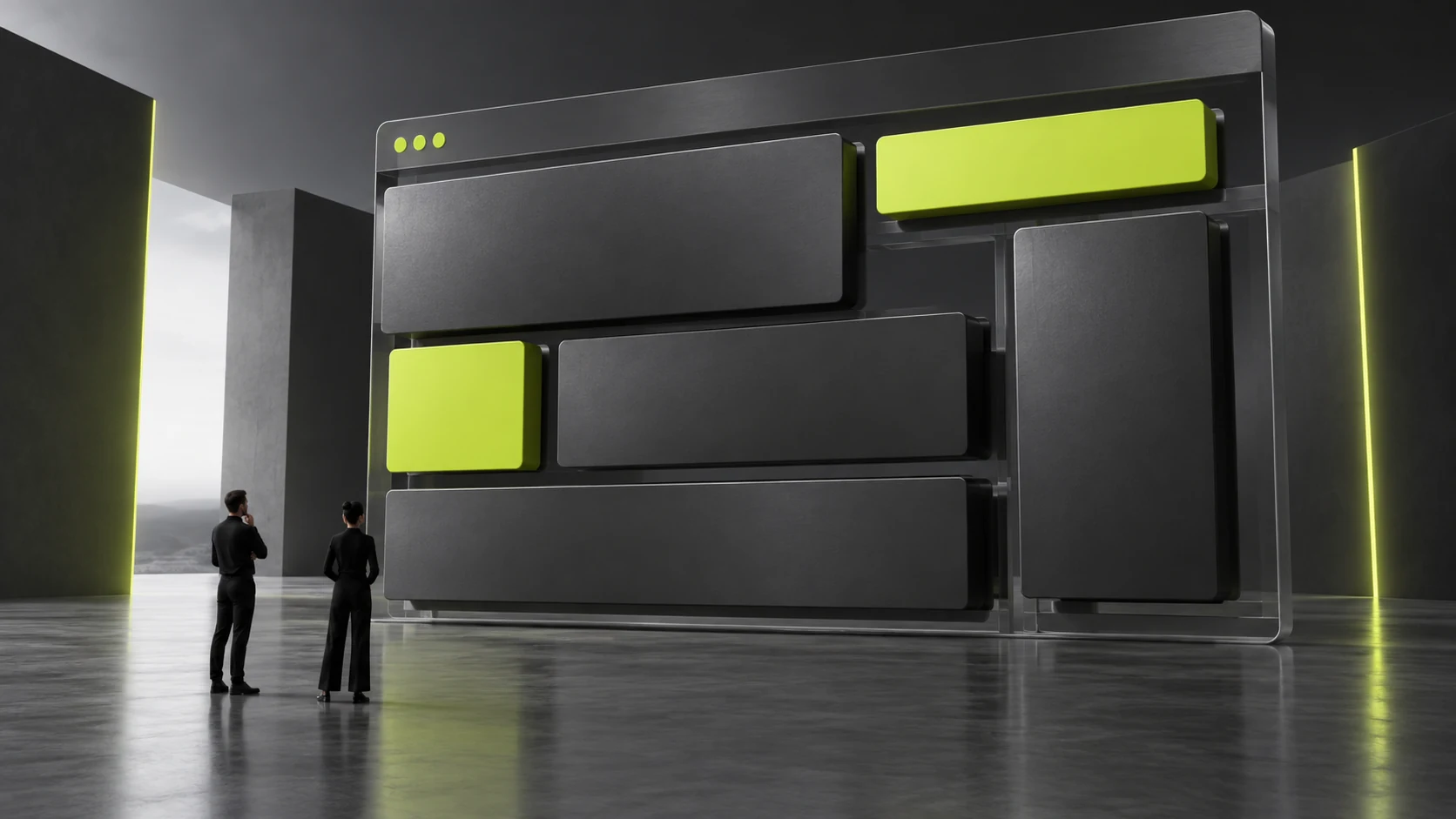
How Can Multilingual Website Design Accommodate Long Translations? Test Components with Real Content
To accommodate long translations, test headings, buttons, cards and text in images with real representative content before approving multilingual layouts. Components must adapt to changing length, while content owners check meaning. Neat placeholder text alone cannot establish that design is complete.
Choose Real Samples Likely to Cause Problems
Select long product names, service headings with conditions, several navigation names and a longer explanation, with preliminarily reviewed target language text. Samples should represent actual company materials, without manufactured extreme sentences or only the shortest, neatest content.
Arrange samples by component: does navigation wrap, do card titles squeeze descriptions, are buttons complete and can image explanations be maintained? This tests reusable rules rather than just one page. See Responsive UI Design: From Breakpoints to Content Priority for related checks.
Suppose a Chinese button takes only a few characters while the English action is longer. Fixed width may force wrapping, but shortening it directly may lose meaning. Assess component flexibility and copy accuracy together instead of leaving designers to choose unilaterally which to sacrifice.
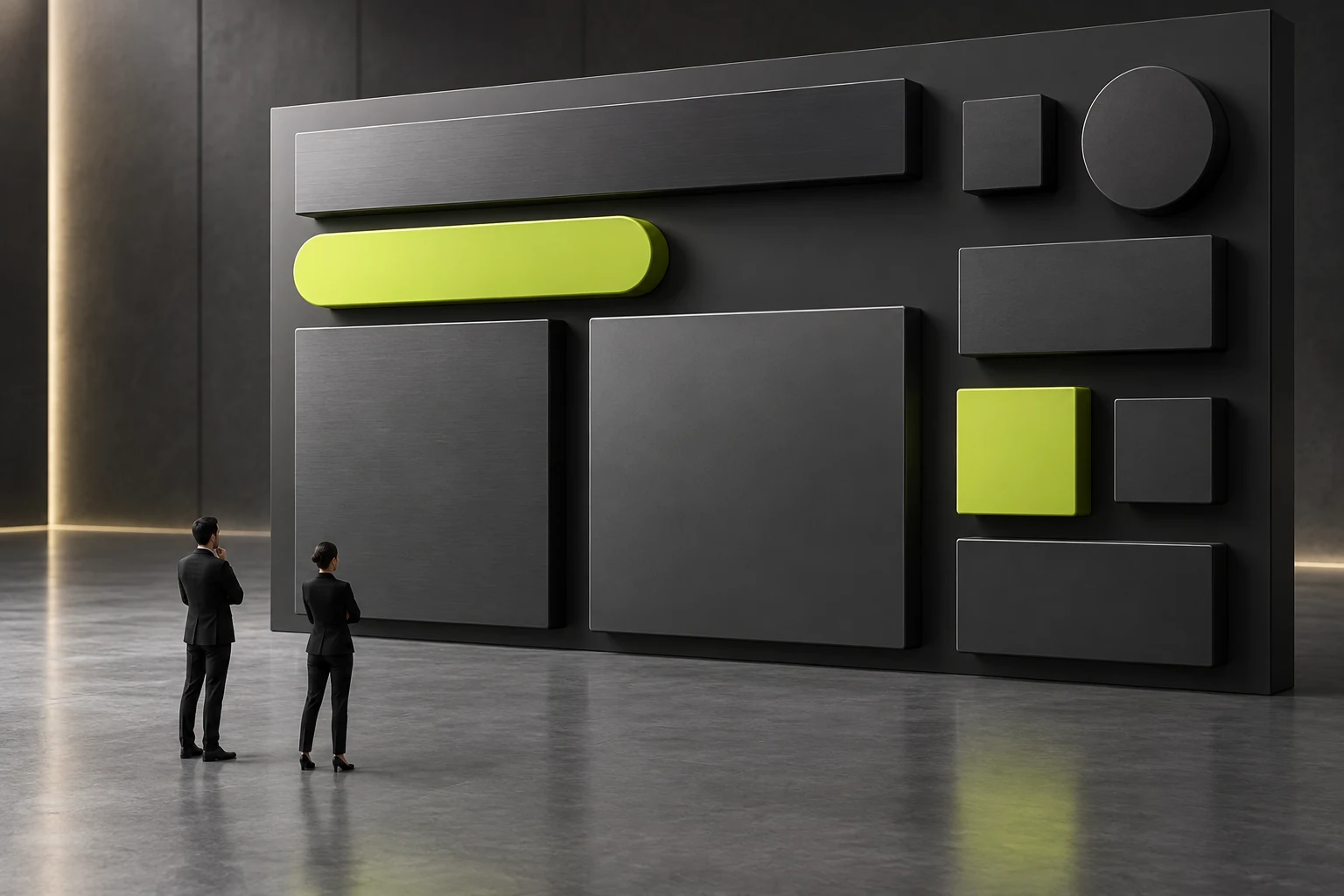
Allow Component Variation and Define Content Rules
Card heights, title line counts and button arrangements can adapt to content. Do not crop decisive conditions for neatness. If summary length rules are necessary, explain their relationship to full content and have editors provide accurate summaries rather than misleading automatic truncation.
Check every language entry and current menu state. Longer language names must remain recognizable; unclear abbreviations are not a suitable space-saving default. Icons may not convey the same meaning in every language context, so check with actual readers.
Text within images needs separate consideration. Rebuilding whole images for every translation can produce inconsistent versions later. Consider editable text areas or explicit production and review responsibilities for each language image, rather than assuming the system handles them automatically.
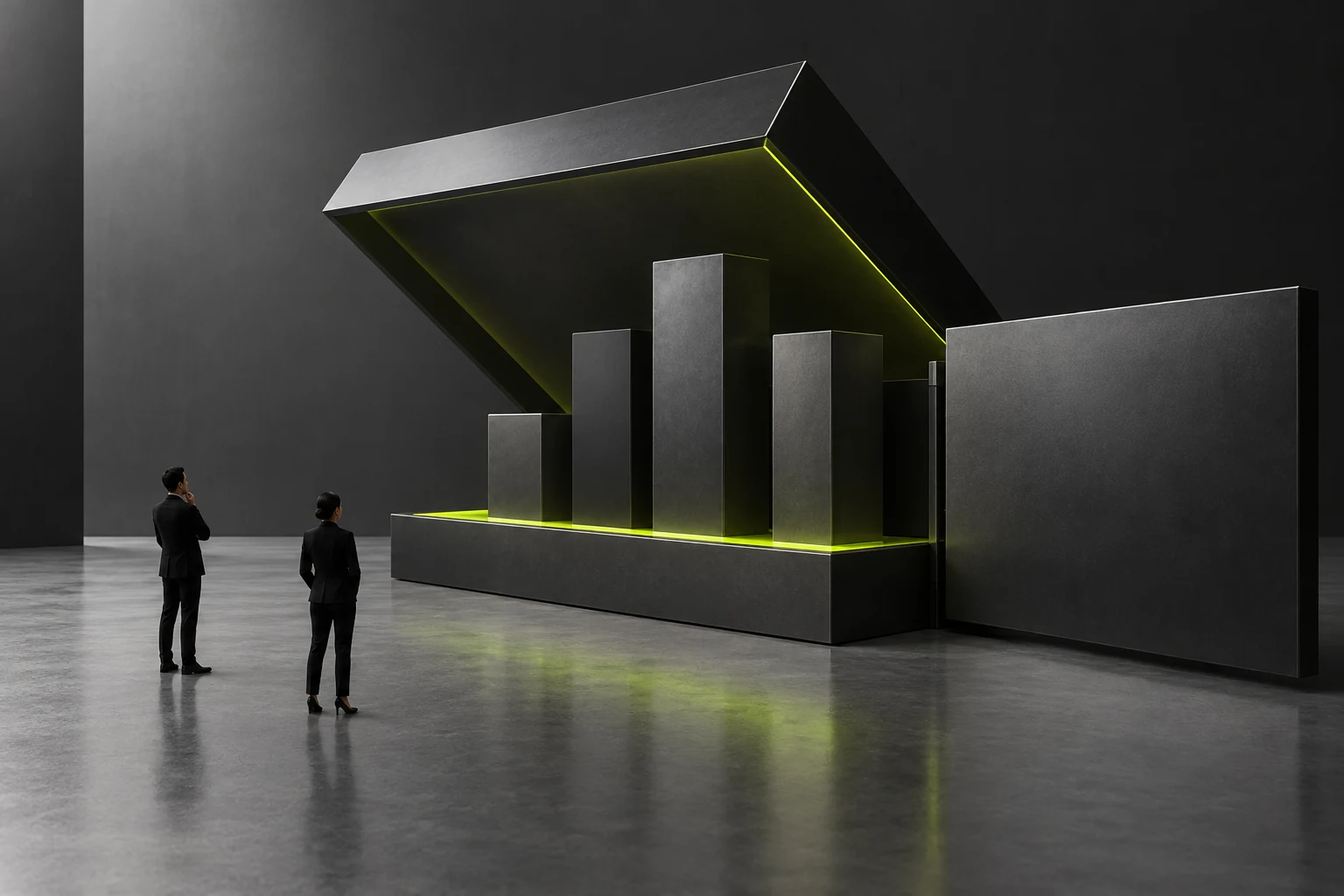
Validate Delivery on the Public Site and in the Backend
First inspect real content on representative devices and record overflow, clipping, misplaced relationships and missing key explanations. Then have editors replace headings or update images, checking that components remain usable and language mappings are correct.
JVDS Design Studio supports business website planning, design and development, and can discuss multilingual reading and maintenance through UI/UX. Confirm actual language counts, content preparation, component implementation and later support within each project.
Before fixing a problem, determine whether it comes from component rules or content. Overly rigid components need layout changes; inaccurate or repetitive copy needs review. Repeated requests to make it shorter or wider may not resolve the underlying relationship.
Success means normal business content is fully readable in each language, action names retain their meaning and editor updates do not easily break layouts. Test new languages with representative samples again; a pass in two languages does not cover every writing environment. See A multilingual corporate website is not about translating Chinese into English: The most easily overlooked localization issue for enterprises when building overseas websites for related checks.
On pages with several content cards, replace one with a long title and check whether neighboring relationships remain clear. Misalignment hidden by uniformly short content may appear after a local update, so observe both individual components and whole page combinations.
Frequently Asked Questions
Can Qualifying Words Be Removed to Shorten a Translation?
Do not remove decisive conditions merely to fit a layout. Ask the content owner to assess meaning, then adjust components or provide an accurate summary. Qualifications affecting applicability, fees or risks may change the conclusion if removed and require renewed review.
Are Equal-height Cards More Professional on Multilingual Pages?
Visual consistency is worth considering but not at the expense of missing content. Test real titles and descriptions for wrapping, flexible heights or clear summary rules. Professional presentation depends on complete, maintainable information.
Need design or website development services?
JVDS Design Studio is a professional design studio focused on digital product experiences and brand identity. We work with businesses in China and overseas that want to strengthen their brand image, improve user experience and grow their business, providing clear, usable UI/UX design, high-quality website design and development, app and mini-program development, and cohesive, distinctive brand identity design.
Planning a corporate website, a multilingual site or a redesign? Tell us about your audience, existing website and the work you need.
 Link copied








