
Can One Test Report Support Every Model? How Should Product Pages Identify the Objects a Report Covers?
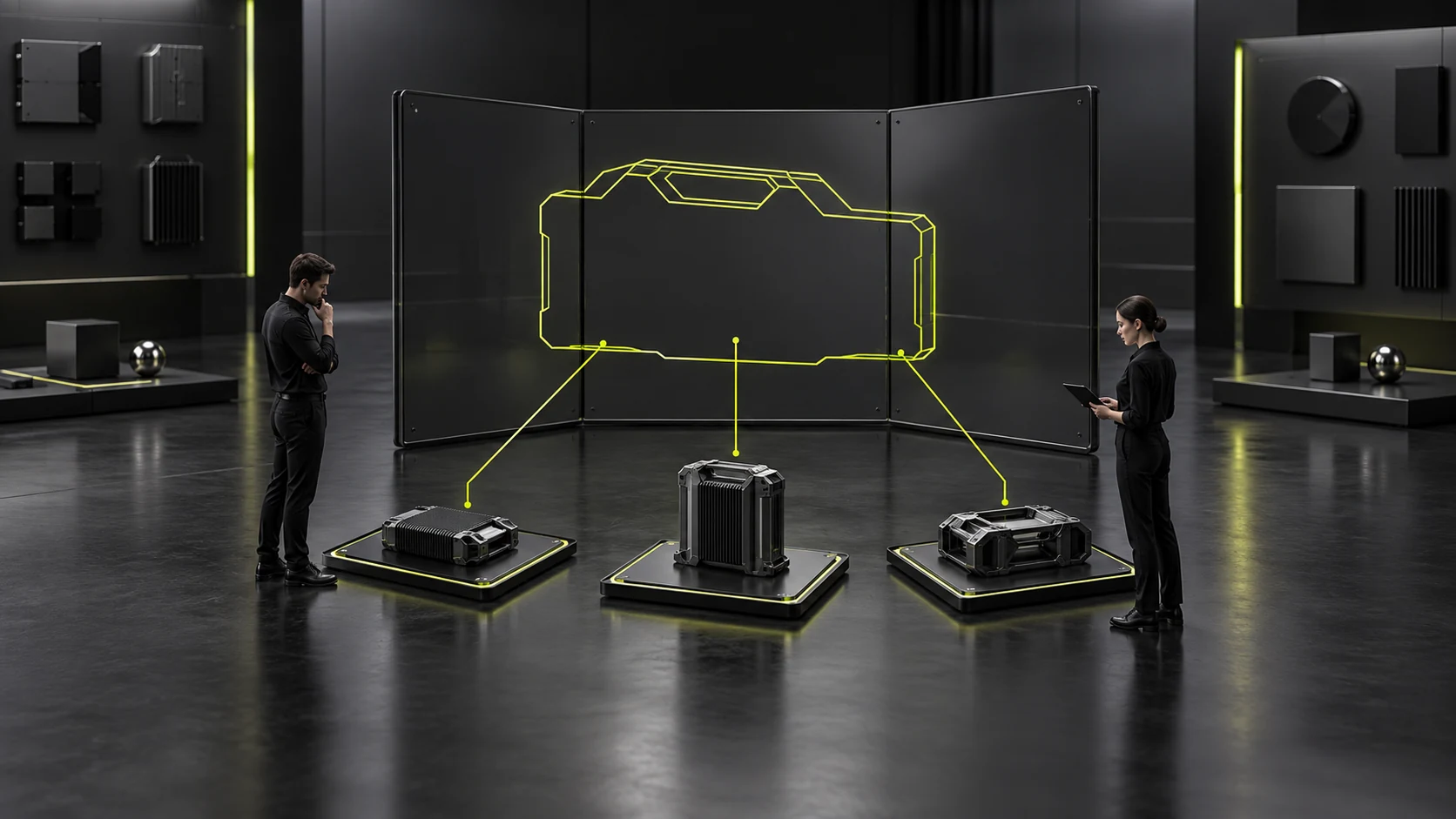
A report beside several models on a series page may suggest every model relates to it. Layout alone can imply coverage even without “covers all.” Models covered by test reports require actual object-and-scope correspondence, not shared brands, similar appearance or catalog position.
Confirm what reports describe before checking which website products match accurately. This concerns public document organization, not legal effects of testing or certification, or professional decisions about extension to other products.
Read report objects before expanding from cover titles
Documentation owners confirm the report and source, then extract object-identification information. Files may describe models, samples, components or other specific objects. “Product test report” does not establish the entire current product line is represented.
Separate objects from test content. Which object is involved and what the report discusses are distinct facts. Matching models while expanding support to every performance claim also changes meaning. Technical owners should confirm intended public scope.
Sample names or identifiers may differ from website marketing names. Have knowledgeable staff explain correspondence first. Do not rename report objects to website names or omit distinguishing identifiers for customer convenience.
Read conditions, notes and scope together. An isolated results page may not identify the complete object. With several attachments, establish what accurate understanding requires instead of selecting publication materials for brevity or attractive covers.
The output is a checkable object-and-scope description, not “valid coverage of all models.” Record incomplete information and pause expansion. Other confirmed product facts can remain public; one report need not fill every page’s trust module.

Match page products and report identifiers item by item
List the current object for every page planning to cite a report, then compare. Matching model names still require actual configuration correspondence; different names need confirmed evidence. Editors create correspondence records rather than reassess products.
Products may have internal, sales and configuration names. Identify which locates report objects and which aids readers. Explain confirmed relationships without letting one series nickname erase configurations requiring distinction.
For series templates, check every subpage inheriting report modules. A shared image does not establish shared applicability. Check actual citing products first, then place modules, instead of waiting for post-launch customer questions to reveal incorrect links.
Check images too. A title for one configuration, main image of another and report for a third confuse buyers. Similar appearance is irrelevant; the page should describe one clear object or explain each different object’s purpose.
Indexes should retain relationships. Downloads may identify the report’s product and content scope rather than only “download test report.” Direct download-list visitors should understand the connection without reading every product page first. See How to Design a Corporate Download Center That Helps Customers Make Decisions for related checks.
Models, samples and series are not interchangeable automatically
Technical owners confirm whether documents for one object can describe others using actual evidence. Editors must not extend through shared materials, appearances or brands, or assume a mentioned series supports every catalog model.
Consider an explicitly hypothetical series page listing several configurations, with a report describing one sample proposed beneath the shared introduction. First confirm sample-to-configuration relationships and permitted statements. Moving documents to series level does not expand scope.
This hypothesis does not mean every report covers only one sample or define universal testing rules. Read actual files for objects and extension evidence. Website organization requires sourced conclusions rather than “usually” replacing company confirmation.
Component documents on complete-product pages need accurate relationships too. They may support statements about a particular component without becoming whole-product testing proof. Owners confirm further statements; installing the component does not itself extend scope.
Clear limited explanations help more than broad icons. Readers need the report’s object, reason for placement and remaining checks. Boundaries preserve actual evidentiary value instead of denying it.

When correspondence is unclear, retain questions instead of guessing
Old names or scans missing essential pages may prevent matching. Record missing identifiers, naming differences and current scope changes so owners can address specifics rather than “Can we use this report?”
Until explained, do not classify the file as confirmed current-product evidence. Omit the link temporarily or use an owner-approved accurate statement. “For display only” cannot preserve a layout still implying coverage. Captions cannot replace missing scope evidence.
When owners explain correspondence, check covered objects and wording. “This name matches the report object” must not become “the entire series applies.” Records should identify public pages and sentences so editors know the permitted relationship.
Summaries of nonpublic complete files still need objects and key scope. Supply further assessment information through approved channels. Nonpublic differs from unconfirmed; confidentiality does not justify omitting every useful boundary.
Check other uses too: cards, banners, captions and downloads may use different names. Correct actual relationships instead of mechanically replacing report names with a new series name and creating further false correspondence.
Owners should confirm final sentences and display locations
Review original documents, matched-object lists and proposed pages together. Ask owners to approve specific sentences, not merely file uploads. “This document describes this object’s feature” differs from “all models underwent this test”; identify the actual wording used.
Check headings, summaries and captions for consistent scope. A restrained body with “proof for the whole series” on its cover still misleads. Download-package introductions are public statements too; review beyond one product module.
Test two routes: product to report and document list to product. Both should identify the same object and reason. A series label in downloads and one model on the page may imply extension; assess and correct it. See How to design a B2B product detail page? The more parameters there are, the more professional they are. Instead, they should help purchasers complete comparisons and make decisions more quickly for related checks.
Configuration or name changes require correspondence reviews. Actual documents and owners decide continued use. New product images do not ensure correct report links, and visual completeness does not justify retaining unidentifiable evidence.
Completion means every citing page has an object, reason, supported public wording and confirmation source. Test report model coverage becomes traceable facts instead of decorative endorsement copied from a library to all products.

Frequently Asked Questions
Does a series name on the cover permit use for every submodel?
Check actual scope and notes with technical owners. Covers and catalog locations alone do not establish full coverage, and editors cannot create new extension conclusions.
Does changing only a sales name require rechecking?
Confirm name-to-object correspondence and any configuration or scope changes. Renaming differs from changed product facts; verbal “only renamed” claims do not replace document checks.
Can all reports appear on the about page?
Choose locations by reading tasks while retaining objects and scope. About-page placement must not extend specific-product conclusions across every company business.
How can customers understand relationships without complete public reports?
Use approved summaries and necessary identities with actual document-access channels. Retain key scope and avoid formal-looking substitute reports without real sources.
Can a correctly matched model’s module be copied to other pages?
Each actual citing object still needs checks. Templates reuse layouts, not factual relationships. Establish approved product lists before placing modules.
Need design or website development services?
JVDS Design Studio is a professional design studio focused on digital product experiences and brand identity. We work with businesses in China and overseas that want to strengthen their brand image, improve user experience and grow their business, providing clear, usable UI/UX design, high-quality website design and development, app and mini-program development, and cohesive, distinctive brand identity design.
Planning a corporate website, a multilingual site or a redesign? Tell us about your audience, existing website and the work you need.
 Link copied








