
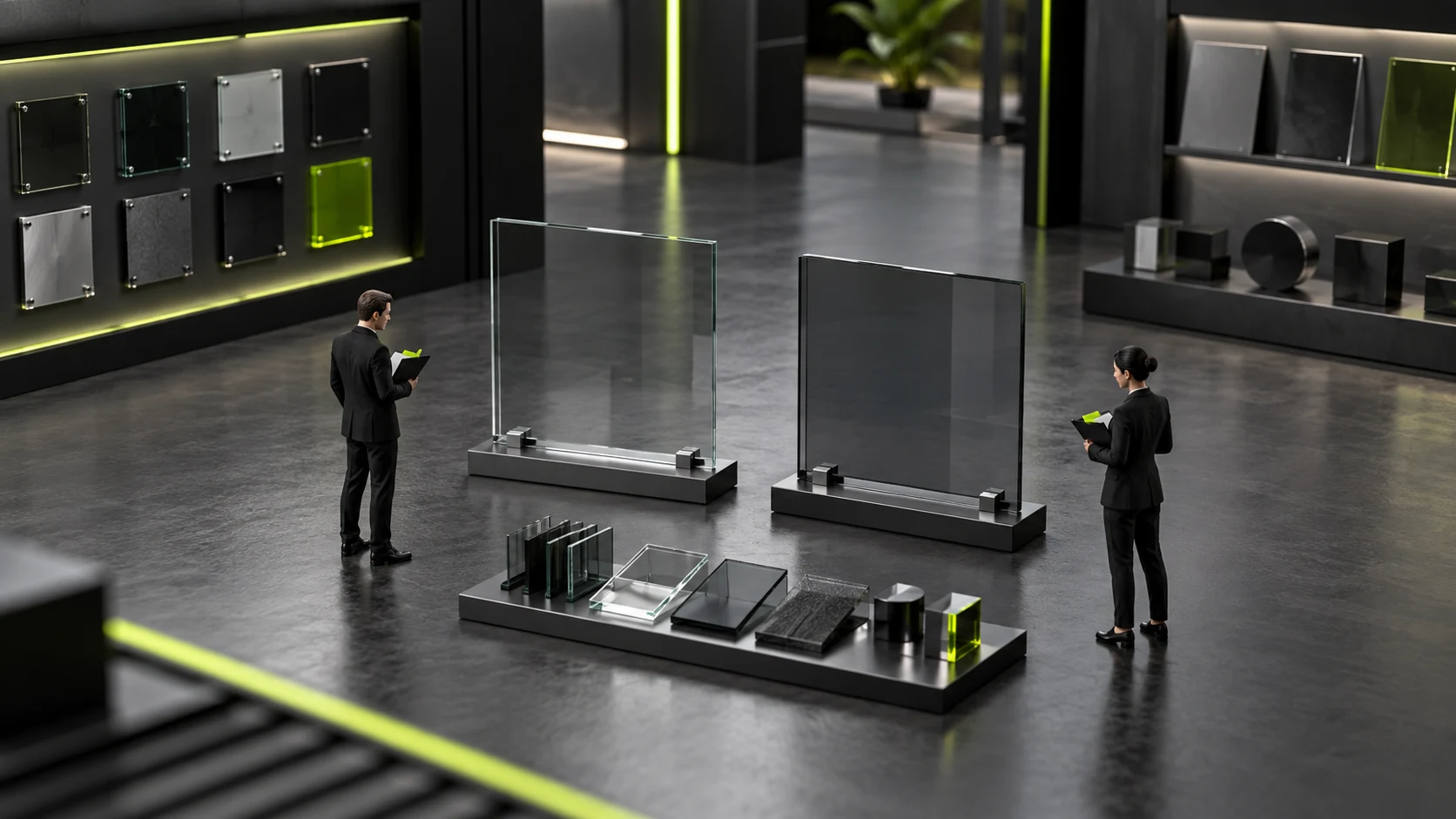
How can you try a website demo with your own product materials instead of judging appearance alone?
Testing product tasks on a website demo can turn “I think the page looks good” into a reviewable process. Use your product materials approved for demonstration to identify models, compare differences, find applicable files, and describe inquiry context. This does not ask suppliers to build the whole project free of charge; it checks whether the current proposal can express real material requirements.
Attractive examples often use short titles, uniform images, and complete specifications. Your products may have long names, different units, missing images, or special combinations. Testing current tasks is how you discover whether the structure fits. Selecting samples and questions before arranging a demonstration helps both parties discuss specific differences.
Select samples before testing so suppliers do not choose only easy products
Choose a representative product with relatively complete materials and another with a clearly different structure or some unconfirmed information. The number depends on the discussion's purpose; the whole catalog need not be supplied. Samples reveal information differences, and total product counts do not establish testing depth.
Identify approved materials, reference material, and gaps when supplying content. Unconfirmed technical facts should not become formal content merely to fill the demo. Restricted materials should not be uploaded to a demonstration environment by default. Use permitted samples and, where necessary, separately construct content that will not mislead.
Typical products reveal common tasks, while products at the limits of the scope reveal exceptions. Different appearances with identical information structures may reveal little; similar appearances with different material relationships may be more useful. Product and business staff should explain differences instead of letting demonstration effects replace material assessment.
After preparing samples, tell the supplier what you want to verify. No complete visual-design specification is needed; explain user tasks and adopted materials. This directs attention toward structural coverage rather than spending all the time replacing the main image with a prettier one.
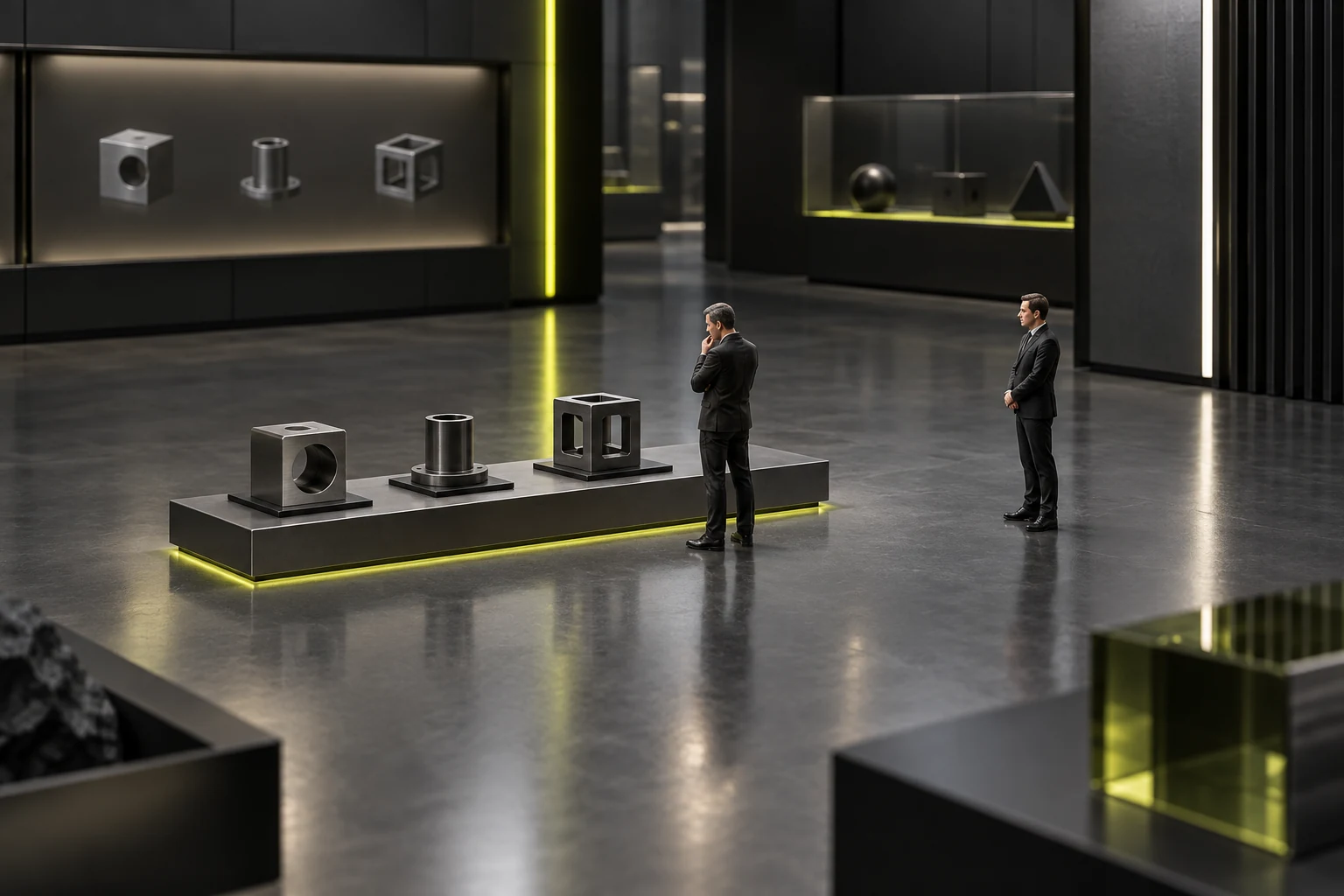
Task one: identify the product without listening to explanations
Have someone uninvolved in content preparation view the demo and explain what the product is, what can be discussed about it, and how to find the specific object. Demonstrators can observe but should initially avoid supplying missing web information verbally. Record content requiring spoken support as an expression gap.
Long product names, similar model numbers, and special attributes are useful real differences to test. Check whether identity remains clear when they appear, instead of assessing only font sizes or tidy cards. Without product recognition, comparison and inquiry cannot continue; solve identification first.
Also test missing materials. How does the demo present no image or unknown information? Does it imply lack of support or fill the gap with another product's content? The demonstration establishes only current presentation. One default placeholder does not prove accurate handling of every missing-material situation.
Record specific products and observations. For example, note that a user recognized the series but could not distinguish two models. Do not immediately obscure gaps with an overall score or call every brief hesitation a design failure. First identify the missing judgment cue.
Task two: compare differences and find applicable materials
Customers may need to check differences among candidates. Ask the tester what they would compare and whether the demo supplies corresponding facts. The test concerns whether materials answer the question, not whether a comparison button exists; simple comparisons may work without one.
When one field has differing units, applicable conditions, or unknown values, check whether its expression preserves meaning. Do not automatically remove necessary explanations for visual consistency. Demonstrators can explain existing methods and clearly identify unfinished ones. Temporary demonstration adjustments should not be presented as existing capabilities.
Then ask the tester to find an applicable document and check its product identity and purpose. Opening successfully is insufficient; it may concern another configuration or an old product. This tests material organization, without validating technical conclusions inside attachments. Product owners confirm those facts.
If the demo shows only static visuals, record what can be observed and what cannot actually be operated. Static pages support discussion of information structure but do not verify search, download, or inquiry functions. Separating visible scope from unverified scope keeps results usable.
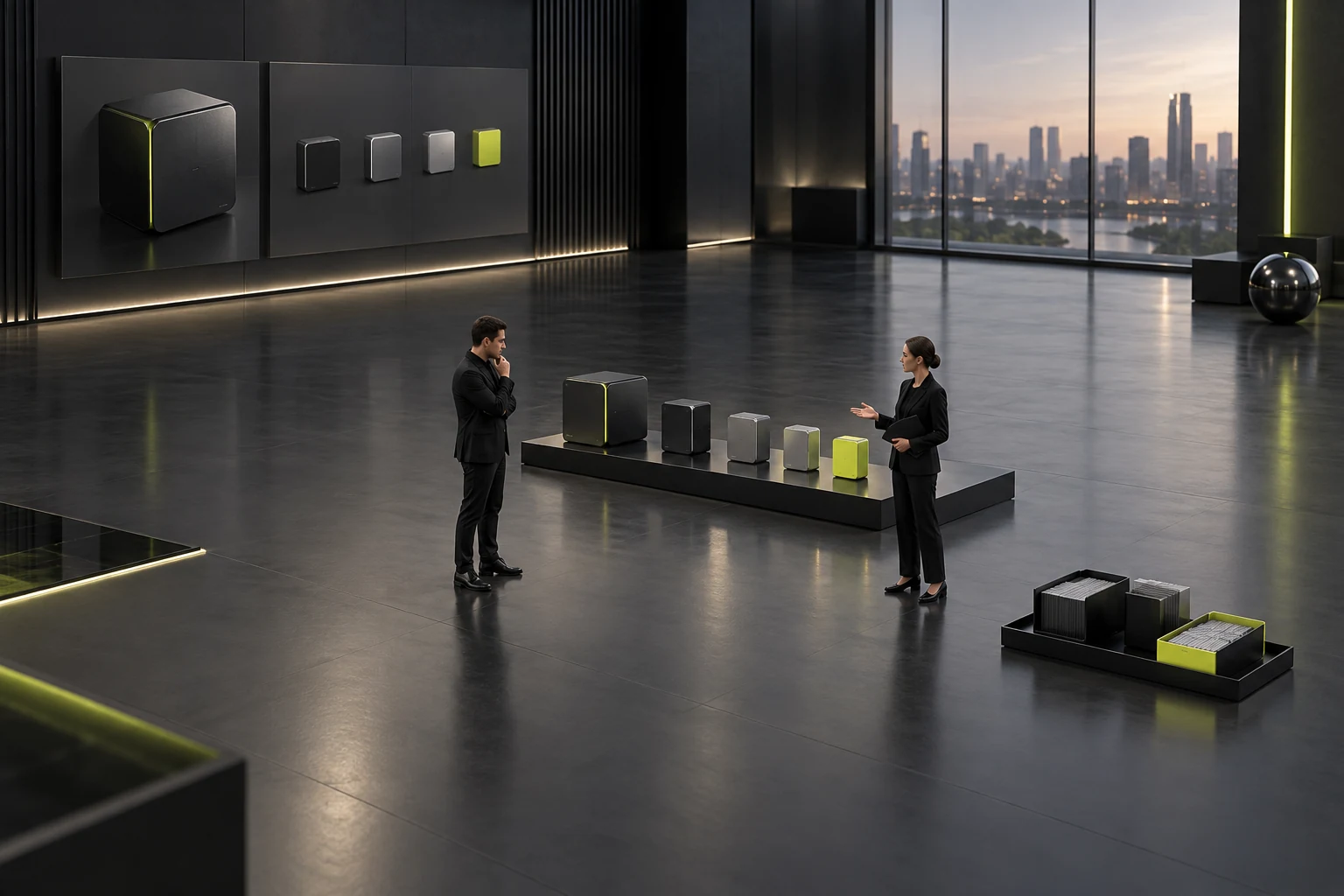
Task three: explain the context for a realistic type of inquiry
After viewing a product, ask testers which product they want to inquire about, whether they have selected it, and what questions remain. Retaining identity and uncertainties is a more specific judgment than “the button is obvious.” Use constructed needs without messaging real customers or unknown contact channels.
If the demo has an operational form, first confirm safe testing arrangements and inspect results within the permitted scope. If it is display-only, ask the supplier to explain the planned method and items needing confirmation. A button animation is no evidence that a record was saved or received by staff. See Corporate Website Launch Acceptance Checklist for related checks.
Rehearse inquiries involving two products as well. A user still comparing should retain candidate status, rather than being treated as having selected a model simply because they started from its page. The actual proposal should explain how received context appears. Record unknown capabilities as pending verification instead of having the company imagine subsequent workflows.
Finally, have the tester restate what submitting means. If they believe they have received a quote or final selection but the demo only offers ordinary contact, the wording may exceed actual scope. A demo should display materials and establish accurate next-step expectations.
Ask suppliers to explain unsuitable parts beyond “it can be changed later”
When a sample cannot be expressed, identify the specific information and affected task first. The supplier can explain adjustments possible in the current structure, exceptions required, and work outside scope. A specific handling direction for a clear gap helps companies assess it better than a universal “everything is possible.” See When enterprises look for website design companies, what exactly should they compare? If one only focuses on whether a case looks good or not, it is very easy to fall into traps during the development and delivery stages for related checks.
Some problems originate in materials rather than the demo. For example, no template can determine which of two contradictory files is true for the company; professional owners need to check. Structural problems, such as no place for combination relationships, need a proposal explanation. These causes should not merge into one visual-editing task.
Adjustability also needs conditions. Adding a structure differs from fitting longer text into an existing position; manually rearranging every product does not mean later editors can maintain them normally. The company should understand ongoing handling instead of judging only whether the demonstration was repaired onsite.
The demo need not solve every future company task. Current testing confirms its corresponding scope; describe uncovered areas and discuss them later using materials. Clearly stated limitations do not automatically make a supplier unsuitable. Judge whether they affect tasks that must currently be completed.
Record demonstration conditions alongside observations. Reading long materials on a desktop does not verify mobile searches; short example copy does not prove formal long names are usable. Explain common real reading contexts so the supplier can demonstrate the relevant scope. Undemonstrated parts remain pending. There is no need to simulate every device immediately, but conclusions cannot exceed observed conditions.
Record observations as task results to compare proposals
For each observation, record the sample, task, observed result, gap, and supplier explanation. Plain prose is sufficient; no complex scorecard is required first. Using the same materials and tasks across proposals enables comparison of expression capabilities instead of demonstration smoothness.
For example, one proposal identifies typical products but needs a separate design for special combinations; another expresses combinations but leaves missing values undefined. Record those specific facts and judge against actual scope. Do not invent effectiveness figures or infer all later delivery quality from a single demo.
Have company owners use the records to restate next steps: what has evidence, what materials they must supplement, and which proposal capabilities need verification. Clarify inconsistent explanations before ranking visual impressions. The demo's value is moving discussion from vague preferences to real tasks.
Website demo product-task testing is complete when the same samples produce comparable observations, structural and material gaps are separate, and unverified capabilities are not treated as implemented. Companies can then judge more accurately whether to continue with a proposal, beyond collecting an attractive homepage.
Frequently Asked Questions
Must all product materials be supplied for testing?
Usually not. Select permitted samples revealing typical and special needs, define the purpose, then decide whether to expand.
What can a static website demo verify?
It can reveal information expression and page relationships. Actual search, saving, or receipt cannot be inferred from static visuals and need separate verification.
Does the absence of a product-comparison tool make a proposal unsuitable?
Not necessarily. Check whether current tasks can be completed accurately. A simple catalog can use other clear methods; button existence alone is insufficient.
If the supplier fixes something during the demo, does that establish future maintainability?
Usage methods and exception scope still need explanation. Temporary manual adjustments do not automatically prove that normal editing handles every product.
Can demo testing replace launch acceptance checks?
No. It supports early assessment of material and structure fit. The formal result still needs checks against actual scope; demonstration conclusions must not be expanded.
Need design or website development services?
JVDS Design Studio is a professional design studio focused on digital product experiences and brand identity. We work with businesses in China and overseas that want to strengthen their brand image, improve user experience and grow their business, providing clear, usable UI/UX design, high-quality website design and development, app and mini-program development, and cohesive, distinctive brand identity design.
Planning a corporate website, a multilingual site or a redesign? Tell us about your audience, existing website and the work you need.
 Link copied








