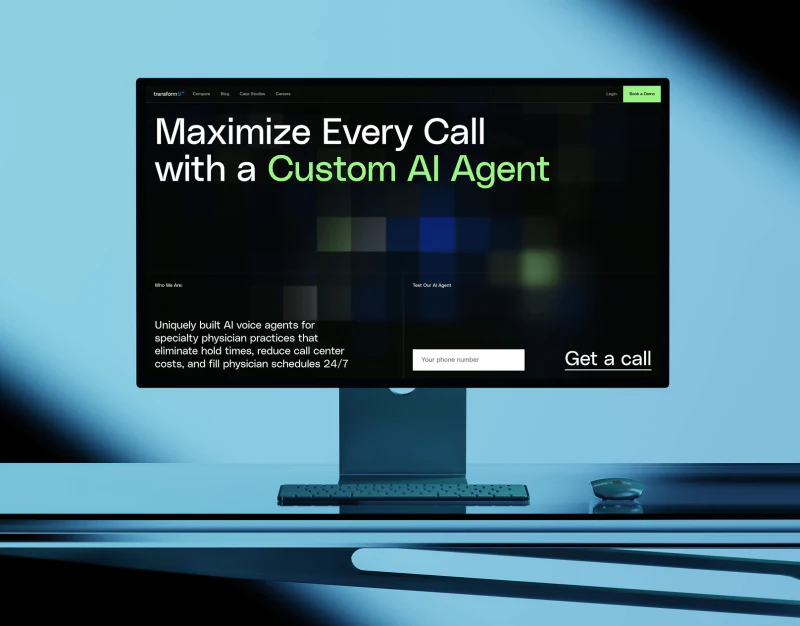
Transform9’s voice AI website design separates agent introductions into scheduling, task handoff, routing, and outreach. Conversations or task illustrations sit beside headings on white backgrounds, giving the abstract AI concept visible work to discuss. The useful connection is between each illustration and heading, beyond the technological mood of blue gradients.
Key takeaways
- Different task examples make agent responsibilities easier to distinguish than a broad slogan.
- Routing cards and two experience entries create distinct layers for understanding and action.
Four modules distinguish responsibilities
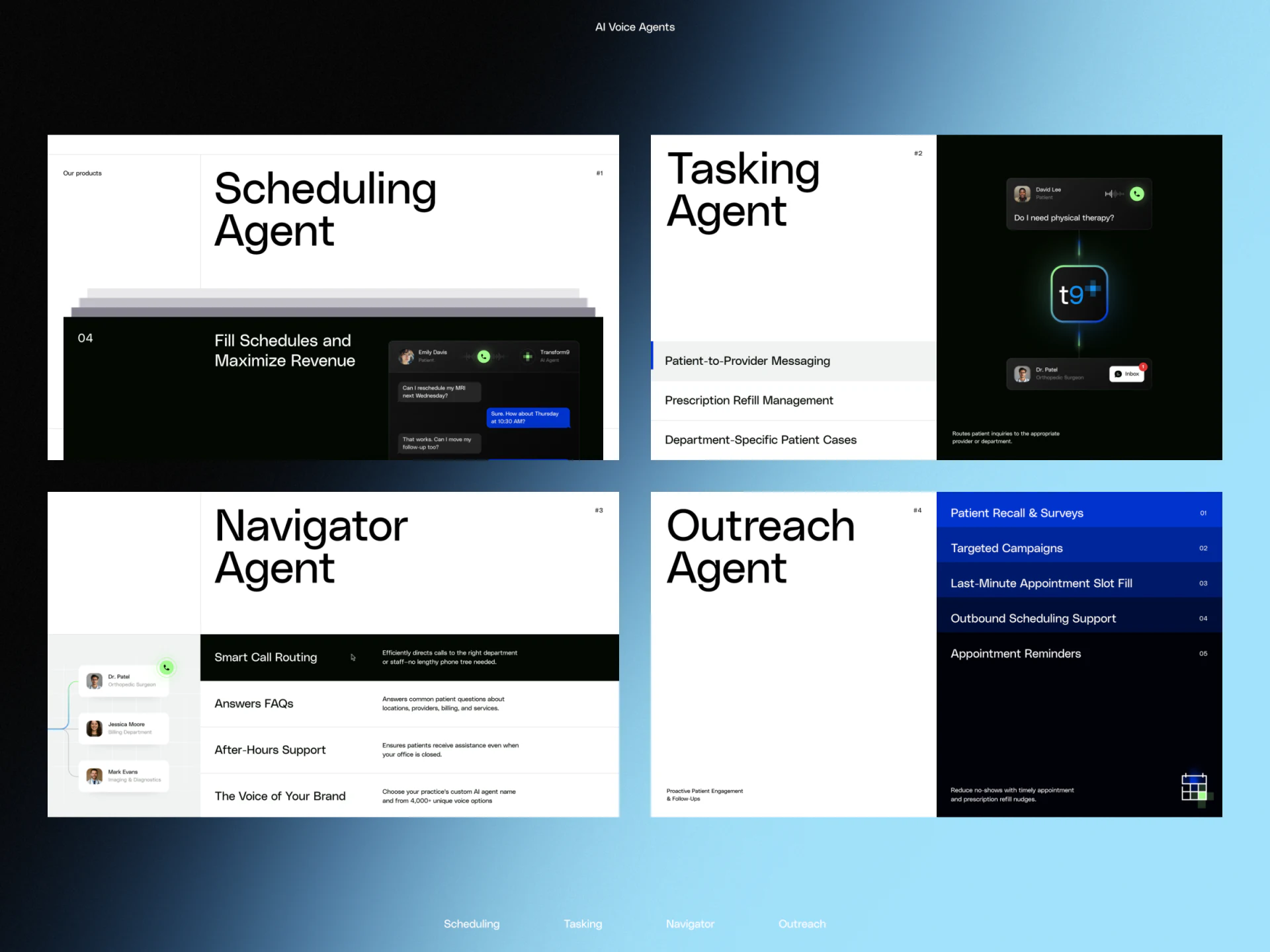
Four agent modules appear together. Scheduling Agent and Tasking Agent use large black headings beside appointment conversations and message fragments. Navigator Agent lists routing and question-answering content, while Outreach Agent has a blue task list on the right. Similar headings maintain one product family, with different emphases inside each module.
Readers interested in appointments can start with the relevant conversation; those interested in message handoff have another example. This AI agent presentation makes specific concerns easier to locate than one slogan covering every task. Names still need concrete actions, or changing the large heading does little to reduce the work of understanding.
JVDS sees the value of these illustrations in making responsibilities bounded and clear. Conversations, notifications, and items can explain a task type, but cannot prove that an agent succeeds in every situation. Promotional statements and numbers are therefore treated as page copy, not verified product capabilities.
Pale cards explain routing in more detail
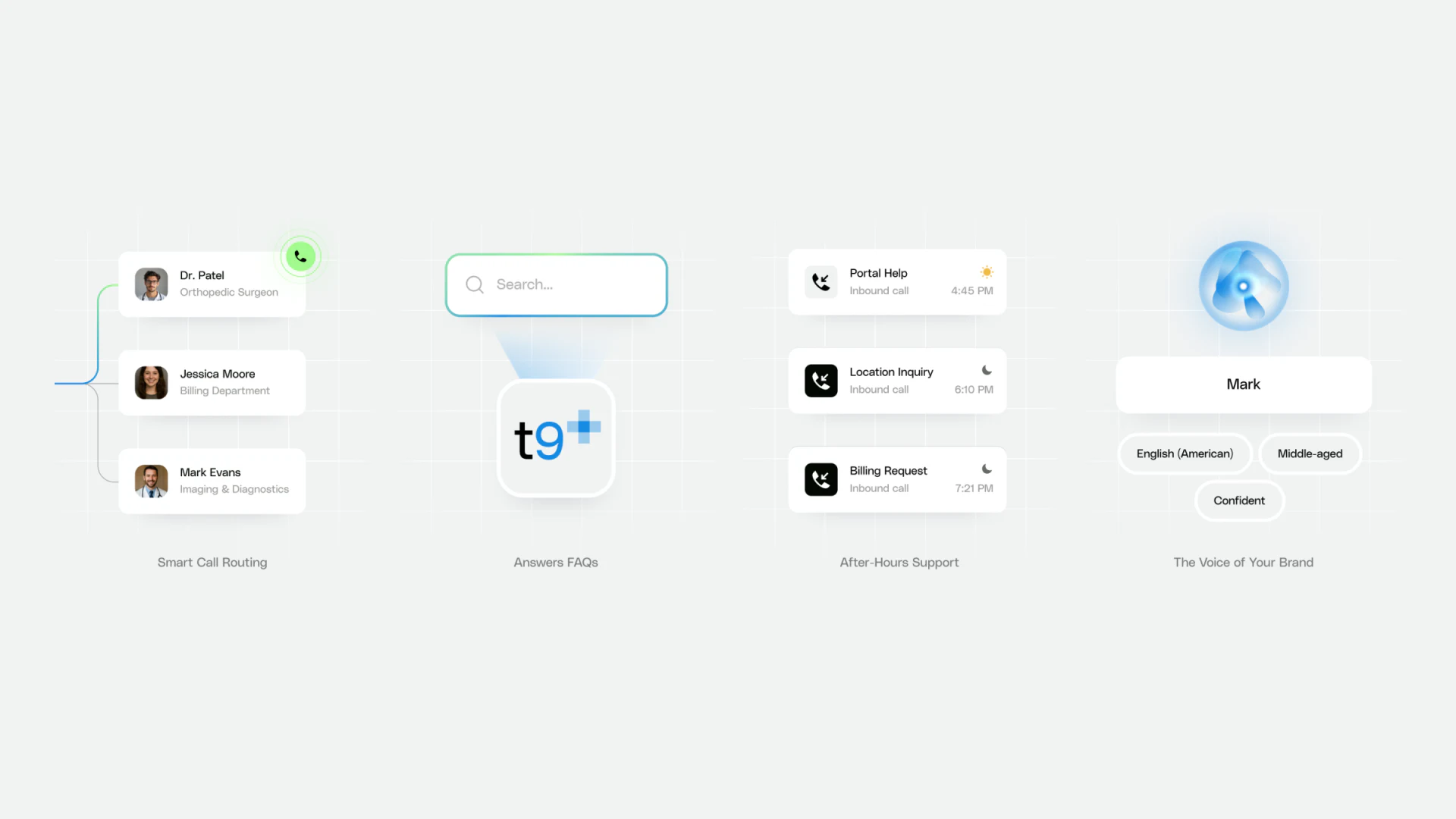
Another feature image runs through several groups: recipient cards with portraits, a search-and-answer example, different call-type cards, and voice character labels. Generous pale space separates the groups. Blue-green lines and borders suggest connections without placing text over a complex background.
Recipient cards give handoff a destination, while the central call cards identify question types. This combination suits a product website explaining movement between departments. Voices form a separate group, reminding readers that presentation style should not be confused with process-handling capability.
The image feels light to read. Further content could trace one issue continuously from call to recipient, explaining what happens when a recipient cannot be found or a question remains unclear. That is a review suggestion; the screenshot does not provide a complete exception flow.
Quick experience and demos have separate areas
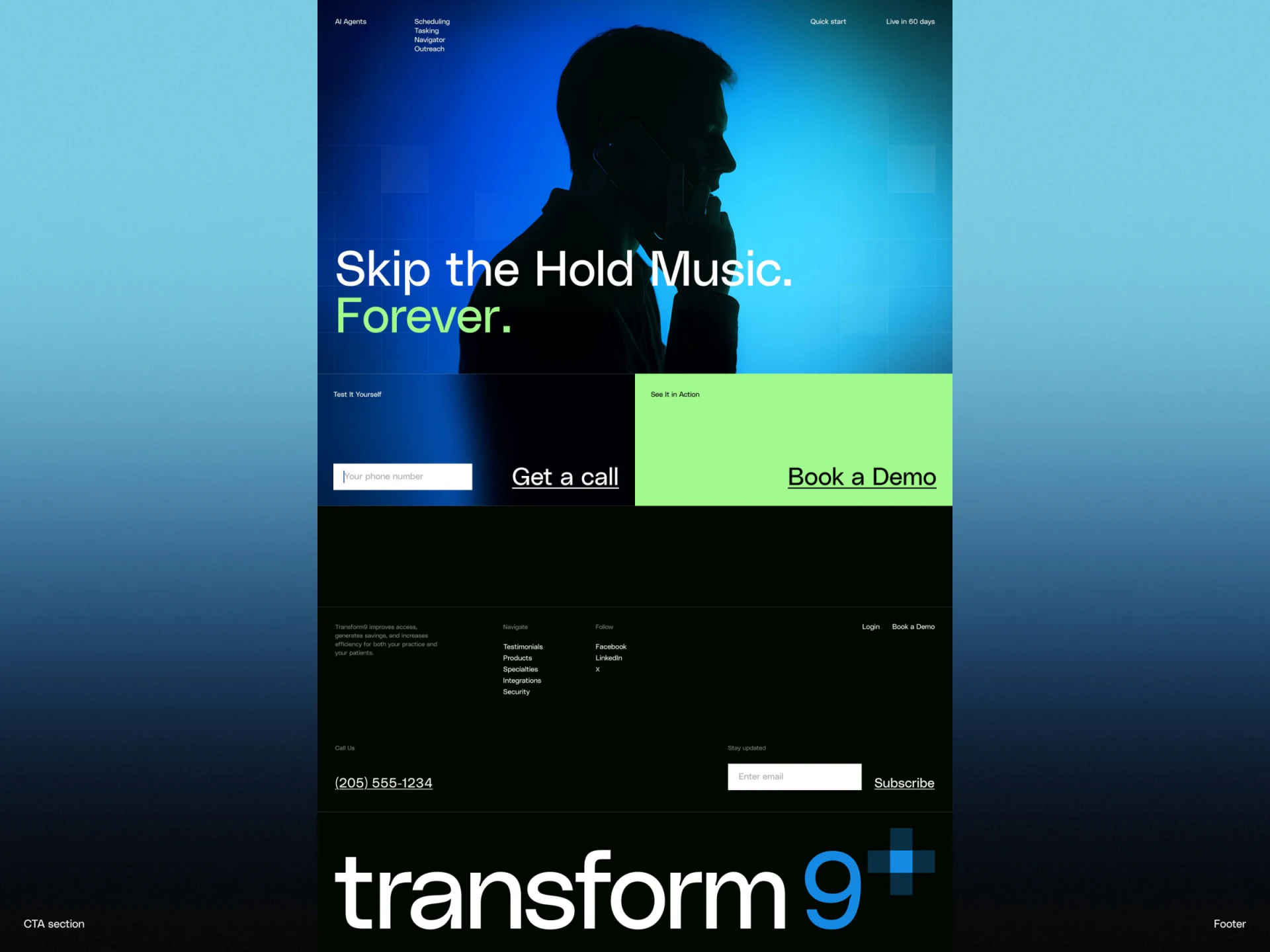
The action section retains a phone input and Get a call on the left, while a bright green block highlights Book a Demo on the right. Silhouettes and blue lighting above create atmosphere; the two actions below use ordinary text and fields. Visual focus and controls do not become mixed together.
The areas suit different depths of exploration: hearing a quick example and seeking a fuller demonstration. This interprets the entry copy; a static image cannot establish what actually happens after submission. Callback timing, number use, and demo arrangements should be explained nearby so readers know what they chose.
In JVDS’s experience, the action area can also connect to the task categories above. A visitor who has just read about a scheduling agent could retain that interest in a demo form, carrying understanding into the next conversation. Whether such a connection exists requires checking the real flow.
Frequently asked questions
How can an AI website explain features concretely?
Give each feature type an understandable task example, distinguishing inputs, objects, and destinations. Promotional numbers and illustrative conversations should not be treated as evidence of actual results.
Should quick experience and booked demos appear together?
They can be adjacent, but each action needs its own explanation. Before filling in a form, readers should know what to provide and what happens next.
Design review checklist
- Check that every agent name corresponds to its example task.
- Explain what happens after using an experience entry.
Explain software capabilities through understandable tasks
If an AI or enterprise software website needs clearer features, process diagrams, and demo entries, bring the product modules and current copy for discussion.
JVDS Design Studio provides UI/UX design, website design, and development services, helping organize page content, interface structure, and implementation needs.
 Link copied