
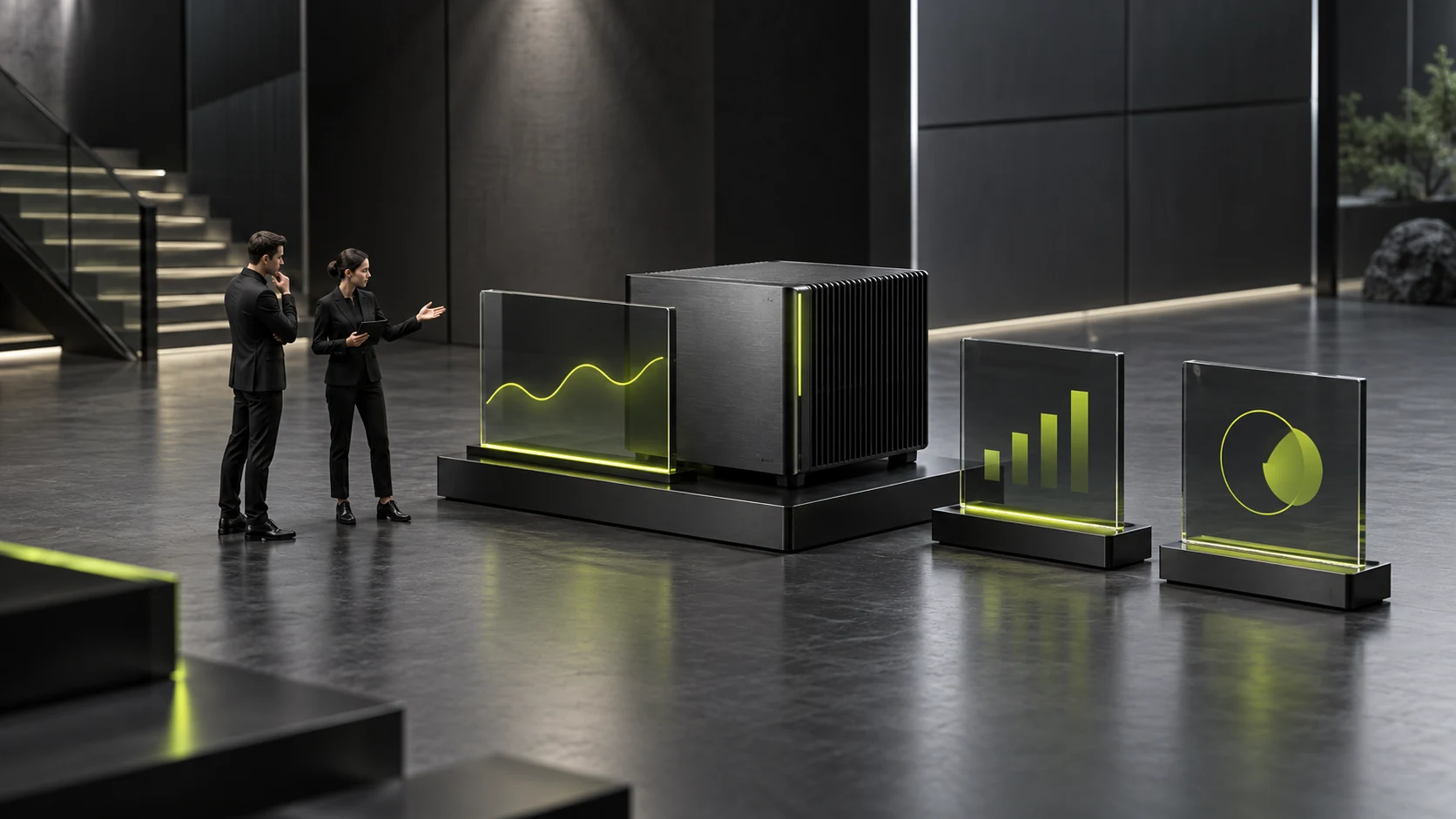
Software Features Appear in a Hardware Demonstration: How Can Customers Know Which Licenses and Supporting Items Are Required?
Screens on hardware product pages may show analysis, remote viewing and report exports, leading customers to assume buying equipment provides every displayed function. Demonstrated software may actually be included, a separate supporting product, a specific module or part of the customer’s existing system. Without explanation, demonstrations easily expand perceived purchase scope.
Explain hardware and software package scope by task: the hardware, software and external conditions needed for an action, what this product provides, what needs separate preparation and what remains pending. This concerns website information organization, not software-license legal interpretation or commercial terms.
Inventory the capabilities actually shown in demonstrations
Read videos and screenshots by action and record what occurs. Collecting information, viewing results, centralized management, file generation and external data transfer are different actions. Do not copy software names alone; customers care whether tasks are achievable, not merely whether an installer is included.
Ask product owners what provides each action: confirmed hardware capability, supporting software, an independent module or an external system. One demonstration may use several objects. Grouping all actions under “equipment functions” obscures their different sources.
List demonstration conditions too, including configurations, prepared data and supporting components. Conditions affecting usage should appear near the image rather than a general “for viewing only” note after every screenshot. Internal forwarding still needs matching conditions.
This inventory can reveal unnecessary images. An unrelated system home screen may imply a complete system is provided. Replace it with a relevant detail or label it an external-system illustration. Attractive backend interfaces with unclear sources should not explain supply scope.

Describe included software at the level customers can use
“Software included” should identify what is included, its confirmed tasks and usage conditions. “Free software” does not distinguish installers, result viewers and management platforms. Explain purposes from product documents instead of treating these categories as equivalent.
Separate inclusion from direct completion of customer tasks. Included software may still require a suitable customer environment. Explain who confirms environment information and what customers supply. An installation package must not become “immediately usable in every environment” without evidence.
If series configurations include different capabilities, show their scopes within corresponding configurations. Where one summary cannot cover everything accurately, describe shared capabilities first and configuration differences separately. Moving from an advanced demonstration to a basic product page must not preserve an assumption of identical functions.
Compare software explanations with actual delivery documents. Product owners confirm content, sales checks external scope and editors check captions. “Included” needs an actual basis. Unconfirmed items may remain undisplayed; common inclusion in similar equipment is not evidence to add them.
For included software needing another configuration step, identify whose actual service scope covers that work. Describe company assistance where provided and required inputs where customers or third parties handle it. Included software does not automatically include installation, configuration, training or external integration. Check each actual arrangement.
Keep scope explanations independently readable too. Customers may send only one function screenshot to purchasing. Captions should retain the demonstrated object and key supporting conditions and point to product explanations. Each image need not carry the entire page, but isolated screenshots must not become complete configuration promises.
Identify the location and purpose of separate and customer-provided items
Some functions need additional software or modules. Even without settled prices, explain their separate confirmation scope and which task cannot yet be judged achievable without them. Put this near purchasing or supporting information rather than letting inquiries first reveal another product’s involvement.
Customer-provided systems need different wording. Explain the product’s information contribution, the customer system’s responsibility and pending integration conditions. Possible customer capabilities must not become company-delivered functions, and “integration supported” cannot replace confirmed scope.
License quantities, usage scope or duration must follow currently valid company descriptions. Do not infer “perpetual,” “unlimited devices” or “available to all staff” from names. If scope is settled in project discussions, identify it as pending so buyers bring related requirements.
Provide information routes for independent supporting products. Readers need their task, provider and scope-confirmation contact. An isolated name or link is insufficient. Destination descriptions should concern the same object so navigation does not leave the relationship unresolved.

Compare “can be demonstrated” with “can be delivered now” item by item
A demonstration shows an action in one environment but does not prove every purchased configuration includes it. Check every image against current supply: included, separately prepared, customer-provided or pending. Business facts determine these classes, not designers.
Consider an explicitly hypothetical example showing on-site reading, historical analysis and remote viewing. The owner confirms on-site reading belongs to the current product, historical analysis requires separate software and remote viewing involves the customer system. Explain them separately instead of “equipment includes complete analysis and remote platform.”
This example does not claim actual product capabilities. It demonstrates splitting a continuous presentation into checkable scopes. Actions on one computer may have different sources; unified branding does not prove every object comes from one company.
Nonpublic supporting conditions still matter. If omission misleads purchasing, narrow the display or use an owner-approved concise explanation. Important information need not expose all internal detail, but should identify what customers still prepare or confirm.
Check complete customer tasks for missing links after purchase
After writing, test a hypothetical task: obtaining results on site and passing them to the customer’s team for analysis. Identify required objects, then check included, separate and pending portions. Beyond caption completeness, look for unexplained links across the entire task.
Ask uninvolved readers what performs the initial task, whether analysis tools are included, who prepares external environments and which conditions need checking before purchase scope settles. If answers depend on “usually included,” return to documents for missing specifics.
Also test a requirement needing only the basic action to avoid excessive bundling. Customers may not need advanced modules. Distinguish essentials for the current task from optional capabilities rather than requiring every display item in one universal package.
Completion means tasks match identified hardware and software, provision methods have evidence, demonstration conditions match current scope and pending matters have checking routes. Hardware and software package scope then supports purchasing discussions instead of attractive images inventing a complete delivery list.
Frequently Asked Questions
Should separate software be identified without public prices?
Yes. Explain provision and pending scope. Unknown prices do not prevent stating independent requirements. Do not estimate quotations; identify tasks and usage conditions needed for further discussion.
Must every image using third-party software be deleted?
Check display authorization and task relevance first. Approved necessary images may remain with the software’s demonstration role and inclusion status explained. Adjust where scope cannot be accurate or publication authorization is absent.
Does identical software naming mean identical functions across configurations?
No. Check confirmed functions, modules and usage conditions. Show shared portions and differences rather than copying advanced-screen capabilities to every configuration.
Must complete software license agreements appear on product pages?
Usually the entire document need not fill product introductions. Explain confirmed information affecting purchase scope and provide valid document access. Responsible staff handle legal meanings; summaries must not independently expand them. See How to design a B2B product detail page? The more parameters there are, the more professional they are. Instead, they should help purchasers complete comparisons and make decisions more quickly for related checks.
Can future upgrade capabilities appear in current demonstrations?
Publishable actual plans should be separate from current capabilities with status and scope identified. Unconfirmed ideas are not current functions, and completed visuals do not imply inclusion in this purchase. See How to Design a B2B Solution Page: A Complete Structure from Customer Problems to Sales Leads for related checks.
Need design or website development services?
JVDS Design Studio is a professional design studio focused on digital product experiences and brand identity. We work with businesses in China and overseas that want to strengthen their brand image, improve user experience and grow their business, providing clear, usable UI/UX design, high-quality website design and development, app and mini-program development, and cohesive, distinctive brand identity design.
Planning a corporate website, a multilingual site or a redesign? Tell us about your audience, existing website and the work you need.
 Link copied








