
How can product-page design help customers send inquiries with a model and a question?
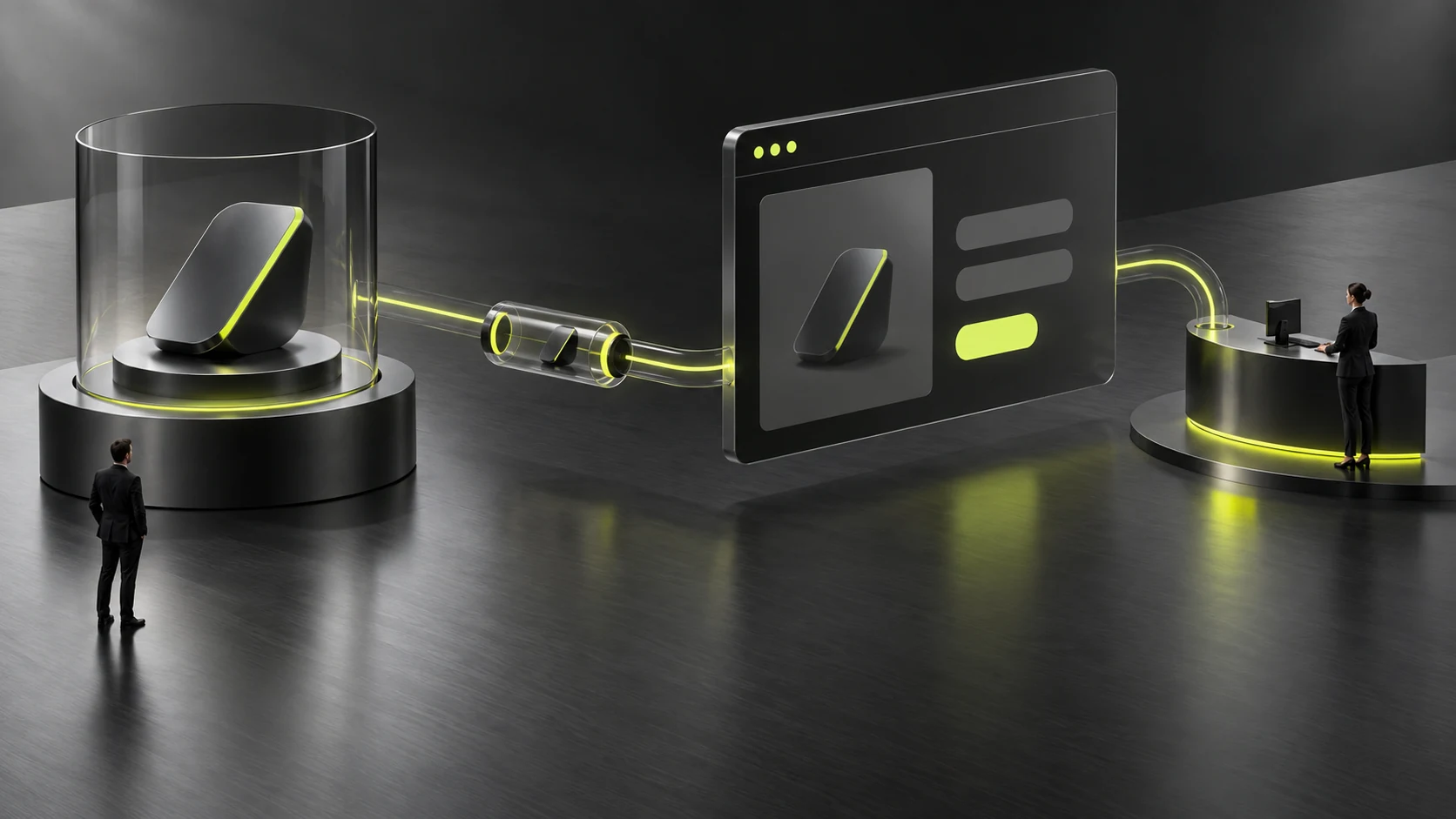
A product-page inquiry entry should tell customers which questions to add and retain context such as a product name or model through the agreed method. This suits companies discussing selection through their websites. Clear information may reduce clarification, but does not guarantee more inquiries. Automatically populated content is not a customer-confirmed configuration.
Explain why customers might contact you before the entry
Product-page visitors may want conditions checked, materials supplied, or configurations discussed rather than be ready to buy. Entry wording should explain questions that can be addressed and required information instead of a vague ‘Submit.’ Field needs depend on who processes requests; more or fewer is not inherently better. See How to Design a B2B Product Page for related checks.
Offer brief guidance: describe the product of interest, usage conditions, and the question most needing verification. If customers may not know specialist fields, allow descriptive text or later additions. Do not require parameters they cannot judge merely to collect complete data. See What Should a B2B Inquiry Form Collect? for related checks.
Make product context visible to both sides
If a contact page carries a product name or model, show it before submission and allow confirmation. Automatic context may come from an earlier selection; if the customer's interest changes, provide an understandable adjustment method. Confirm implementation within the project and specify expected results and exceptions.
Administration or notifications need the same context for receiving staff. Inconsistency between page identity, form input, and final notification creates new confusion. Acceptance should check more than button navigation; verify that receivers know which object prompted the inquiry.
Suppose a visitor views model A and then contacts you about model B. Automatically inserting A without allowing inspection or change could cause a mistaken judgment. Make context explicit, allow correction where necessary, and preserve the customer's own question.

Guide questions instead of forcing premature selection
Show approved applicability explanations, common questions, and material entries to establish basic understanding. For specialist decisions, explain conditions needing review. Do not let an interface provide unverified recommendations or an unsupported ‘suitable for every situation’ claim override consultation.
When discussing product pages and contact journeys with JVDS Design Studio, describe product context, field rules, and the receiving process as one task. Confirm forms, administration, and email settings within the project, with company owners reviewing the information.
Visitors without a chosen model also need a suitable route. Allow them to describe the problem and provide existing materials; attachment support and handling require separate agreement. Do not force an uncertain model selection merely to standardize the form.

Check the contact chain with two tasks
First, start from a known product and check carried context, customer additions, and receipt. Second, use a customer without a chosen model and check whether they can express needs and receive clear feedback. Test success, errors, and retries with authorized content and environments.
Success means customers know what to provide and can confirm product identity, receivers understand the context, and someone continues handling it. Page improvements are only one part of communication conditions. Actual inquiry quality and business outcomes require long-term real records, not guarantees from entry design.
Frequently asked questions
Must product names be populated automatically in the form?
No. With a small amount of information, clear completion guidance may suffice. If automatic population is used, allow inspection and confirmation and verify receiving-side results. Choose a method matching the actual system and maintenance conditions.
Can customers leave the model blank if they do not know it?
Yes, if receiving staff can continue clarification from a problem description. Give clear guidance and alternative information requirements so an unknown model is not a required-field barrier to contact.
Need design or website development services?
JVDS Design Studio is a professional design studio focused on digital product experiences and brand identity. We work with businesses in China and overseas that want to strengthen their brand image, improve user experience and grow their business, providing clear, usable UI/UX design, high-quality website design and development, app and mini-program development, and cohesive, distinctive brand identity design.
Planning a corporate website, a multilingual site or a redesign? Tell us about your audience, existing website and the work you need.
 Link copied








