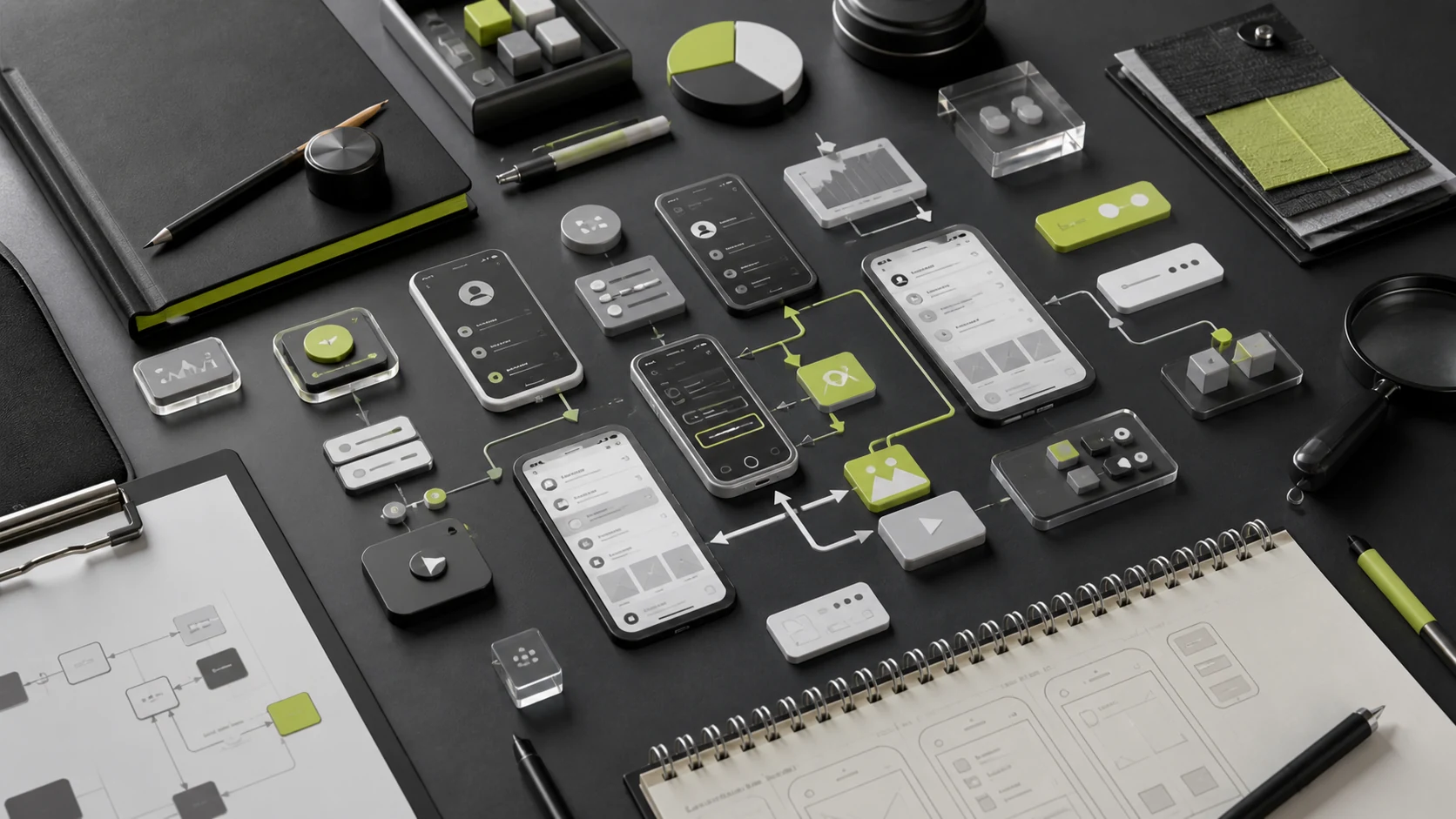
“How much does it cost to design 20 mobile app screens?” sounds precise, but those 20 primary screens may require variants for new and returning users, signed-out and unauthorized states, empty data, loading, errors, keyboards, payments, and localization. If a design firm prices only the ideal screens, the scope will expand quickly.
Mobile app interface work must also distinguish visual UI execution, end-to-end UX/UI design, product strategy, and design-system development. Price differences usually reflect different responsibilities—not simply the time needed to draw one screen.
01 Mobile App Design Cost Is Not the Same as Development Cost
Item | Mobile App UI/UX Design | Mobile App Development |
|---|---|---|
Main tasks | Requirements, user flows, prototypes, visual design, components, motion, testing, and developer handoff | Client apps, back end, database, admin portal, integrations, testing, deployment, and maintenance |
Main delivery | Figma or Sketch source files, prototypes, components, assets, and specifications | Source code, APIs, database, environments, and build and deployment documentation |
Estimated basis | Flows, screens, states, components, platforms, and validation depth | Business rules, technical architecture, integrations, data, performance, security, and operations |
Production Release Included | Usually excludes production code, but may include developer handoff and implementation review | Usually includes agreed environment deployment and app-store submission support |
Some firms quote design and development together, but the two scopes should still be separated so clients can evaluate design responsibilities, engineering cost, and future changes.
02 JVDS Indicative Budget Tiers
Design level | Indicative Budget | Typical range | Fit |
|---|---|---|---|
Small Visual UI Engagement | About 15,000 – 30,000 | A stable prototype with approximately 10–20 primary screens, visual design, and basic components | Mature internal product and UX capabilities that need a cohesive visual system |
Standard Mobile App UX/UI | About 30,000 – 80,000 | Core flows, prototypes, approximately 20–35 primary screens, required states, components, and developer handoff | Consumer services, utilities, content, memberships, or mini programs |
Complex Mobile App Product Design | About 80,000 – 200,000 + | Multiple roles and workflows, transactions and permissions, comprehensive states, a design system, testing, and multiple platforms | Financial services, healthcare, platforms, or long-term core products |
Ongoing design support | Assessment by month or phase | Release iteration, data analysis, design-system governance, and developer collaboration | Continuous improvement and growth for live products |
03 Why 20 Screens Rarely Mean Only 20 Designs
Primary screens show only the basic information structure. A complete design must also cover variations in user identity, data, and business outcomes. An order-details screen, for example, may need states for payment due, paid, processing, completed, canceled, refund pending, refunded, error, and insufficient permissions.
Primary Screen | Commonly Missed States or Branches |
|---|---|
Login/registration | Invalid verification code, existing account, agreement not accepted, third-party sign-in, device risk, and account recovery |
Primary Screen | New or returning user, signed out, no recommendations, network error, and campaign states |
List | Loading, empty data, no filter results, pagination failure, permission differences, and batch actions |
Details | Different business states, missing fields, action permissions, delayed external data, and long content |
Form | Default, focus, keyboard, validation, saving, save failure, draft, and duplicate submission |
Payments | Method selection, confirmation, processing, success, failure, cancellation, refund, and duplicate-charge risk |
Describe the workload as “primary screens + required states + core flows + components + platforms” rather than relying on a single screen count.
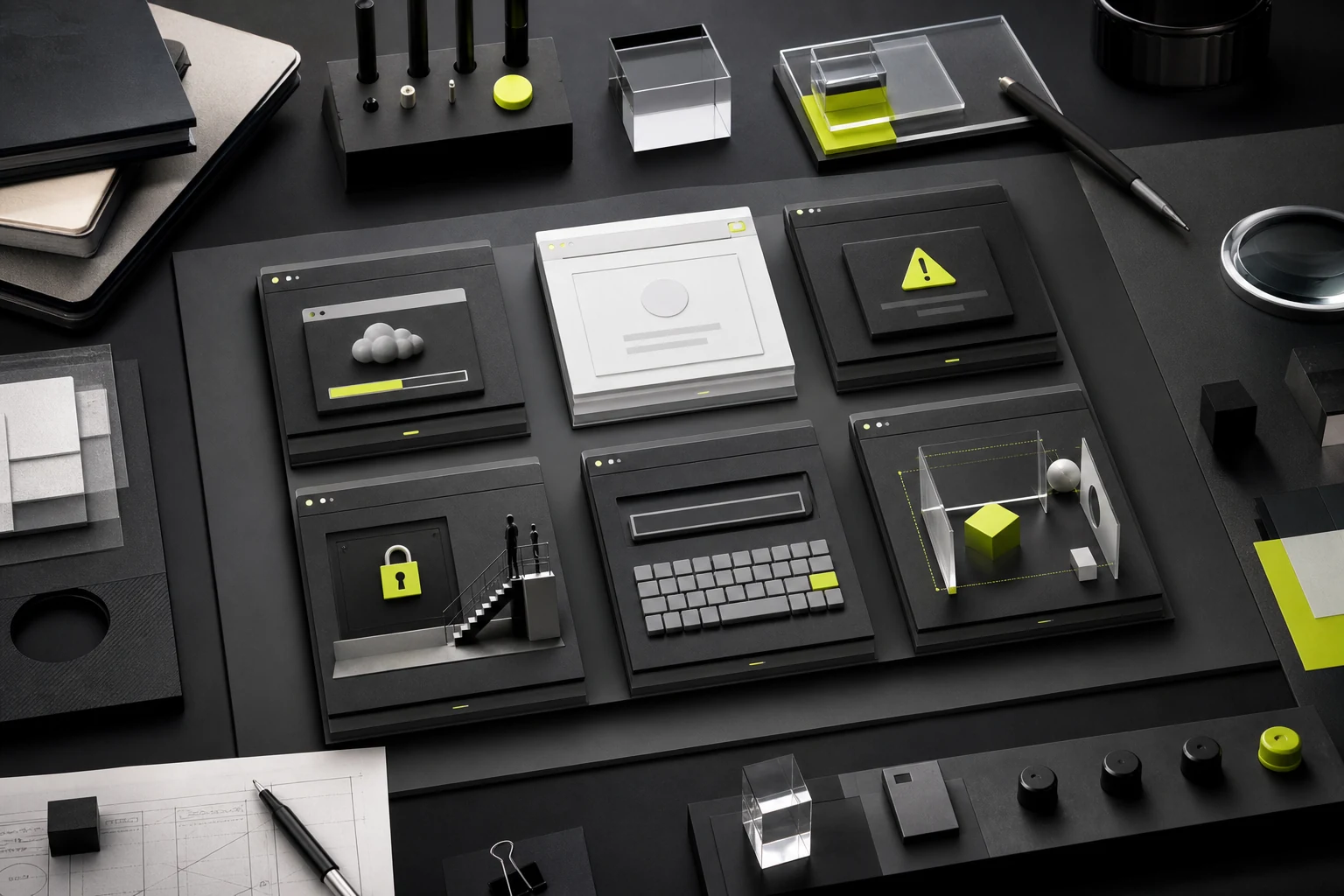
04 Ten Variables That Affect Mobile App Design Pricing
Variables | Why It Affects Cost |
|---|---|
Requirements Maturity | Without a stable PRD or prototype, additional product definition and UX work is required |
Number of Core Flows | More flows create more branches, edge cases, and cross-screen dependencies |
Roles and Permissions | Different users see different information and actions, requiring additional states and rules |
Business status | Transactions, approvals, bookings, and logistics generate numerous states and recovery paths |
Platforms and Form Factors | iOS, Android, mini programs, tablets, and the web use different patterns and dimensions |
Design system depth | Basic components, business components, documentation, versioning, and engineering alignment require different levels of effort |
Branding and visual requirements | Whether a brand system exists and whether original icons, illustrations, 3D assets, or complex visual treatments are required |
Motion and Gestures | Key transitions, microinteractions, loading states, prototypes, and animation assets increase the workload |
Research and testing | Interviews, competitive research, usability testing, and validation require time and participant recruitment |
Developer Collaboration | Questions, design reviews, acceptance checks, cross-team coordination, and rush requests consume ongoing capacity |
05 How to Choose Among Four Pricing Models
Pricing Model | Best For | Main strengths | Main risks |
|---|---|---|---|
Per Primary Screen | Prototype stable, low state, visual UI execution | Intuitive, quick estimates | Easy to miss out on state, responsiveness, components and processes |
Fixed total project price | Clearly defined scope, deliverables, and schedule | Budget predictability | Requirement changes need a change-control process |
By stage | From 0 to 1 or complex projects | Validate high-risk areas before committing to the full scope | Budget to be reconfirmed between phases |
Per Person-Day or Monthly Retainer | Long-term iteration or continuously changing requirements | Flexible access to a consistent team | Requires transparent capacity, priorities, and time tracking |
New products often benefit from phases: strategy and prototypes, visual direction, complete designs and system, then developer handoff. Smaller updates to mature products can use a fixed scope or capacity package.
06 Three Typical Budget Scenarios
Scenario | Main scope | Indicative Budget | Notes |
|---|---|---|---|
Visual Refresh for a Mini Program with an Existing Prototype | Approximately 15 primary screens, basic states, brand visual design, and components | About 15,000 – 30,000 | The client provides complete flows and copy; product restructuring is excluded |
Membership and Booking Mobile App | Registration, browsing, booking, payment, orders, and profile across approximately 25 primary screens | About 40,000 – 80,000 | Includes core-flow prototypes, required states, and developer handoff |
Multi-role finance/service platform | Customer and service-provider experiences, multiple identities, transactions, risk states, and a design system | About 100,000 – 200,000 + | Use a phased approach that includes testing, accessibility, and compliance collaboration |
These composite scenarios reflect common project combinations rather than a single client; the budgets illustrate how scope changes price.
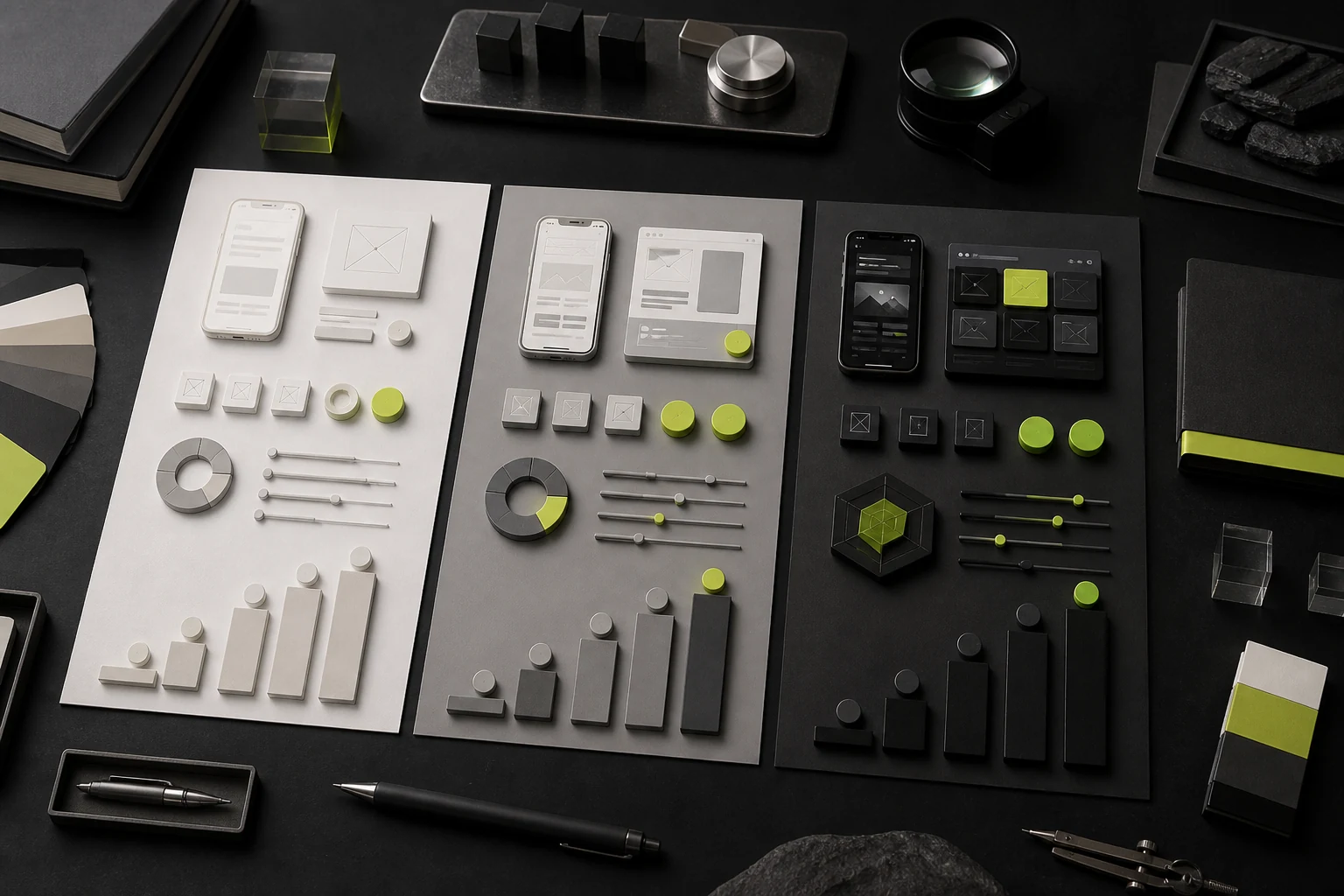
07 Design Work Most Often Omitted from Quotes
- Signed-out and signed-in experiences, new and returning users, and different membership states;
- Loading, empty, failed, unauthorized, offline, and recovery states;
- Keyboards, input validation, error placement, drafts, and duplicate-submission prevention;
- Localization, long copy, text scaling, and accessibility;
- iOS and Android conventions, mini-program constraints, and safe areas;
- Original icons, illustrations, 3D, photography, video, and motion assets;
- Design systems documentation, business components and development components;
- Usability-test recruitment, sessions, reporting, and iteration;
- Developer questions, design reviews, acceptance, and post-launch issues;
- Requirement changes, added platforms, a restarted design direction, and rush work.
These items are not always billed separately, but contracts and proposals must state whether they are included, in what quantity and number of rounds, and who owns them.
08 How a Design System Controls Long-Term Cost
A design system increases initial investment but creates value for long-term iteration, multiple platforms, and larger teams. A small MVP does not need an extensive system; it can begin with design tokens, basic components, and a few frequently used business patterns.
Product stage | Design system recommendations |
|---|---|
Concept validation | Core colors, typography, spacing, buttons, inputs, navigation, and critical states |
Standard Initial Release | Add commonly used components, forms, lists, dialogs, feedback patterns, and documentation |
Rapid Iteration | Establish naming, versioning, deprecation, change management, and alignment with coded components |
Multi-product/multi-brand | Add themes, brand layers, cross-platform rules, governance, and contribution processes |
A design system is not a collection of page fragments turned into components. Its value is converting repeated decisions into consistent rules shared by design and engineering.
09 Composite Pricing Scenario: Why RMB 30,000 and RMB 70,000 Can Both Be Reasonable
A 25-screen membership mobile app already has a client-created prototype. Option A charges RMB 30,000 to apply the visual design and create basic components from that prototype. Option B charges RMB 70,000 to redesign registration, booking, and payment flows; add missing states and copy; build a clickable prototype; complete the UI and components; and provide three rounds of developer review.
Option A may be the better fit if the prototype has been validated and the internal product team owns the rules. If the current flows still have unresolved problems, Option B takes responsibility for more product risk. The price difference reflects the difference in responsibility.
This composite scenario reflects a typical project and does not represent one client or an actual contract price.
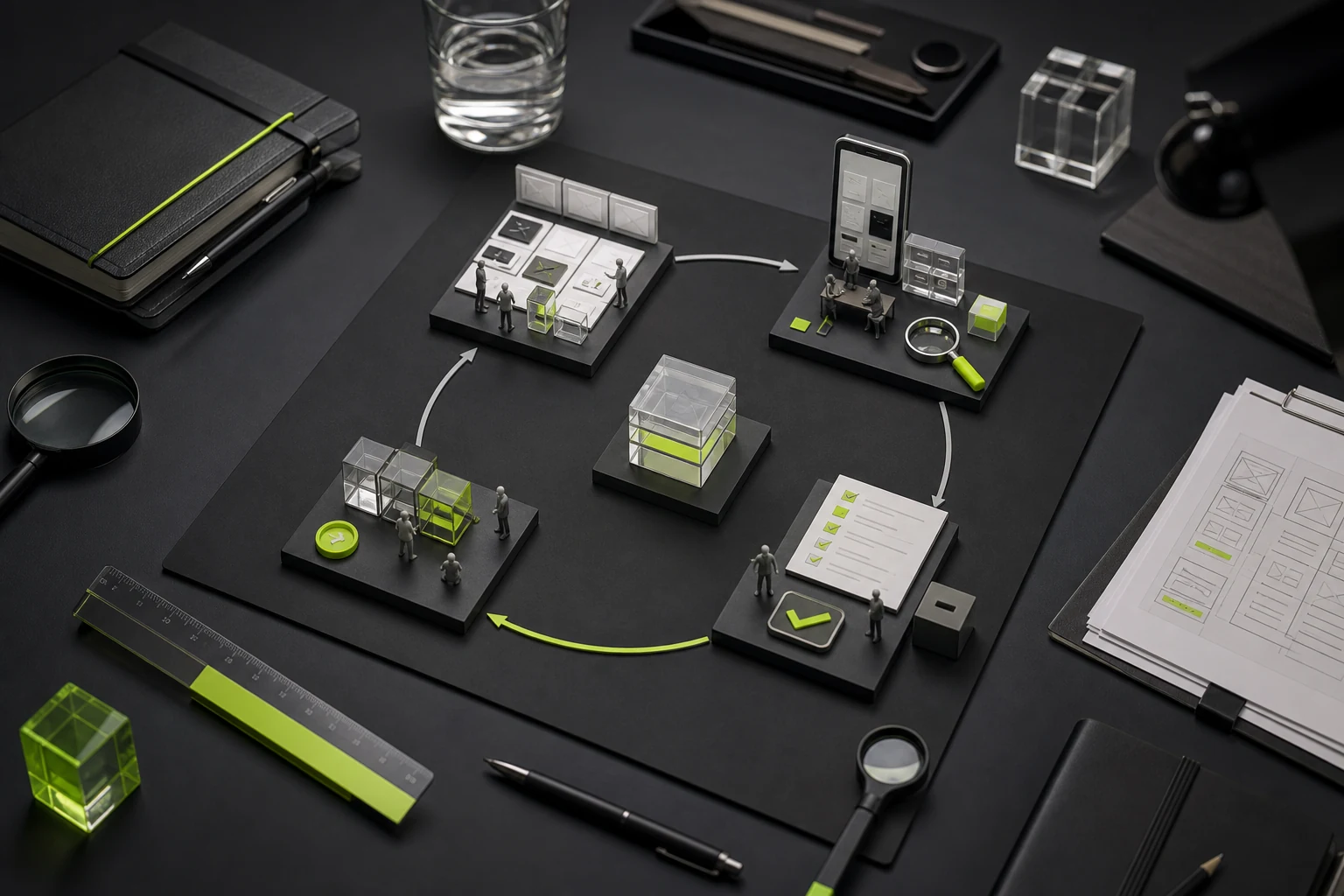
10 What to Provide Before Requesting an Accurate Quote
Information | Minimum requirements |
|---|---|
Business and Goals | What the product is, whom it serves, and what this project needs to solve |
Target platform | iOS, Android, mini program, tablet, or web, plus the planned development approach |
Features and Flows | Core tasks, roles, business rules, and edge cases |
Existing Materials | PRD, prototypes, previous versions, brand assets, competitors, and technical constraints |
Screens and States | An initial inventory and which areas the vendor should continue defining |
Design requirements | Style, components, motion, accessibility, localization, and assets |
Collaboration and Timing | Decision-makers, product and engineering contacts, meetings, and launch milestones |
Budget Range | Helps determine whether visual UI, end-to-end UX/UI, or a phased engagement is appropriate |
11 Vendor Comparison and Acceptance Checklist
Comparison Item | What Must Be Explicit |
|---|---|
Service level | Visual UI, complete UX/UI or product strategy |
Counting Method | Primary screens, states, flows, components, and platforms |
Visual scope | Number of directions, revision rounds, motion, and original assets |
Design system | Components, status, documentation and governance |
Testing and Developer Review | Participants, number of tests, development milestones, and scope of revisions |
Delivery and rights | Source files, assets, font and stock licenses, usage rights, and portfolio rights |
Client responsibility | PRD, copy, source materials, feedback, development, and compliance |
Change Rules | Added screens, restarted design direction, rush work, and project pauses |
Frequently Asked Questions
1. How Much Does One Mobile App Screen Cost?
A visual UI engagement can use per-screen pricing for an initial estimate, but cost varies with complexity and reuse. A formal quote should also account for flows, states, components, and platforms.
2. Does Mobile App Design Include a Logo and Brand Identity?
A complete brand identity is not usually included by default. If the project needs a logo, visual identity, illustration, or marketing design, add it explicitly to the scope.
3. How Much Does an Existing Prototype Reduce Cost?
It depends on whether the prototype is stable, complete, and validated. A strong prototype reduces UX work; an incomplete one may only postpone clarification.
4. Is Mini-Program Design Cheaper Than Mobile App Design?
A smaller platform and screen scope may cost less, but complex transactions, memberships, admin tools, and multiple roles still add substantial work. The platform alone does not determine price.
5. Should Designers Stay Involved Through Launch?
At minimum, include developer reviews of core components and flows before launch. State the number of rounds and revision boundaries in the proposal.
6. Does the Price Include Future Releases?
Usually, pricing covers only the approved release scope. New features, campaigns, and ongoing optimization after launch should be estimated separately by phase or month.
Conclusion: Prices should correspond to the risks addressed
Mobile app interface design is not the purchase of a set of attractive screens. It is an investment in decisions and specifications that translate user tasks into a buildable system. Once flows, states, components, platforms, and collaboration are defined, proposals become comparable and budgets easier to control.
Mobile App Design Quote Assessment
Provide the feature list, core flows, current prototypes, target platforms, visual requirements, and launch schedule. JVDS Design Studio can help confirm the required screens, states, components, and appropriate design scope.
Need design or website development services?
JVDS Design Studio is a professional design studio focused on digital product experiences and brand identity. We work with businesses in China and overseas that want to strengthen their brand image, improve user experience and grow their business, providing clear, usable UI/UX design, high-quality website design and development, app and mini-program development, and cohesive, distinctive brand identity design.
Working on a B2B system or an app? Share your current screens and key user tasks so we can discuss the design scope.
 Link copied