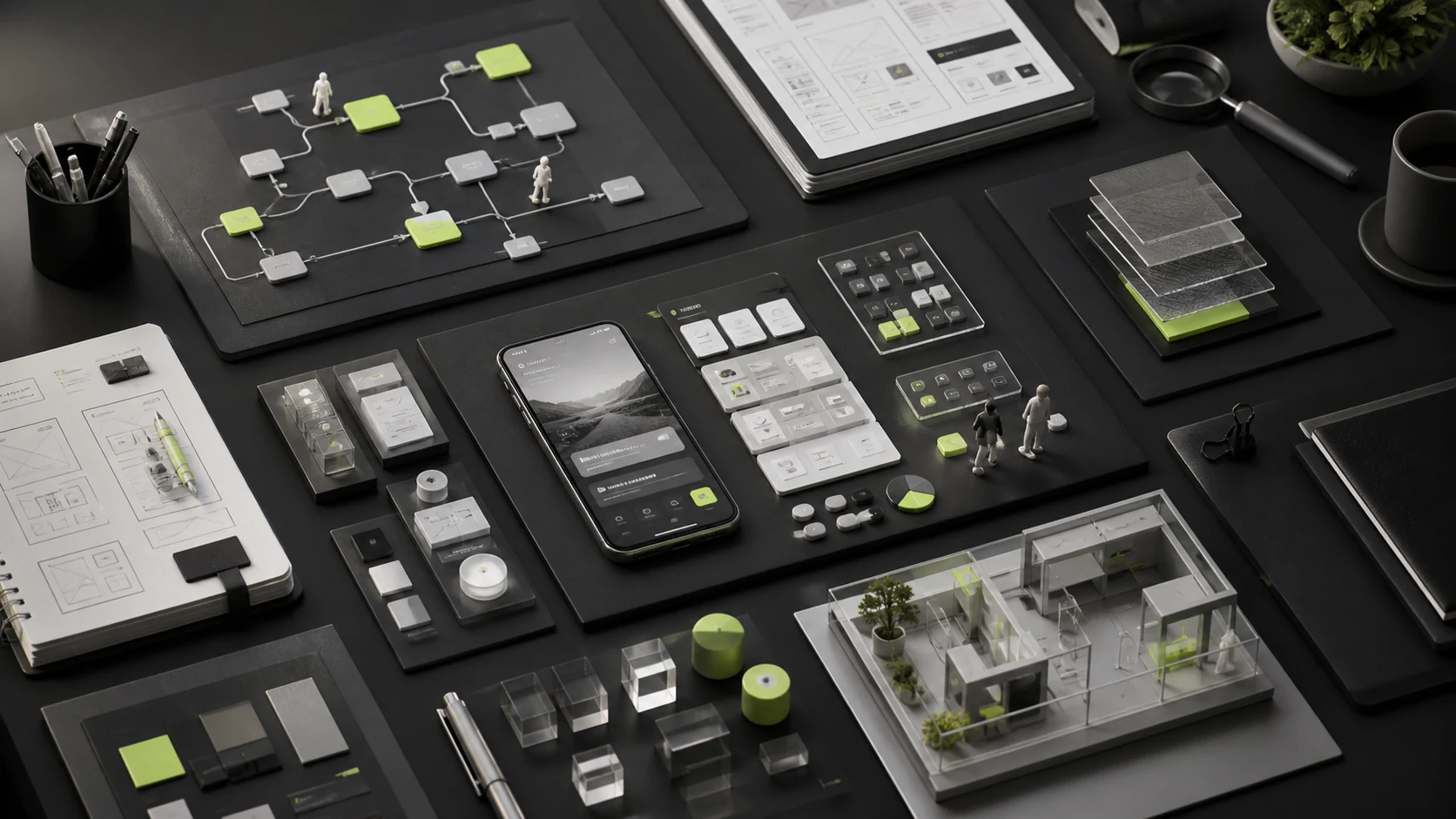
Many UI/UX quotes list only "home page, list page, detail page, and account center" and bill by page count. This simplifies estimating but can omit the work that truly affects experience and development: defining users, mapping workflows, documenting permissions and states, recovering from errors, adapting to mobile, reusing components, and accepting development work.
Complete UI/UX services can be divided into 12 modules. Not every project must purchase all of them, but the company must specify which modules the design firm delivers, which are owned by product or engineering, which are deferred, and what risks result.
01 What Is the Difference Between UI, UX, Interaction, and Product Design?
Role / Discipline | Primary Problem Addressed |
|---|---|
UX Design | Understand user tasks, scenarios, workflows, and the overall experience to reduce friction and cognitive load |
Interaction Design | Define actions, feedback, states, rules, navigation, and error recovery |
UI Design | Establish visual hierarchy, typography, color, components, icons, and interface expression |
Product Design | Integrate business goals, user needs, technical constraints, and experience solutions into product decisions |
Service Design | Address the complete service across channels, front and back offices, people, and processes |
In real projects, one person or team often covers several of these roles. The labels matter less than whether scope addresses the project's needs. ISO 9241-210 emphasizes that human-centered design activities should extend throughout the interactive-system life cycle, not appear only at the final interface stage.
02 Module 1: Business Goals and Requirements Clarification
Before design begins, rewrite goals such as "make it more modern," "increase conversion," and "simplify the process" into measurable objectives. This phase defines the business model, key metrics, user roles, scenarios, existing issues, technical constraints, compliance requirements, and release boundaries.
- Typical Deliverables: project Brief, objective list, scope statement, risk assumptions, priorities, and success criteria.
- Risk of Omitting It: teams proceed with different interpretations and reopen the goal discussion in every review.
03 Module 2: User Research and Evidence Synthesis
User research does not always require large-scale interviews. Depending on project risk, it can use existing data, support records, search terms, sales feedback, user interviews, usability tests, and competitor experiences. The essential goal is to base design decisions on evidence and explicit assumptions.
- Typical Deliverables: research plan, interview guide, findings, user tasks, pain points, behavior patterns, and opportunities.
- For a limited redesign of a mature product, begin with existing data and high-risk workflows.
- For new businesses, complex roles, high-risk actions, or major disagreement about users, research should not be omitted entirely.
04 Module 3: Information Architecture and Content Structure
Information architecture defines what users see, how content is categorized, how navigation is organized, and how pages relate. Corporate website projects generally produce a sitemap and page-content framework; product projects define relationships among modules, objects, roles, and tasks.
05 Module 4: User Flows and Business Rules
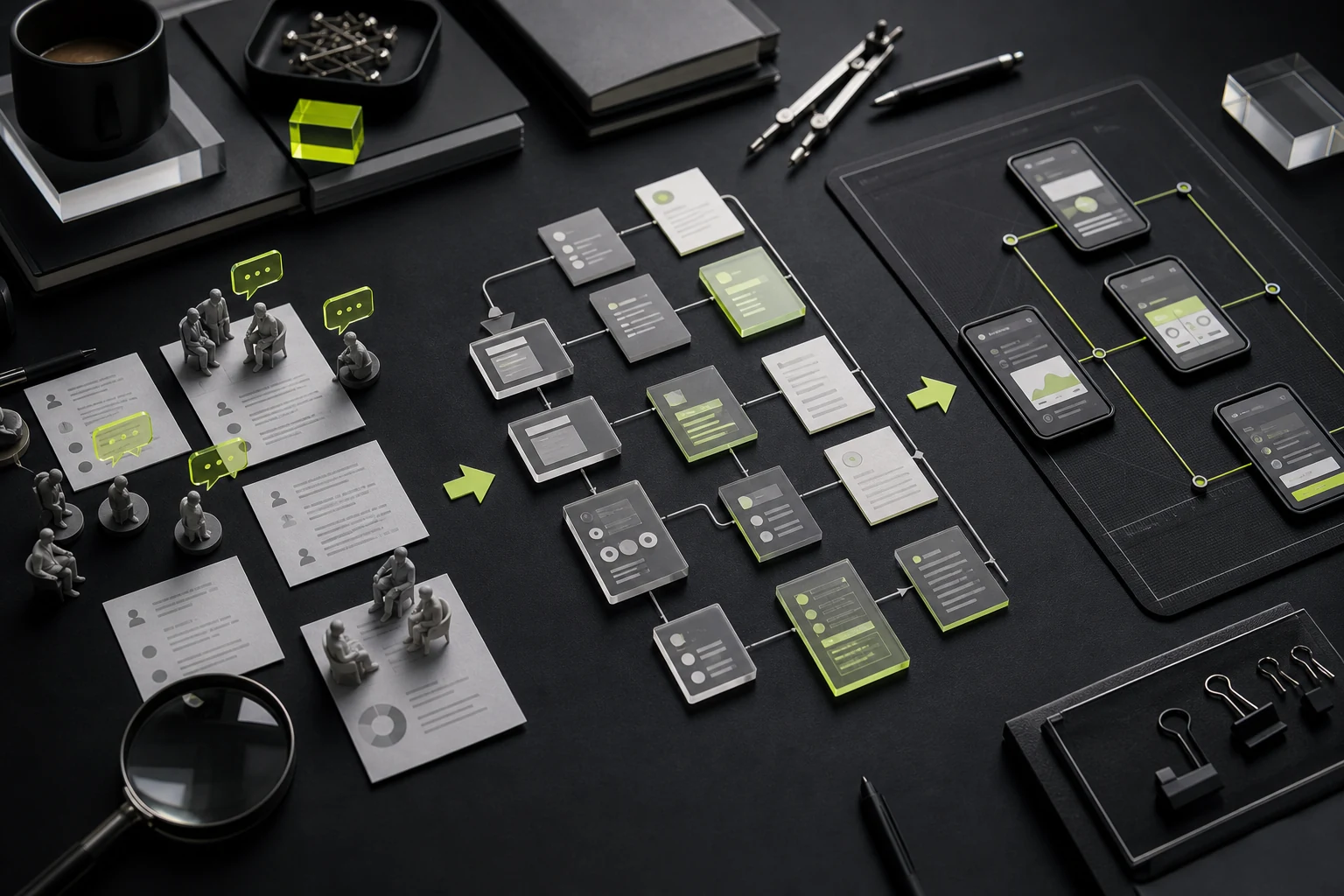
A user flow is more than "page A goes to page B." It should define roles, prerequisites, data inputs, success and failure, return and undo behavior, permissions, and exceptions. B2B, financial, healthcare, appointment, and transaction products rely especially heavily on complete business rules.
Flow Layer | Definition Required |
|---|---|
Primary Flow | The ideal path for users to complete the core task |
Exception Flow | Failure, timeout, insufficient permissions, unavailable inventory, API errors, and more |
Roles and Permissions | What each role can view, do, and approve |
State Changes | Draft, pending review, approved, rejected, closed, withdrawn, and more |
Boundary Conditions | Empty data, duplicate submissions, long content, bulk actions, and concurrency |
06 Module 5: Wireframes and Interactive Prototypes
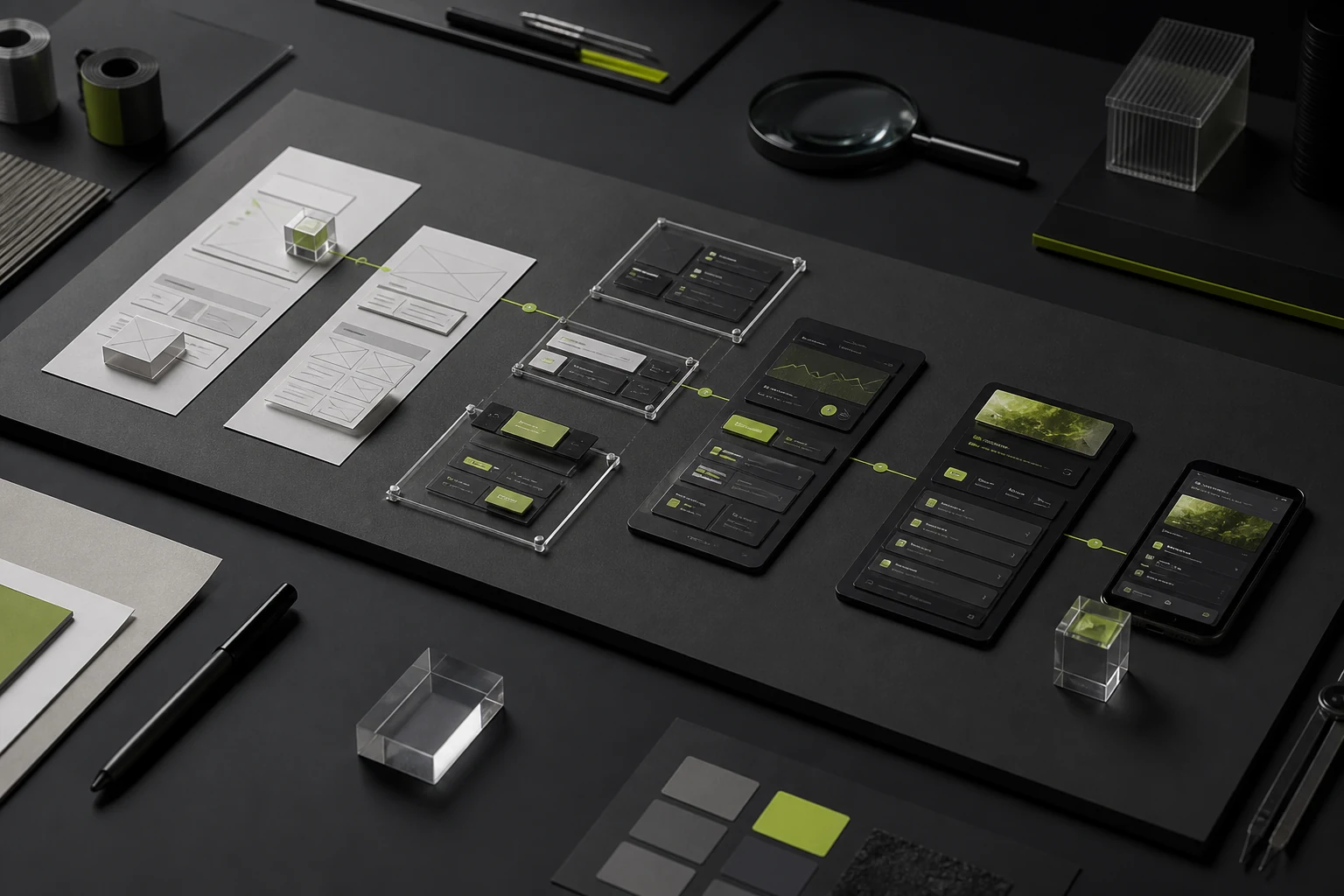
Wireframes support low-cost discussion of structure, information, and actions; they should not be mistaken for low-quality UI. Interactive prototypes help teams validate critical workflows, complex operations, and page relationships before development. Prototype fidelity should match the question being tested; greater realism is not always better.
- Low Fidelity: quickly explore structure and workflows.
- Mid Fidelity: review content, states, interactions, and responsive logic.
- High-Fidelity Clickable Prototype: conduct user testing, executive demonstrations, and development communication.
07 Module 6: UI Visual Design
The UI phase translates the brand, content, tasks, and platform rules into a visual system, including typography, color, spacing, components, icons, charts, imagery, motion principles, and responsive adaptation. It is more than adding color to wireframes.
08 Module 7: Design System and Component Guidelines
Products with many pages and long-term collaboration among multiple designers and developers need reusable components, styles, Tokens, and usage rules. A design system is not merely a component showcase; it is a shared agreement covering buttons, forms, tables, navigation, feedback, permissions, states, and responsive behavior.
Area | Primary Content |
|---|---|
Foundations | Color, typography, spacing, radii, shadows, grids, and icons |
Components | Buttons, inputs, selects, tables, dialogs, notifications, navigation, and more |
States | Default, hover, focus, disabled, loading, error, and success |
Patterns | Filtering, approval, bulk actions, creation flows, empty states, and error recovery |
Governance | Naming, versions, ownership, changes, deprecation, and design-development synchronization |
09 Module 8: Usability Testing and Iteration
Usability testing does not ask users whether something looks good. It observes whether target users can complete critical tasks and where they hesitate, make mistakes, or give up. Testing can occur with prototypes or with the real product after launch.
10 Module 9: Accessible Design
Accessibility covers contrast, text scaling, keyboards, focus, screen readers, alternative text, state notifications, and communication that does not depend on one sense alone. W3C recommends integrating accessibility throughout production, evaluating early, and maintaining it continuously instead of concentrating remediation immediately before launch.
11 Module 10: Development Handoff and Design QA
Sending developers a Figma link does not complete handoff. The design team should explain components, states, responsive behavior, interactions, assets, and acceptance criteria, then review implementation during development to confirm that it meets the intended goals.
Handoff Area | Acceptable Standard |
|---|---|
Design Files | Pages, components, styles, variables, assets, and versions are clear |
Interaction Specifications | Triggers, feedback, animation, errors, empty states, and permissions |
Responsive Rules | Breakpoints, reflow, hiding, overflow, touch, and text scaling |
Asset Delivery | Icons, images, fonts, licenses, export formats, and naming |
Design QA | Review by critical workflow, component, device, and defect severity |
12 Module 11: Post-Launch Data and Experience Optimization
After launch, behavior data, customer support, search, conversions, errors, and user feedback can reveal what to optimize next. Quotes should state separately whether this phase is included.
13 Module 12: Project Management and Decision Records
Complex projects require planning, reviews, feedback, change, risk, and file management. Without decision records, teams revisit the same issue in multiple meetings. Without a feedback mechanism, scattered comments may be treated as several revision rounds.
14 Which Modules Do Different Projects Need?
Project Type | Typical Priority Modules |
|---|---|
Corporate Website | Goals and content, information architecture, wireframes, UI, responsive design, development QA, and SEO and accessibility foundations |
Consumer APP / Mini Program | User research, workflows, prototypes, UI, design system, testing, platform adaptation, and post-launch data |
B2B / SaaS | Business definition, roles and permissions, complex workflows, tables and filters, design system, accessibility, and development acceptance |
Existing Product Redesign | Data and issue audit, critical-flow research, incremental redesign, component governance, and post-launch review |
15 What Is Usually Not Included by Default?
- Brand positioning, Logo, and a complete brand visual system.
- Final copywriting, translation, photography, illustration, 3D, and video.
- User recruitment, facilities, incentives, and large-scale research execution.
- Front end, back end, CMS, deployment, servers, and third-party API development.
- Analytics instrumentation, analytics-platform fees, and long-term operations.
- Licenses for fonts, images, plugins, icon libraries, and commercial assets.
- Legal, privacy, industry compliance, and store-qualification services.
16 How to Obtain Comparable Quotes
- State the project phase: concept, existing PRD, existing prototype, redesign of a live product, or long-term iteration.
- List core roles, workflows, platforms, page types, and known states.
- Specify research, content, responsive design, motion, design system, and user testing.
- Explain the development approach, technical framework, handoff format, and QA requirements.
- Provide the timeline, budget range, internal owner, and decision process.
- Require each vendor to specify inclusions, quantities, revision rounds, acceptance, and exclusions item by item.
17 Frequently Asked Questions
Do UI/UX design services always require user research?
Not necessarily large-scale research, but design decisions should have evidence. Mature products can use data and customer-support feedback; new or high-risk projects generally need more direct validation.
Are fewer pages always less expensive?
No. One complex approval page may contain multiple roles, dozens of states, and extensive interactions, requiring more work than several simple showcase pages.
Is a design system always required?
A one-time small project can use lightweight guidelines. Long-term products, multiple teams, and complex components benefit more from systematic assets.
Do designers still need to participate in development after UI is complete?
At least schedule reviews at critical milestones. Otherwise responsive behavior, states, copy, components, and interactions can diverge during implementation.
Conclusion
The value of UI/UX design services is not simply making every page more attractive. It creates shared understanding of users, tasks, structure, states, visual rules, and implementation. Different projects need different modules, but ownership must be clear for every omitted activity.
During procurement, do not ask only "how much per page?" First confirm the product phase, critical workflows, roles, data, responsive behavior, exception states, testing, and development collaboration. Then decide whether research, prototypes, a design system, and post-launch optimization are needed.
Next Step
To assess UI/UX scope for a corporate website, APP, mini program, or B2B system, submit your current PRD, page inventory, prototype, or product screenshots to JVDS Design Studio. We will identify missing foundations before recommending phases and deliverables.
Need design or website development services?
JVDS Design Studio is a professional design studio focused on digital product experiences and brand identity. We work with businesses in China and overseas that want to strengthen their brand image, improve user experience and grow their business, providing clear, usable UI/UX design, high-quality website design and development, app and mini-program development, and cohesive, distinctive brand identity design.
Working on a B2B system or an app? Share your current screens and key user tasks so we can discuss the design scope.
 Link copied