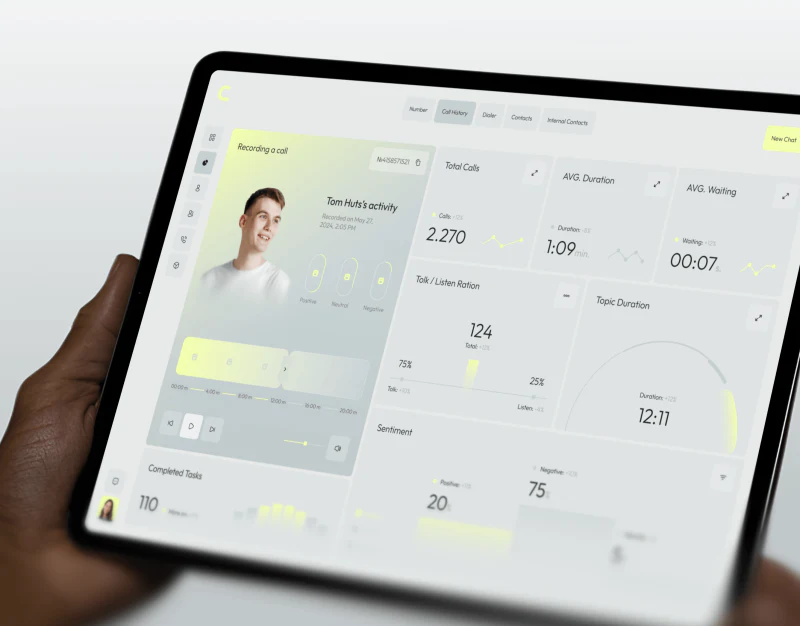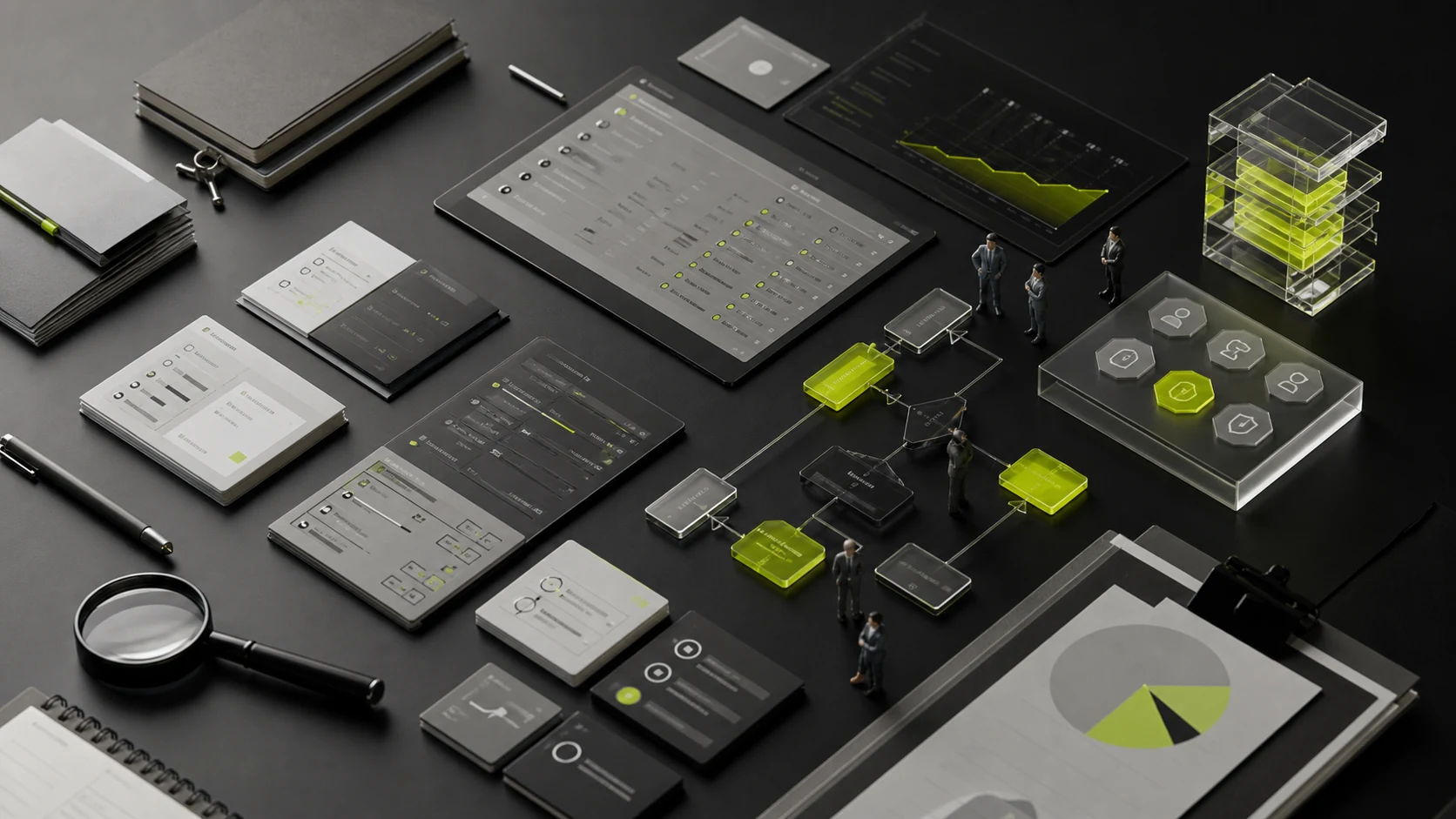
Enterprise UI portfolios often look alike: dark dashboards, data cards, gradient charts, dense tables, and command-center screens. These examples demonstrate visual skill, but they do not prove that a team understands business workflows, role-based access, exception states, or long-term product evolution. Many apparent interface problems actually begin with unclear business rules and data structures.
When evaluating an enterprise UI design partner, ask the team to show how it thinks and use a realistic exercise to test eight capabilities. Do not stop at asking which industries it has served. Look for evidence that it can quickly model an unfamiliar domain, identify high-risk workflows, organize dense information, build scalable components, and validate implementation with developers.
01 Why a Polished Interface Does Not Prove Enterprise UX Capability
Enterprise users enter a system to complete specific tasks—approving, searching, configuring, entering data, analyzing results, and resolving exceptions. Success depends on whether they can quickly understand the current state, the next action, the source of the data, and the consequences of an operation. SAP Fiori emphasizes role-based, adaptive, simple, and coherent experiences; role-based design means giving each job function the information it needs for its work.
- Screenshots do not reveal role-based access, field rules, error recovery, bulk actions, or long-running tasks.
- Mockups do not show whether components remain reusable as requirements change or whether developers can maintain them.
- Command-center screens do not reveal day-to-day efficiency, keyboard support, text scaling, or behavior with real-world data lengths.
- Final designs do not show how a team moved from business ambiguity to a sound solution.
02 Capability 1: Business Modeling and Domain Understanding
A strong team does not need to know every industry term on day one, but it must know how to break a domain into objects, roles, tasks, rules, states, and events. It separates requested screens from underlying business goals and validates its understanding through workflows, domain models, and rule tables.
- Evidence to request: business-process maps, object relationships, rule inventories, key terminology, and risk assumptions.
- Question to ask: Explain this business in your own words and identify the three points most likely to fail.
- Red flags: discussing only color and layout, converting the client PRD directly into screens, or refusing to challenge contradictory requirements.
03 Capability 2: Roles, Permissions, and Information Boundaries
Competence level | Need definition |
|---|---|
Visibility | Which modules, records, fields and operations are visible to this role |
Allowed actions | What can be added, edited, approved, exported, deleted or transferred? |
Data range | Personal, team, department, region, client, or all records |
State permissions | Which actions are allowed when an item is draft, pending, completed, or closed? |
Unauthorized-action feedback | Hide, disable, explain, request access, or redirect |
04 Capability 3: Complex Workflows, States, and Exceptions
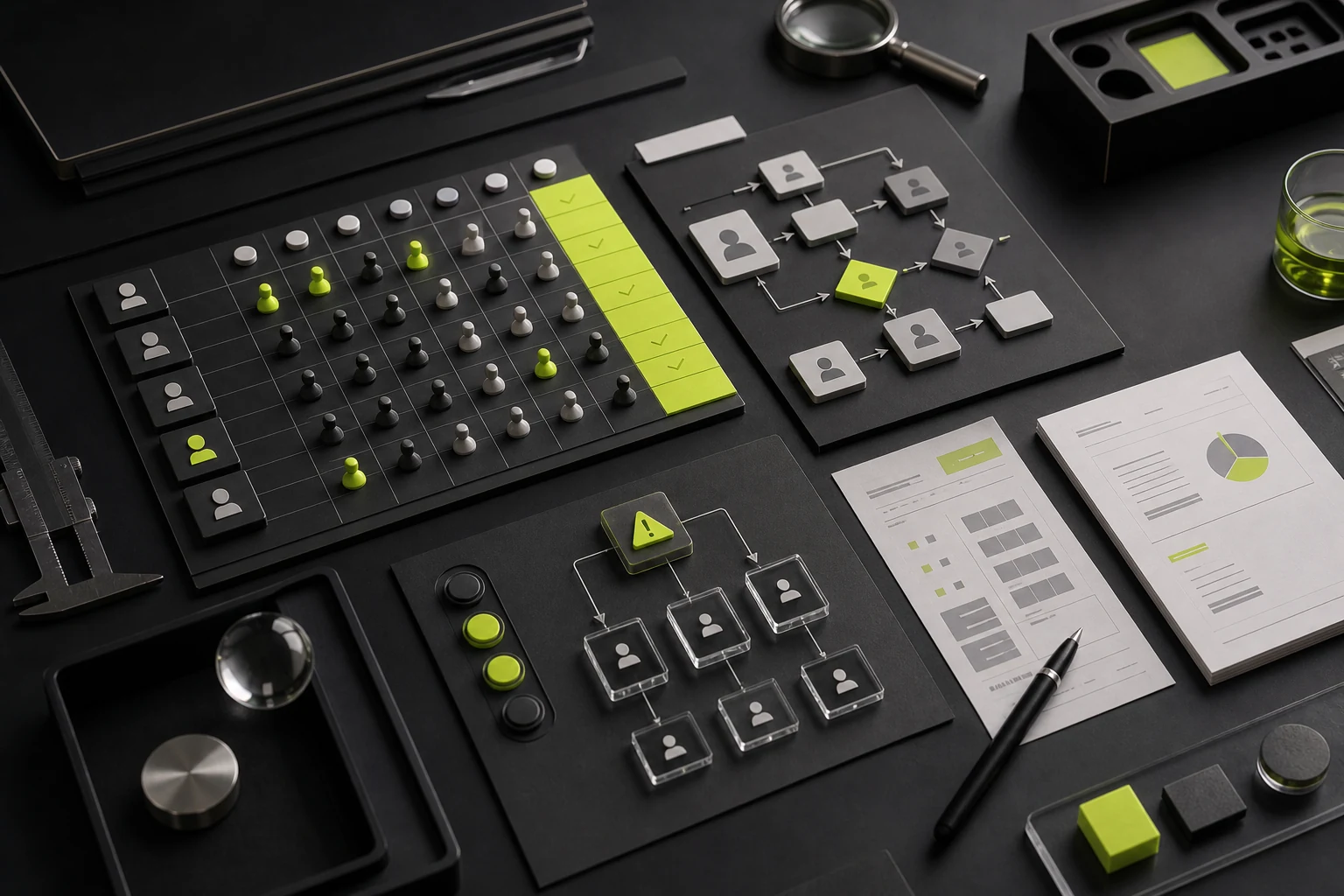
Enterprise workflows rarely move in one direction. They may include returns, withdrawals, reassignment, additional approval, timeouts, parallel approval, duplicate submission, and failures in external systems. Designers should map the state machine and exception matrix before deciding on screens and interactions.
Status Type | Example: |
|---|---|
Normal | Drafts, processed, pending, completed |
User Interrupt | Save drafts, leave, timeout, re-enter |
Business anomalies | Lack of data, conflict of rules, inadequate amount, denial of approval |
System anomaly | Interface failed, sync delayed, network interrupted, service unavailable |
Restore Path | Retrying, revoking, rolling back, manual intervention, contact with customer service |
05 Capability 4: Data Tables, Filters, and Bulk Actions
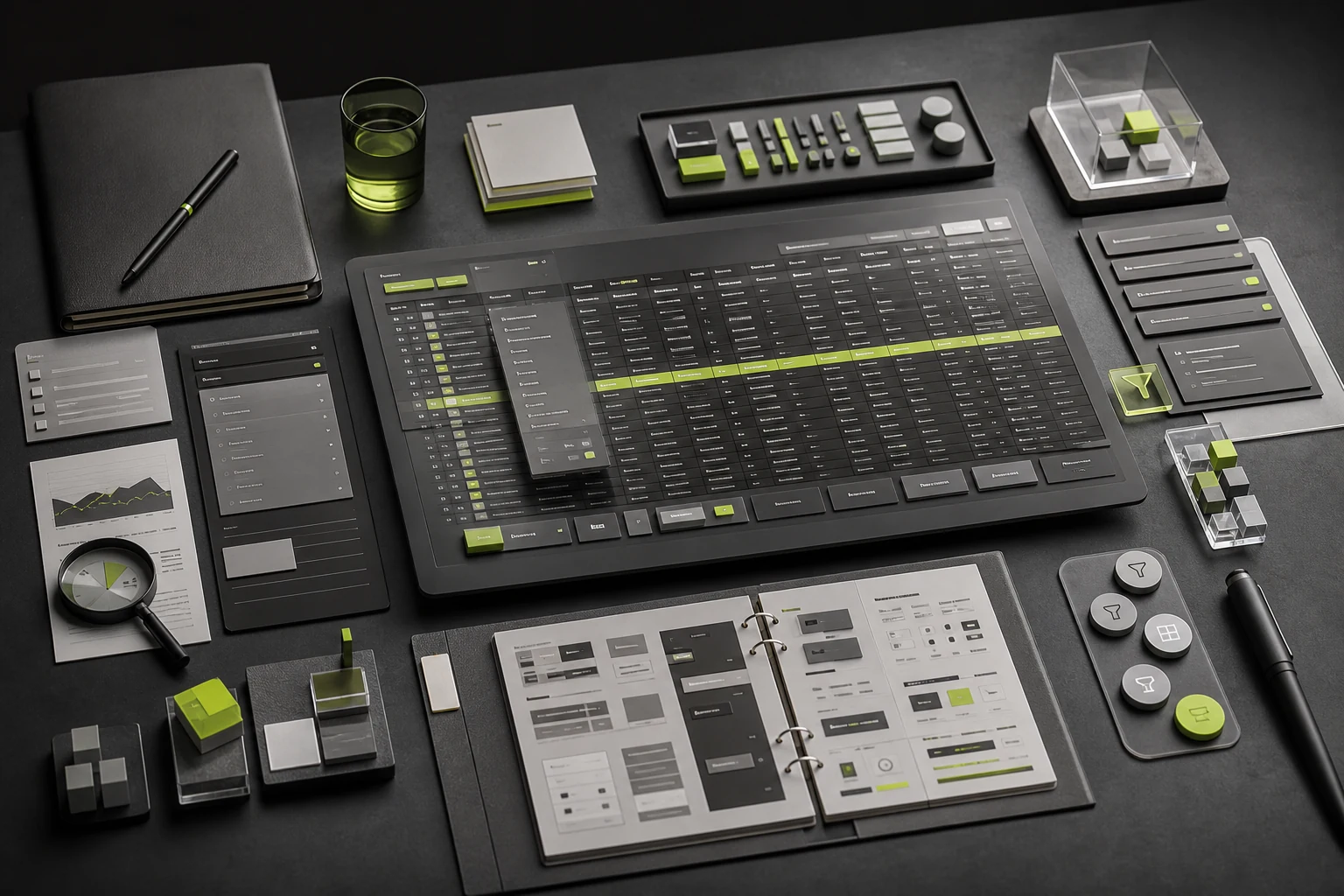
Tables are the primary workspace in many enterprise products. The Carbon Design System notes that data tables may include sorting, expansion, selection, bulk actions, toolbars, and pagination, but they should not be treated as a simple spreadsheet substitute. The team must choose columns, density, actions, filters, and detail views according to the task.
- Column priority: decide what must appear in the initial view and what can expand or move to a detail view.
- Search and filtering: keywords, quick filters, advanced filters, saved views, and reset behavior.
- Bulk actions: selection scope, impact notices, permissions, progress, failed items, and undo.
- Long values: truncation, wrapping, frozen columns, horizontal scrolling, and detail previews.
- Accessibility: sort state, table names, keyboard operation, focus management, and screen-reader context.
06 Capability 5: Information Density and Visual Hierarchy
An enterprise interface is not more sophisticated because it is sparse, nor more professional because it is dense. Density should reflect task frequency, viewing distance, comparison needs, and operating speed. Experienced users may prefer higher density, but scan paths, destructive actions, and state communication must remain predictable.
07 Capability 6: Design Systems and Scalability
Enterprise products evolve for years. Without components, design tokens, patterns, and governance rules, consistency deteriorates as the screen count grows. Evaluate component states, variables, naming, documentation, and design-to-code alignment—not a single screenshot of a component library.
System level | Focus |
|---|---|
Token | Color, typography, spacing, corner radii, shadows, hierarchy, and semantic roles |
Basic component | Buttons, input, selection, navigation, dialogs, notifications, tables |
Business components | Approvals, permissions, bulk actions, imports, tasks, and data states |
Patterns | Create, edit, filter, error correction, empty states, and guidance |
Governance | Ownership, versioning, change control, deprecation, code alignment, and quality checks |
08 Capability 7: Accessibility, Keyboard Support, and Multiple Devices
Enterprise software is often used for long sessions, frequent keyboard interaction, remote desktops, low-resolution displays, and assistive technology. A qualified partner should explain its approach to focus order, shortcuts, text scaling, contrast, and responsive behavior.
- Can all major operations be completed by keyboard?
- Whether the focus is visible and whether the focus is restored correctly after the window closes.
- Whether or not to reset the content instead of being cut off when the text is amplified and the window is narrowed.
- Tables, charts and states have names that can be understood by assistive technologies.
- Whether the PC, tablet and mobile really need equivalent functionality.
09 Capability 8: Development Collaboration and Acceptance Testing
The final quality of enterprise UI depends on implementation. Designers must communicate components, states, responsive rules, permissions, business logic, and data boundaries to developers, then review the build at key milestones. Teams that understand frontend components, APIs, data structures, and engineering constraints are better able to identify designs that cannot be implemented as intended.
10 A 60-Minute Practical Exercise
Instead of asking candidates to design a complete screen for free, provide an anonymized core workflow and observe how they ask questions and model the problem. Run the exercise as a paid workshop or as part of a capability interview; it does not need to produce production-ready design work.
Time | What to Observe |
|---|---|
0-10 minutes | Read background, list unknown information and assumptions |
10-25 minutes. | Break down roles, objects, rules, states, and primary tasks |
25 to 40 minutes | Map the core workflow, exceptions, and permission boundaries |
40-50 minutes. | Propose the structure of one table or detail page |
50 to 60 minutes | Explain risks, tradeoffs, validation needs, and next steps |
11 100-Point Scorecard
Capacity | Weights |
|---|---|
Business abstraction and domain understanding | 16 |
Roles, permissions and data boundaries | 14 |
Workflows, states, and exceptions | 15 |
Table, Filter and Batch Operations | 13 |
Information density and visual level | 10 |
Design systems and extension | 12 |
Accessibility and multiple devices | 8 |
Engineering collaboration and acceptance | 12 |
12 Example: An Enterprise Approval System
Consider an approval system with four roles: requester, department manager, finance, and administrator. Its biggest problem is not an outdated visual style, but unclear states and ownership, ambiguous edit scope after a request is returned, and inadequate risk notices for bulk approval. Candidate A immediately redraws the dashboard. Candidate B first creates a permissions matrix and state machine, then defines a home page focused on pending work, exceptions, and overdue items. This composite example shows why an enterprise redesign should restructure tasks and rules before refining the visuals.
13 Common Red Flags
- The portfolio contains only command-center screens and dashboards, with no workflows, forms, permissions, or exception states.
- The same information architecture and visual template appear in every industry.
- The team equates enterprise expertise with muted colors, many cards, and high information density.
- The team cannot explain how it resolves rule conflicts with product and engineering stakeholders.
- The component library contains only visual styles, with no states, interaction rules, accessibility guidance, or version governance.
- The team avoids testing with realistic data, and every screen depends on tidy placeholder copy.
14 Frequently Asked Questions
Must a design firm have experience in the same industry?
Not necessarily. Experience in a highly regulated or specialized field is valuable, but a repeatable modeling method, strong discovery questions, and evidence of handling complex rules matter more.
Do enterprise products need visual innovation?
Yes, but innovation should improve task efficiency, comprehension, and brand expression without sacrificing consistency or increasing the learning curve.
Can an existing system be improved with a visual refresh alone?
If its structure, workflows, and permissions are sound, a focused visual refresh may be enough. If the problems originate in business logic or information architecture, new styling will not solve them.
How can we tell whether a design is implementable?
Ask to see component mapping, state specifications, realistic data, responsive rules, and records from implementation reviews.
Conclusion
The challenge in enterprise design is not making an admin system look more technical. It is turning roles, business rules, data, permissions, and exceptions into a product that users can understand, developers can build, and the organization can maintain. A team proves its capability through the way it analyzes and reduces complexity—not through one final screenshot.
Include a realistic work sample in the formal evaluation. Ask the candidate team to break down a core workflow and show states, permissions, tables, errors, and component rules. A team that can explain a complex problem clearly is usually a better long-term enterprise partner than one that presents only a visual style.
Next Step
If you are planning to redesign an enterprise system, SaaS platform, or complex admin product, share your current workflows, role permissions, screenshots, and primary pain points. JVDS can first determine whether the core issues involve visual design, structure, business rules, or design-system governance.
Need design or website development services?
JVDS Design Studio is a professional design studio focused on digital product experiences and brand identity. We work with businesses in China and overseas that want to strengthen their brand image, improve user experience and grow their business, providing clear, usable UI/UX design, high-quality website design and development, app and mini-program development, and cohesive, distinctive brand identity design.
Working on a B2B system or an app? Share your current screens and key user tasks so we can discuss the design scope.
 Link copied