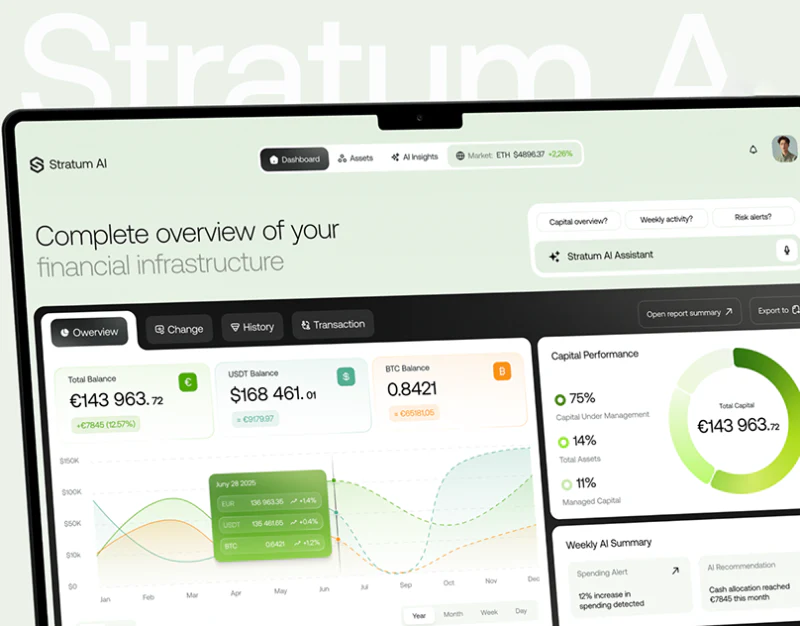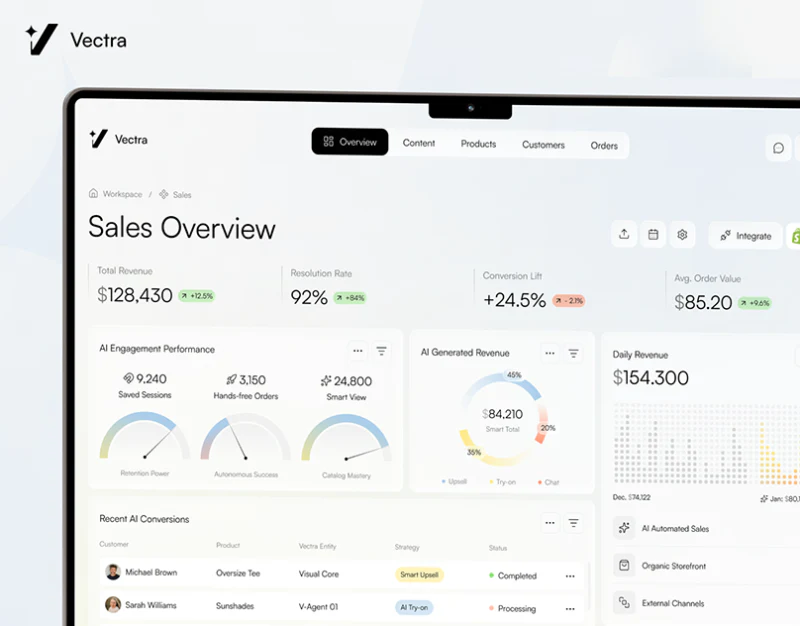
Vectra retains Products, Orders, Customers, and other business sections, placing generated models, order stages, and campaigns in separate areas. White backgrounds and light accents keep it orderly; the useful idea is automation organized around products, orders, and audiences rather than hidden in a universal input field.
Key takeaways
- Generated previews, order stages, and audience settings remain in business sections with identifiable objects.
- Parameters and automated actions need explicit scope and a checkable summary before starting.
The product page separates columns around the preview
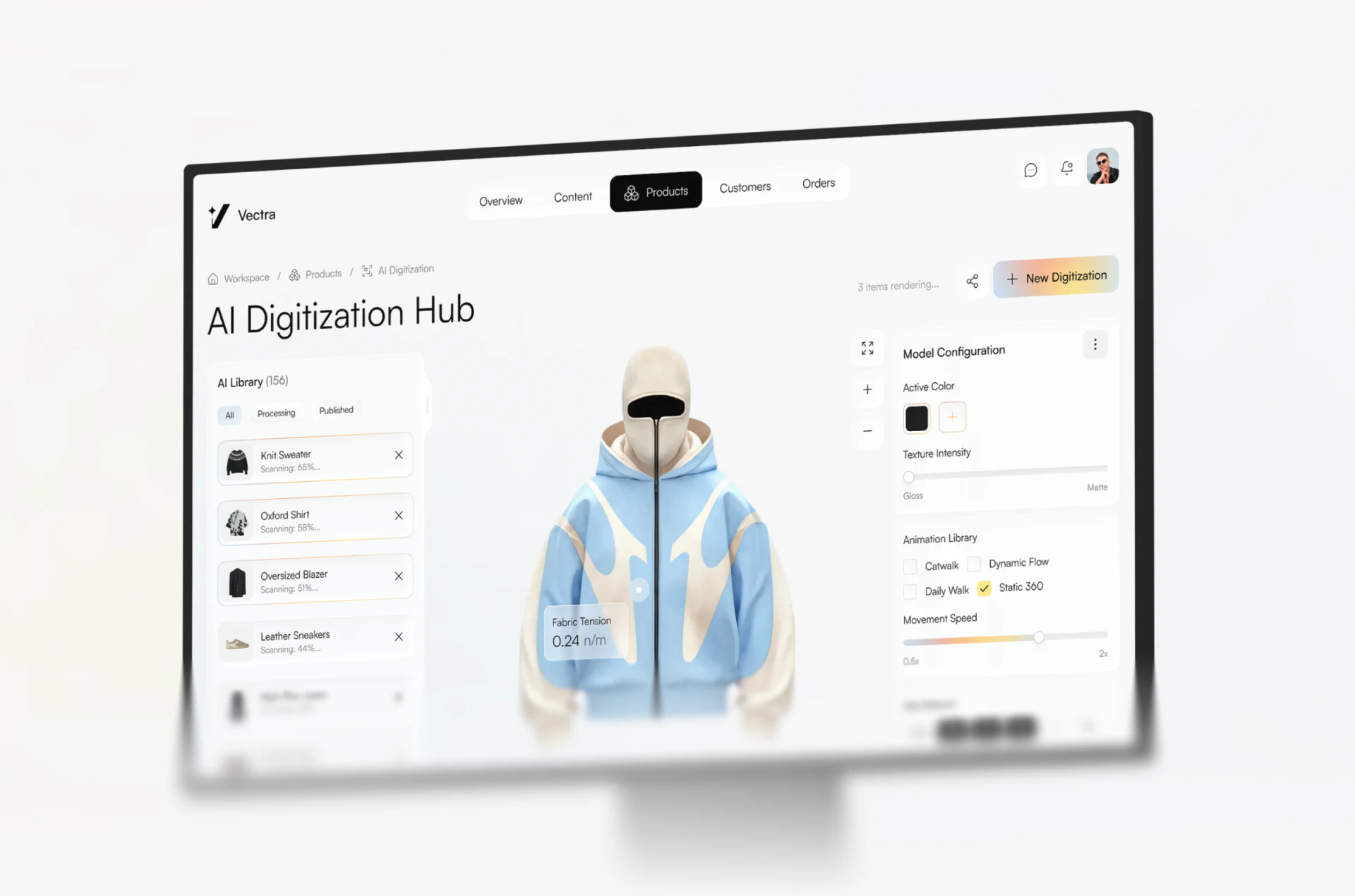
AI Digitization Hub places materials on the left, a garment model centrally, and Model Configuration for color, texture, and motion on the right. Three distinct columns let batch processing pause on one product without merging list and preview into cards.
The striking model differs from processing counts and list progress. JVDS would retain preview name, number, and version, separately identifying scanning, rendering, and publishing. An attractive preview does not imply an updated online record.
Static 360 appears beside Movement Speed and other parameters, requiring explanations of which controls apply. Color and texture should indicate whether they preview immediately or save changes. Tension values are examples, not actual measurements.
Stage columns and labels carry different order meanings
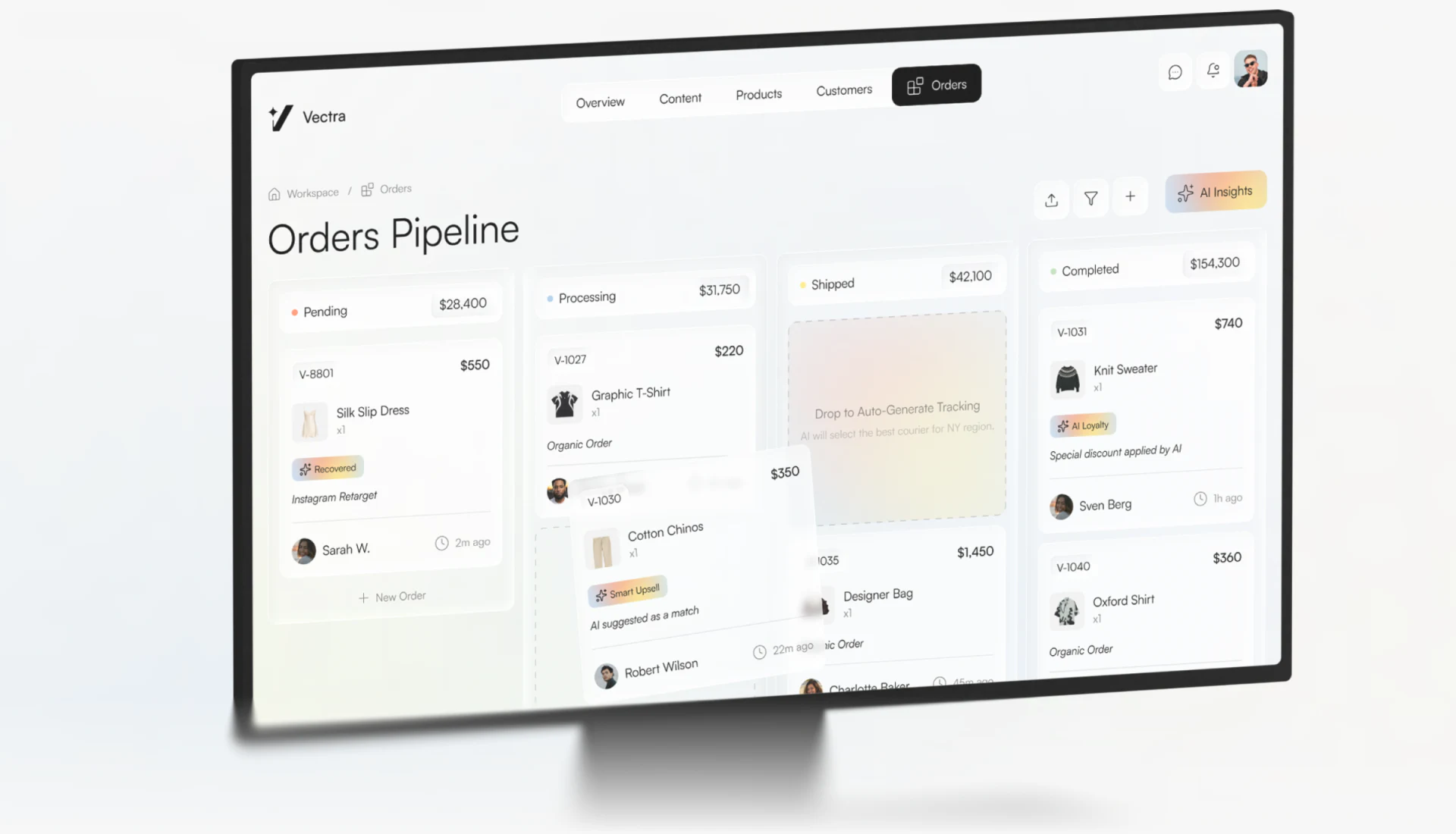
Orders Pipeline has Pending, Processing, Shipped, and Completed columns, with thumbnails, amounts, and labels in cards. Pale orange and blue appear locally; stable headings distinguish stages without large colored backgrounds.
Recovered and Smart Upsell do not mean the same thing as stages. A stage identifies order position; a label may explain origin or a suggestion and cannot be read as an executed automation result. Operations interfaces need field definitions alongside cards rather than more AI wording alone.
Shipped suggests drag-and-drop automatically generates logistics. Clarify whether this creates a draft, suggestion, or effective record, and where failed orders remain. JVDS would separately check moving a card and changing business records so visual organization does not unexpectedly trigger another action.
Marketing shows audience before content configuration
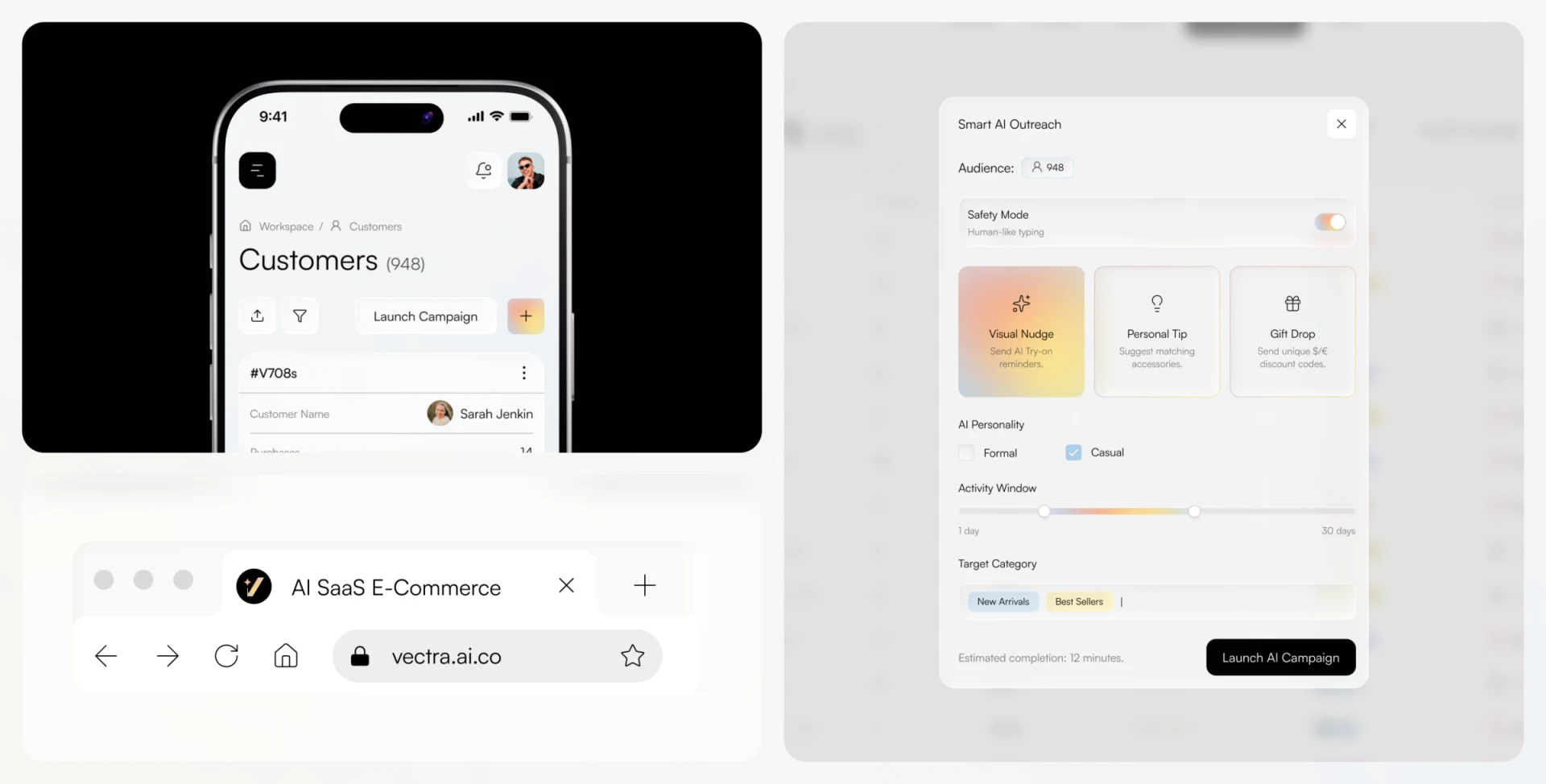
Audience appears first, followed by Visual Nudge, Personal Tip, and Gift Drop, then tone, window, and target categories. Pale selections and black Launch create hierarchy and an inspectable configuration before starting.
Audience totals should lead to lists and their basis for checking recipients. Human-like Typing beneath Safety Mode explains one presentation behavior; the name cannot replace complete content, object, and limit explanations.
JVDS focuses on launching, pausing, and results around the same audience. Estimated duration is not a completion receipt, and failures need identifiable items. This discusses the shown configuration sequence without launching campaigns or verifying generation, orders, or logistics.
Frequently asked questions
Why retain business sections in an AI admin interface?
They give objects and records stable locations. Natural language can assist preparation, but product, order, and customer changes still need identities and results.
Design review checklist
- Show name, number, and version in generated previews.
- State whether dropping creates a draft or an effective record.
Organize automated actions in operations interfaces
If your ecommerce or AI management system combines material generation, orders, and campaigns, start with the objects each action affects.
JVDS Design Studio provides UI/UX design, website design, and development services to help organize page content, interface structure, and implementation needs.
 Link copied