

Button Animation Works Once but Breaks on Rapid Re-entry: How Should Website Interactions Be Verified?
A button may work on first hover but show incomplete fills, misplaced arrows, or obscured text after rapid exit and re-entry. This generally needs state-transition checks. Static designs and one complete playback show only ideal sequences. Users can change actions before animation finishes; acceptance should include interruption, recovery, and re-entry.
Replace 'Looks Normal' With Specific States
List default, hover, exit, keyboard focus, and click feedback. For expanding fills, rotating arrows, or scaling, specify each final state. One demonstration video should not leave developers guessing how intermediate changes work.
Explain transitions too. Where should buttons return when users leave before fills finish? If re-entering during exit, should they continue from the current state, and ultimately cover the complete button? These requirements are more verifiable than 'Smooth animation.'
JVDS's own requirements-page records include fill calculations based on untransformed layout dimensions and checks of rapid re-entry, exit recovery, arrows, and reduced-motion fallbacks. These are actual checks of the corresponding version, demonstrating rapid operations are a separate scenario rather than proving all pages have been rechecked today.
Do not initially blame users for moving too fast. Components must handle reasonable sequences, especially neighboring entry points and navigation where rapid passing is common. Slow-only testing hides real interaction boundaries.
Reproduce Before Changing Appearance
Record URL, button, browser, window size, and action sequence. For example: 'Enter, exit before completion, immediately re-enter; the right-side fill remains incomplete.' Maintainers can repeat this without debating subjective impressions.
Save normal and abnormal sequences, locating the difference. Does second entry have insufficient coverage, or does exit retain state? Is appearance wrong while clicking works, or does the hit area change? Record these separately because impact differs.
If buttons transform during actions, maintainers should check whether intermediate states affect calculations. Operators need not explain implementation, but can require complete final shapes and unobscured content regardless of reasonable starting states.
Do not hide problems by lengthening animation to force waiting or suppressing short-interval pointer responses. Developers should choose treatment from actual causes; acceptance repeats original operations. Without reproduction evidence, keep investigation pending rather than declare particular code faulty.
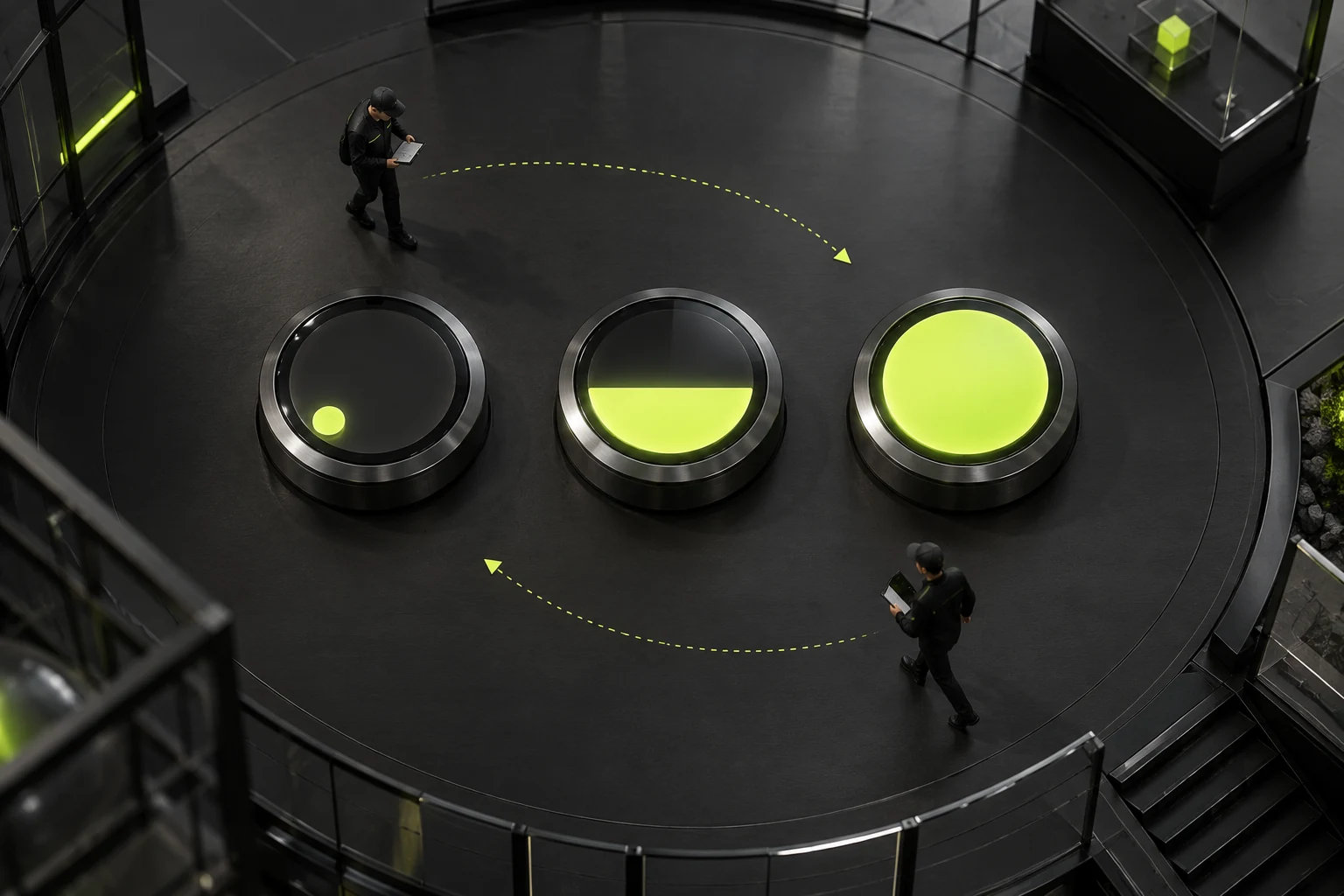
Test a Set of Interrupted Operations
First, enter, leave immediately, re-enter, and observe the final state. Second, move repeatedly across edges, checking residual fills or jitter. Third, click during hover, confirming navigation or submission still performs the expected action.
Fourth, gain and lose keyboard focus, checking stable visible feedback. Fifth, actually tap on mobile, confirming necessary information does not rely on hover. If processing states exist, check recovery through authorized testing instead of replacing actual behavior with visual demos.
For each group, define success: complete final states, continuously readable text, operable entry points, agreed exit recovery, and no extra actions. 'No errors' alone is insufficient because visual and operation problems may produce no script errors.
With several buttons, rapidly switch to neighboring entry points too. Leaving one should neither obscure nor activate another. Each retains its own state; shared animation does not imply one shared current progress.
Sizes and Long Content Expose Boundary Problems
Passing short buttons does not establish full-width submissions pass. Fill shapes, arrow regions, and text lengths may change with dimensions. Test small, wide, and long-label samples separately.
Check after window changes too. Initial-load-only calculations may fail when width changes. Keep implementation out of user interfaces; records need only state that resizing precedes repeated operations and final coverage checks.
Chinese and English lengths, icon positions, and internal space can differ. Sample both real languages after shared-animation changes so one does not become obscured. Use official text primarily, with boundary samples as supplements rather than placeholders alone.
With forms, distinguish main submission and dialog buttons. Sizes, purposes, and states can differ. Changing only the main button should not alter dialog confirmation. Recheck original flows after changes to confirm scope stays appropriate.
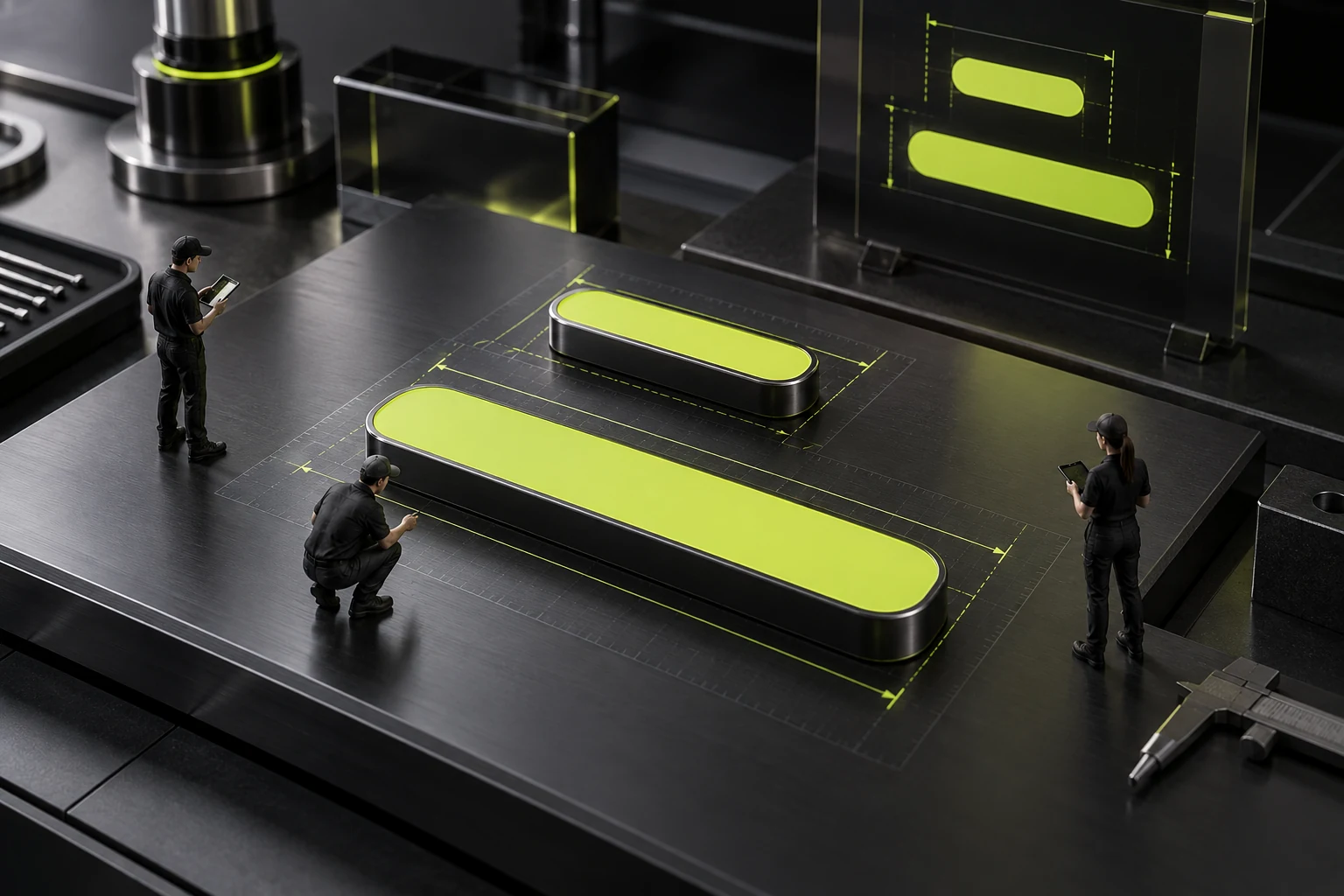
Check button edges too. Visual changes near boundaries should not repeatedly alter hit areas and trigger entry and exit. Record reproducible flicker positions, then let developers assess hit-area and visual-layer relationships rather than assume duration issues.
Internal masks need clear text and icon layering. Rapid recovery should neither briefly cover text nor leave holes. Repeat actions on light and dark backgrounds and different widths to identify shape-specific issues.
Identify mouse or trackpad use, since paths can differ. Repeat the problematic conditions. There is no need to promise every input device, but confirmed reasonable scenarios need corresponding reviews rather than declaring resolution on harder-to-reproduce equipment.
Submission buttons must preserve business states separately. Pointer exit should not make processing look ready for resubmission, while failures should recover according to the process. If visual and business states overlap, define both to prevent decorative fixes changing submission behavior. See Website Development Testing Checklist for related checks.
For dialog flows, check button state after closing. Interruption can come from focus or page-layer changes as well as pointers. Scope depends on actual button purpose; ordinary links need no unrelated tests.
Developer feedback can contain three short sequences: normal first use, rapid failure, and same-condition post-fix review. This connects issues and changes. An abnormal screenshot alone explains neither actions nor matching review conditions.
Feedback Must Remain With Reduced Motion
Some users request reduced motion, and components should provide corresponding behavior under project rules.MDN's Media Query Guidance explains reading that preference. Enable the actual condition during acceptance instead of only checking code contains a rule.
Complex fills and rotation can become restrained according to design, but operation states must remain clear. Default, focus, and click feedback should not disappear with animation, and final content should not require completed animation to become visible.
Reduced motion and rapid interruptions are separate tests. One checks alternative experience; the other checks stability of normal animation under repeated operation. Both need results; support for one does not automatically cover the other. See Website Motion Design: Balance Visuals, Performance, and Accessibility for related checks.
For decorative-only changes, assess simplification. Complex effects need a reasonable branding or feedback purpose, rather than 'Already built, so cannot remove.' Any chosen solution still needs actual entry-point and state checks.
Deliver Acceptance Records Others Can Repeat
Record object, trigger, expectation, result, and affected scope. Identify page and button, action sequence, final state, recordings or screenshots, and relevant shared-component locations.
If only one repaired location was tested, say one instead of 'Whole site passed.' Representative shared-rule samples can identify issues before sampling project-scope pages. Record independent buttons separately to prevent omissions.
Repeat original failure steps, normal slow operation, and actual clicking. Success means failure disappears, ordinary experience remains, text and entry points stay complete, and other buttons are unaffected. Changed colors or one ending frame cannot prove interruption handling is complete.
Retain simple operation checklists for operators. After longer labels or width changes, repeat the same sequence. Animation quality includes correct feedback when users change actions at any point, rather than only complete playback.

Frequently Asked Questions
Can One Normal First Hover Count as Passing?
Continuous state transitions still need interruption and recovery tests. One complete playback proves only that ideal path, not rapid actions.
Is Rapid Entry and Exit Too Extreme?
It is reasonable around neighboring entry points and navigation. Tests need not repeat indefinitely, but should cover common continuous actions without residual states or operation impact.
Why Record Problems Without Script Errors?
Obscured text, incomplete fills, and residual states may not generate errors. Check visible states and task completion rather than only consoles.
Does Mobile Need Acceptance Without Hover?
Yes. Check touch feedback, actual taps, and necessary information. Desktop hover cannot replace mobile tests, and content should not depend on hover.
Must Other Pages Be Checked After Shared Buttons Are Fixed?
Sample different sizes, labels, and uses within affected scope, then complete agreed pages. One button cannot prove every invocation passes. Identify tested and pending locations.
 Link copied








