How Should a Demo Identify Available Features, Demonstration-Only Features and Features Still Under Evaluation?
Demo screens can be clicked, switched and made to display results, so customers may assume that these capabilities are already available for actual use. In reality, some may belong to the current product, some may be sample processes, and others may exist only to discuss future directions. Simply saying that this is a demonstration at the start may still leave viewers unable to identify the status of a particular feature.
Explaining demo feature status requires separate descriptions of whether a feature can be provided, how the demonstration works, and the basis for the result. Interface labels help customers judge within the correct scope. The status rules need to extend through entry, key screens and closing materials, without relying on the host always being present to explain.
Create a capability inventory before choosing status names
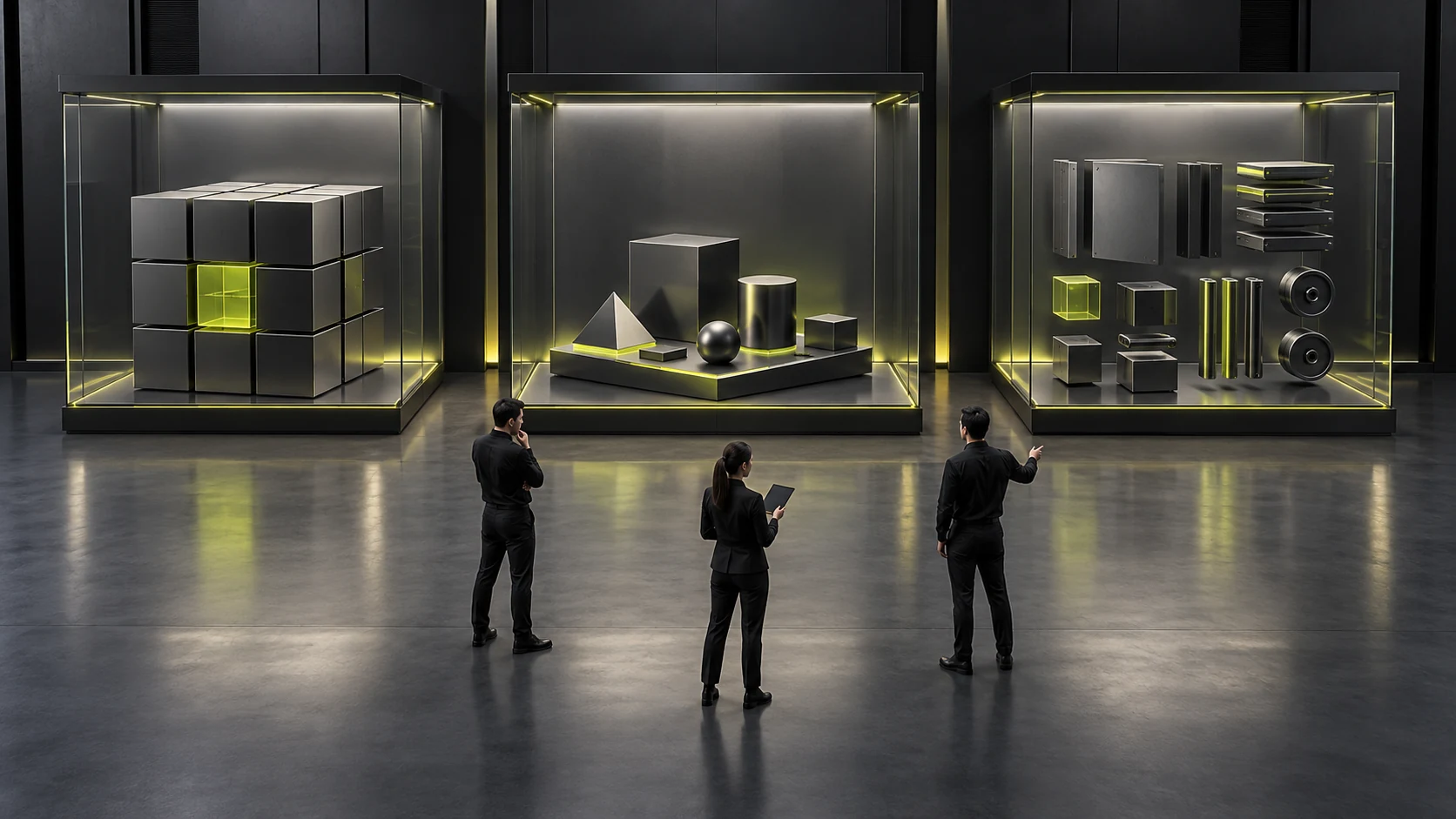
Ask the product owner to confirm each capability that will be shown: whether the current product provides it under the relevant conditions, whether it is currently only a demonstration, or whether its provision still requires evaluation. Names may be adjusted to the team's actual terminology, but the three meanings must remain distinguishable. A finished screen does not automatically make the corresponding capability available.
An available status also needs a scope, such as the relevant product version, conditions or service arrangement. Where only part of a capability currently exists, separate it from other unconfirmed parts. Different statuses may occur within one module; its title must not imply one status for every subfeature.
Consider this hypothetical example: information viewing is available in a software product, one connected result is shown using a preset sample, and a custom analysis feature exists only as a concept screen. All three can support discussion, but customers must know which has current documentation, which merely explains a path, and which needs further discussion. This is not the release status of any real software product.
The capability inventory should also record its basis and responsible roles. Keep current product documentation, demo preparation records and outstanding questions separately, making them easier to check when status changes. Website designers can arrange placement and presentation, but cannot decide on official provision for the product team or change maturity levels according to sales wishes.
Keep functions with incomplete information marked as requiring confirmation. Missing information is neither proof of nonavailability nor permission to assume availability. The value of the inventory is to show the demo team which judgments have evidence and which lack confirmation, rather than assigning every item the most favorable label.
Explain the version on entry rather than expecting customers to remember one reminder
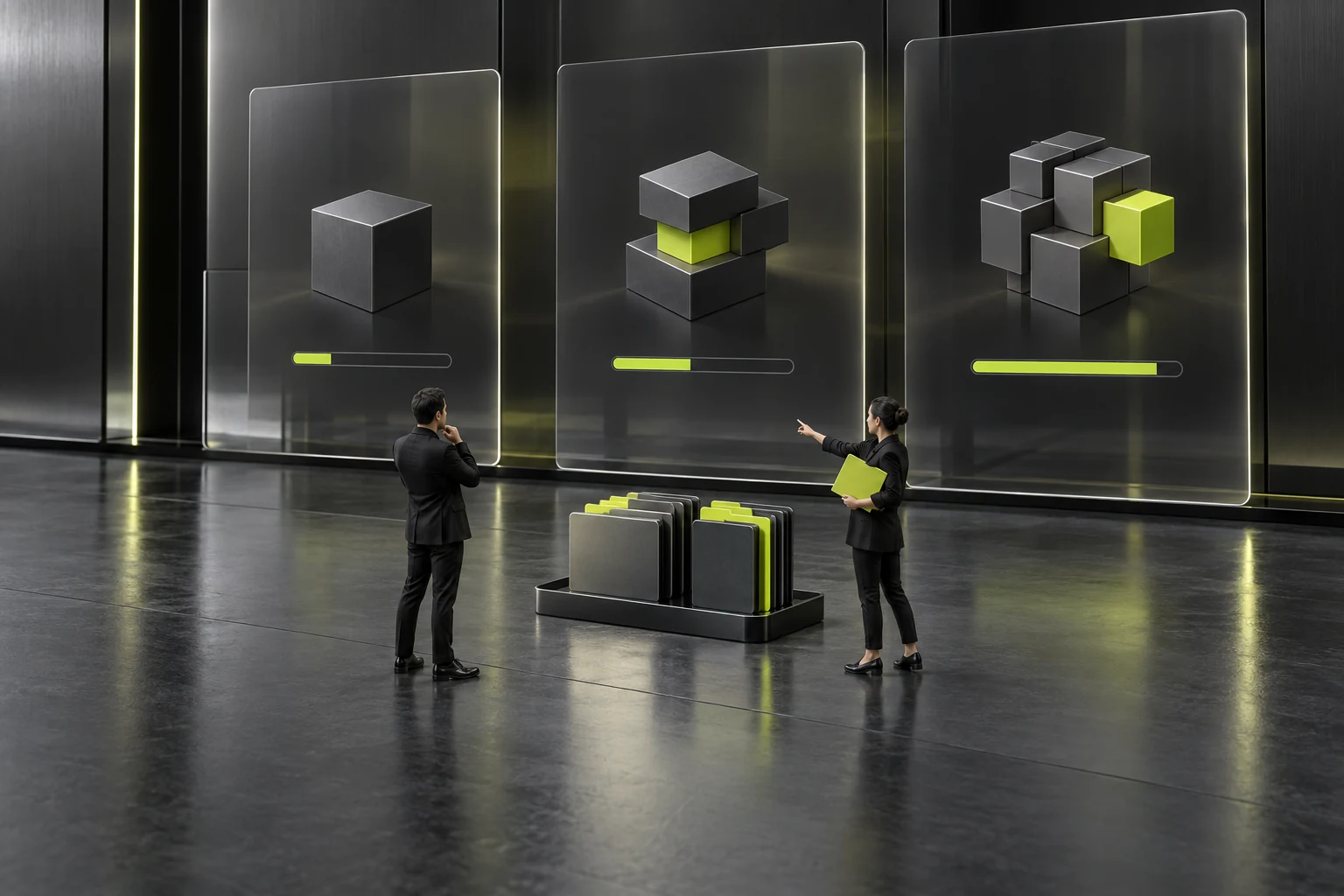
The demo entry point should briefly identify the product, version and purpose of the session. Customers arriving directly through a link should also see this information without first attending an opening presentation. Entry information is especially useful when the same link may be forwarded to another department.
The opening can explain what the statuses mean, but one information page cannot carry every boundary. Participants may later see only a partial screen or switch to another function while asking a question. Key screens should still retain the current status so readers do not need to remember a definition from several minutes earlier.
If a capability depends on particular conditions of provision, explain those conditions where relevant after entry. Do not call the entire demo environment an official release while mixing concept features into a few areas. Organize the identity of the environment and individual capability statuses separately, so one name does not make all content appear equally established.
Screenshots and recordings should also retain identifiable versions and statuses. The host's spoken explanation may be lost when materials are forwarded. Use accurate descriptions associated with the relevant screens rather than putting every limitation in a separate attachment. The structure of forwarded materials depends on the actual task, but key facts need to accompany the corresponding content.
Before publishing, check whether entry wording implies actual use. A button promising immediate access to every capability conflicts with a destination consisting mostly of samples. State what visitors can do after entry and the scope shown, rather than using broad action words to expand commitments about provision.
Place status labels where judgments are formed
Labels may sit near a feature title, operation entry point or result area, depending on where users make their judgment. If users discover only after clicking that something is a sample, they may already have accepted the previous page's promise. A status affecting purchasing judgment should be easy to notice before entering the relevant operation.
Text should provide the main explanation; colors, icons and borders can support it, but users should not need to guess status from color alone. A status name combined with a sentence about its purpose is often clearer than three abstract icons. This article does not prescribe technical implementation or numerical values. Actual readability still needs checking on representative devices and under relevant use conditions.
A process with mixed statuses needs to identify transition points. If the first part is a current capability and the second shows a preset result, explain that when entering the second part. Continuous animation must not imply that the entire sequence is running for real. The host should use consistent wording too, so spoken commitments do not exceed the interface explanation.
For capabilities under evaluation, avoid definite results that resemble an officially executable operation. Show the direction for discussion or explain conditions requiring confirmation to help customers formulate questions. If an existing prototype supports only a fixed path, clarify what the demonstration allows rather than presenting it as a fully functional system permitting unrestricted operation. See Low-Fidelity, High-Fidelity, or Interactive Prototypes? Choose by Validation Goal for related checks.
Changes in status should follow the same confirmed inventory. Design files, the demo environment and screenshots sent to customers may be out of sync, so check each relevant location when updating them. Do not change one status label while retaining adjacent descriptions of old results and promises about new features.
Describe sample results separately from evidence of real operation
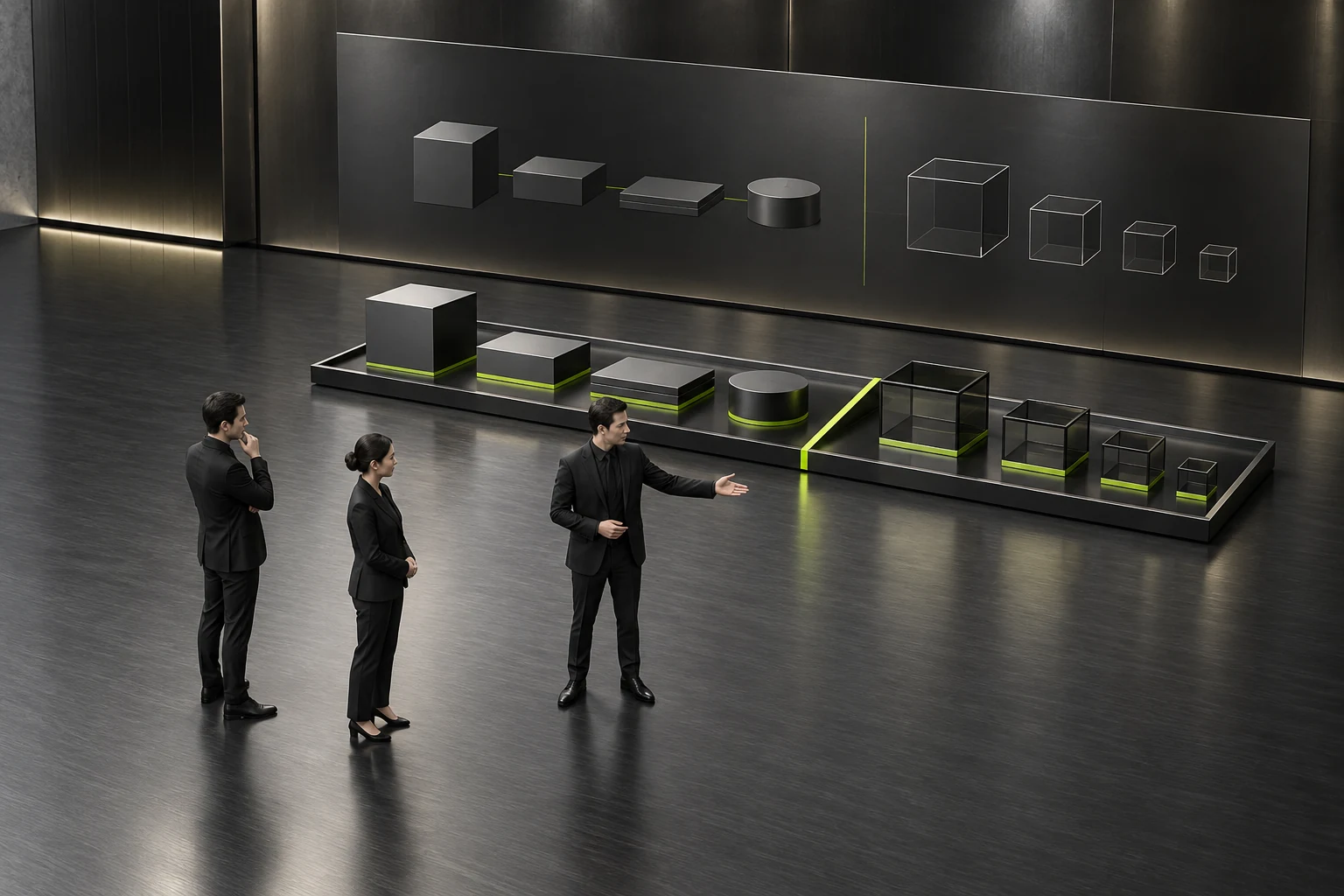
Demo data helps explain content relationships, while real operating records help establish what happened under particular conditions. Do not mix the two. Clearly identify sample results as constructed content without adding real customer names or achievements that appear to have an established source. Use actual materials within their confirmed scope of public disclosure.
A demo button that changes the screen proves only that the demonstration supports that change. It does not establish that backend processing is complete, that real data volumes are covered, or that intended users can complete the task independently. Describe what was actually shown rather than inferring operating capability from smooth screen behavior.
Even when current functions are demonstrated live, retain their conditions. The roles, advance preparation and objects used in the demo environment may differ from the customer's situation, so suitability still needs checking. A real source does not turn the demonstration into a guarantee for every scenario.
When showing waiting, failure or exceptions, also identify whether they are preset. A constructed exception can explain a design direction, but cannot prove that the actual system has recovered in that way. For parts not validated live, provide existing materials or record questions rather than describing simulated results as real testing on the spot.
The result area should ideally explain what the result is, which kind of demonstration produced it, and what can be judged from it next. Technical details need not be disclosed, but participants need to understand the limits of its evidence. They can then investigate further without mistaking an attractive result graphic for completed delivery.
Distinguish available content from matters requiring evaluation in closing materials
Follow-up materials should list content demonstrated and currently available, samples used only for explanation, and directions still requiring evaluation. Make their relationship with product or service confirmation documents clear. Meeting minutes should not automatically become commitments about provision, and demo items should not all be merged into a purchasing list.
Ask customers to describe one mixed-status process in their own words: which parts have current documentation and which remain unconfirmed. If they still answer that everything shown can be purchased, adjust the status placement and explanation. This check concerns understanding and does not require invented customer evaluations or satisfaction figures.
The responsible person should check the version being sent again to ensure that titles, summaries, captions and feature statuses agree. When a capability becomes officially available in the future, update the supporting evidence before changing its status rather than simply removing a demo label. Address functions no longer shown in frequently used materials too, so old screenshots do not continue circulating.
When handing materials to maintainers, record who confirms status, which materials need synchronized changes, and which events trigger a review. Later release changes can then be traced to the actual items rather than relying on a designer's memory. The status inventory can be brief, provided it supports accurate updates. See Why is the component status always patched during the development stage? Buttons, input boxes and cards should at least have all these states designed completely for related checks.
The work is complete when customers can distinguish current provision, sample demonstrations and unknown directions, internal staff use the same scope, and result descriptions have corresponding evidence. Maturity can be presented clearly, but visible screens must agree with actual commitments.

Frequently asked questions
If the entire link is called a demo, does each item still need a label?
Check whether customers can distinguish mixed statuses. The environment's name cannot establish whether an individual function is available. Key features and transition points still need accurate explanations, especially when screenshots may be read independently.
What status applies to a feature that is developed but not officially provided yet?
Confirm it according to actual conditions of provision, rather than development completion alone. Explain its present purpose and outstanding work, and let the product owner determine its external status to avoid creating a purchasing commitment early.
Can unreleased features use the visual style of the official product?
They can be used in a presentation, but maturity must remain easy to identify. Finished visuals are not evidence of provision. Consistent appearance is not a reason to omit feature statuses and sample scope.
Will status wording make customers less interested in the demonstration?
Clear explanations help customers ask questions within the correct scope. Use concise wording close to the feature and avoid long, repetitive reminders, but do not hide facts affecting purchasing judgment merely to keep the presentation smooth.
How should a customer's request for a demonstrated capability be recorded afterward?
First check its current status and requested conditions. Discuss available content within its corresponding scope. For content requiring evaluation, record the question and responsible person. Customer interest should not be described as an existing company commitment to deliver.
 Link copied