A Prototype Click Always Succeeds: How Do You Add Waiting, Failure and Retry Routes?
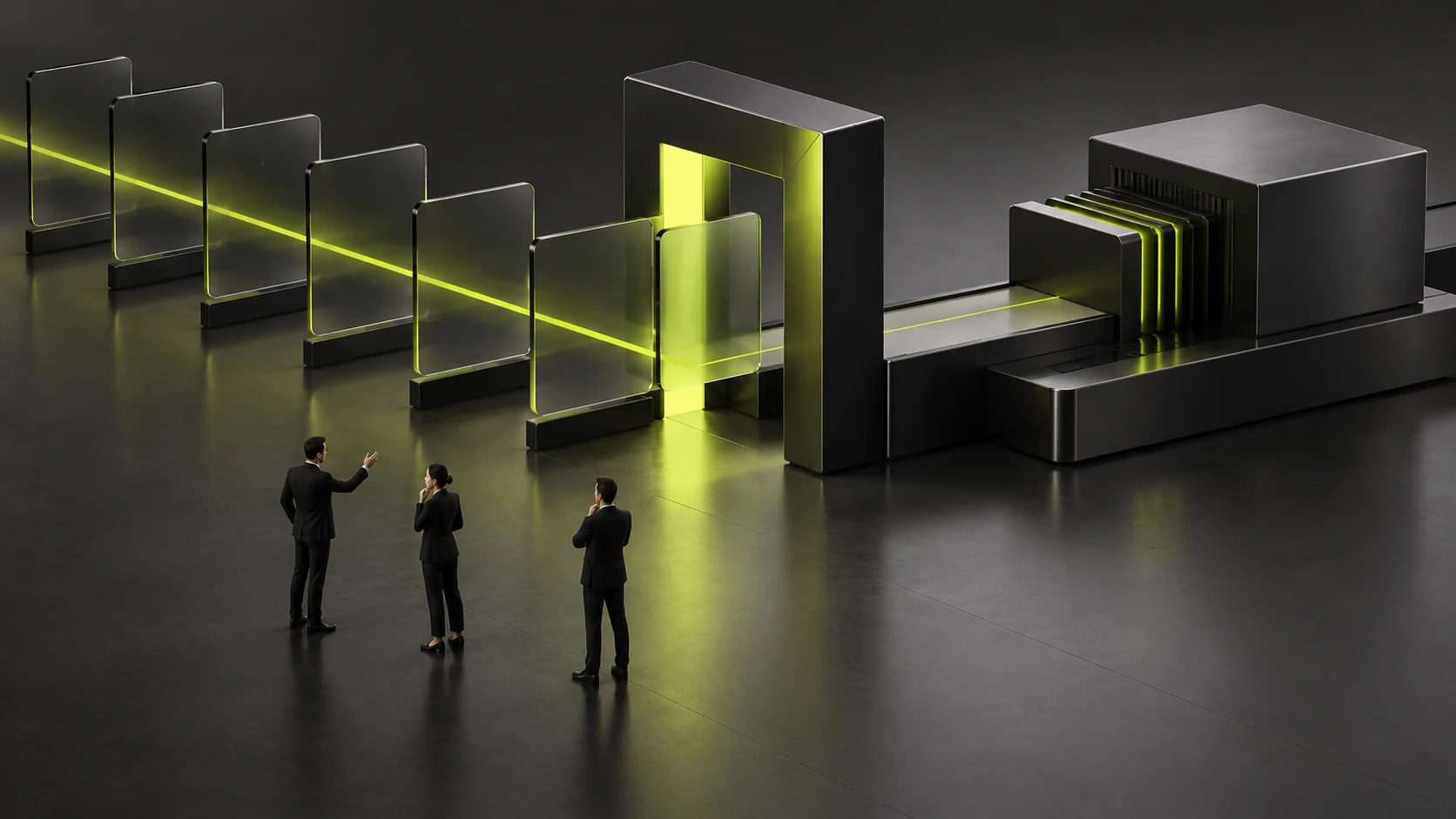
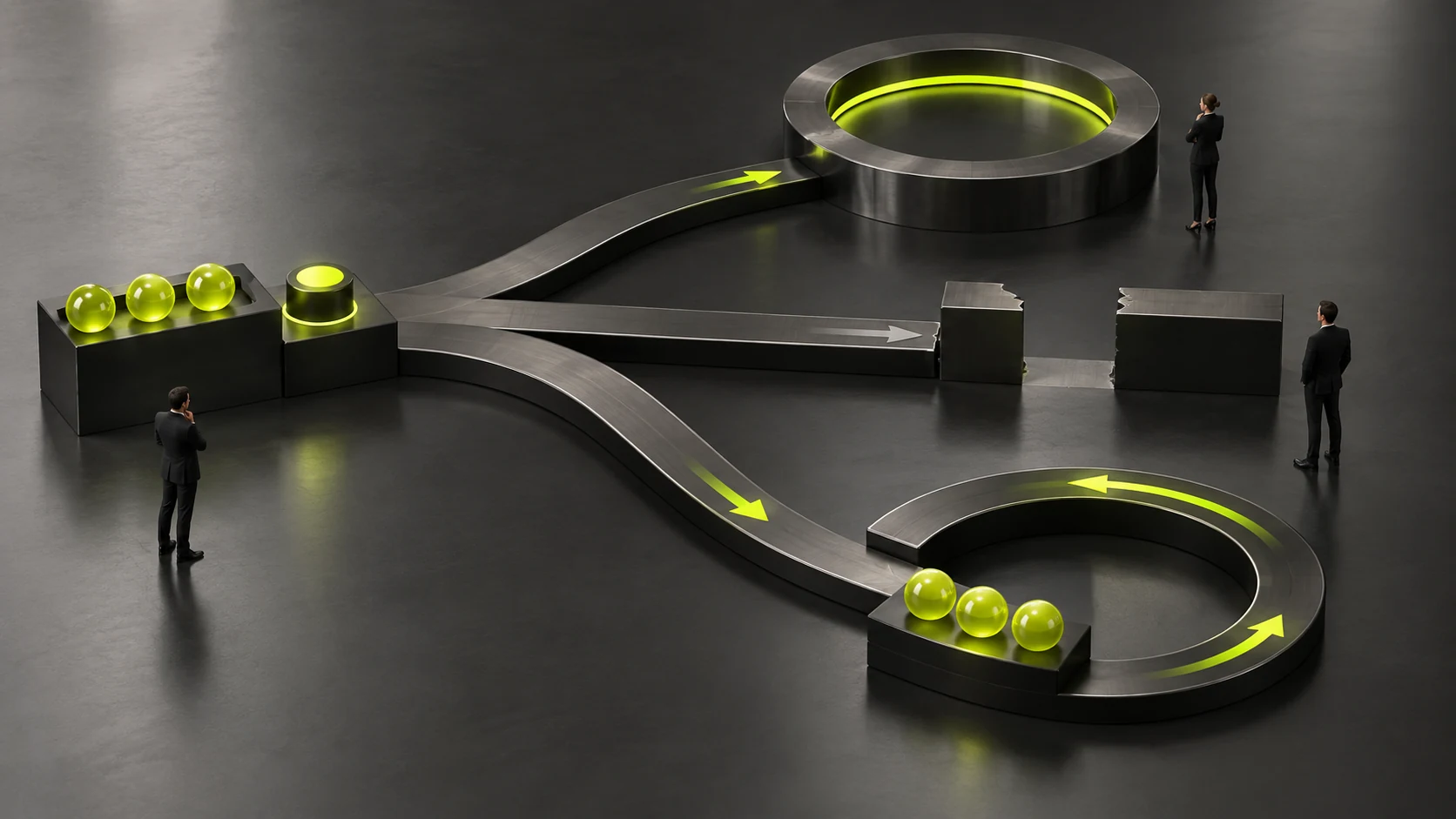
A prototype click that always succeeds expresses the normal path but does not validate waiting, failure or retry rules. Add states and branches for key actions so reviewers understand what users see, can do and what data state may exist before deciding readiness for the next stage.
Choose Actions with Clear Consequences
Select actual submissions, saves, downloads or condition changes needing checks. Record inputs, results and failure consequences. Not every button needs a complex demonstration; prioritize user judgment and business handling.
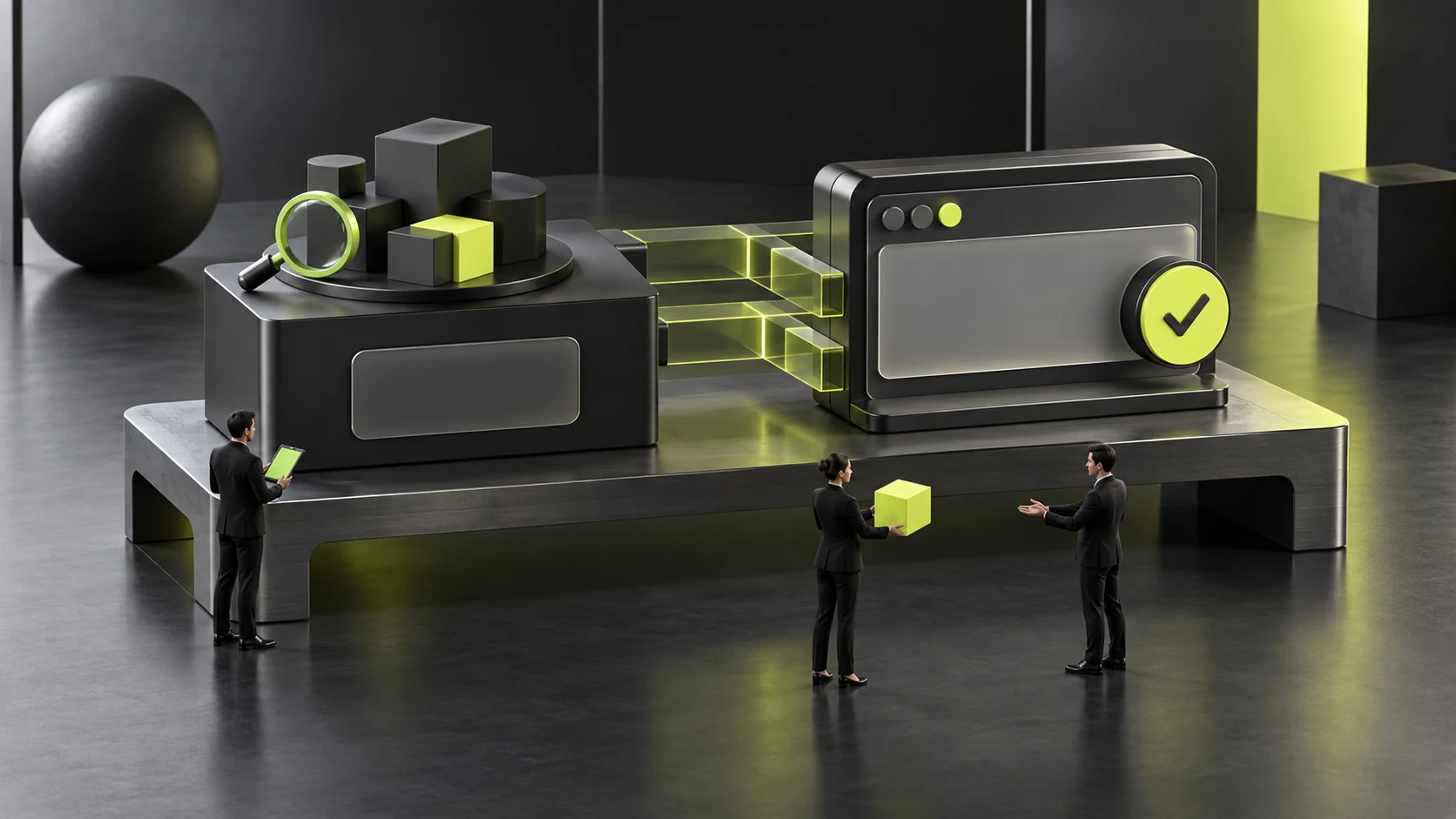
Simulations can express behavior, with clear separation from real implementation. Success messages prove a depicted result, not backend storage, sent notifications or delivered service.
Success means task sheets identify expressed rules and unknowns for business and technical review, without confusing smooth demonstrations with confirmed conditions.
Waiting Must Explain Whether the Action Was Received
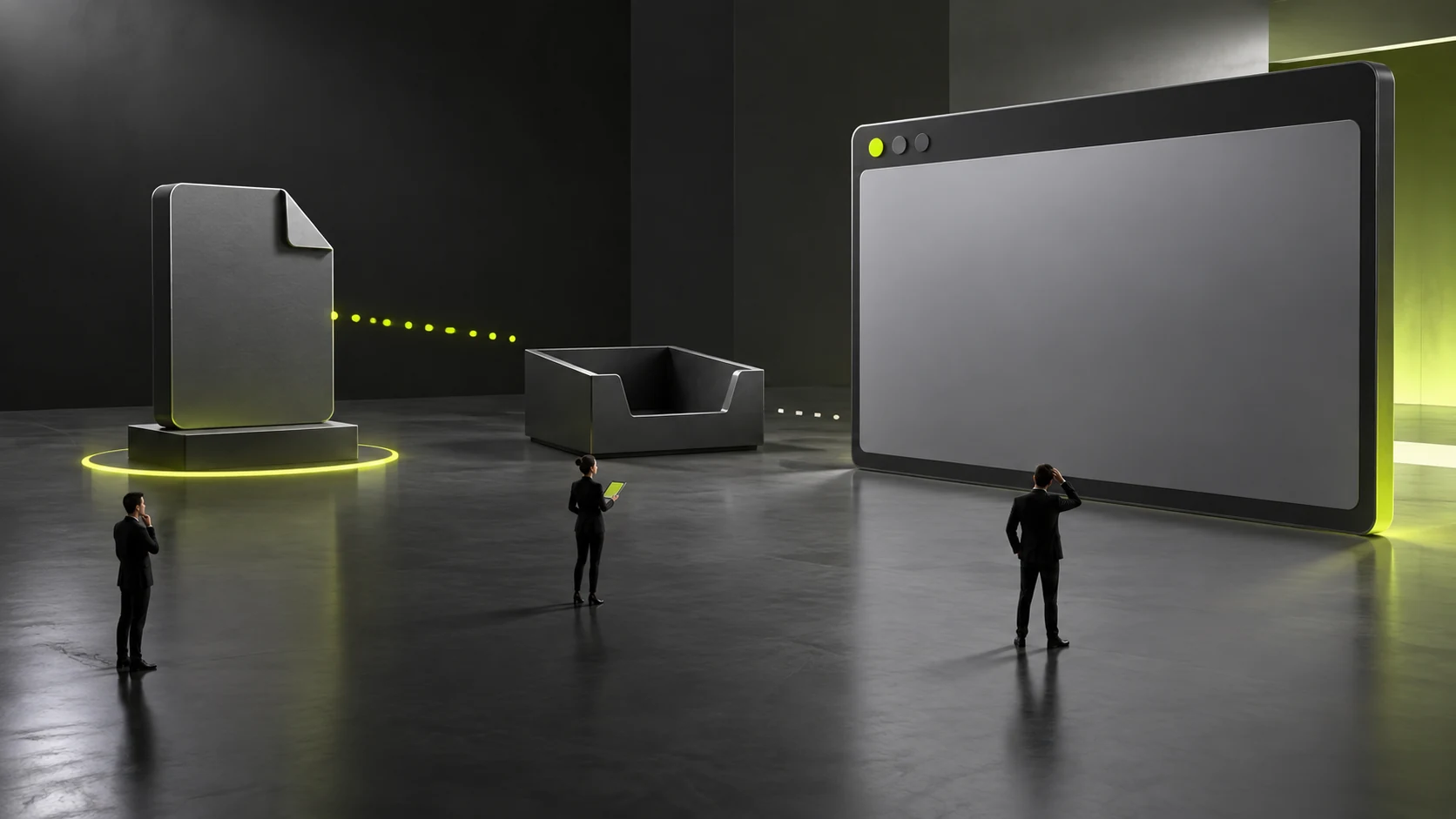
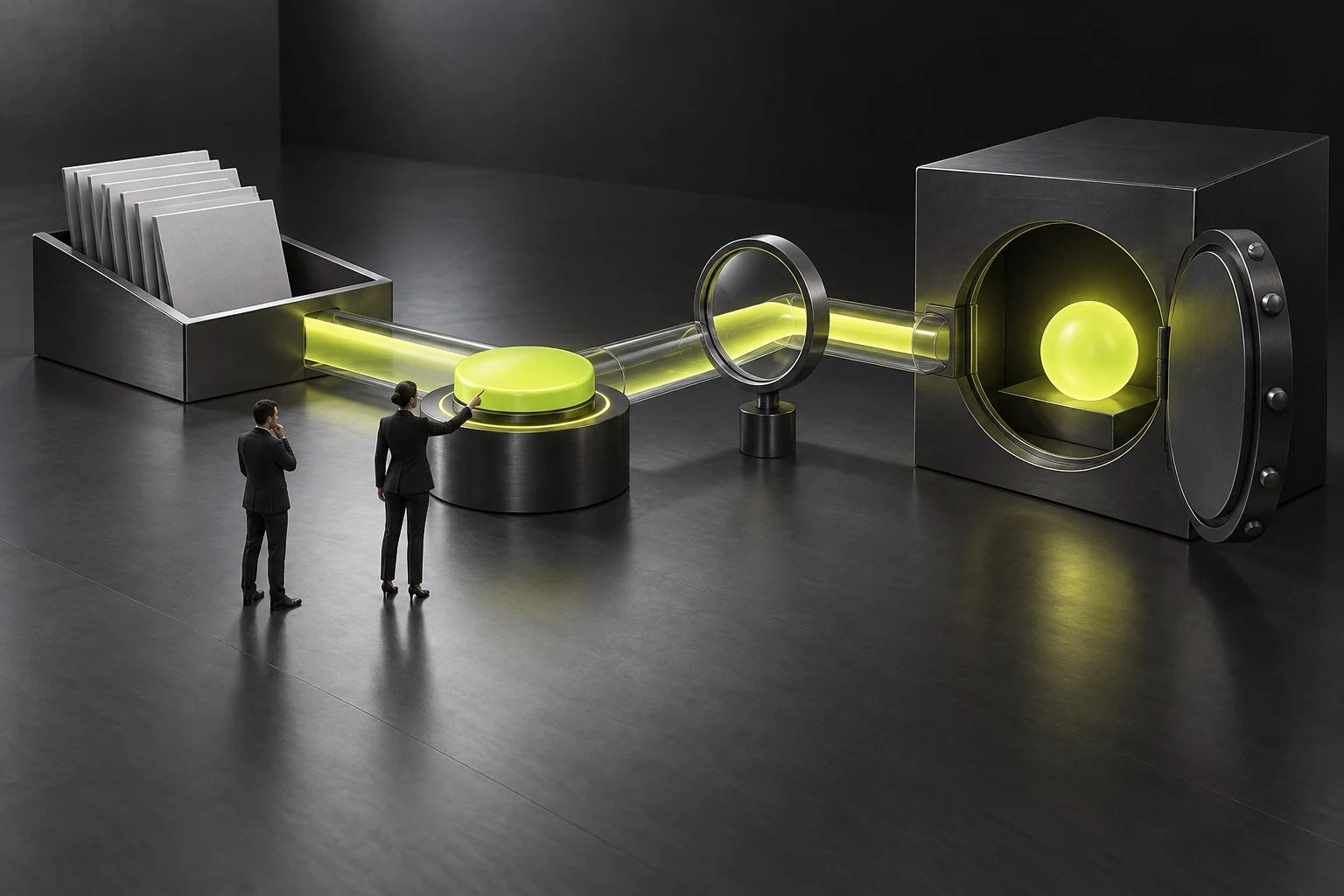
Feedback should reflect real rules. Discuss whether users can edit, click again, leave or cancel while waiting and where completion returns them. Business and technical staff confirm effects on data.
Do not invent waiting durations or conceal unknowns with consistently instant demonstrations. Simulate waiting to check understanding and record conditions still needing technical confirmation.
When discussing UI/UX and website features with JVDS Design Studio, include key actions and waiting conditions in prototype scope. Simulations, states, implementation and real notification validation follow separate project confirmation.
Failure Branches Need a Next Step
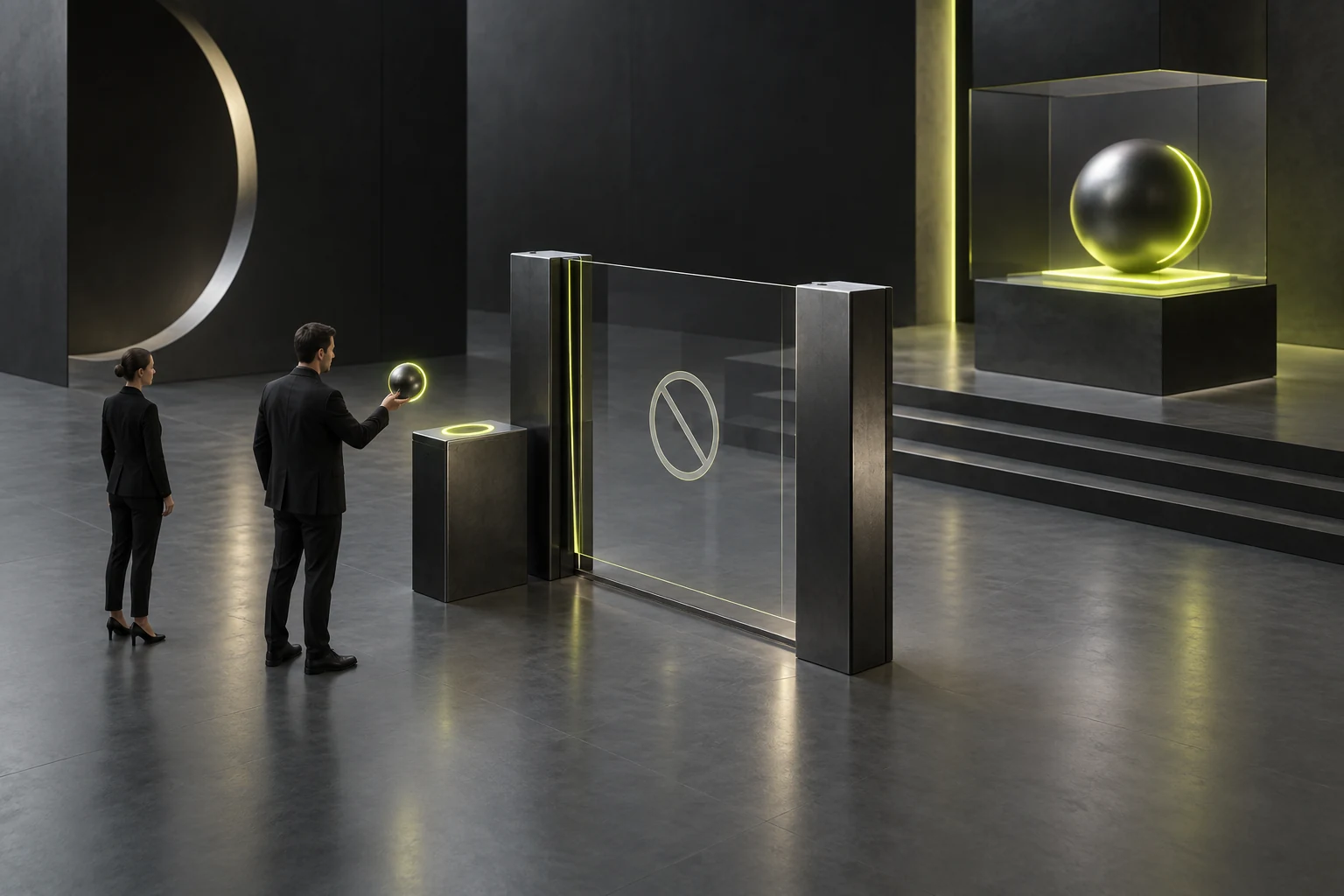
Distinguish relevant input problems, permissions and incomplete requests. Error wording should explain possible actions instead of leaving users guessing at failure. Unknown causes should not produce unconfirmed technical explanations to users.
For network failure after contact submission, discuss retry decisions, retained input and duplicate handling. These need actual business rules; a red error box alone does not complete the branch.
Record visible states, allowed actions and conditions for returning to normal on each branch. Failure pages are not endpoints; recovery and restarting costs also need review.
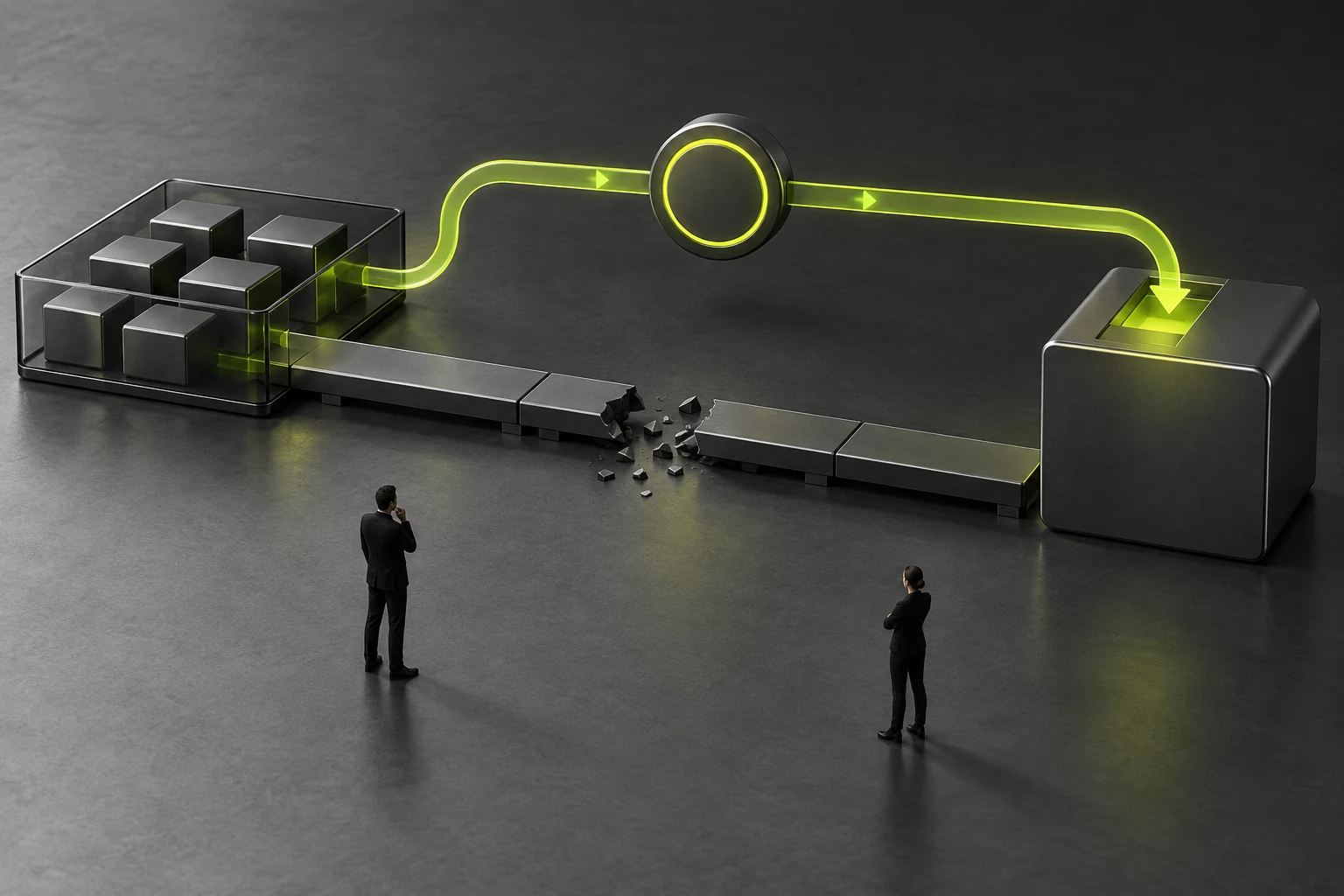
Review Branch Routes and Implementation Boundaries
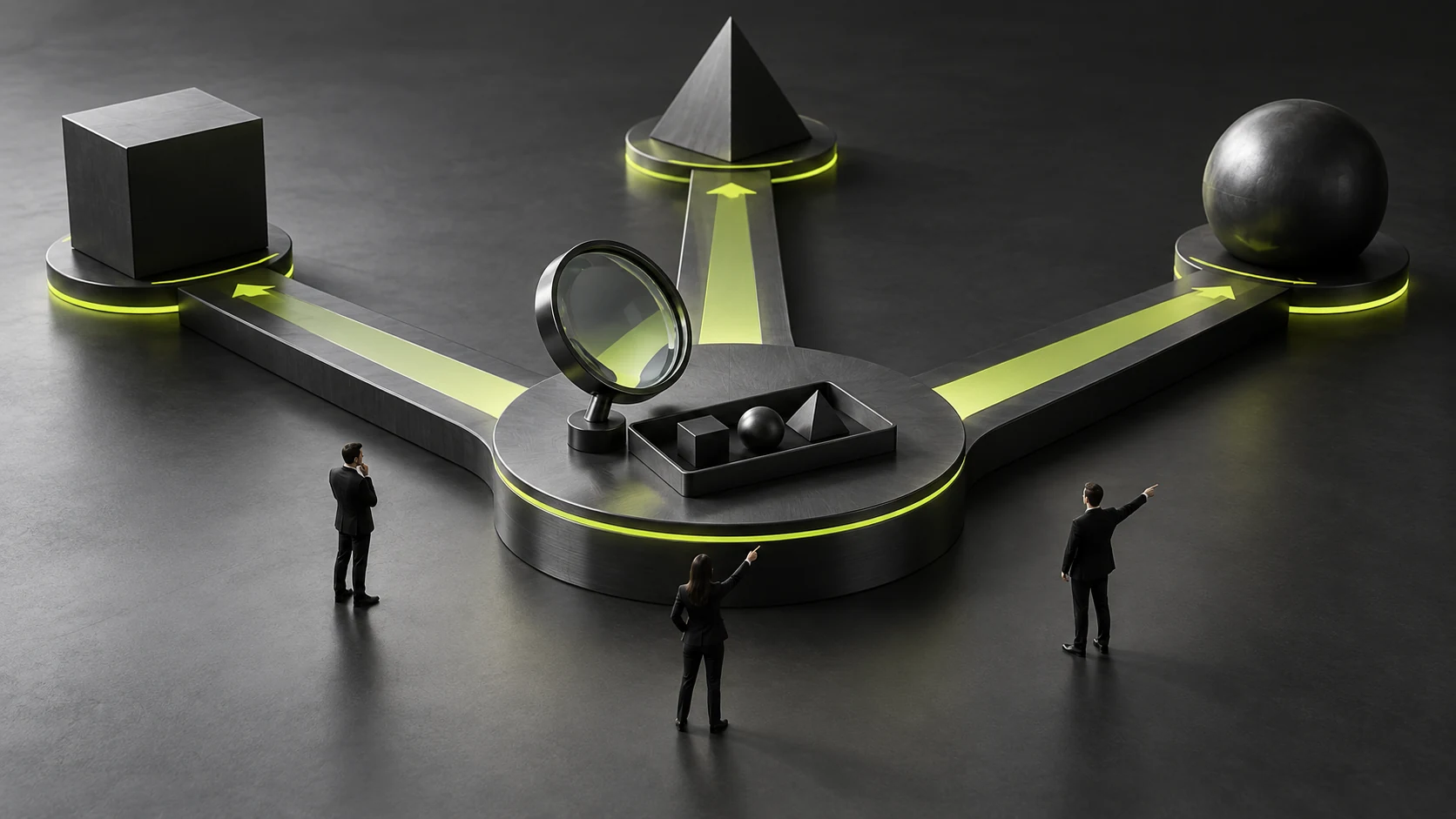
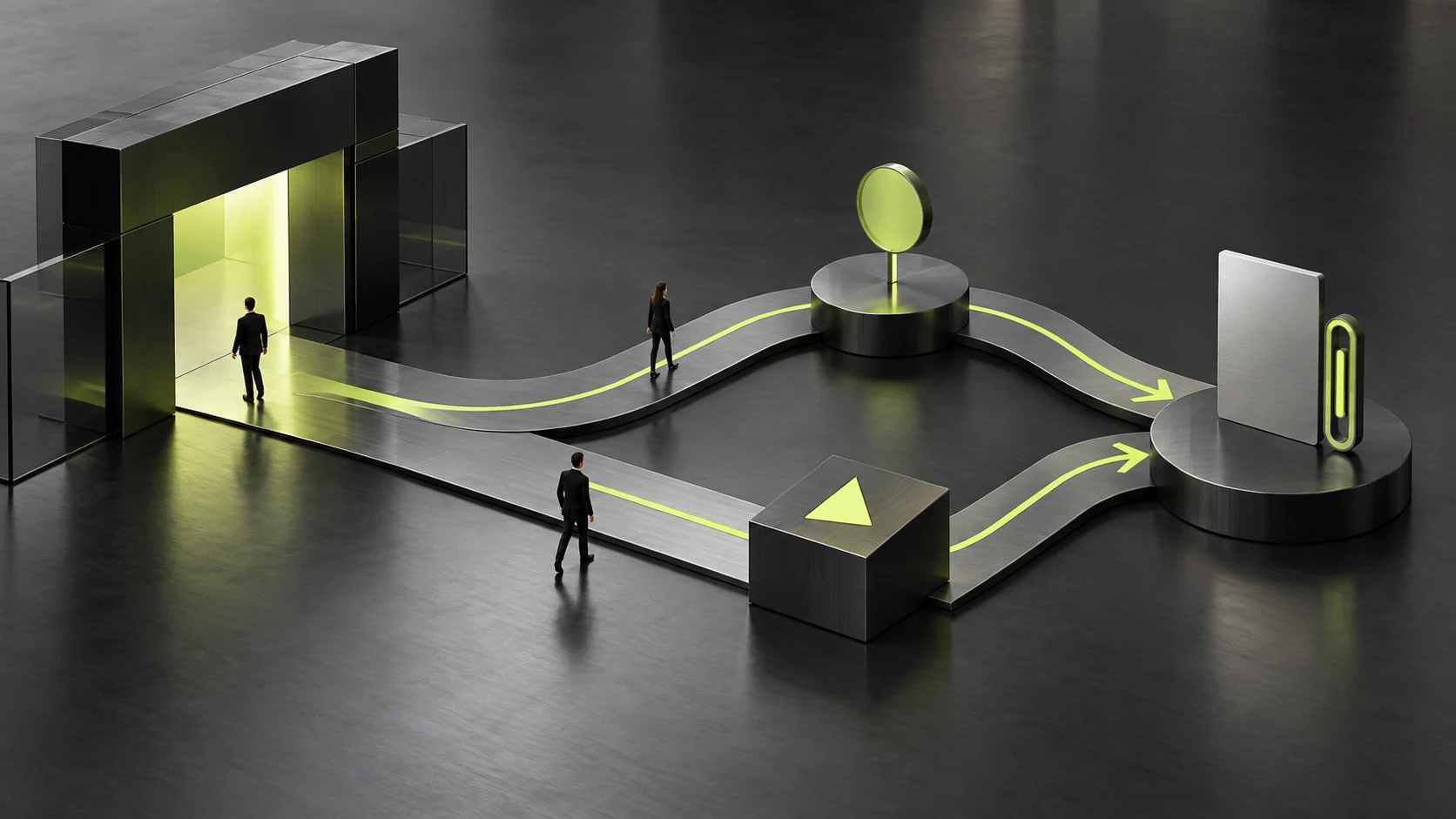
Reviewers follow normal, waiting, failure and recovery routes and explain events and intended next actions. If interpretations differ from intent, revise expression or rules before visual details.
If tools cannot demonstrate a state, add state designs and clear explanations rather than deleting required rules. Clickable prototypes need not claim to simulate entire real systems; the validation question must be expressed. See Low-Fidelity, High-Fidelity, or Interactive Prototypes? Choose by Validation Goal for related checks.
Success means approved branch rules, understandable next steps and known implementation checks. Development still needs real request and data tests; prototype validation and formal acceptance use different evidence.
Frequently Asked Questions
Must Every Error Have a Clickable Prototype Page?
No. Cover key tasks and known branches first, supplementing difficult simulations with state designs and explanations. State scope clearly; unshown essential conditions are not automatically normal. See Why is the component status always patched during the development stage? Buttons, input boxes and cards should at least have all these states designed completely for related checks.
Can Simulated Waiting Measure Actual Loading Speed?
No. It checks feedback and rules. Actual speed, requests and data need implementation-environment validation under agreed conditions.
Need design or website development services?
JVDS Design Studio is a professional design studio focused on digital product experiences and brand identity. We work with businesses in China and overseas that want to strengthen their brand image, improve user experience and grow their business, providing clear, usable UI/UX design, high-quality website design and development, app and mini-program development, and cohesive, distinctive brand identity design.
Working on a B2B system or an app? Share your current screens and key user tasks so we can discuss the design scope.
 Link copied