Asking “how much does UI design cost per screen?” is easy—and often produces the wrong answer. Screens are outputs. The real work lies in understanding requirements, mapping user flows and states, defining responsive behavior and components, conducting research and testing, and collaborating with engineering. A per-screen rate alone rarely explains what the project will actually deliver.
For early planning, JVDS uses four preliminary tiers to frame project scale. These are neither fixed packages nor market averages; they are simply a way to identify the likely level of effort.
Project level | Candidate budget | Usually. |
|---|---|---|
Local interface or critical process optimization | About 15,000 – 30,000 | Available products and needs, focus on a small number of core pages, visual upgrades or experience corrections |
Standard website or mobile app UI/UX | About 30,000 – 80,000 | Include structural combing, core processes, prototypes, UI and basic component specifications |
Complex B / SaaS products | About 80,000 – 200,000 + | Multi-role, multi-authority, complex state, design system and phased delivery |
Long-term design support | Assessment by month or stage | Continuous iteration, multiple business lines, design-system governance, and engineering collaboration. |
01 Why Screen Count Alone Produces Misleading Estimates
A login screen may be a single simple view, or it may cover phone and email login, verification codes, passwords, social sign-in, device verification, errors, lockouts, privacy consent, and localization. An approval screen may involve four roles, returns, withdrawals, reassignment, permissions, bulk actions, and audit history.
- The number of pages is not equal to the number of statuses: empty, loaded, successful, unsuccessful, disabled, and inadequate permissions require design.
- Visual designs are not equivalent to complete UX: research, architecture, processes, prototypes and tests generate independent workload.
- The desktop end is not equivalent to a response pattern: moving, tablets, narrow and super-wide screens may require the reprioritization of information.
- The number of components is not equal to the number of pages: tables, filters, approvals, uploads and charts may have complex rules.
- Delivery of the draft design is not equivalent to implementation: time is also required for labelling, answering questions, de-checking, acceptance and iterative.
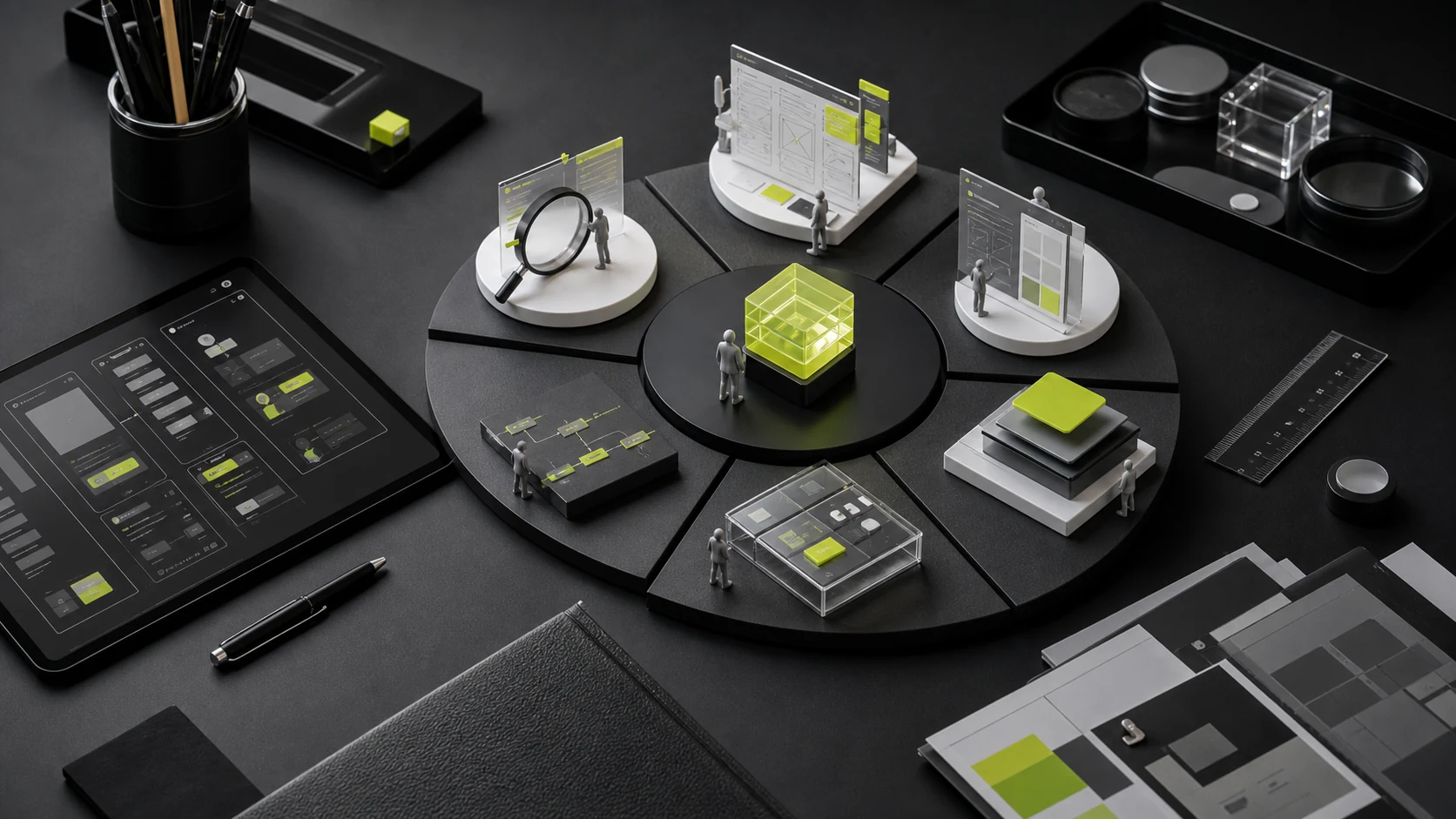
02 Eight Components of UI/UX Design Cost
Cost module | Actual work |
|---|---|
Definition of needs and problems | Objectives, users, operational constraints, success indicators, scope and priorities |
User and context research | Interviews, competitive analysis, data, tasks, pain points, and opportunities |
Information architecture and processes | Content level, navigation, user processes, status and exceptions |
Prototypes and interaction design | Low- and high-fidelity prototypes, rules, feedback and validation |
UI Visual Design | Visual direction, key pages, full pages, responsive behavior and motion |
Design system | Token, component, status, mode, document and version governance |
Develop collaboration | Delivery, answer, design check, acceptance and problem correction |
Project management | Meetings, plans, feedback, versions, changes and risk control |
Some estimates cover visual UI only; others include the full process from research through implementation acceptance. When totals differ sharply, first confirm that the proposals describe the same service.
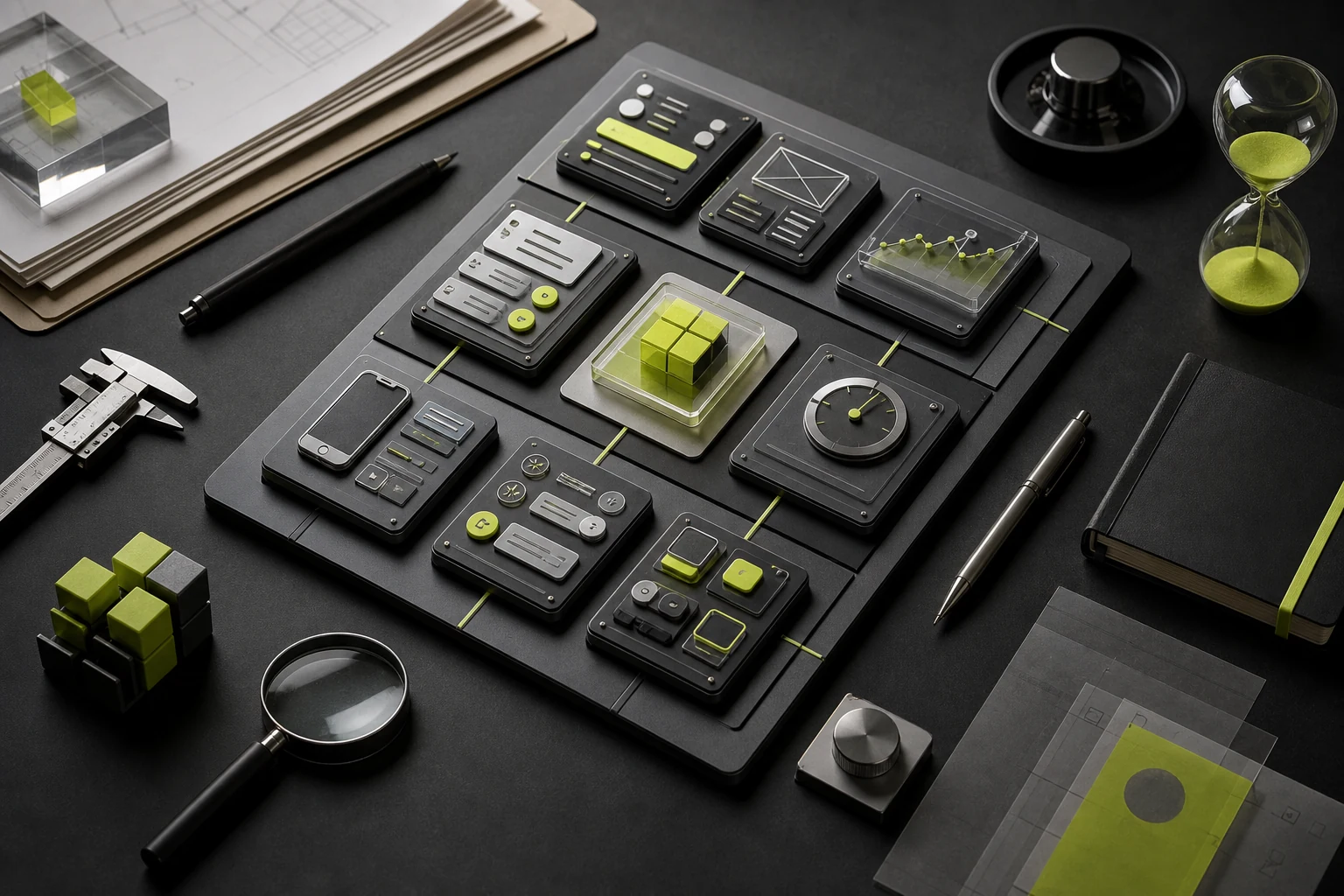
03 Five Common Pricing Models
Quoting method | Suitable | Main risks |
|---|---|---|
Press page/ screen | Intuitive scope, suitable for small projects with stable structures and fewer states | Easy to miss out on states, responses, processes and components; new pages are controversial |
By hour/ person-days | Unstable needs, ongoing exploration or ad hoc support | Clients have difficulty locking in the total cost in advance, requiring transparent hours and priorities |
Fixed total project price | Better needs, deliverables and milestones | Change of scope has to take the change process, or risk to both sides High |
By stage | Complex projects, first research and prototypes, then follow-up scope | Budgetary and continuing conditions need to be reconfirmed between phases |
Month / Mixed Mode | Continuous iterative, design system or multi-business line support | Must agree on capacity, response, unused hours and excess rules |
The IPA pricing framework groups common commercial models into input-, output-, outcome-, and hybrid-based approaches. Outcome-based fees require caution: conversion, revenue, and retention also depend on the product, traffic, sales, pricing, and implementation quality. A design team should not be held solely responsible for results it cannot control.
04 Three Budget Examples: The Same Label Can Hide Very Different Scopes
The following is a synthesis and does not represent a true client or a fixed offer.
Typical projects | Example range | Candidate budget |
|---|---|---|
12 pages of corporate website | Information architecture, homepage style, approximately 12 pages, PC/mobile adaptation, basic components, development delivery | About 30,000 – 60,000 |
25-screen consumption class mobile app | Core processes, prototypes, 25 main screens and necessary status, basic design systems, engineering handoff and design QA | About 50,000 – 100,000 |
Multi-role B2B SaaS | Role permissions, complex processes, table filtering, exception states, design system, multiple rounds of collaboration | About 80,000 – 200,000 + |
Mature prototypes, an established component library, and solid research can reduce cost. Unresolved requirements, many decision-makers, compressed timelines, and extensive workshops will increase it.
05 Normalize Scope Before Comparing Proposals
When several proposals arrive, do not compare totals immediately. Create one scope checklist and ask every firm to mark each item as included, partially included, excluded, or separately priced.
Comparative | Questions to be clarified |
|---|---|
Research | Interviews, data analysis, competitive analysis, and research |
Prototype | Number of pages and processes, precision, clickability |
UI | Screens, states, responsive breakpoints, visual direction, and revision rounds |
Design system | Tokens, components, states, documentation, and code alignment |
Action | Screens, interaction notes, and deliverable formats |
Develop collaboration | Number of handoff sessions, review milestones, acceptance rounds, and included fixes |
Project management | Meetings, feedback timelines, version control, and change process |
Delivery and rights | Figma source files, font material, copyright and display rights |
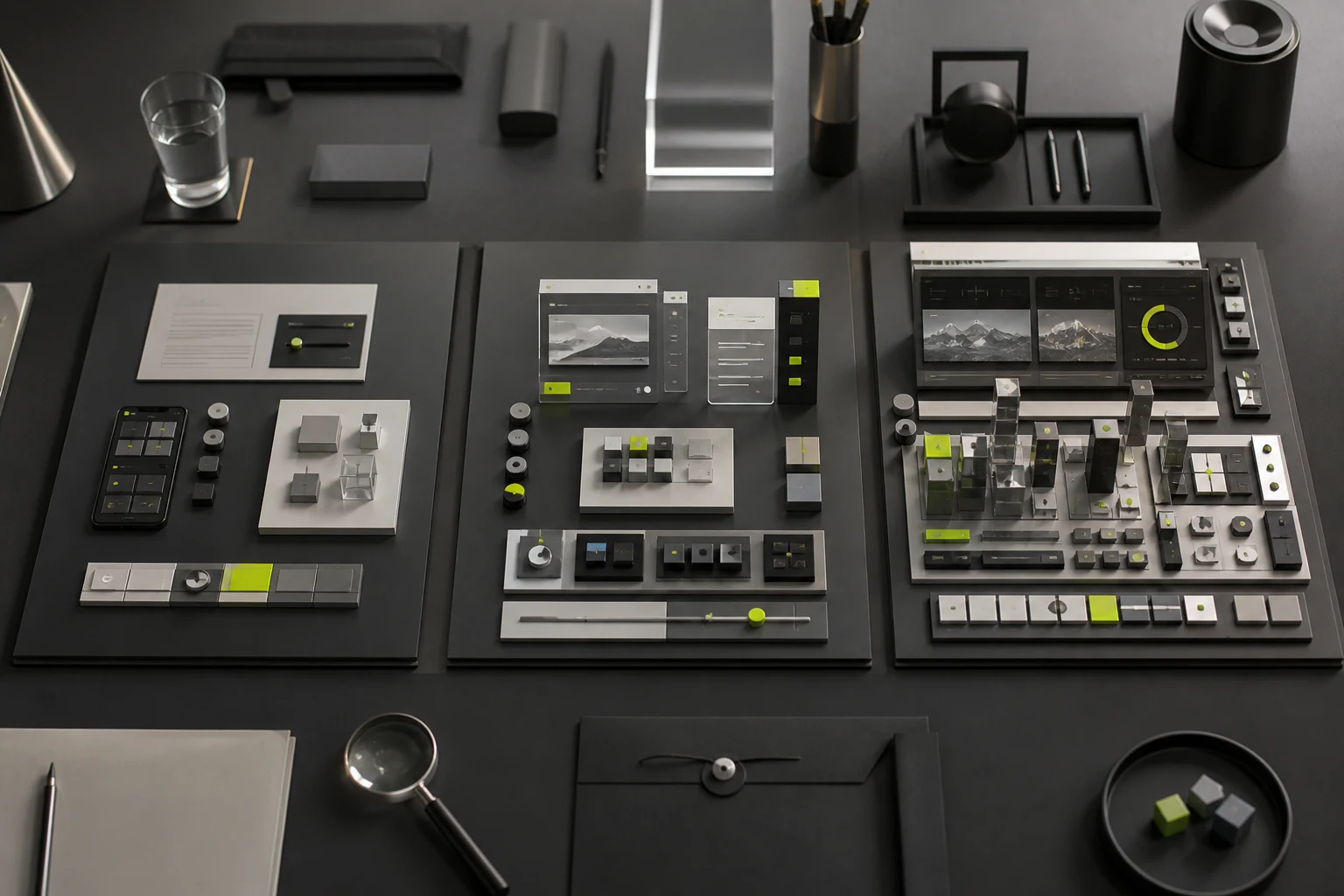
06 Work Commonly Excluded from Base Estimates
- Brand strategy, naming, logo and complete brand visual systems.
- Writing, translation, photography, illustrations, 3D, video and large-scale icons.
- Front, back, CMS, server, domain and third-party services.
- User recruitment, venue, gifts, testing platforms and research travel.
- Data site implementation, analysis platform, A/B test development and long-term operation.
- Modifications beyond agreed rotations, direction reversals, expediency and additions.
- Fonts, pictures, plugins, templates and third-party business authorizations.
07 Control the Budget Without Sacrificing Core Quality
- Target one version: what needs to be addressed in the current period and which can be extended.
- Priority is given to the design of core tasks and high-risk processes, with no equitable distribution of effort by page.
- First, a set of visual directions is identified, then full pages are expanded to avoid mass return to work.
- Reuse mature components and models, leaving customized inputs to business differences.
- A final decision-making window was set up to avoid conflicting opinions from many people.
- Control of risk with phase acceptance: needs, prototype, visual, delivery are identified separately.
Do not eliminate requirements analysis and core-flow design simply to save money. The later a team discovers an error in goals, rules, or structure, the more expensive the rework becomes.
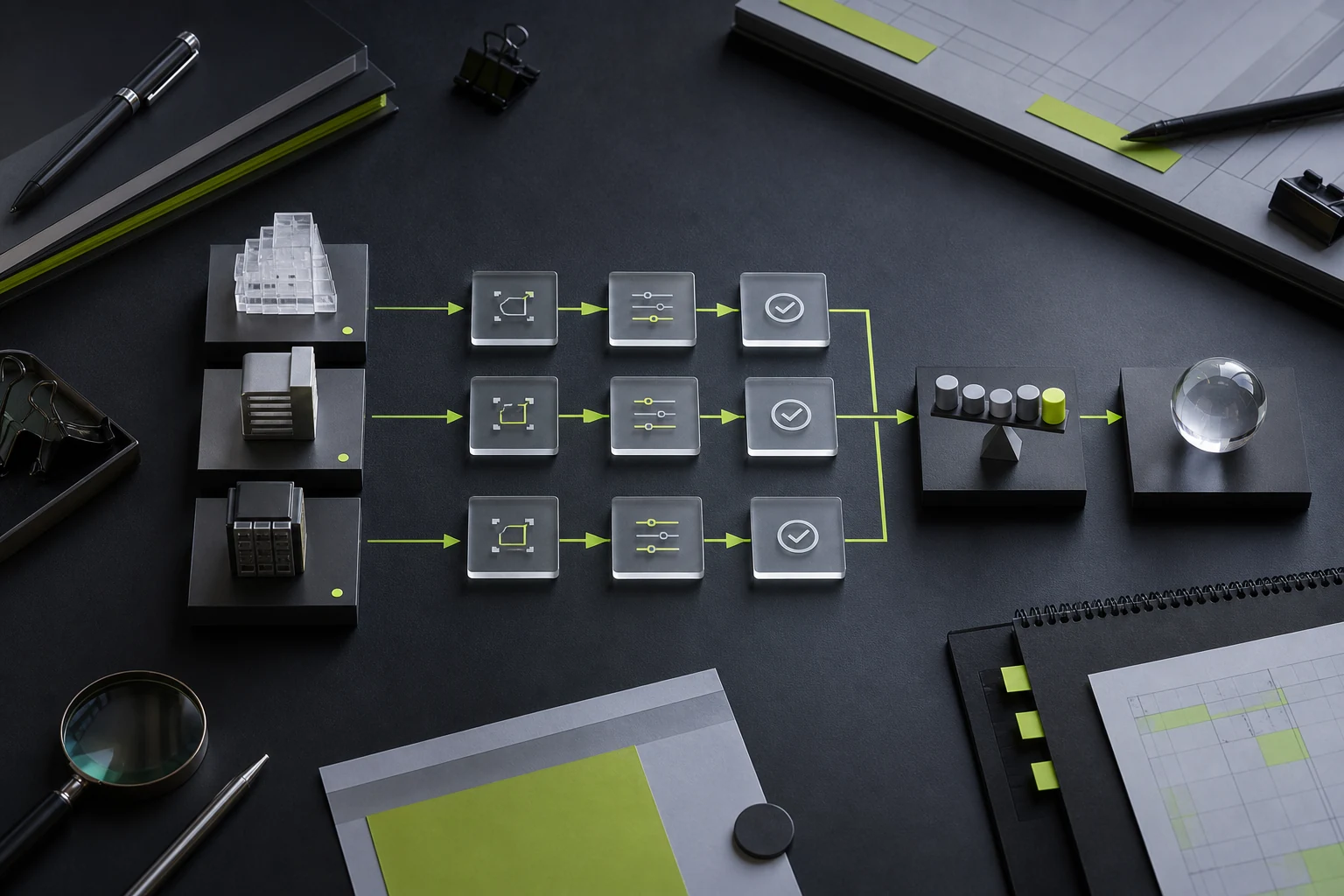
08 Defining Payments, Changes, and Acceptance
JVDS web-design contracts currently use milestone payments of 50% at kickoff, 30% during design, and 20% at delivery. These are payment milestones, not a claim that effort occurs in the same proportions. The contract should also define:
- The calculation begins when the advance payment is received and the information is complete.
- What was delivered at each stage, who confirmed it, how long was the feedback, and how was the delay addressed.
- Define a revision round as one consolidated set of feedback, and price any change in the approved direction separately.
- Define how added screens, states, responsive breakpoints, features, or platforms affect fees and timing.
- State when editable source files are delivered and what usage restrictions apply while invoices remain unpaid.
- Design errors discovered after development are distinguished from additional business needs.
09 Minimum Requirements Package Before Requesting a Proposal
Information | At least |
|---|---|
Project background | Operations, products, target users and reasons for this revision |
Scope | End, page, core process, existing prototype and development status |
Objective | Contact time, business objectives, experience issues and success criteria |
Information | PRDs, brand standards, data, competitors, legacy designs, and technical constraints |
Collaboration | Decision-makers, feedback contributors, and product and engineering counterparts |
Budget | Budget areas, payment restrictions and work to be retained |
10 Frequently Asked Questions
Is Per-Screen UI Pricing Reasonable?
Per-screen pricing can work for a small project with stable structure, but the proposal must still define states, platforms, components, revision rounds, and engineering collaboration. Otherwise, per-screen rates are not comparable.
Why Do Enterprise Products Cost More Than Standard Websites?
More roles, permissions, data, processes, exceptions, tables, components and long-term ongoing iteration are usually involved.
Will an Existing Prototype Reduce the Cost?
It may, but first assess whether the prototype is complete, the rules are settled, and all states are covered. If the prototype still requires restructuring, the work has not disappeared.
With a Limited Budget, Should We Start with UX or UI?
Validate the goals, structure, and core flows first, then establish the visual direction for priority screens. Skipping UX entirely usually postpones unresolved problems until development.
Does UI/UX Design Include Development?
Usually not by default. The boundary must be clearly designed, front-end, back-end, deployed and maintained in quotations and contracts.
Conclusion
UI/UX design has no universal price independent of scope. The meaningful comparison is which proposal offers the most reasonable total cost and risk for the same goals, number of states, research depth, deliverables, and responsibility boundaries.
With a limited budget, preserve problem definition, core workflows, priority screens, component specifications, and implementation reviews. Reduce lower-priority screens or research sample size if necessary, but do not remove all analysis and jump directly to visual design.
Next Step
Before requesting proposals, document the product type, core users, primary workflows, estimated screens and states, existing materials, development approach, and target launch date. JVDS can use this information to recommend a phased scope and budget range.
Need design or website development services?
JVDS Design Studio is a professional design studio focused on digital product experiences and brand identity. We work with businesses in China and overseas that want to strengthen their brand image, improve user experience and grow their business, providing clear, usable UI/UX design, high-quality website design and development, app and mini-program development, and cohesive, distinctive brand identity design.
Working on a B2B system or an app? Share your current screens and key user tasks so we can discuss the design scope.
 Link copied