Before a project begins, many companies choose one of two extremes: send only "we want a premium corporate website," or package dozens of gigabytes of historical files for the design team. The first cannot define scope; the second buries useful information in obsolete materials. Good preparation helps the project team understand the business, goals, users, content, and constraints quickly.
Incomplete materials do not prevent a project from starting. Divide information into three groups: required before kickoff, needed during phase one, and completed gradually during design and development. This prevents waiting for every piece of copy while also avoiding design without critical decisions.
01 Category One: Project Goals and Success Criteria
"Build a better-looking website" is not actionable. Explain why the project starts now, what should change, and how effectiveness will be judged after launch. Different goals produce very different structures and priorities.
Goal Type | Information Required | Observable Metrics |
|---|---|---|
Brand Upgrade | Brand changes, desired perception, and problems with the old image | Brand consistency and understanding of core messages |
Lead Generation | Target customers, lead journey, and sales process | Qualified inquiries, appointments, downloads, and opportunities |
Product Launch | Product value, release, market, and launch milestone | Product understanding, trials, demos, and registration |
Recruiting and Employer Brand | Roles, candidate profiles, culture, and process | Job views, applications, and candidate quality |
Customer Service | Common questions, materials, tickets, and support workflow | Self-service resolution, fewer inquiries, and satisfaction |
International / Multilingual | Target countries, languages, channels, and delivery capability | Target-region traffic and leads |
02 Category Two: Company, Business, and Product Materials
- □ Company profile, development stage, primary business, and revenue model;
- □ Core products or services and their priorities;
- □ The problem each product solves, ideal users, and differentiation;
- □ Typical sales or delivery process;
- □ Service regions, languages, industries, and customer sizes;
- □ Verifiable evidence for qualifications, patents, certifications, awards, and partners;
- □ Existing business plans, product materials, sales PPT, and internal training content;
- □ Business, customer, and sensitive information that must remain private.
You do not need to provide every internal file at the start. Share a curated business explanation first and add sensitive materials after confidentiality mechanisms are clear. Designers need business structure and decision rationale more than a large volume of unsorted files.
03 Category Three: Target Users and Real Problems
Personas need not invent a "28-year-old who enjoys travel." For corporate projects, roles, scenarios, tasks, concerns, decision authority, and information needs are more useful.
Information | Example Question |
|---|---|
User Role | Who visits or uses it? Who represents business, technology, procurement, and executives? |
Trigger Scenario | Which event makes the user begin searching for you? |
Core Task | What does the user most want to accomplish on the site or in the product? |
Primary Concern | Price, risk, technology, compliance, delivery, or results? |
Decision Process | Who initiates, uses, reviews, and pays? |
Common Barrier | Where is the current process slowest, hardest, or most error-prone? |
Real Language | How do customers describe the problem in sales conversations? |
04 Category Four: Brand Assets and Visual Guidelines
Material | Format or Explanation |
|---|---|
Logo Source File | AI, EPS, SVG, or editable vector, plus common formats such as PNG |
Brand Guidelines | Standard colors, typography, graphics, layouts, photography, and misuse |
Font Licenses | Font names, license scope, purchase accounts, and alternatives |
Images and Video | Originals, copyright source, model releases, shoot date, and usage scope |
Icons and Illustrations | Source files, licenses, and existing style |
Historical Materials | Corporate website, APP, PPT, brochures, packaging, and spatial applications |
Brand Strategy | Positioning, proposition, voice, core messages, and prohibited language |
A JPG Logo is enough to begin, but confirm early whether it needs vector reconstruction, color standardization, and font licensing. Never assume images, fonts, or icons found online can be used commercially.
05 Category Five: Website or Product Content
Content is an input to structural design, not decoration added at the end. At minimum, identify a content owner, assess existing copy, specify pages needing new copy, and identify materials requiring photography or translation.
- □ Proposed navigation and page inventory;
- □ Core home-page message, product/service details, and differentiating evidence;
- □ About, team, qualifications, customers, cases, and contact information;
- □ News, articles, reports, downloads, and FAQs;
- □ Form fields, privacy notice, and lead-routing method;
- □ Chinese, English, or other language versions and reviewers;
- □ Content publication dates, authors, and update owners;
- □ Old-site pages, files, and SEO data requiring migration.
06 Category Six: Cases, Customers, and Trust Evidence
"We have served 500 customers" has limited value if it cannot be shown or verified. Curate three to six representative projects and explain customer type, problem, service scope, process, outcomes, and publication permissions.
Case Field | Required Detail |
|---|---|
Project Context | Industry, stage, goals, and constraints |
Service Scope | What strategy, design, development, content, and operations each covered |
Critical Decisions | The project's most important findings and tradeoffs |
Deliverables | Pages, systems, brand, documentation, and launch scope |
Outcome Evidence | Verifiable data, client feedback, or qualitative outcomes |
Publication Rights | Whether the client name, Logo, screenshots, data, and testimonial may be published |
07 Category Seven: Competitors and Reference Websites
A reference site is most useful when the company explains specifically what it likes and dislikes instead of saying "make it this style." Divide references into business structure, content, interaction, visual design, and technology.
Reference Dimension | Useful Description |
|---|---|
Business and Structure | How it categorizes products, organizes solutions, or guides inquiries |
Content | Hero messaging, case depth, or technical materials |
Interaction | Filtering, comparison, animation, or navigation |
Visual Design | Typography, whitespace, imagery, color, and brand character |
Dislikes | What feels overly promotional, too dark, complex, or inappropriate for the industry |
Priority | What must be adopted and what is only inspiration |
Reference sites should not become copying targets. Explain whether your business, content, and technology support a similar experience; otherwise only the appearance will match while logic and conversion fail.
08 Category Eight: Functional, Technical, and System Constraints
- □ Existing domains, servers, filing, SSL, and admin accounts;
- □ Technology stack, CMS, database, code repository, and deployment method;
- □ Forms, search, membership, payment, languages, and content-publishing functions;
- □ CRM, ERP, support, email, analytics, and marketing tools to integrate;
- □ Browser, device, network, and accessibility requirements;
- □ Security, privacy, data-storage, and permission requirements;
- □ Old URLs, redirects, SEO data, and migration scope;
- □ Internal IT, security, and procurement review processes.
09 Category Nine: Project Scope, Budget, and Timing
Budget and timing need not be exact at the start but must provide constraints. A vendor can recommend a template, phased, or fully custom approach only after understanding the budget tier, mandatory launch date, and adjustable scope.
Required Confirmation | Explanation |
|---|---|
Budget Range | Whether design, development, content, photography, translation, and maintenance have separate budgets |
Target Launch Date | Whether it is a firm business milestone or a desired date |
Mandatory Scope | Pages and functions that must launch in phase one |
Deferrable Scope | Content and functions that can enter phase two |
Exclusions | What the project explicitly will not do |
Long-Term Plan | Post-launch operations, maintenance, SEO, and release iteration |
10 Category Ten: Decision, Communication, and Approval Mechanisms
One common cause of design delays is not slow production but scattered feedback and unclear decisions. Before kickoff, identify one daily owner, one final decision-maker, and when legal, brand, business, and technology participate.
- □ Who owns materials collection and daily communication;
- □ Who has final approval authority for direction;
- □ Whether one channel consolidates feedback;
- □ Feedback time allocated for every phase;
- □ Which content needs brand, legal, technical, or executive review;
- □ How late feedback, direction restarts, and new requirements are handled;
- □ How meetings, email, project tools, and file versions remain consistent.
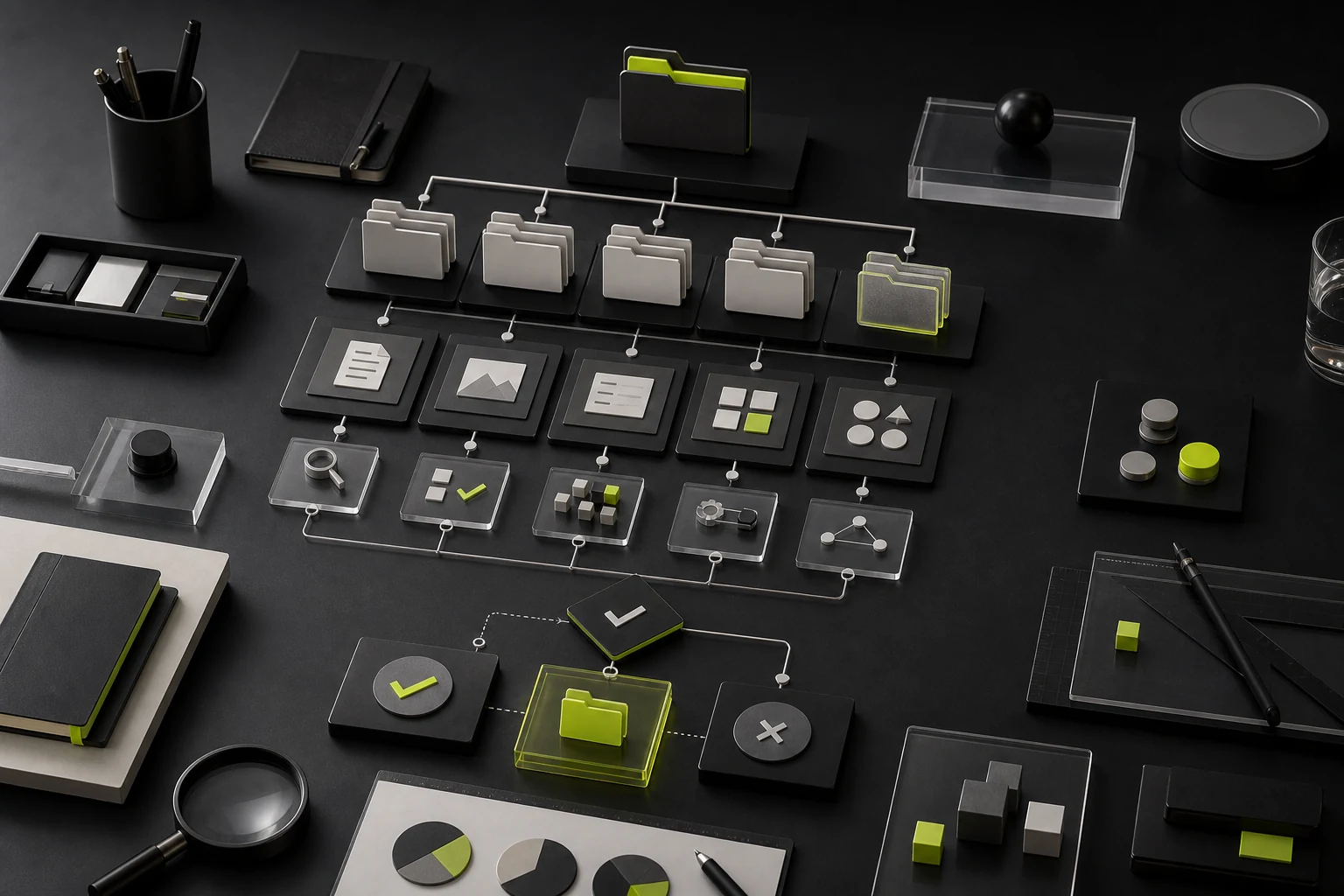
11 Recommended Folder Structure
Folder | Contents |
|---|---|
01_Project Goals and Brief | Goals, scope, budget, timing, and owners |
02_Company and Business | Company, product, service, sales, and industry information |
03_Users and Research | Interviews, feedback, data, and user tasks |
04_Brand Assets | Logo, guidelines, fonts, images, and historical materials |
05_Website Content | Page copy, cases, FAQs, downloads, and translations |
06_Technology and Accounts | Domains, servers, CMS, APIs, and account inventory |
07_References and Competitors | Competitors, reference sites, and analysis |
08_Approvals and Confirmations | Meeting notes, feedback, stage approvals, and authorization records |
12 A Copy-Ready Project Kickoff Checklist
- □ Why the project starts now and the highest-priority problem;
- □ Core users, scenarios, and critical tasks;
- □ Product/service inventory and priorities;
- □ Phase-one pages, functions, and language scope;
- □ Brand Logo, fonts, images, and guidelines;
- □ Existing copy, cases, and trust evidence;
- □ Competitors, references, and explicitly disliked directions;
- □ Domains, technology, accounts, and system integrations;
- □ Budget, launch date, decision-makers, and feedback process;
- □ Confidentiality, copyright, asset licenses, and publication scope.
Frequently Asked Questions
Can design begin before every material is ready?
Requirements definition and information architecture can begin, but goals, core business, users, scope, and decision mechanisms should be confirmed early.
Must the client provide all website copy?
It depends on the contract. The client, design team, or professional copywriter may contribute, but factual inputs, review responsibility, fees, and timing must be clear.
Are reference websites sufficient?
No. References communicate preferences but cannot replace business, user, content, and technical requirements.
Should a brand project provide competitor information?
Provide known competitors while allowing the project team to research independently, avoiding decisions limited to the client's current perspective.
How should sensitive materials be handled?
Sign confidentiality terms first, provide only what is necessary, and control access to accounts, customer data, business information, and personal information.
Service | View |
|---|---|
Corporate Website Design and Website Development | |
Brand Visual Design Services | |
Project Inquiry |
Need design or website development services?
JVDS Design Studio is a professional design studio focused on digital product experiences and brand identity. We work with businesses in China and overseas that want to strengthen their brand image, improve user experience and grow their business, providing clear, usable UI/UX design, high-quality website design and development, app and mini-program development, and cohesive, distinctive brand identity design.
Planning a corporate website, a multilingual site or a redesign? Tell us about your audience, existing website and the work you need.
 Link copied