


Website & Design Insights
All Insights
 Interface Design
Is it true that the more filters there are, the more professional it is? The Filter/Sort for complex backends and product lists should be designed in this way
When a list has 12 groups of filters, with dozens of options in each group, users may complete a configuration table before seeing the results. The value of filtering does not lie in demonstrating how complete the system fields are, but in helping users narrow down to a "meaningful candidate set" with the least number of operations.
 Interface Design
Why is the component status always patched during the development stage? Buttons, input boxes and cards should at least have all these states designed completely
In the page draft, the buttons are always in the default state and the input boxes always have beautiful sample text. After the actual launch, Hover, Focus, Loading, Disabled and Error will all be temporarily added by the developers. Ultimately, the "poor fidelity" is merely a superficial phenomenon. The root cause is that the design has never described what would happen to the components in real interactions.
 Interface Design
What problem does the Design Token actually solve? From Figma Variables to code, the design system should no longer rely on "remembering this color"
When the team is still small, everyone can remember that "the main color is #246BFE and the common spacing is 16." Once a product features multiple brands, dark mode, multiple terminals and multiple development teams, this way of maintaining consistency through memory will quickly become ineffective. The value of a Token lies in transforming design decisions from scattered numerical values into reusable, replaceable, and synchronizable semantic layers.
 Web Insights
How to design a SaaS pricing page? Users' inability to understand the differences in packages is more likely to cause churn than high prices
When users enter the pricing page, they have already begun to make purchase decisions. What really makes people hesitate is often not the "high price", but the uncertainty about which tier to choose, how to calculate the price, and which features require additional payment. The pricing page is first and foremost a decision-making interface, and only secondly a set of beautiful cards.
 Interface Design
How to design the parameter table of an enterprise's corporate website on a mobile phone? Responsive and accessible processing methods for complex tables
When the 8-column specification table on the desktop is shrunk to the mobile phone screen, the most common result is that the text is squeezed into several lines, the font size becomes smaller, and users do not know which table header each value corresponds to. Responsive tables are not about "letting it fit", but rather redefining how users compare and read on small screens.
 Web Insights
Is it necessary to leave a mobile phone number when downloading a white paper? How should the threshold for B2B content customer acquisition forms be designed
Downloading a 12-page industry profile but requiring users to fill in their name, mobile phone number, wechat, company, position, budget and purchase time, what users feel is not "professionalism", but a high exchange cost. The field of information retention should be determined by the subsequent business needs rather than being collected whenever possible.
 Web Insights
How to design the resource center of an enterprise's corporate website? Turn articles, white papers, cases and documents into sustainable customer acquisition entry points
When a company has articles, cases, white papers, videos, reports and product documentation at the same time, continuing to stack lists following the "news center" approach will make the content increasingly difficult to discover. The task of the resource center is to reorganize the content according to users' questions and form a path from search to in-depth understanding and then to consultation.
 Web Insights
How to design a B2B product comparison page? The more parameters there are, the more necessary it is to help customers make decisions quickly
Products with complex parameters should not require customers to open five detail pages simultaneously and switch between them. The value of a comparison page lies in placing the true differences that influence choices within the same perspective, enabling users to quickly move from "I can't understand these models" to "I know which ones I should consult further".
 Web Insights
What's the difference between a Landing Page and the homepage of an corporate website? The enterprise's placement page should not merely copy the homepage
The homepage of the corporate website should accommodate various visitors such as brand keywords, recruiters, customers, media, and partners. Advertising Landing pages usually have only one clear source and one main goal. If the homepage is placed as it is, users will have to continue to search for the content promised by the advertisement throughout the entire site by themselves.
 Web Insights
How to make the FAQ page on a corporate website? Don't just treat common problems as SEO modules. First, solve the customer's decision-making obstacles
A good FAQ is not about "gathering 30 questions for keywords", but rather organizing the decision-making obstacles repeatedly encountered by sales, customer service and users into retrievable, understandable and continuously updated content, allowing customers to solve some of their real doubts before submitting their inquiries.
 Web Insights
How can a 404 page be designed to avoid losing users? What the error page really aims to address is "Where to go next".
The user has already encountered a failure when entering the 404 page. The first goal of the page design is not to make him laugh, but to quickly explain what happened and provide several real and usable recovery paths so that an error will not directly turn into an off-site.
 Web Insights
What is the use of breadcrumb navigation? The design approach for enterprise websites that takes into account UX, information architecture and SEO simultaneously
When a website has only five or six pages, the value of breadcrumbs is not obvious. As the hierarchy of products, solutions, resources and articles gradually increases, it will become an important clue for users to understand "where I am and where I can go back", and also express the hierarchical relationship between pages to search engines.
 Web Insights
How to design a corporate website Footer? The footer is not "a place for copyright information", but the last layer of navigation and trust entry
When users scroll to the bottom of the page, they usually haven't found the answer yet or are deciding whether to continue learning. A mature Footer should be responsible for supplementary navigation, building trust, providing contact entry points and fulfilling legal information disclosure, rather than casually stuffing all remaining links at the bottom of the page.
 Web Insights
How to continuously optimize the corporate website after it goes live? A truly mature website is not just delivered but enters a data-driven iterative cycle
The corporate website's launch date only indicates that the new version has begun to be tested by real users. A truly mature team will establish a pre-launch baseline, post-launch monitoring, and a fixed iteration rhythm, allowing the website to continuously adjust based on search results, user behavior, inquiry quality, and business changes.
 Web Insights
How can enterprises build credibility for their content? What do Google's people-first and E-E-A-T mean for the corporate website, blogs and cases
E-E-A-T is not an SEO plugin that can be directly scored, nor is it simply completed by adding the author's avatar to each article. What enterprises truly need to establish for content is: who is saying it, on what basis, what the evidence is, and whether this content provides independent value to users.
 Web Insights
How to configure the multilingual website hreflang? The most error-prone aspect is not the code itself, but the correspondence between language, region and URL
The code of hreflang is only one line. The truly complex part is: which URL corresponds to which language and region, whether the pages declare each other, who the default page is, and whether the canonical is consistent. When there is a configuration error, the tags may be directly ignored.
 Web Insights
How to build internal links for a corporate website? Truly effective internal links are not about adding more "related articles", but about establishing clear information relationships
Internal links do not automatically insert six "You may like it" at the bottom of the article. Truly effective internal links should establish semantic relationships between contents, allowing users to continue completing tasks and making it easier for search systems to discover important pages and understand the website structure.
 Web Insights
How to optimize the images on the corporate website? It's not the case that the smaller the pressure, the better: clarity, loading speed, SEO and accessibility should all be addressed simultaneously
Image optimization is not about pressing a JPEG to the lowest quality with just one click. The corporate website needs to simultaneously control visual quality, actual display size, file format, loading priority, responsive resources, Alt information and search discoverability.
 Web Insights
How to choose the font for a corporate website? Attractive fonts, if they slow down loading, are difficult to read or cannot cover multiple languages, will all become experience costs
Font is part of a brand's temperament, but a web page is not a poster. The corporate website font must simultaneously address reading, hierarchy, character coverage, authorization and loading performance; otherwise, the more "distinctive" the font is, the more likely it is to become a cost for users.
 Web Insights
How can an site search be designed to be useful? When there are more and more products and content, the search experience becomes the second set of navigation
When the corporate website has only a dozen or so pages, navigation is sufficient. When products, cases, documents and articles expand to hundreds or even thousands of items, search becomes the second information architecture. The real difficulty does not lie in placing a magnifying glass icon, but in ensuring that users can search for it, understand it and avoid a dead end.
 Web Insights
How should the "Contact Us" page on a corporate website be designed? Don't force high-intent customers into a form without feedback
When users voluntarily enter "Contact Us", they are usually closer to consulting than ordinary visitors. At this point, the most important thing is not to show off your skills visually, but to reduce contact costs, provide clear channels, avoid meaningless fields, and let users confirm whether the submission is successful.
 Web Insights
How to design a B2B product detail page? The more parameters there are, the more professional they are. Instead, they should help purchasers complete comparisons and make decisions more quickly
The task of the B2B product detail page is not to pile up all the product information, but to help the purchasing, engineering and management roles quickly determine: what it is, whether it is applicable, whether the parameters are met, what evidence is available, and how to obtain a quote or technical support next.
 Web Insights
How to design the "About Us" section on a corporate website? What truly determines trust is not the major events of an enterprise, but enabling visitors to quickly confirm "who you are and why you are trustworthy".
"About Us" is not a company autobiography but a page for unfamiliar customers to verify the authenticity and professionalism of the enterprise. Truly effective content should be organized around "who we are, what we have done, why we are trustworthy, and how to keep learning".
 Web Insights
How can a company avoid a sudden drop in SEO traffic when its corporate website is revamped and launched? The real danger is not changing the design, but losing the old URL along with the search signal
The aspect of an corporate website's revamp that is most likely to harm SEO is not the visual changes, but rather the failure to correctly map, redirect and update internal links after large-scale URL changes. Before going live, the migration should be managed as an independent project.
 Interface Design
How exactly is UX/UI tracking done? It's not about taking a screenshot of the page to find faults, but using evidence to determine which issues are most worth improving first
UX walkthroughs are not about "senior designers pointing out problems based on their experience". Mature auditing requires the combination of expert principles, real behavioral data and user observations, and then ranking them by business impact.
 Web Insights
The mobile corporate website is not a miniaturized version of the PC: Under Google's mobile-first indexing, what does responsive design really guarantee?
The mobile is not about scaling down the desktop page to 375px. Google uses mobile version content for indexing. What really needs to be ensured is that the content, structure, crawlability and key tasks remain intact on small screens.
 Web Insights
What is structured data? A corporate website is not just for people to see; it also needs to enable search engines to accurately understand who you are and what this page is about
Structured data is not about "adding a piece of code to rank first". Its role is to inform search engines in a standardized way: who this is, what kind of page this is, and what the entities and relationships within the page are.
 Web Insights
Why does a corporate website look so high-end but take so long to open? Infer design and development decisions from Core Web Vitals
Website performance is not a technical issue that is dealt with only before the development and launch. The large images, videos, fonts, animations and layout methods on the first screen determine a significant amount of performance costs during the design stage.
 Web Insights
How to make an enterprise's corporate website accessible? Don't treat WCAG as a pre-launch checklist. These issues should be addressed during the design stage
Accessibility does not mean creating a "special mode" for a few people alone. Many of the requirements of WCAG 2.2 are essentially aimed at reducing the reading, operational and comprehension obstacles that all users will encounter.
 Web Insights
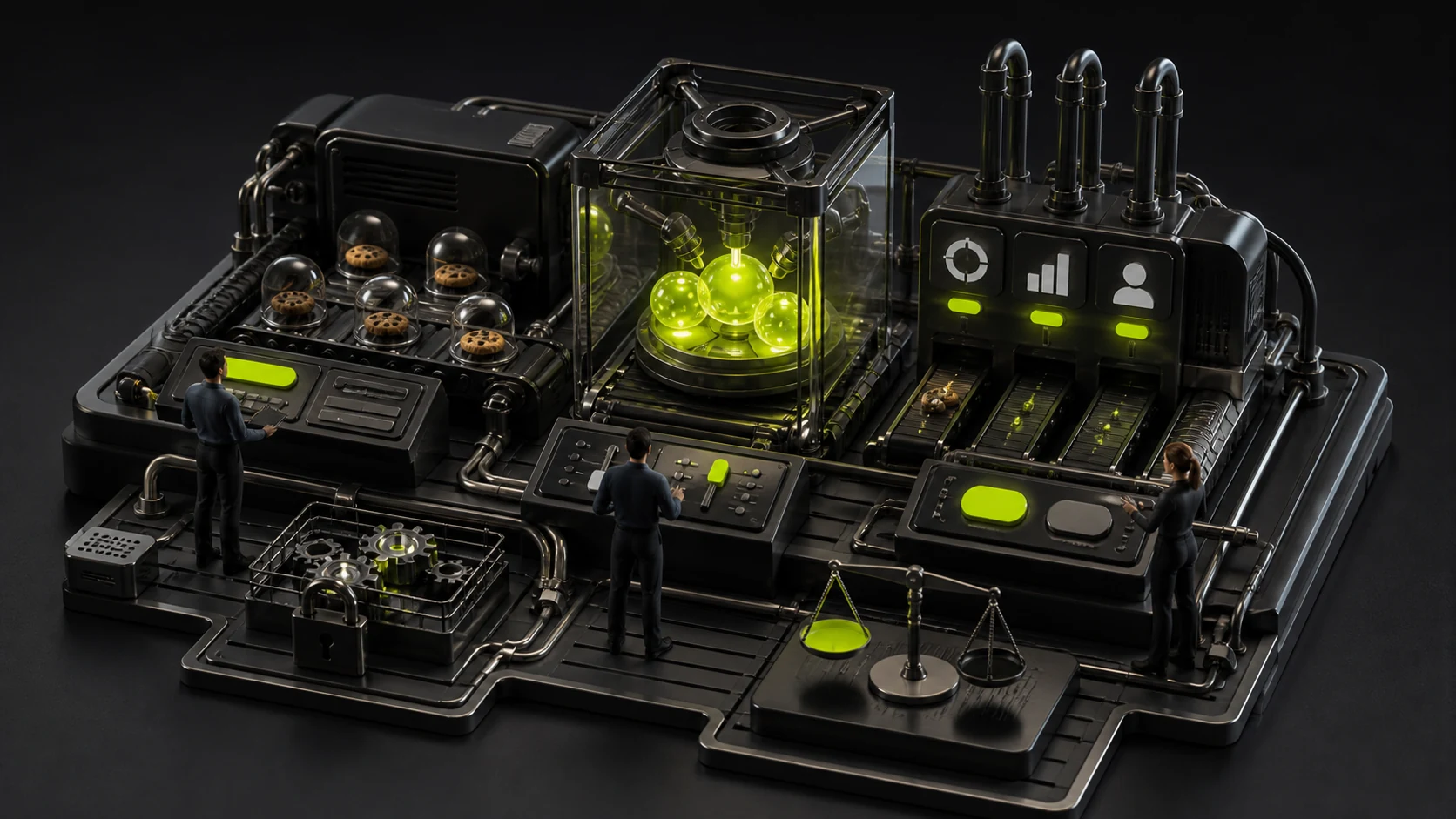
How to design a Cookie pop-up window on an enterprise's corporate website? "Acceptance" is conspicuous while "refusal" is hidden, which not only damages trust but may also bring compliance risks
The Cookie pop-up window is not simply "put an accept button" and it's done. When targeting markets such as the UK and the EU, non-essential tracking usually requires genuine selection. In terms of experience, acceptance and rejection should not be designed as a visual inducement either.


