


Website & Design Insights
All Insights
 Web Insights
Next.js vs. WordPress for Corporate Websites
Over the past two years, almost any conversation with a technically minded founder or CTO about rebuilding the company website has touched on this choice: “Should we build our new website directly with Next.js, the modern full-stack framework based on React, or use the classic WordPress?”
 Web Insights
Framer vs. Webflow for Brand and Marketing Websites
Framer and Webflow both let designers build websites directly, but their strengths differ. Looking only at showcase work can obscure content editing, language management, and long-term expansion.
 Web Insights
WordPress vs. Webflow for Corporate Websites
When choosing a platform, teams often look only at the first release: Webflow makes design fast, while WordPress has many plugins. What shapes the three-year cost is who updates content, how functionality expands, and whether the company can take over when a vendor leaves.
 Web Insights
Website Motion Design: Balance Visuals, Performance, and Accessibility
Motion can make a brand website memorable and is also easy to abuse: every word appears letter by letter, scrolling is hijacked, and cursor effects never stop. It looks impressive once, but returning visitors simply want to find information quickly.
 Web Insights
How to Write English Website Copy Without Translating Line by Line
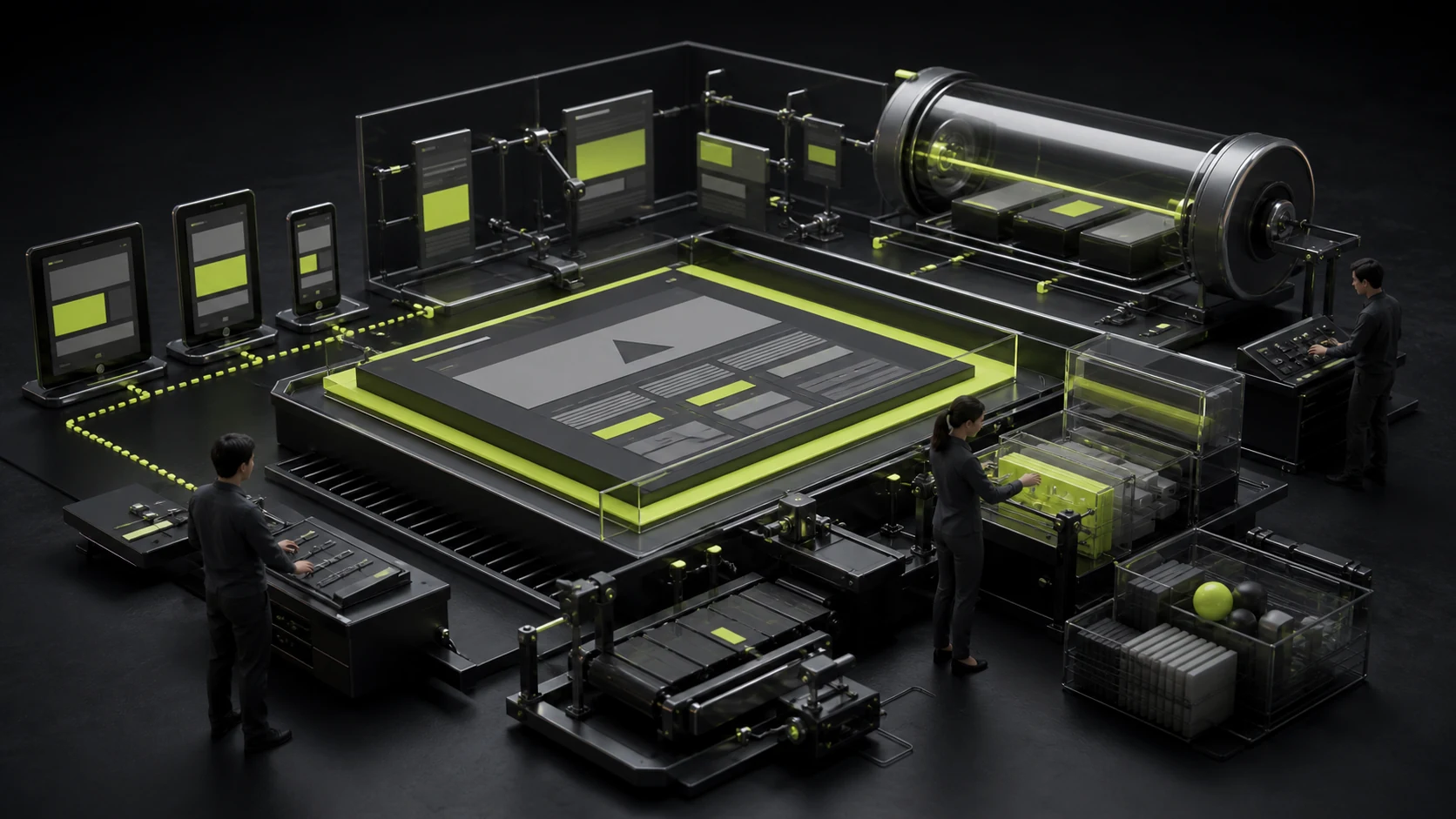
Chinese company profiles often begin with history, scale, and vision. Sentences are long and repeatedly use terms such as commitment, enablement, and leadership. A line-by-line English version may be grammatically correct but still reads like a translation.
 Web Insights
Responsive Website Design: Breakpoints Are Not Device Models
Desktop 1440, tablet 768, and mobile 375 are common handoff sizes, but real browsing widths extend far beyond those three. Designing for device models alone creates awkward gaps on split-screen laptops, landscape phones, and small tablets.
 Web Insights
How to Write and Display Credible Customer Testimonials
Customer testimonials easily become decoration: identical five-star ratings, similar phrasing, and portraits with unclear identities. Users understand the pattern and may doubt whether the content is real.
 Web Insights
How to Write a Website Value Proposition Without Empty Claims
Open ten corporate websites and the first screens often sound alike: “Leading the industry's future,” “Enabling digital transformation,” and “One-stop solutions.” These phrases sound correct but do not help visitors understand what the company does.
 Web Insights
How to Turn an About Us Page into Evidence of Trust
Many About pages begin with “Founded in...” and “committed to innovation,” followed by statistics and a vision. Visitors finish reading without knowing what the company does particularly well or who will lead their project.
 Web Insights
Corporate Website Navigation: Labels, Hierarchy, and User Paths
Navigation often begins with the organization chart: Products, Solutions, Technology Center, and Partnerships. Employees find it obvious, but external visitors do not know which option serves their needs.
 Interface Design
B2B User Research with Small Groups of Expert Users
B2B products may have only dozens—or even a handful—of core users, leading teams to conclude that the sample is too small for research. The opposite mistake is interviewing only business leaders and treating management views as the frontline experience.
 Interface Design
Login and Signup UX: Codes, Passwords, SSO, and Error States
The simple message “Login failed” can mean an expired code, incorrect password, missing account, locked account, network error, or canceled third-party authorization. Compressing every case into one sentence leaves users helpless and increases support volume.
 Interface Design
Responsive UI Design: From Breakpoints to Content Priority
A common responsive handoff starts with a 1440-pixel desktop design and adds one 375-pixel mobile screen. Developers must guess tablets, foldables, landscape mode, and intermediate widths, so layouts fail at the most common sizes between those endpoints.
 Interface Design
How to Map User Flows, Exceptions, and Business Rules
Many flowcharts show only “Home—Details—Submit—Success” and appear perfectly smooth. Development then reveals unanswered questions: What if the user is signed out, inventory is insufficient, approval is rejected, or payment status is unknown?
 Interface Design
What Is the Difference Between UI, UX, Interaction Design, and Product Design?
Companies often post a requirement for "UI/UX design," but may only want an existing prototype polished or may not have defined the product flow at all. Similar labels can conceal very different scopes and prices.
 Interface Design
How to Design an Ecommerce Checkout: Guest Purchase, Shipping, Payment, and Error Recovery
Users have already added products to the cart, yet checkout often loses the order in the final steps: registration is mandatory, shipping appears unexpectedly, a promo code fails, or a payment error empties the cart.
 Web Insights
How to Design an Industrial Solutions Page: Shift from Equipment Specifications to Business Outcomes
On many manufacturing corporate websites, the "Solutions" page is actually a list of product models and technical specifications. Engineers may understand it, but business leaders and procurement teams cannot determine whether the solution fits their production line.
 Interface Design
How to Design a Medical Appointment Flow: Departments, Doctors, Times, and Cancellation Rules
The most common appointment-system problem is not an unattractive button. It is users who do not know which department to choose, discover only after selecting a doctor that the location is too far away, or cannot find the cancellation rules after payment.
 Interface Design
How to Design a Lending APP Application Flow: Transparent Limits, Fees, Terms, and Risk
"Funds in three minutes" and "maximum limit" can attract clicks, but they can also pull users into an application before they understand the cost. Financial conversion should not depend on vague fees, preselected options, or delayed disclosure of key conditions.
 Interface Design
How to Design a KYC Identity Verification Flow: Reduce Rejections, Rework, and Abandonment
The greatest abandonment in identity verification often happens not because users refuse to verify, but because they photograph an ID three times without understanding what is wrong or see only "Review Failed" after submission.
 Interface Design
How to Onboard Users in an AI SaaS: From a Blank Prompt to the First Valuable Result
Traditional SaaS may begin with "Create Project," but AI products often drop users in front of a blank prompt. Product teams see freedom; users see three questions: what should I enter, what can the system do, and can I trust the result?
 Branding
Brand Refresh or Complete Rebrand? How Companies Should Decide the Depth of Change
Some companies request "a completely new brand" because their corporate website and presentations have not been updated in years. Others have transformed the business but will only brighten the Logo color. When the depth of change does not match the problem, budget is wasted.
 Branding
How to Upgrade a Brand: Preserve Core Assets, Rebuild the System, and Roll Out in Phases
Companies often fall into two extremes during a brand upgrade: discarding years of accumulated recognition to look "completely new," or making changes so slight that customers barely notice because the team fears losing familiarity.
 Branding
How to Design a Corporate Presentation Template: Masters, Charts, Fonts, and Guidelines
Many brand projects deliver a "presentation template" with only a cover, agenda, and one content page. When sales teams need a comparison table, case study, quotation, or process diagram, they keep copying old files.
 Branding
Which Brand Applications Should Come First? Prioritizing Real Touchpoints
A VI checklist can be long: business cards, letterhead, envelopes, badges, cups, vehicles, stores, and more. Yet many companies use their corporate website, presentations, product interfaces, and social covers every day.
 Branding
Should a New Brand Choose a Symbol or Wordmark? Comparing Recognition Cost and Applications
A symbol feels more like a "brand," while a wordmark feels like merely writing out the name—at least, that is many teams' instinct. In reality, a symbol is not inherently more premium, and an unfamiliar icon can increase cognitive load.
 Branding
Can You Use a Commercial Font in a Logo? Design and Licensing Considerations
A designer's ability to use a font on a computer, and a client's approval of its look, do not mean the font can automatically become a long-term brand wordmark. Desktop use, Logo use, embedding, redistribution, and sublicensing rights can vary completely.
 Branding
Wordmark, Symbol, or Combination Mark? A Complete Guide to Logo Types
Clients often say, "We want a symbol-only Logo like Apple," overlooking the years of recognition behind Apple's symbol. If a new brand uses only an unfamiliar icon, users may not even know its name.
 Branding
How to Name a Brand: A Checklist for Memory, Pronunciation, Domains, and Trademarks
Naming meetings easily become votes on personal taste: one person wants poetry, another wants the industry obvious at a glance, and someone else cares only whether the domain is available. The final name may be neither distinctive nor protectable.
 Branding
How to Write a Brand Design Brief: Positioning, Audience, Competition, and Use-Case Template
Many company Briefs say only, "We want to feel younger, more premium, and international." The words are valid, but people interpret them oppositely.


