


Website & Design Insights
All Insights
 Web Insights
How should CTA buttons be designed to be effective? What truly affects clicks is not just the color and size, but whether the user is confident about the next step
When users do not click on the CTA, it is often not because the button is not bright enough, but because they do not know what will happen after clicking. A good CTA first reduces uncertainty and then highlights the most important actions through visual hierarchy.
 Web Insights
How should the first screen of a corporate website homepage be designed? The first thing users need to know is not the "vision", but what exactly you are doing
The first screen on the home page is not a grand slogan plus a large image. For unfamiliar visitors, it first needs to answer within a very short time: who you are, what you do, who you serve, and why it's worth continuing to watch.
 Web Insights
How to design the navigation for a corporate website? What truly affects whether users can find content or not is the information architecture rather than the menu style
The real issue that an enterprise's corporate website navigation needs to address is whether users can predict what they will see when they click in. The menu style is only the surface. It is the classification logic, tag language and hierarchy that determine whether something can be found or not.
 User Experience
The design draft is well done, but the development and launch are "far from satisfactory": How to reduce the restoration loss between UI design and development?
The poor online effect is usually not a problem that only occurs during the final acceptance. High-quality restoration relies on component status, responsive rules, tokens, font animations, early development participation, and phased acceptance, rather than just submitting a set of high-fidelity pages.
 Interface Design
Why can't the interface of AI products merely aim to be "like ChatGPT"? Uncertainty is the most difficult part to design in AI UX
The truly challenging aspect of designing an AI interface is not the input box, but rather how to let users know what the system is doing, why it is trustworthy, where it needs to be reviewed, and how to correct it quickly when the system may misunderstand, lack data, or have unstable output.
 Web Insights
Your corporate website is preparing for a revamp. Don't rush to open Figma: First, make sure to clearly understand these 8 types of data
The old corporate website is not an old design draft that needs to be replaced; it is also a real record of user behavior. Before the revamp, it is necessary to clearly understand the entry page, search traffic, conversion, devices, performance and URL value to avoid "visual upgrade and business regression".
 Web Insights
When overseas customers visit a corporate website for the first time, what details will they use to judge whether you are trustworthy?
When overseas customers visit the corporate website for the first time, there are often no salespeople beside them to explain. Authentic company information, specific evidence of capabilities, accessibility and transparent policies will have a more direct impact on trust than adjectives like "globally leading".
 Web Insights
A multilingual corporate website is not about translating Chinese into English: The most easily overlooked localization issue for enterprises when building overseas websites
Translation addresses "what language the text is in", while localization addresses "whether users in this market find it natural, trustworthy and usable". The content, URL, unit, date, layout and SEO all need to be rejudged.
 Interface Design
Data visualization is not "turning data into graphs": The 7 most common mistakes in backend chart design
Data visualization truly addresses "how to make faster judgments", not "how to place more graphs". The type of chart, axis, color, comparison base and subsequent actions all directly affect whether users will draw the correct conclusion.
 Interface Design
How to design the "empty state" in the SaaS backend? Pages without data are actually the ones that need design the most
True empty state design is not about placing an illustration in the blank space, but rather accurately explaining why there is no content, what users can do next, and providing different paths based on first-time use, no search results, and system errors.
 Web Insights
How can B2B corporate website forms be designed to enhance effective consultation rather than receiving a bunch of junk leads?
What B2B forms truly need to optimize is not the "number of submissions", but the entire chain from access, submission to becoming an effective business opportunity. The fields should revolve around the next sales move rather than everything the enterprise "wants to know".
 Web Insights
How to design the case page of an enterprise's corporate website? What can truly earn customers' trust is not a row of beautiful pictures
A good case page does not tell the client "We did a great job", but uses verifiable information to help the client judge whether you have done similar problems before, whether you understand the industry, and whether you have the ability to truly deliver the project.
 Interface Design
Will the design system limit creativity? The real problem is not that the components are too uniform, but that the system is designed too rigidly
What the design system should truly restrict is repetitive work and meaningless differences, rather than business innovation. Mature systems usually maintain strictness at the basic layer and reserve space for combination and expansion at the business layer.
 User Experience
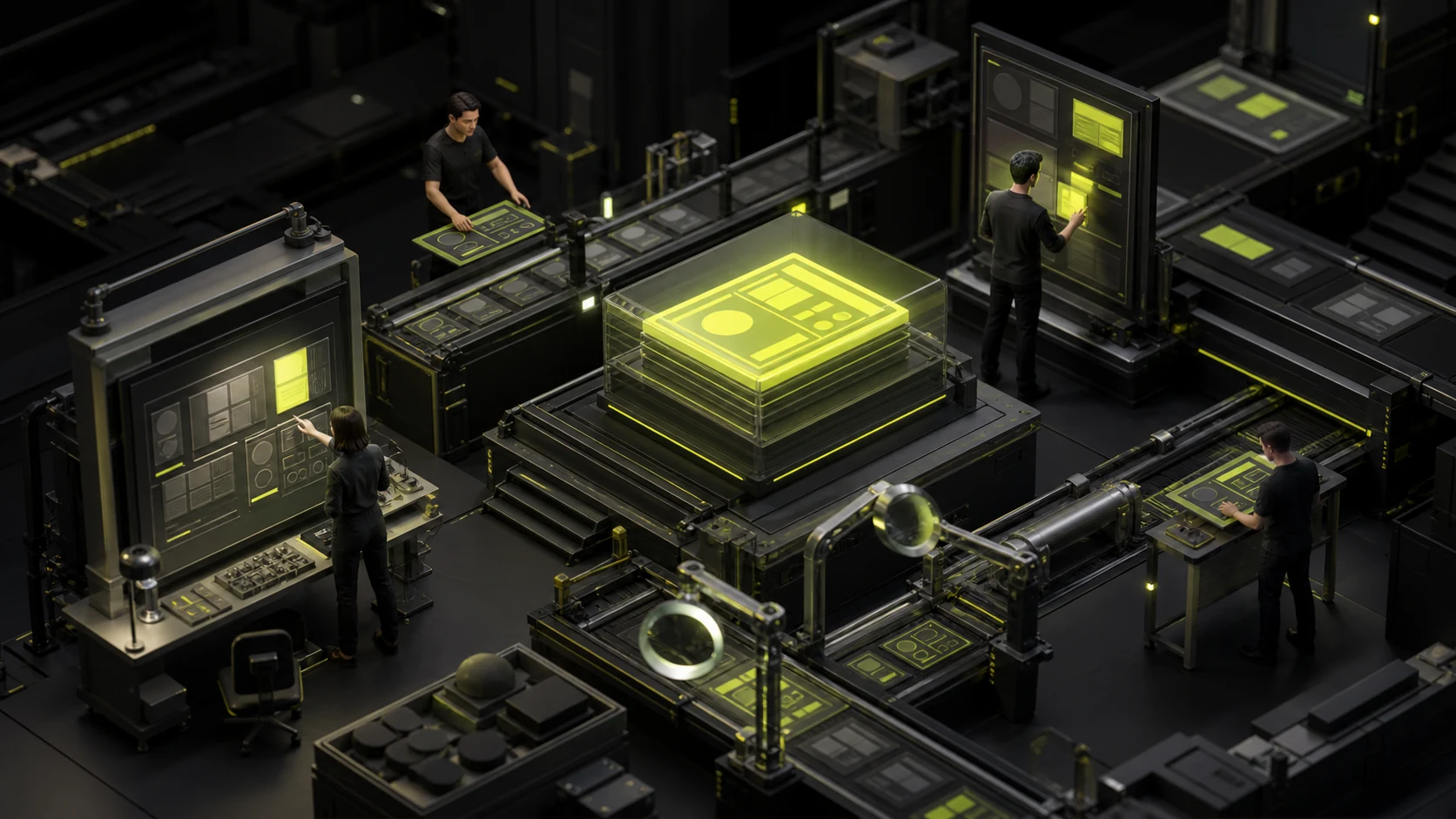
How to conduct a design review? Don't wait until it goes live to start looking for pixel differences
By the time all the development is completed, it is usually too late to ask the designers to focus on picking out "two pixels missing here". If a component is implemented incorrectly, dozens of pages will follow suit. Once the real interface is connected, the empty state, errors and long data are exposed. If only screenshots are taken before going online, the complete operation will be missed. Design review should accompany the development progress. The earlier systemic problems are identified, the lower the repair cost will be.
 Interface Design
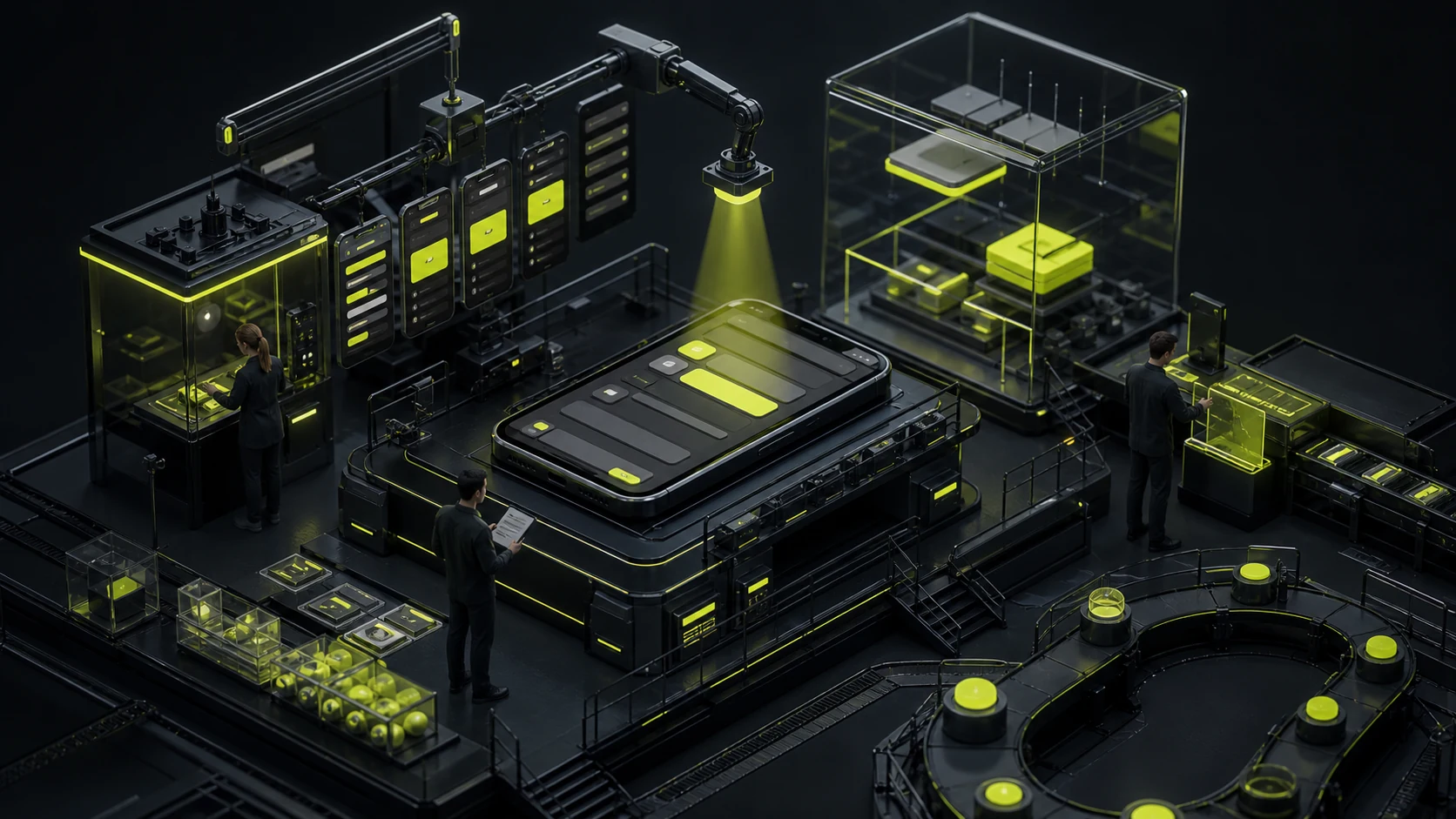
Can high-fidelity prototypes be directly handed over to the development team? What looks like a finished product doesn't mean it's already achievable
The high-fidelity prototype looks close to the finished product: colors, fonts, buttons, and motion effects can all be demonstrated. Once the development actually starts, problems will immediately arise: what to display when the interface fails, what to do if the field is too long, can it be viewed without permission, how to rearrange on the phone, and can it be undone after submission. The prototype addressing "how the experience seems to go" does not naturally answer "how the system operates under all conditions".
 Interface Design
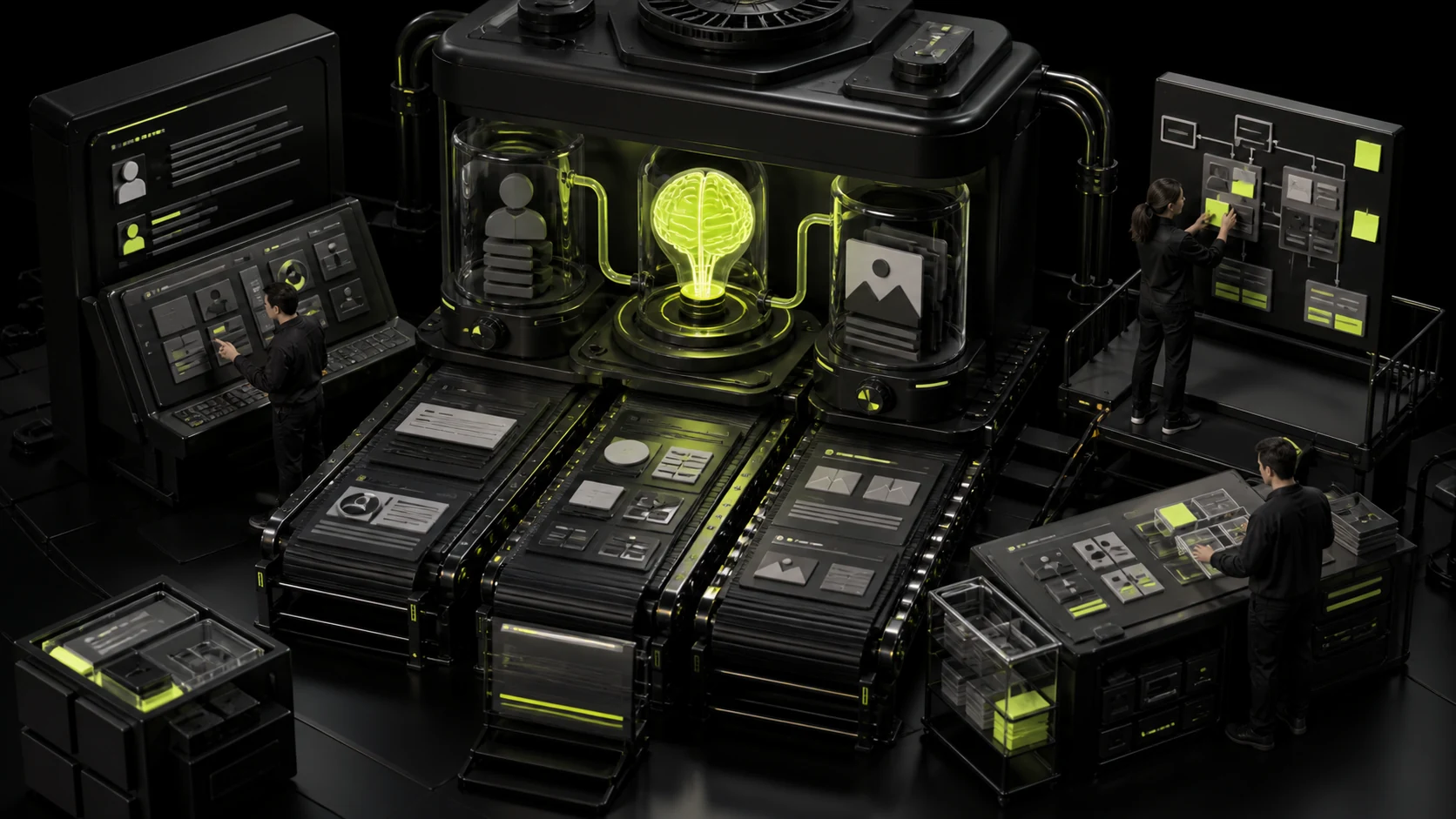
How should a UI design case be written? What is truly convincing is not the number of pages
If the project name and Logo in a UI case are covered up and only a few dozen beautiful screenshots remain, it is difficult to prove the design ability. Aesthetic appreciation can be seen from the visuals, but business understanding, problem judgment, process selection, complex states and implementation promotion can only be perceived through narrative and evidence. The case is not a project album but an explanation of "why it was done this way".
 User Experience
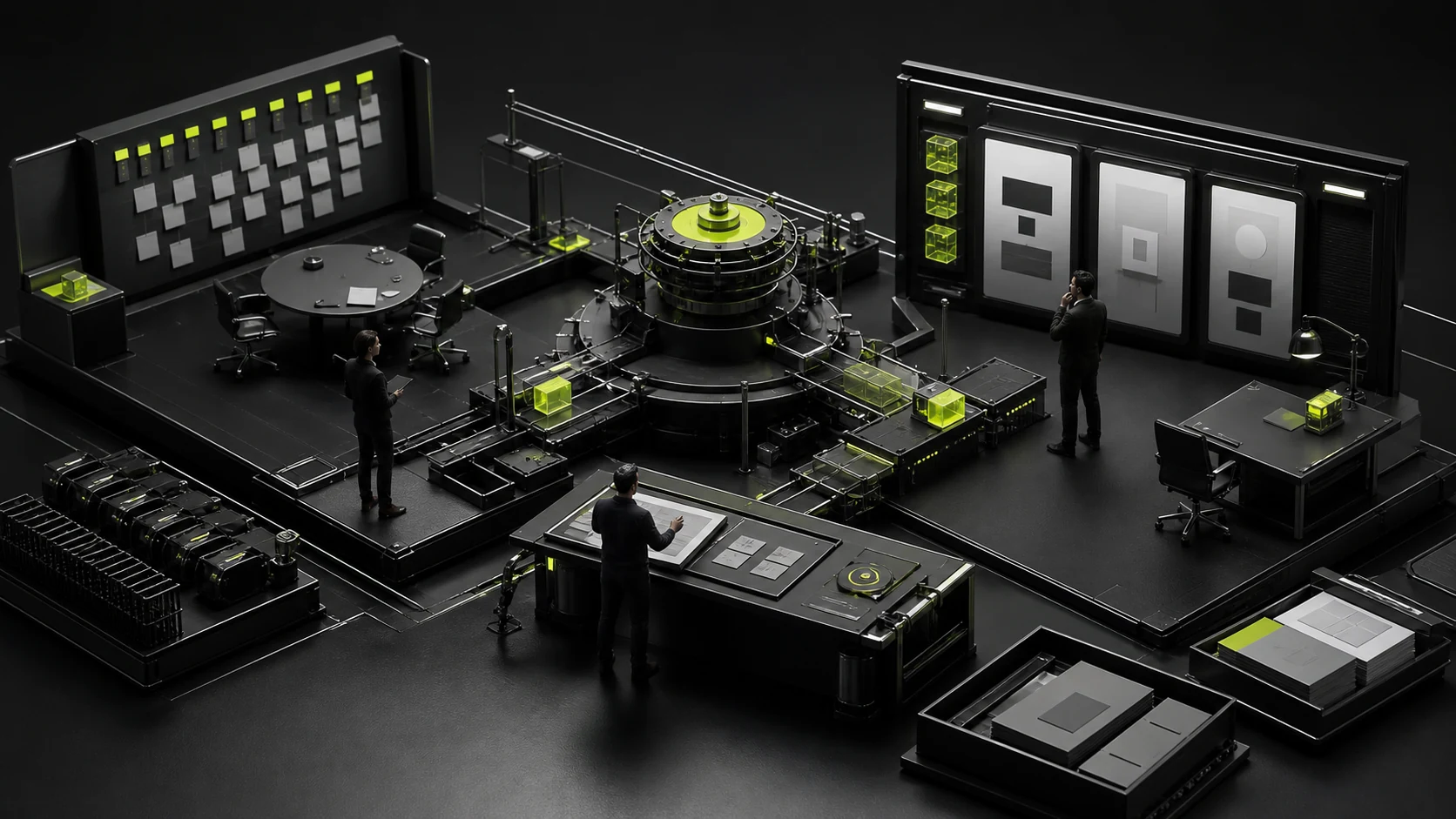
Who should make the decision on the design project? One person making the decision doesn't mean one person has the final say
There are twelve people in the design group. Each of them can leave a comment like "Make it a bit more advanced here", and in the end, they often get a list of modifications that no one is truly responsible for. At the other extreme, the boss goes through all the pages alone, leaving no chance for decision-making regarding product processes, technical limitations, and user issues. A good mechanism is not about having everyone vote, but about having the right people provide input at the right nodes and having a clear role take on the final decision.
 Web Insights
How can design and website building companies obtain high-quality external links? The most effective way is not to send out mass messages to exchange links
Hello, we have written a high-quality article. We hope your website can reprint it for free and add a link. Most of these emails will not receive a reply. The reason is not that the other party doesn't understand SEO, but that there is nothing worth citing on the page. High-quality external links are not the quantity exchanged, but rather the natural mention of your page by others to illustrate a problem, provide evidence or recommend tools.
 Web Insights
Should a corporate website conduct on-site search? First, see if the user is looking for content or answers
It's easy to place a magnifying glass in the upper right corner of a website, but it's not cheap to create truly useful in-site searches. It requires content indexing, synonyms, sorting, filtering, no-result handling and continuous maintenance. If the corporate website has only about twenty pages, all users need is clear navigation, and the search box will instead hide the problems.
 Web Insights
Is it true that the more blank space a corporate website has, the more advanced it is? When the page is left empty, it is no longer restraint
When a high-end corporate website is being revamped, the most frequently heard phrase is "Leave a little more blank space." So the title became larger, the modules were pulled away, and the main text was deleted to just one slogan. The page is indeed quieter, but it doesn't necessarily mean it's more sophisticated. The value of leaving blank space lies in establishing relationships and rhythm. When it makes users unable to find information, unable to notice the differences, and have to scroll for a long time before making a decision, it has transformed from a design tool into content waste.
 Web Insights
Should videos be placed on the first screen of the corporate website? First, prove what it says more than a single picture
Many corporate websites cut one-minute promotional videos into a looping background. After muting, only handshakes, office buildings and aerial shots remain. The screen is moving, but the user still has no idea what the company is doing. Whether a first-screen video is worth making or not does not depend on how cinematic it is, but on whether it can provide information that static pictures cannot convey within a few seconds.
 Web Insights
Is it suitable to use illustrations on a corporate website? First, ask whether it is explaining, expressing or covering up
When a company lacks suitable product photos, the team is reluctant to appear on camera, and the service is very abstract, illustrations are easily regarded as a panacea. It can indeed make a page "complete" quickly, but it might also hide its true capabilities. Whether an corporate website is suitable for illustrations does not depend on whether the illustration trend is popular or not, but on whether it serves to explain, express the brand, or replace the evidence that should have appeared.
 Web Insights
When does a corporate website need Mega Menu? Don't treat the mega menu as a decoration for scale
Some corporate websites have only six or seven sections, but they cover the entire navigation screen, hoping to make it seem like they have a lot of business. The result is often the opposite: users see dozens of entry points and don't know which one to click first. Mega Menu is not a scale decoration. It is only valuable when ordinary drop-down menus can no longer help users quickly locate the content.
 Interface Design
Glassmorphism, Minimalism, or Tech Style? Trends Cannot Replace Product Judgment
A client asks for an “Apple-like” experience, while the product team requests something technological, youthful, and international. The result is often blue-purple gradients, glass cards, and enormous headlines. It may be fashionable, yet unsuitable for a data-dense dashboard, a serious financial process, or a global website that must load quickly. Style is not a filter placed over a product. It is a set of choices that changes reading, interaction, performance, and maintenance.
 Interface Design
Too Much or Too Little Interface Content? Do Not Use White Space as a Substitute for Information Architecture
Some interfaces feel overcrowded because ten kinds of information compete at the same visual level. Others feel empty because essential data is buried five layers deep and users must click repeatedly to find it. Information density is not the number of controls on a screen. It is whether the useful information gained during a task justifies the visual, memory, and interaction costs.
 Interface Design
Should Your Product Support Dark Mode? Evaluate Use Cases and the Cost of Two Themes
Dark mode may look like a visual feature, but it is actually a system of colors, hierarchy, assets, states, and testing. When poorly executed, body text fades into gray, status colors glare, charts become indistinguishable, and white-background images look like flashlights. The real question is not whether users like black, but whether the product has a strong enough use case to justify maintaining two appearances over time.
 Web Insights
Is a Single-Page Application Always Bad for SEO? Check HTML, Routes, and Status Codes
SPA SEO is more complicated than saying that Google cannot understand JavaScript. More often, the server returns nearly empty HTML, important routes can be reached only through click handlers, every nonexistent page returns 200, and titles appear only after scripts run. A search engine may be able to render the site, but the application makes discovery, interpretation, and evaluation slower and less reliable.
 Web Insights
8 Questions to Ask Before Using Website Plugins and Third-Party Services
A plugin can add a website feature in two hours and turn a redesign three years later into an archaeological dig. The real cost is not a small annual subscription. It is a critical form being discontinued, data that cannot be exported, an abandoned plugin, or a site that breaks after an update when nobody knows what it depends on. Third-party services are useful, but they should be treated as supply chain decisions, not installation buttons.
 Interface Design
How to Design a Sports Community App: Start with One Complete Offline Event
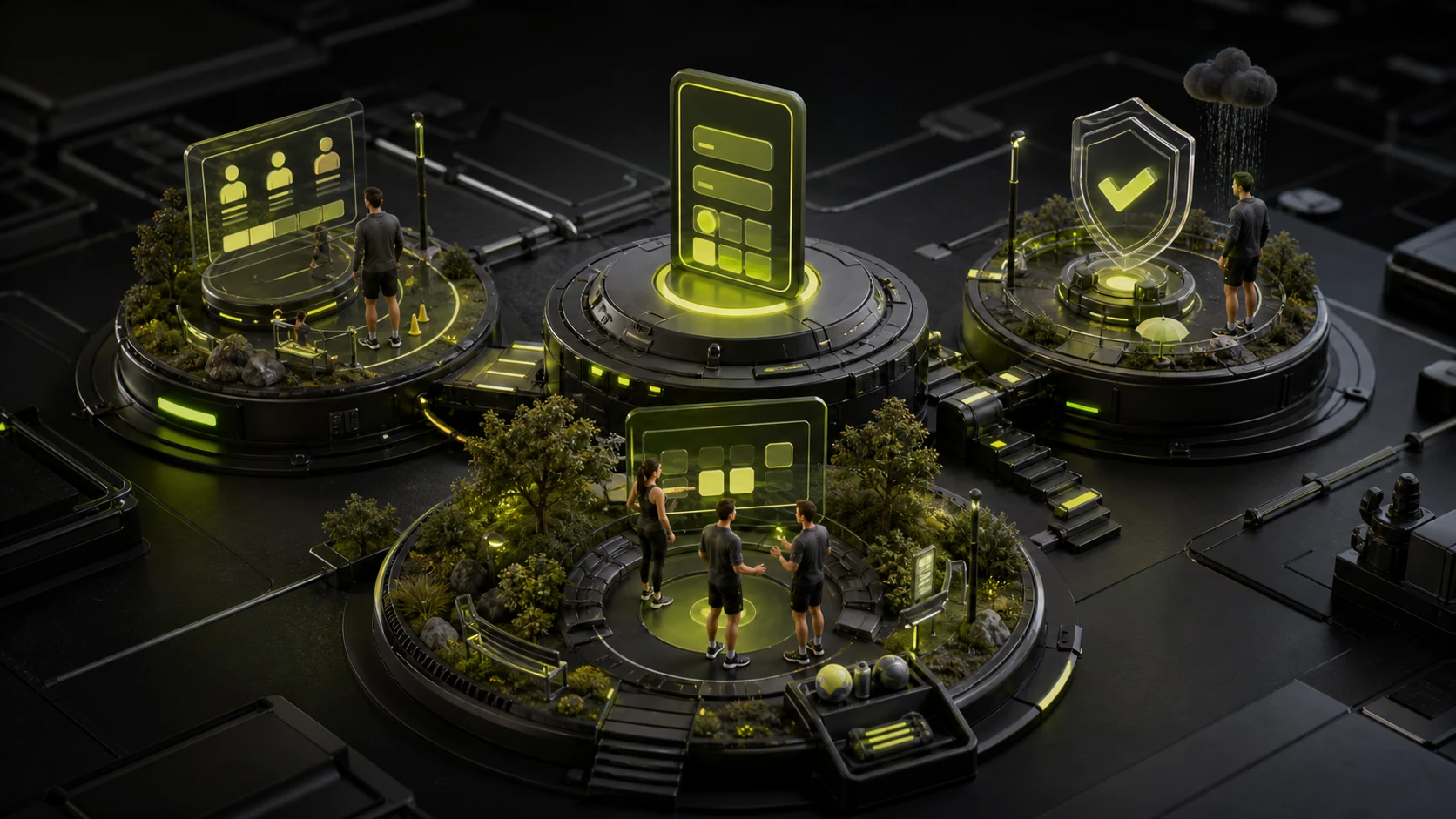
When startup teams begin planning sports community apps for outdoor cycling, hiking, arranging ball games, or urban running, many want to include everything from the outset: a social feed, an equipment store, national rankings, short-video editing, direct messages, and group chats. After spending more than six months on development and launching, users open the app to find a quiet feed filled with reposted official content. When they actually want to organize a weekend activity, they still fall back on WeChat groups to share sign-up lists and payment QR codes.
 Interface Design
How to Design a Pet Services App: Separate Pet Profiles from Local Services
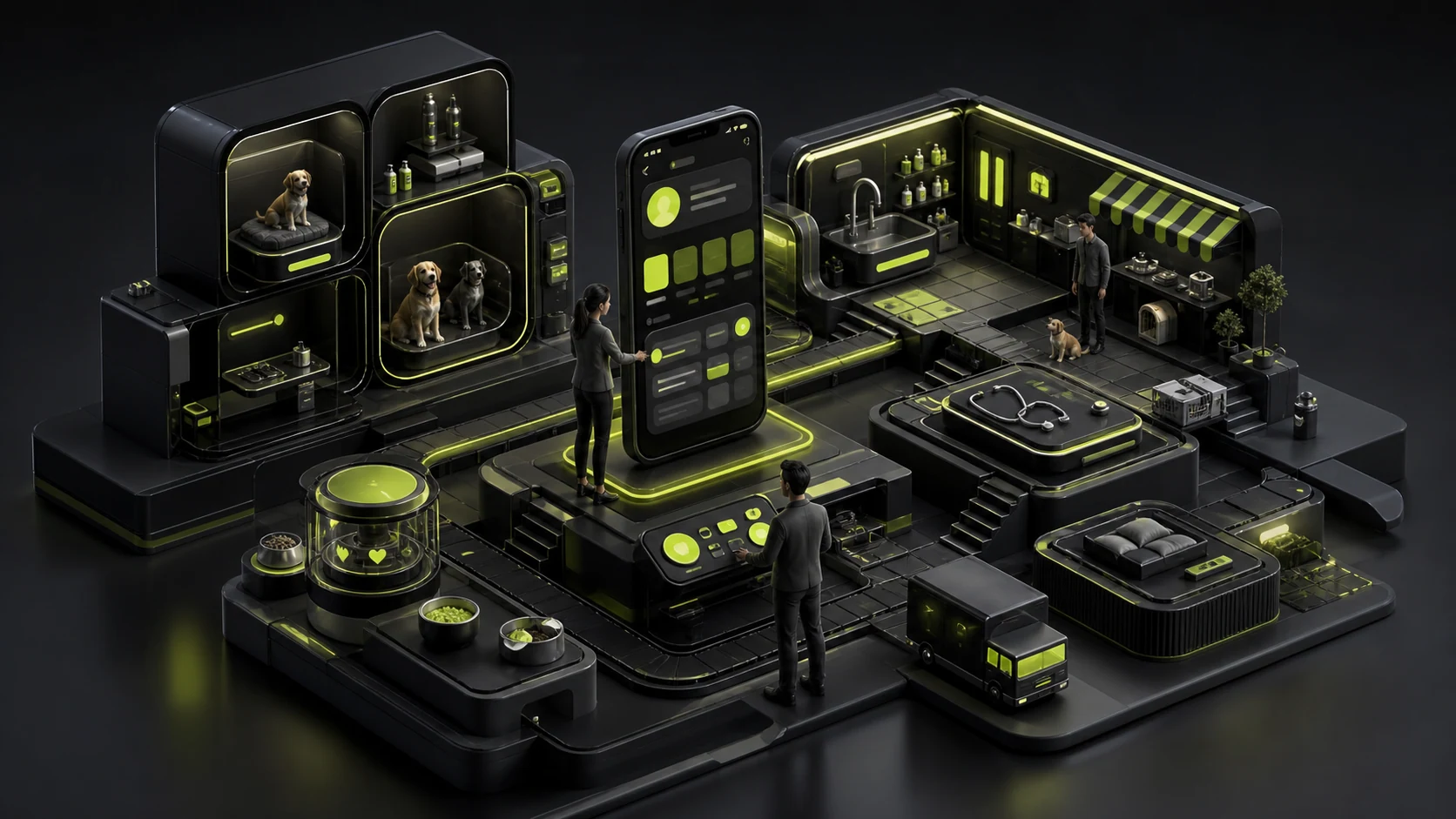
A pet product is not simply a human lifestyle app with cat and dog icons. One user may have three pets, each with a different age, vaccination history, diet, health condition, and service record. Grooming, telehealth, boarding, community, and commerce also involve tasks with very different frequencies. If the information architecture is divided only by business department, users must repeatedly clarify which pet they are acting for and what they need.


