


Website & Design Insights
All Insights
 Interface Design
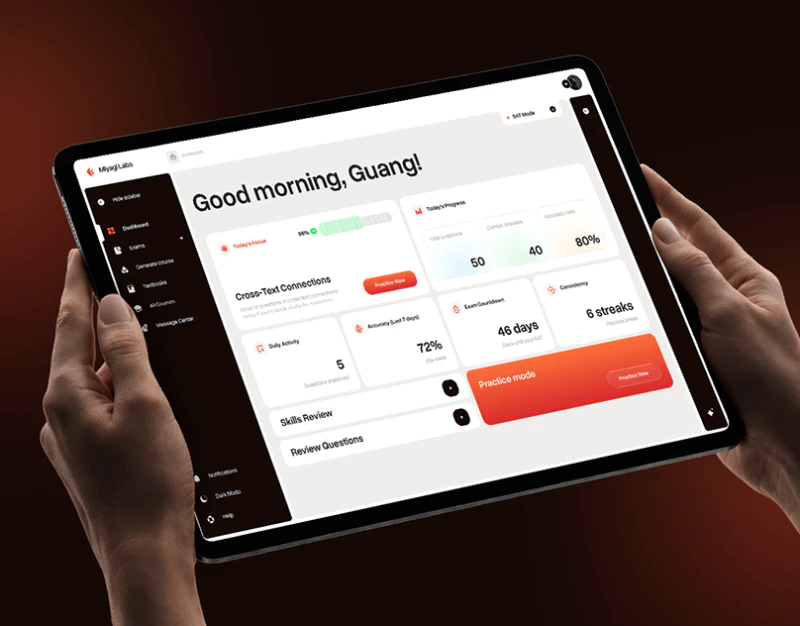
Learning Platform Interface Design: Tasks Before Settings
Miyagi organizes practice through white task areas, dark navigation, and orange buttons. The home goes beyond scores to introduce today’s topic; the practice center separates modes from conditions. This learning dashboard is best understood through what to practice now and what that practice will produce.
 Interface Design
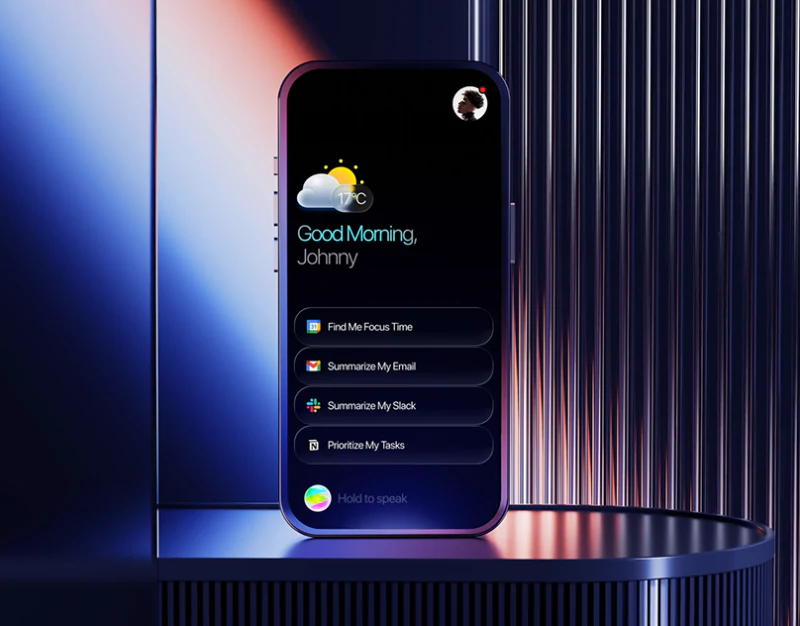
Team AI Assistant Interface: Channel Before Sending
This team AI assistant interface separates issue summaries, notification drafts and send feedback into three images. Problems have adjacent actions in dark-blue cards; the draft retains its target channel above, and Rewrite and Send remain distinct. Generated content first enters a page for verification before an outward action is considered.
 Interface Design
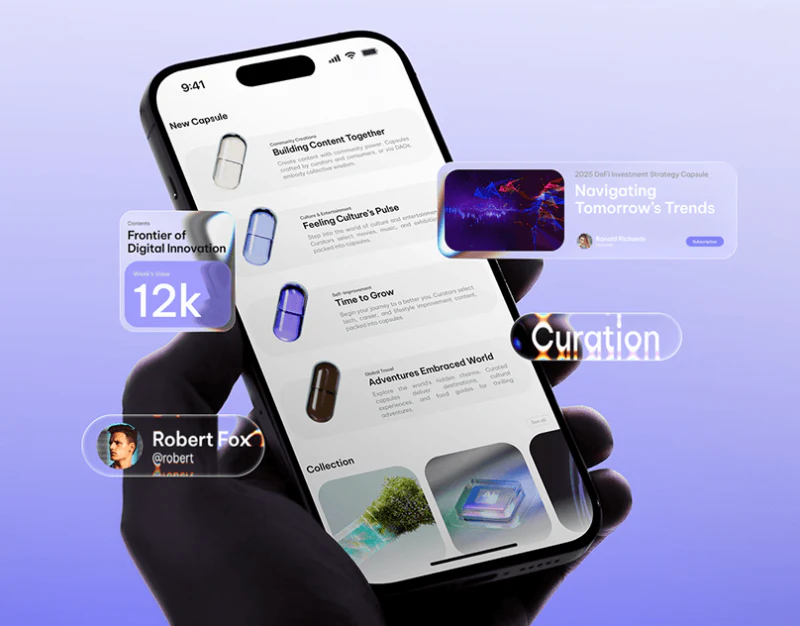
Content Platform Brand Design: Capsules and Category Text
When designing a content aggregation platform, an online knowledge base, a university campus portal (such as the EDUCARE university brand and campus portal website designed by our team), or a large industry media website, the central design challenge comes down to one word: “order”.
 Interface Design
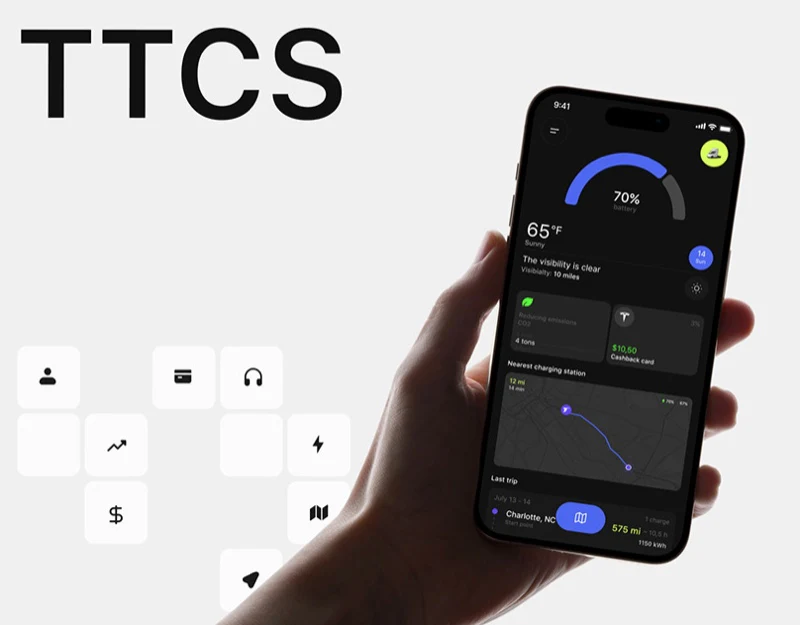
Charging Station App Interface Design: Routes and Bills
TTCS uses purple-blue for actions on a dark interface, with yellow-green emphasizing battery, distance, and cost. Maps, reservations, and bills address different questions. This charging station app interface needs both a clear next stop and a service record that can be checked afterward.
 Interface Design
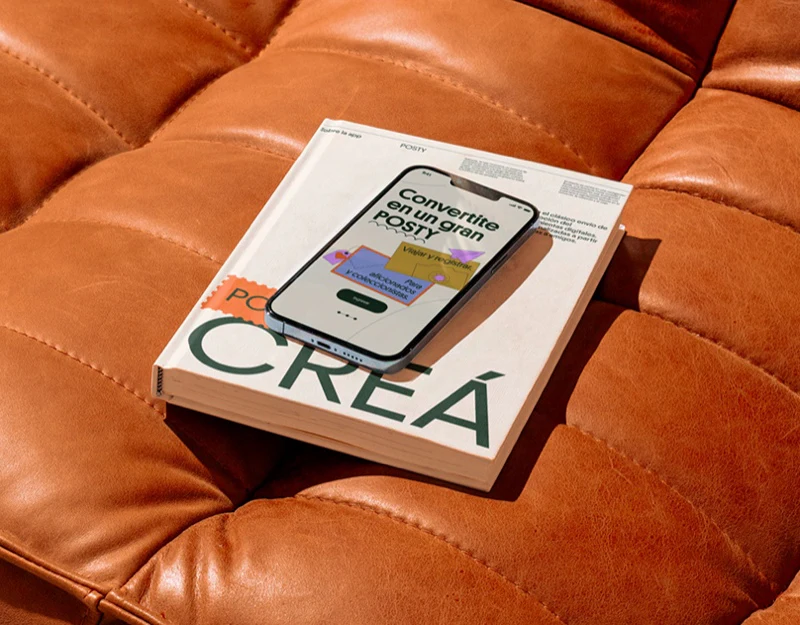
Postcard App Interface Design: Create Then Send
POSTY organizes travel postcards through dark green, orange, purple and yellow, with maps, stamps and large type sustaining a lively character. Its flowchart separates creation and sending, indicating that recipients and time can be chosen after a work is finished. The design moves beyond making an attractive card toward sending it clearly.
 Interface Design
Dental Workspace Interface Design: Tools Near the Model
This dental workspace uses a pale-blue canvas for a large mesh model, white tools on the left, and business summaries in another set of pages. Model editing and order overview share a fresh style but different focuses: the current object in one, workload in the other.
 Interface Design
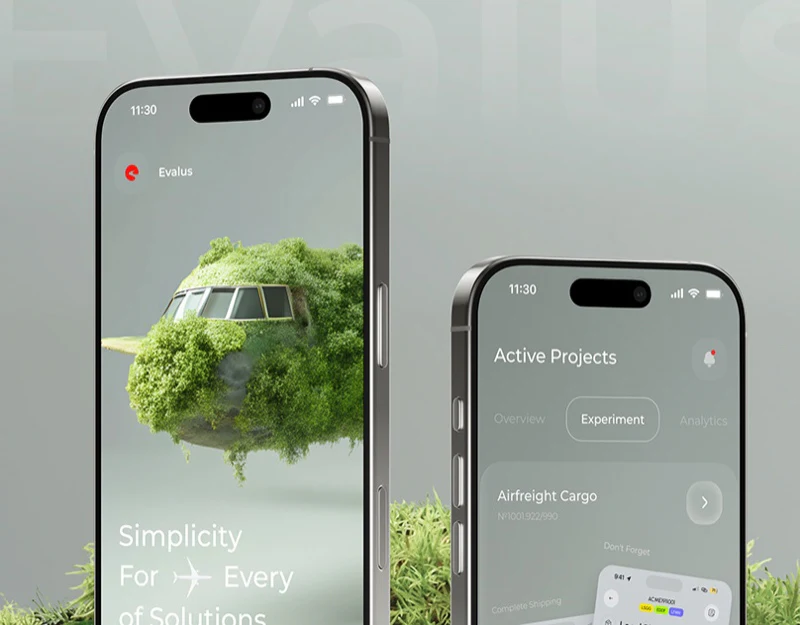
Experiment Platform Interface Design: Results in Gray-Green
This experiment platform interface places phones, moss, and wood in one gray-green scene, giving the analysis tool a distinct character. Screen content follows another order: winner summary, variants, then a scale locating a rating. As third-party design commentary, the question is how soft visuals support precise information, particularly when large numbers dominate and explanations are faint.
 Interface Design
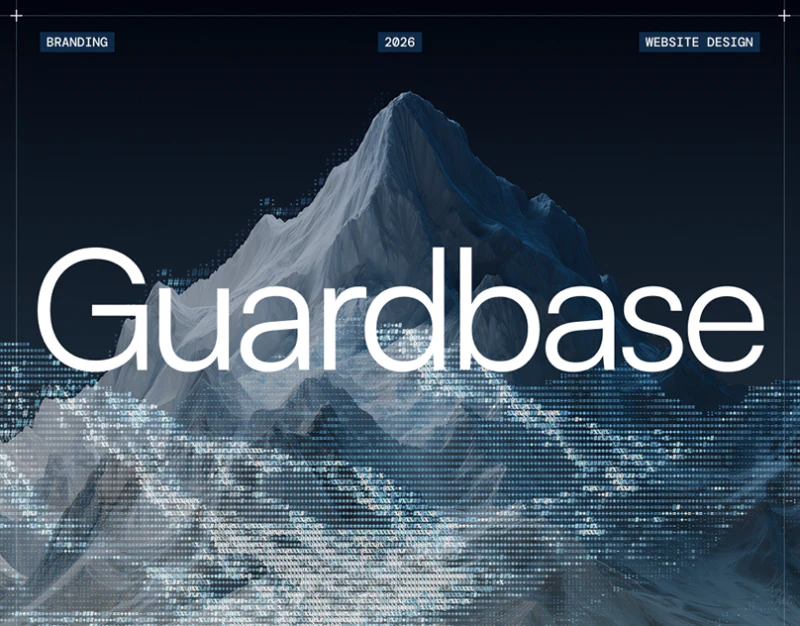
Security Product Website Design: Guardbase’s Modules
Guardbase builds a technical character with blue dots, a fine grid and corner crosses without handing all attention to decoration. Headings, entries, detection examples and recovery pages sit in recognizable modules. This security product website design uses its visual framework to keep helping people understand content hierarchy.
 Interface Design
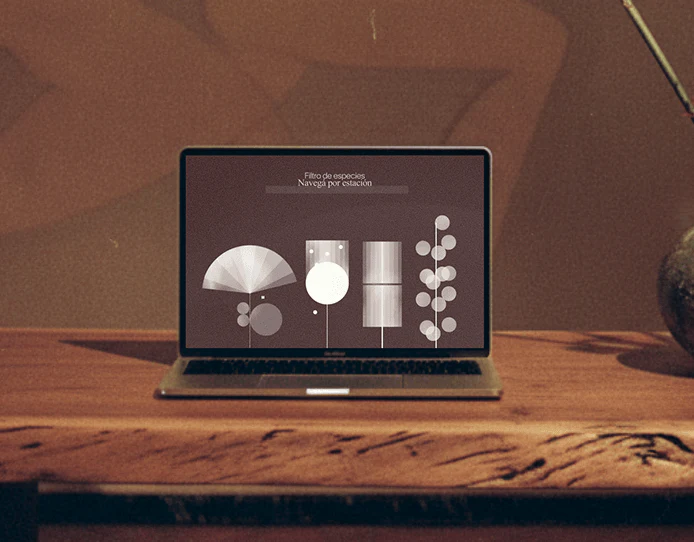
Art Course Platform Interface Design: From Map to Practice
HANAMI arranges circles, squares, and diamonds into a branching course map, then uses fine lines to explain flower arrangements. Art course platform interfaces can turn themes into navigation, while maps, filters, and practice pages still need to help users find a course, understand a part, and identify the current task.
 Interface Design
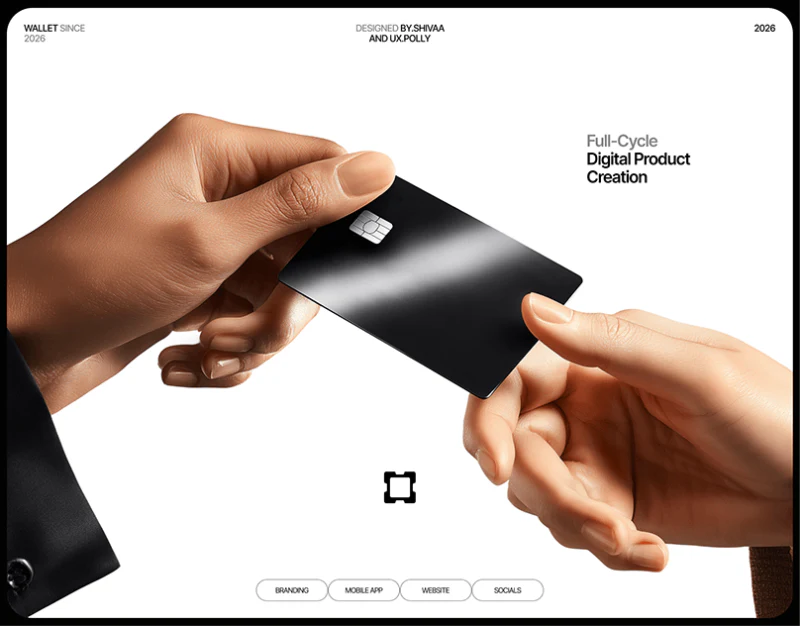
Digital Wallet Interface Design: Name the Actions
This digital wallet interface design uses black behind teal primary actions. Request and Send have full labels on the home screen, while amount input retains recipient and unit. Minimal styling does not reduce every task to an icon; it leaves room to check the object.
 Interface Design
Personal Finance Website Design: Receipts to Plans
Personal finance pages need to answer what a product helps people handle and which plan provides those capabilities. Nuvance carries white backgrounds, deep-blue type and bright-blue buttons across feature and pricing pages. The revealing sequence is receipt example, plan overview, detailed comparison and contact form. Each supplies a position for concrete use, quick selection, checking details and further conversation.
 Interface Design
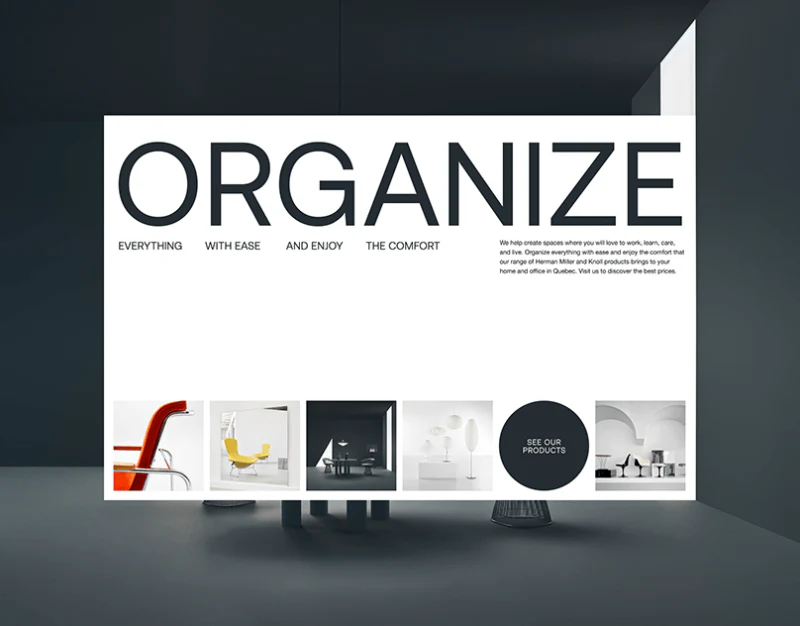
Furniture Brand Website Design: Möbel’s Viewing Distances
Möbel moves among viewing distances: furniture contributes to atmosphere in the hero, becomes a findable product in categories, and reveals material and form in close-ups. Furniture brand websites often serve all these tasks. Here, quiet typography lets changes in image scale carry the variation.
 Interface Design
Parking Platform Interface Design: Spots and Sessions
Voltera combines parking-condition cards, vehicle scenes, and charging charts in white interfaces. People and cars convey use context; area, spot number, walking time, type, and cost support selection. Choosing a spot and current charging need continuity while retaining distinct states.
 Interface Design
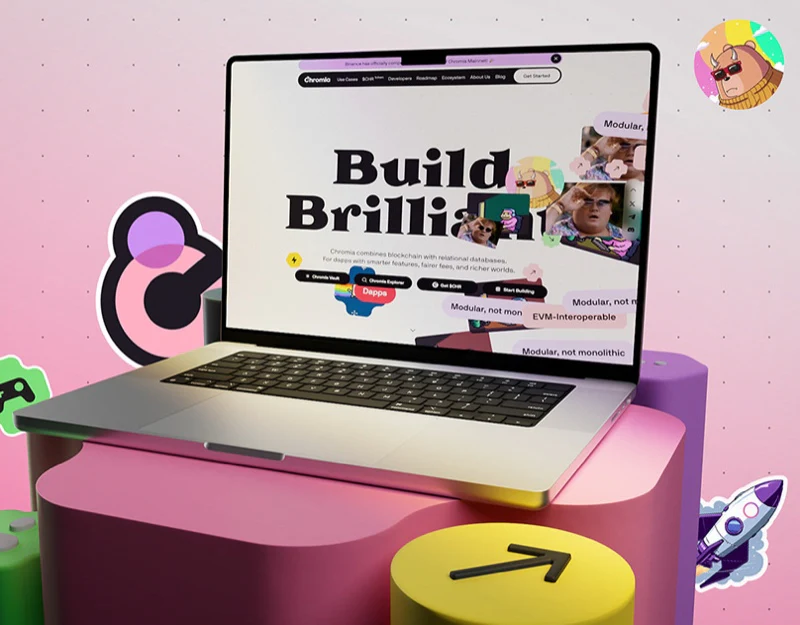
Blockchain Website Design: Tasks Beyond the Stickers
Chromia’s blockchain website design resembles a sticker poster: heavy serif type sits on pale pink, surrounded by colorful word blocks around Build Brilliant. Beneath this playful identity, four black entries name specific tasks; roadmap and data pages switch to structures better suited to information.
 Interface Design
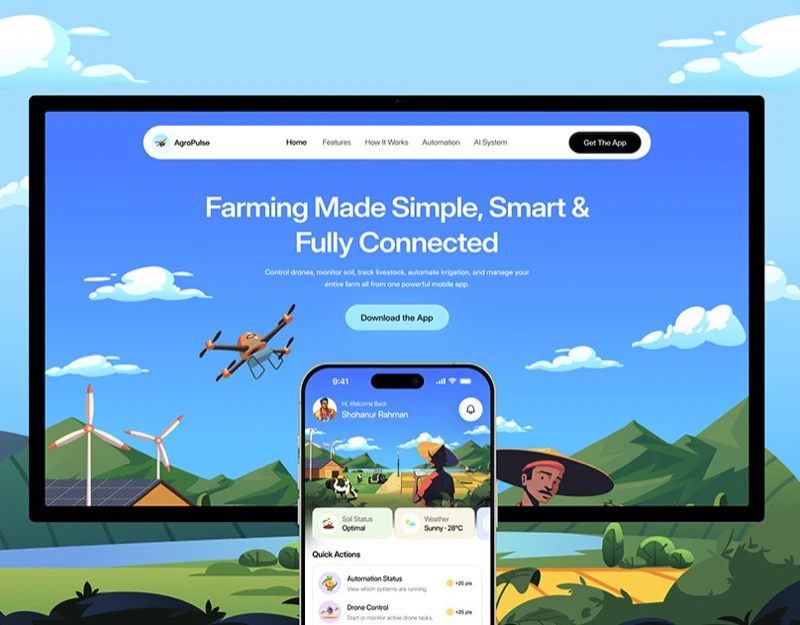
Agricultural App Design: Put Equipment Back on the Farm
AgroPulse’s agricultural app design places a phone among sky, fields, greenhouses, and livestock. Drones and tractors appear within farm scenes rather than as isolated icons. The website illustrates product scope first, then the app narrows into specific work through farm and task names.
 Interface Design
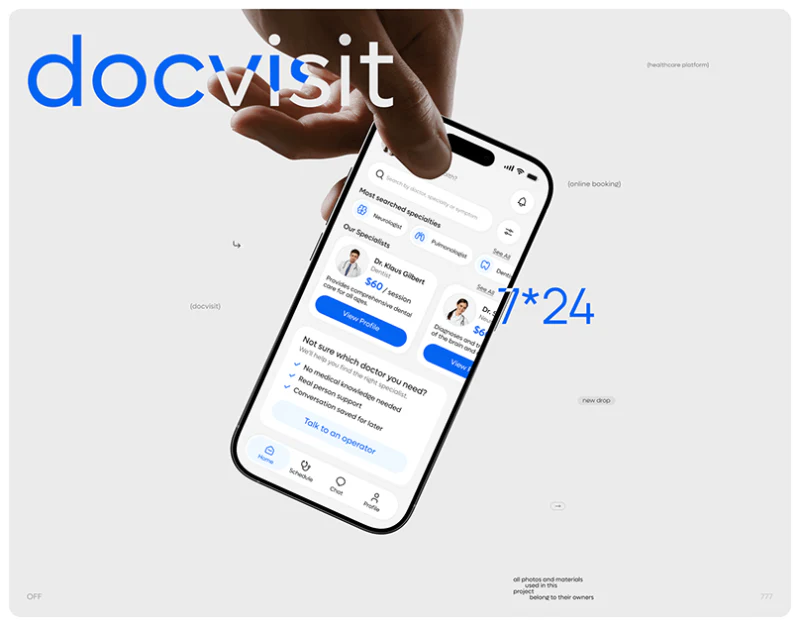
Doctor Appointment App Design: DocVisit’s Two Starts
DocVisit offers two starting points: people with a direction can search doctors or specialties, while those less certain can contact support. Its doctor appointment app design does not require everyone to learn one way of finding a doctor. Instead, different levels of understanding connect to the same doctor details and time selection.
 Interface Design
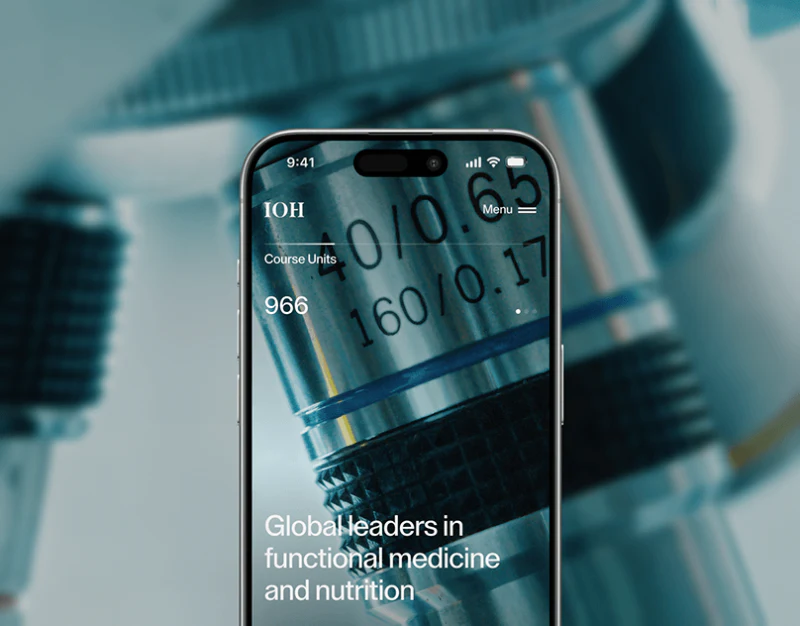
Health Education Website Design: Course to Application
IOH’s Mental Health page fills its hero with a people photograph, then uses simple headings for learning value, intended learners and getting started. The imagery creates a gentle educational atmosphere; course identity, learning format and application steps support decisions. The contact page handles unresolved questions about conditions.
 Interface Design
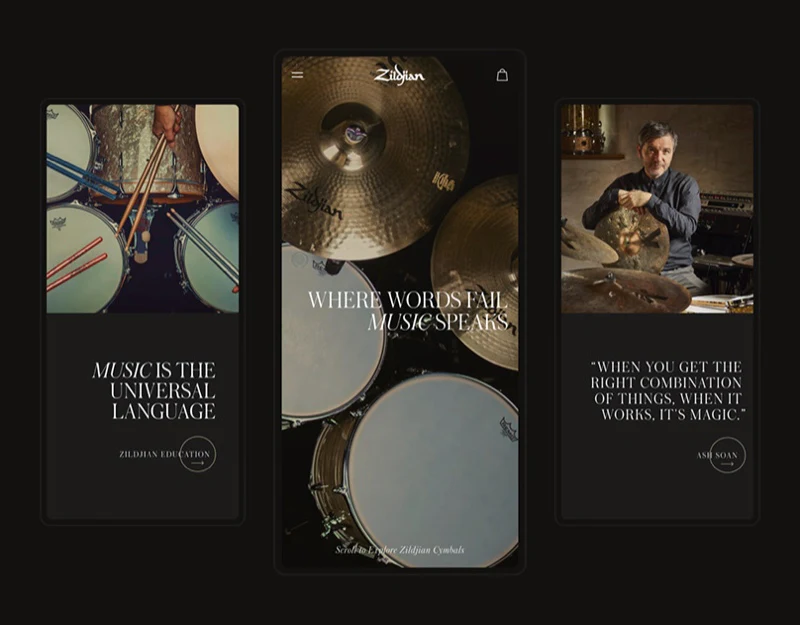
Musical Instrument Store Design: Three Kinds of Options
This musical instrument store presents gold cymbals, green bags, and yellow T-shirts on white. Selection areas occupy similar positions without forcing identical controls: diameters, colors, and clothing sizes use appropriate forms, and shopping-bag text retains the choices. This combination of consistency and difference is useful across categories.
 Interface Design
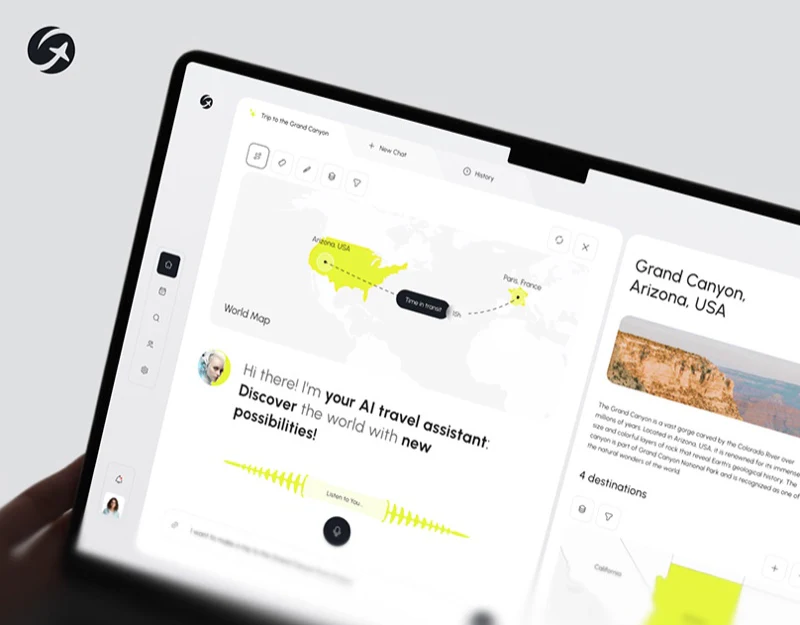
AI Travel Assistant Interface Design: Requests to Places
Geovea’s AI travel assistant interface design does not leave every result in chat paragraphs. Yellow waveforms indicate voice input, while results place a regional map beside four place photographs. Language gradually becomes location objects that users can view and identify individually.
 Interface Design
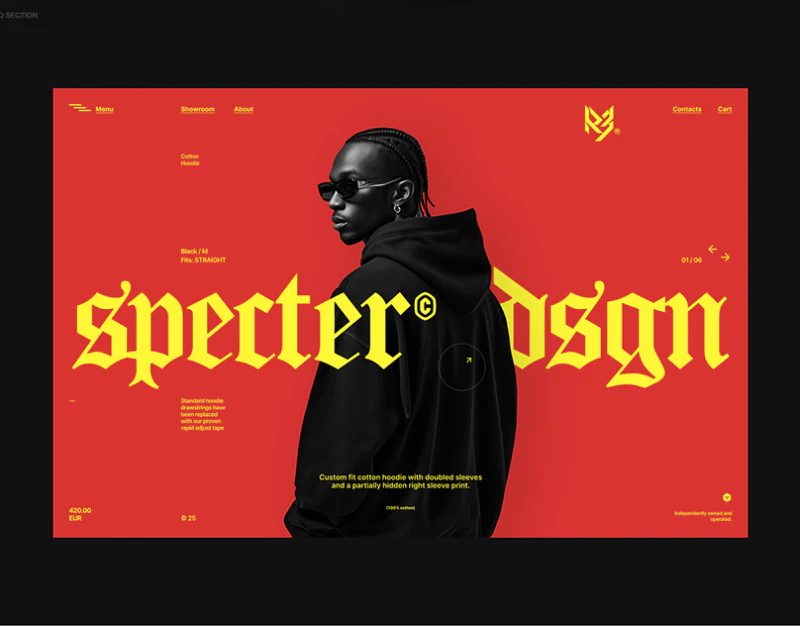
Fashion Store Interface Design: R3’s Outfit Photography
R3’s fashion store interface design arranges people photographs as a two-column outfit wall. Black makes orange, purple and gray photography more vivid; the store directory switches to alphabetical indexing, and product details mark selections in yellow. Style browsing and direct lookup gain different entries.
 Interface Design
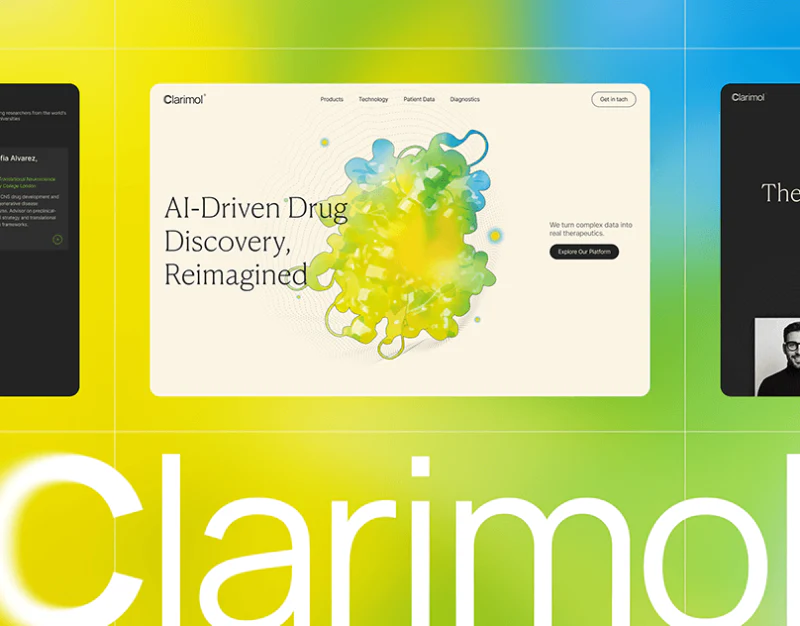
Research Platform Website Design: Stages and Chart Reading
Clarimol presents a research platform with a cream background, serif headings, and colored molecular forms. Research platform website design can establish thematic recognition visually while giving stages, mechanisms, and charts different reading rules, helping visitors distinguish a broad introduction from checking specific material.
 Interface Design
Sports Community App Design: Input, Joining, and Scores
This sports community app design establishes clear levels through black cards and yellow actions. Onboarding retains help near heart-rate input, team pages separate creating and joining, and activity details group scores apart from original records. The pages are lively while preserving explanations beside important choices.
 Interface Design
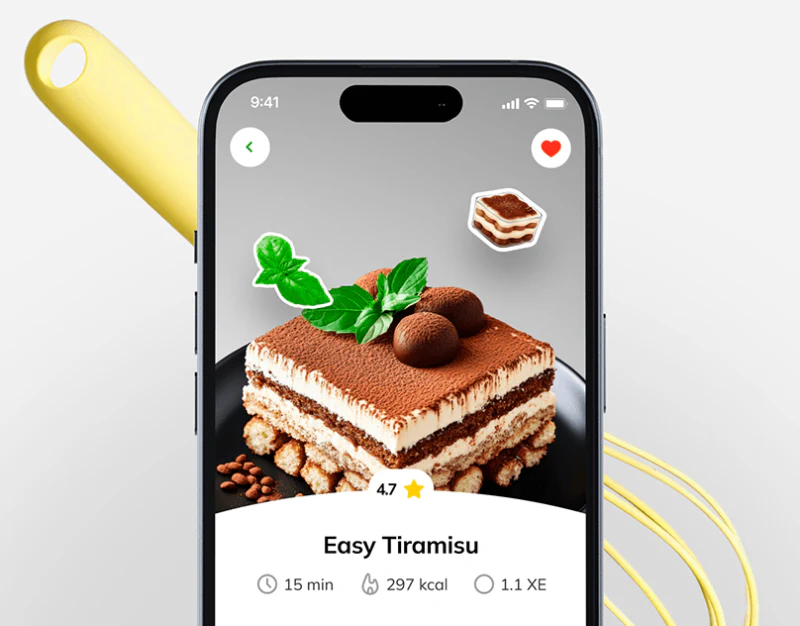
Recipe App Design: Clarify Portions Beyond the Photo
NutriRecipes’s recipe app design uses a large photograph to identify a dish, then short fields and people controls make it something to prepare. Menu and shopping pages share green headers and white cards but arrange them differently: one sets scale first, the other lists ingredients individually. Their tasks are distinct.
 Interface Design
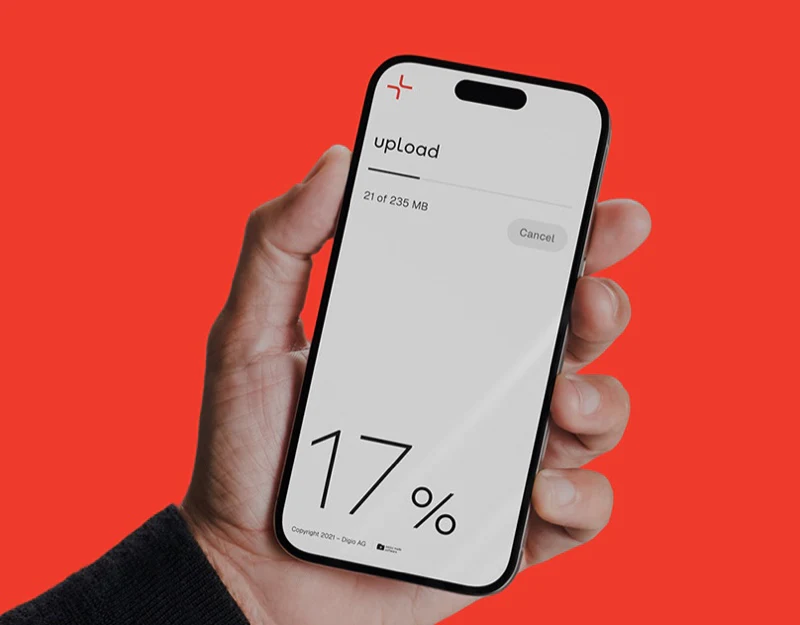
File Transfer Interface Design: Transferly’s Three States
Transferly’s file transfer interface uses few elements to distinguish adding, checking, and waiting. A clear drop area becomes a list after files are added, then progress takes priority during download. Simplicity comes from content changing with each stage, not merely removing buttons.
 Interface Design
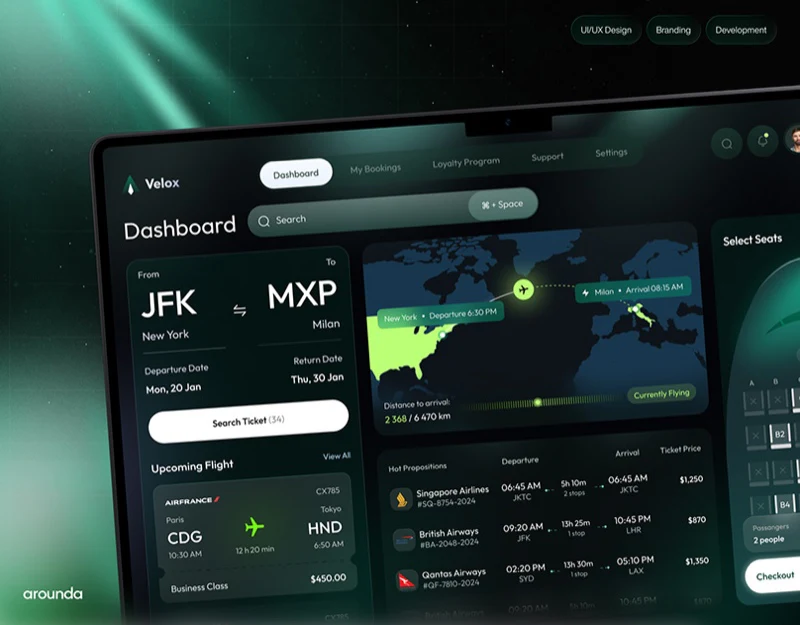
Flight Booking Interface Design: Separate the Itineraries
Velox places search, routes, candidate flights, and seat selection in a dark dashboard. Left-to-right organization makes the direction of action understandable, while green and orange highlight key choices. The main question is whether panels describe the same itinerary and clearly distinguish current status from an unbooked selection.
 Interface Design
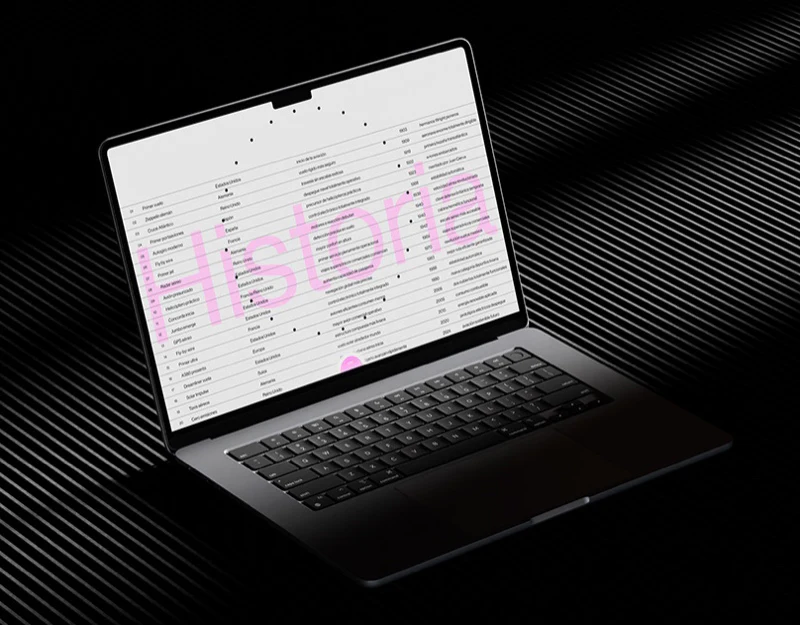
Aviation Website Design: Make Fine-Line Graphics Readable
This aviation website design uses fine lines, dots and pink emphasis across a history index, airport spaces and a weather matrix. Their style is consistent but their tasks differ. The side-by-side arrangement of lists and graphics is useful, while each page still needs to explain what every dot and line represents.
 Interface Design
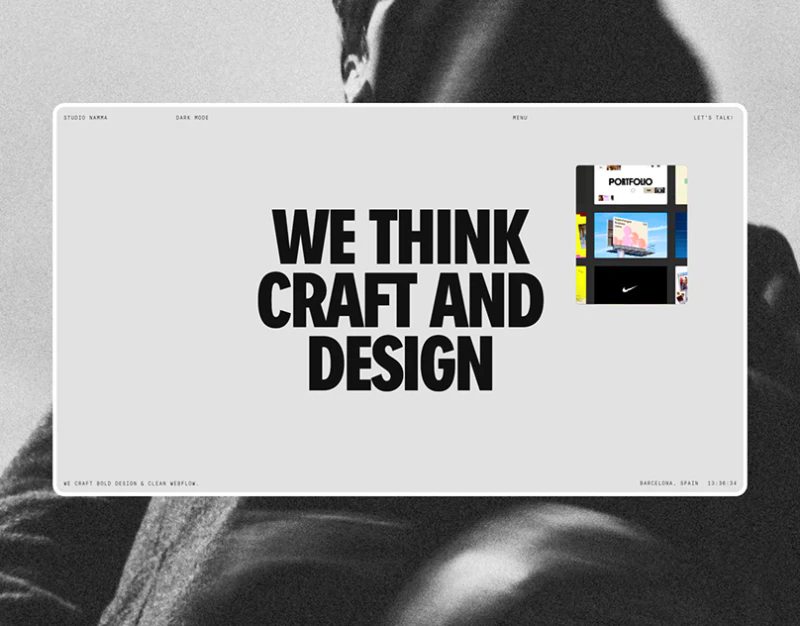
Design Studio Homepage Design: Large Type, Small Images
Studio Namma’s homepage places a bold black statement at the center of a pale-gray frame, with a small colored project preview at the upper right. Large text, small imagery, and monochrome surroundings make this difference in scale memorable, while giving work and introduction distinct reading rhythms.
 Interface Design
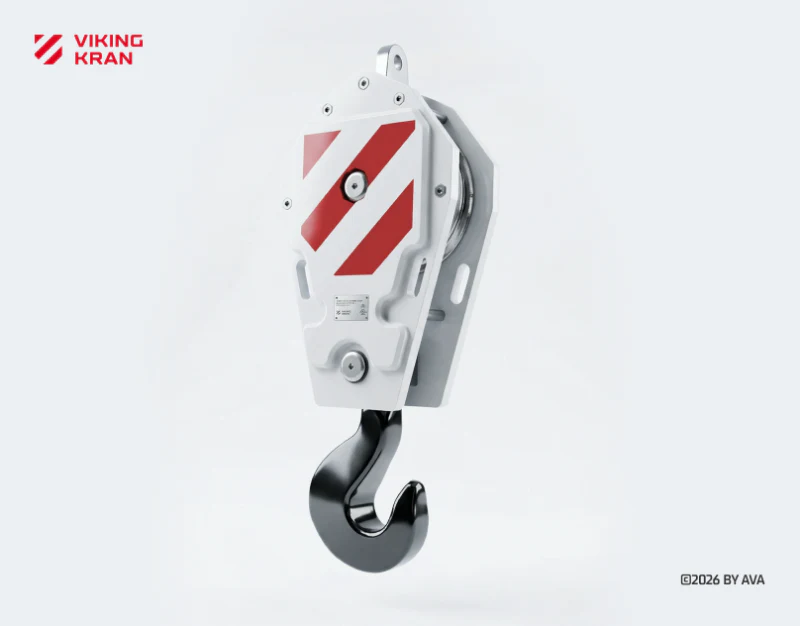
Industrial Equipment Website Design: Scene and Specs
VIKING KRAN’s industrial equipment website design establishes scale through a valley and tower crane, then aligns models and specifications in a quiet gray-white catalog. Scenes return equipment to its environment; the catalog supports item-by-item lookup. These viewing modes connect directly.
 Interface Design
Business Finance Dashboard Design: Scope Before Numbers
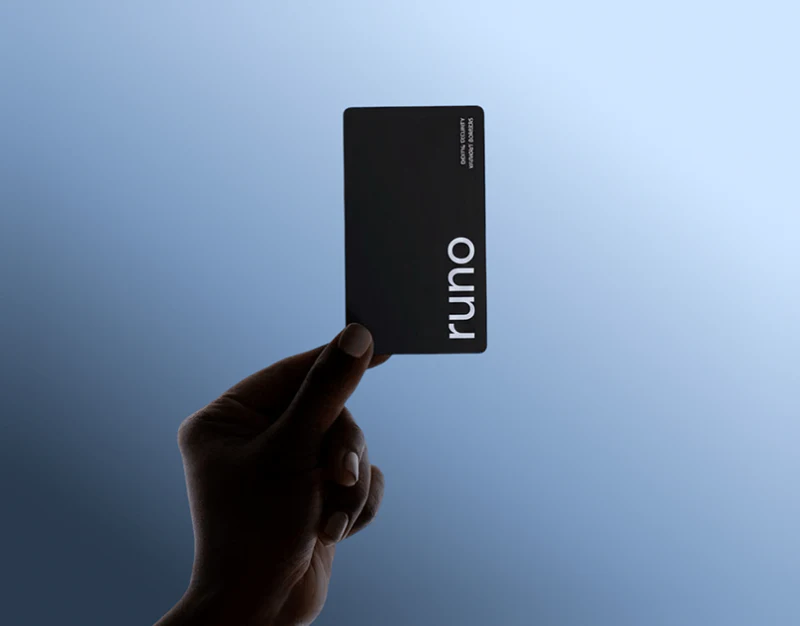
Runo presents its financial workspace with white backgrounds, a pale-blue header and low-saturation charts. Account selection precedes the overview, while cash flow brings forecasts, inputs and recent activity together. This light appearance suits repeated viewing, provided the account, period and currency behind the numbers remain clear.
 Interface Design
Digital Asset Trading Interface Design: Status Beyond Red
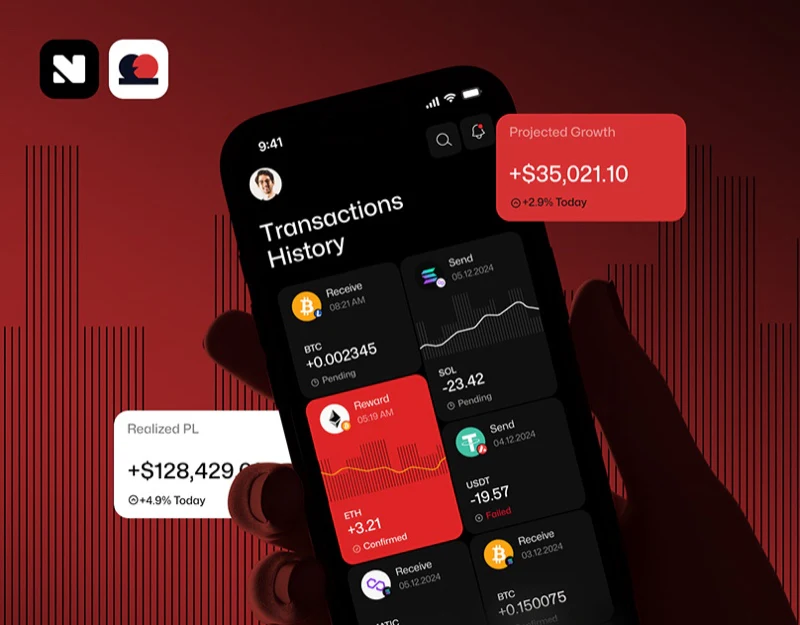
Paytech’s digital asset trading interface uses extensive red and black for recognition while retaining words such as Confirmed and Pending to explain status. When brand color is strong, status cannot be left to color-based guessing. Adjacent information also gives swap inputs and deposit cards conditions to check.


